

Professional Cinema 4D rendering, without leaving Cinema 4D.
Install the plugin, submit your scene, and keep working. We match your Cinema 4D, render engine and plugin versions, check the file before upload, and send finished frames back to the output folder you already set.
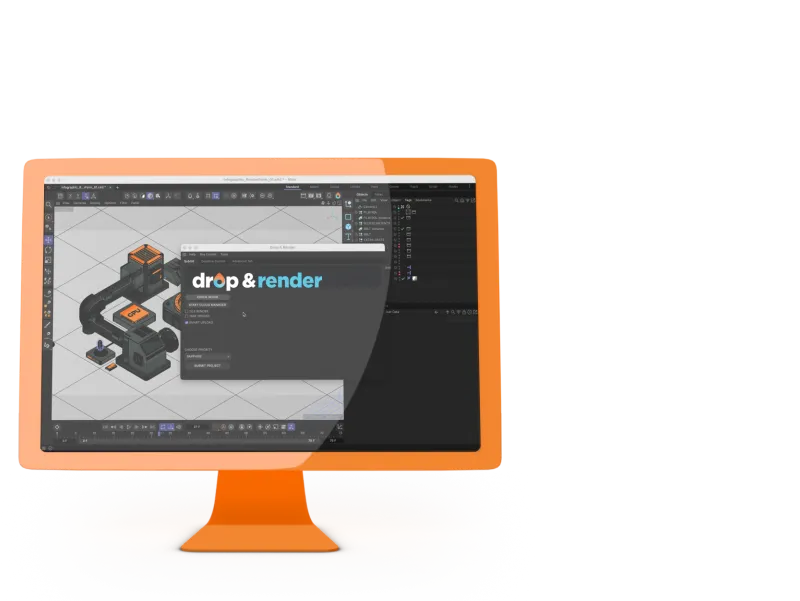
See how our Cinema 4D render farm works
The demo shows the full Cinema 4D plugin workflow: checking the scene, collecting the required files, submitting the job, monitoring progress and downloading finished frames back to the output folder on your machine.
Built for your workflow
The plugin runs inside Cinema 4D, reads the scene as it is, and handles the parts that usually make farm submissions annoying: paths, linked assets, caches, plugins and downloads.
No project changes
The plugin reads your scene as-is. Assets, caches, linked files and render settings are resolved automatically before upload.
No leaving Cinema 4D
Submit from inside Cinema 4D, then monitor and manage the render from the web dashboard. Your workstation stays free while the farm handles the render.
Download from anywhere
Finished frames stay available in your dashboard for seven days, ready to download from any browser.
Output path in Cinema 4D
Where Drop & Render delivers
Supported Cinema 4D versions, engines and plugins
We support the versions, render engines, and plugins most production files rely on. The plugin detects your local setup so the farm can render with the same configuration.
One shared credit pool
Admins top up once and the whole team renders from the same balance. No per-seat fees or monthly minimums.
Shared assets, automatically
Files uploaded by one team member are available to the rest of the team for 7 days, so shared assets do not need to be uploaded twice.
Role-based permissions
Owner, Admin and Member roles keep submission approval, spending limits and job visibility separate.
5 TB studio storage included
Each studio account includes 5 TB of storage, expandable on request. Shared assets, caches and libraries are stored once and reused by the team.
Custom NDA on request
Sign our standard NDA before your first submission, or send us yours for review. Project files stay in the EU during rendering.
Take rendering
Select the Takes you need, submit once, and the plugin sends them as separate farm jobs without uploading the same project again. Render tokens are supported, so each Take keeps its own output naming and settings.
Large stills, split across the farm
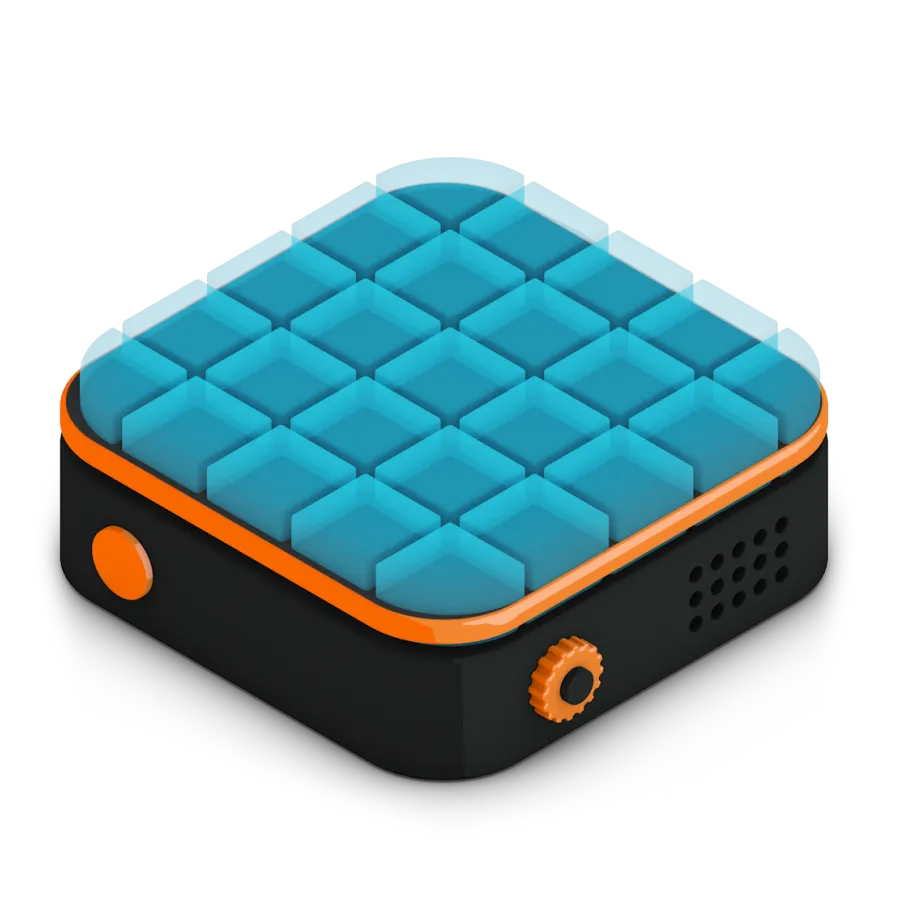
Our platform allows you to render large still images across multiple machines, making the process as easy as rendering an image sequence. Simply enable the Tile Rendering option in our plugin, and we'll take care of the rest. Your still images will be rendered in record time, with no extra effort required.
Every version supported
300+ intelligent project checks
So your project will always work perfectly.
Take rendering
Tile rendering
One click project submission
RTX
ON
RTX
ON
Direct file output
No need to wait around - each completed frame is automatically downloaded straight to your hard drive.
Cryptomatte
Highlighted features
Our Cinema 4D render farm is built for professionals who need more than just raw power. From smart asset handling to custom pipeline integration, we’ve developed advanced tools that make your rendering faster, more reliable, and easier to manage.
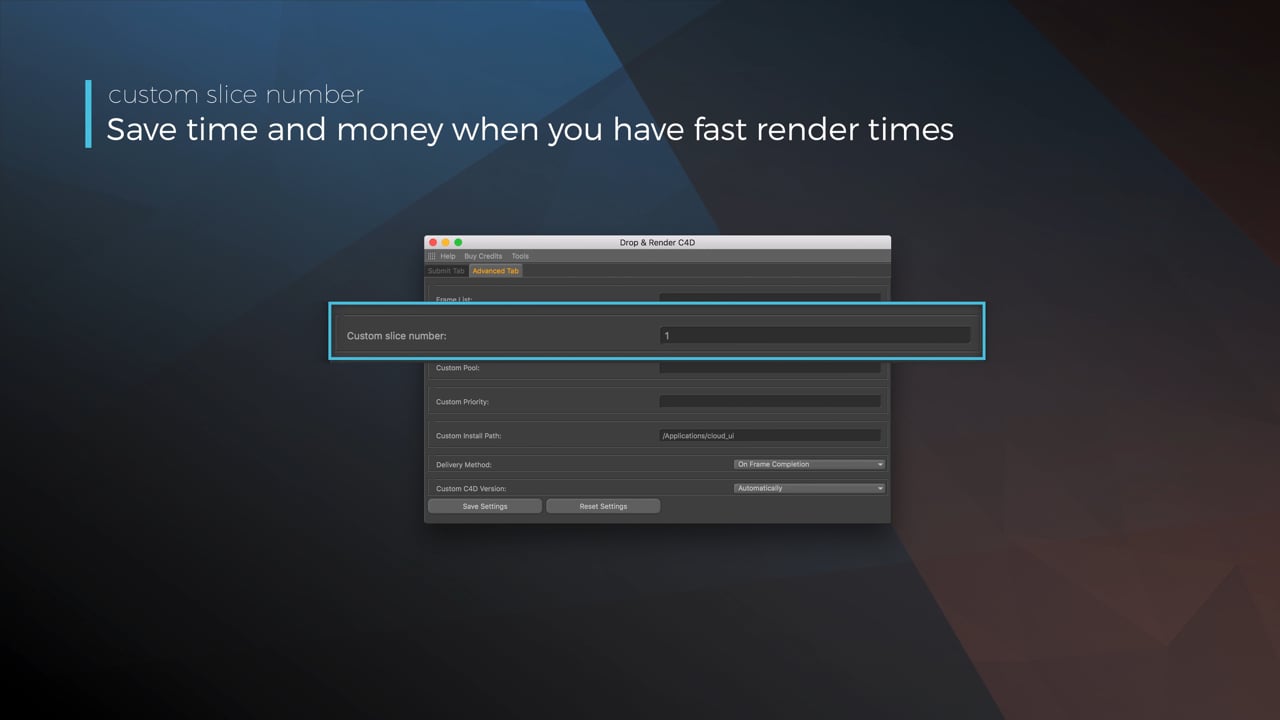
Optimize your render with a Custom Slice Number
Using a custom slice number lets one machine render multiple frames while only initializing your project once, saving up to 30% in both render times and costs. Works especially well on faster renders!
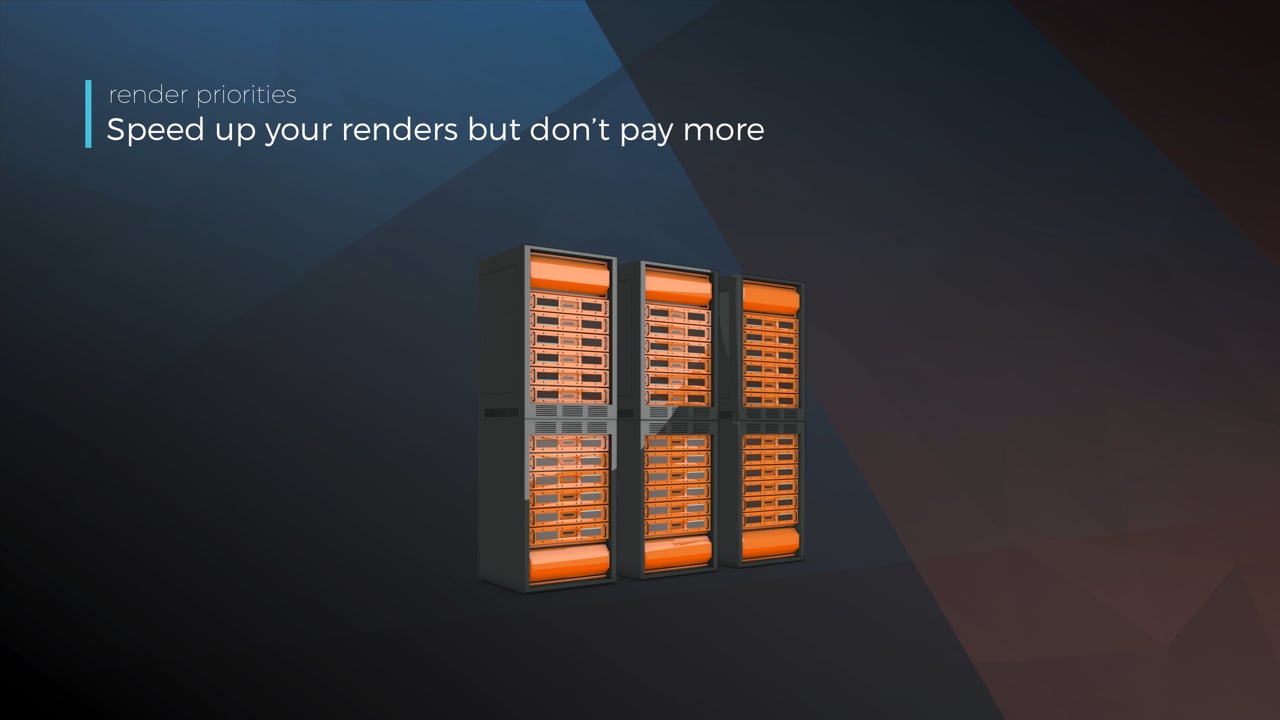
Understanding render priorities
Our priority system has three levels: Sapphire, Emerald and Diamond. The higher the priority, the faster new machines can start working on your projects!
Connect your entire office to Drop & Render
We offer a robust system for a team of artists to work together. You can monitor and download one another's work efficiently, all without having to disturb them!
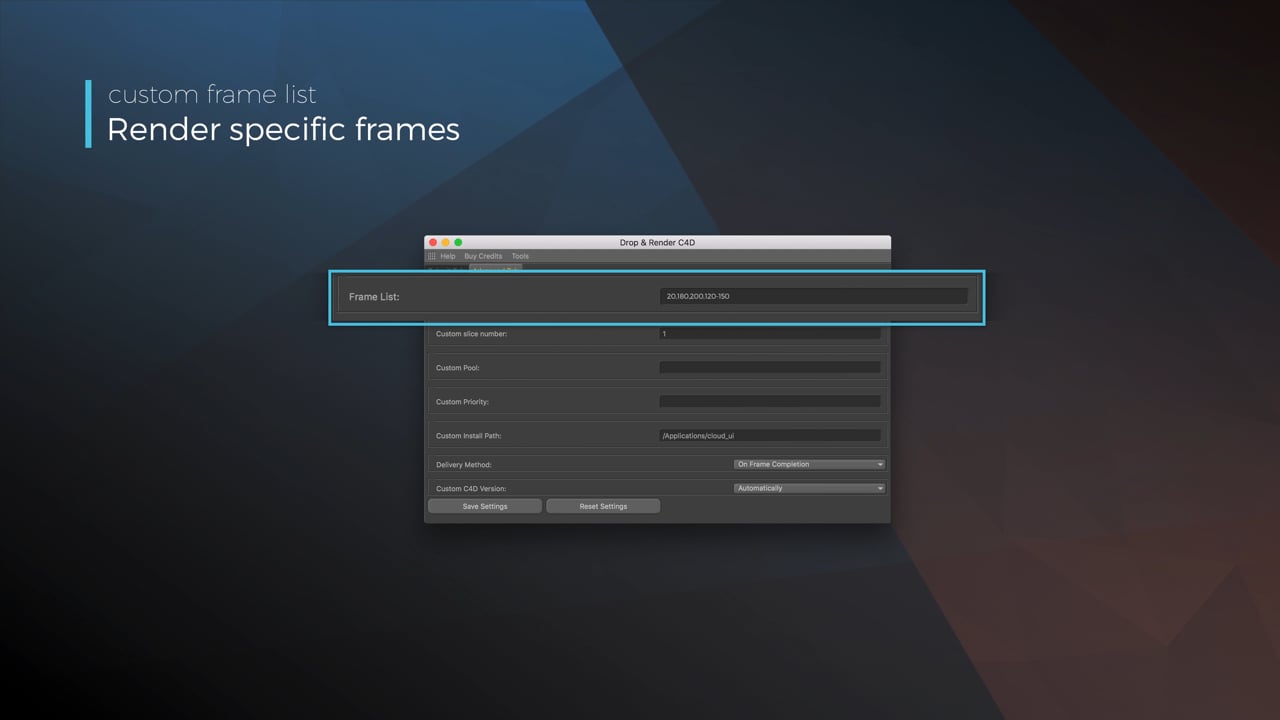
Submit a custom frame range to the farm
Only need to render a sequence of your project, or need to see a couple of specific frames? You can set custom frame lists from right within our plugin!
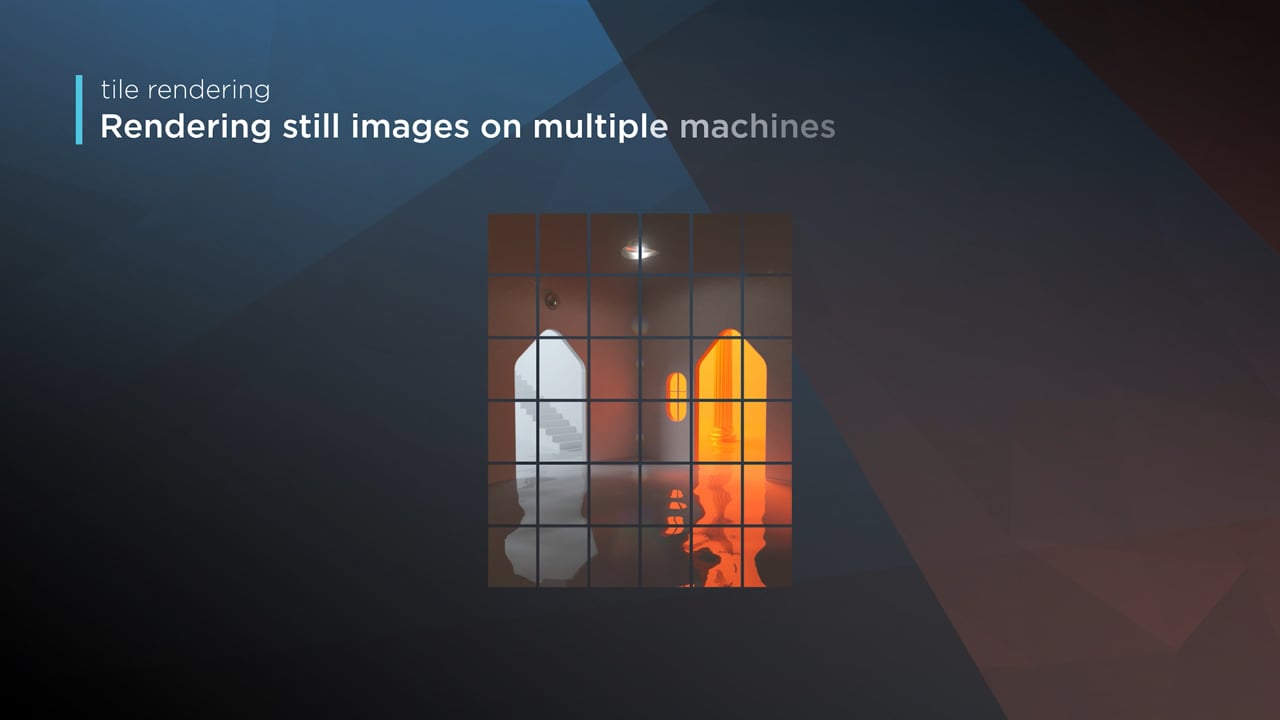
Render large still frames with Tile Rendering
Tile rendering splits a single frame amongst multiple machines, letting them work on it at the same time. Each tile is then seamlessly stitched back and delivered as a single frame!
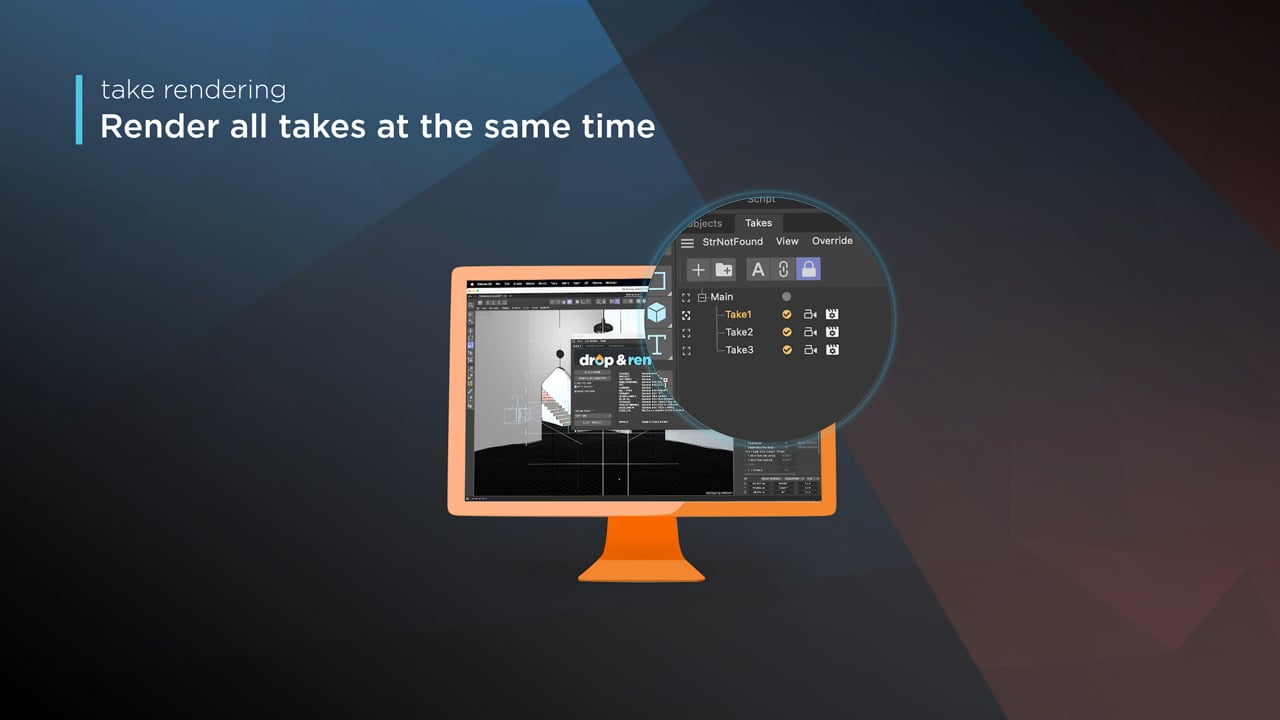
Cinema 4D Take Rendering support
Our farm includes native support for Cinema 4D's 'Takes' feature, letting you upload all your project's variations in a single click!
Powered by the latest hardware
A render farm is useful when it has enough machines available at the moment your deadline gets close. We run current-generation render nodes in our own Dutch datacenter, with typical jobs spreading across around 100 machines in parallel.
Hundreds of RTX 4090 and 5090s
Jobs run on a modern CPU and GPU fleet, with hardware selected for the renderer and version your scene uses.
Massively parallelized renders
Image sequences and task graphs are split across many machines at once, so deadline work is not waiting on one oversized workstation.
More capacity for urgent work
Higher priorities get first access to available machines and can gather around 300 nodes for a single job when the farm has room.
Hosted in the Netherlands
The render nodes are part of our own EU fleet. Our datacenter follows industry standard safety, security & redundancy policies.
Common questions from Cinema 4D artists
A few practical details about Cinema 4D versions, engines, plugins, assets, teams and failed frames.
Do I need to manually collect my Cinema 4D assets or remap file paths before submitting?
How does a Cinema 4D render farm work?
How much does it cost to render a Cinema 4D project on a render farm?
What third-party Cinema 4D plugins are supported and which versions?
Which Cinema 4D render engines does Drop & Render support?
Get started for free
Getting started couldn’t be easier! Just create an account, and our system will guide you step-by-step to submit your first render in no time.


Supported software
Company details
We'll start you off with €25 credits!
Confirm