設定

ワークステーションを接続

Drop & Render Linkはバックグラウンドで静かに動作し、3Dソフトウェアをファームに直接接続します。

プラグインの管理はおまかせ

対応するインストール環境を自動検出し、Drop & Renderプラグインを最新の状態に保ちます。

シーンから離れずに作業

アセットの収集、パスの再マッピング、ファーム用のプロジェクト再構築をせずに、確認して送信できます。

すべてのフレームを確認

作業場所を問わず、ダッシュボードからプレビュー、進捗状況、費用を確認できます。

フレームを指定した場所に

完了したフレームは、ローカルレンダリングと同じように、3Dアプリケーションで選択した出力先に戻ります。

レンダー全体を見る

シーンの確認、送信、レンダーの監視、フレームの受け取りまで、ワークフロー全体をご覧ください。

Cinema 4D tutorial video thumbnail - light mode Cinema 4D tutorial video thumbnail - dark mode
Blender tutorial video thumbnail - light mode Blender tutorial video thumbnail - dark mode
Houdini tutorial video thumbnail - light mode Houdini tutorial video thumbnail - dark mode

Cinema 4Dのために構築

Cinema 4Dプラグインが現在のシーンを読み込み、Drop & Render Linkがそのアセットをバックグラウンドでアップロードします。

extension

一度インストールするだけ

Drop & Render Linkが3Dアプリケーションを検出し、プラグインを最新の状態に保ちます。

sync

変更されたものだけをアップロード

作業を続けている間、Drop & Render Linkが新規ファイルや変更されたファイルをバックグラウンドでアップロードします。

download

フレームを自動で受信

レンダリングが完了したフレームは、3Dアプリケーションで選択した出力フォルダーに戻ります。

layers

プロジェクトの変更はありません

アセット、キャッシュ、リンクファイル、レンダリング設定は、アップロード前に解決されます。

desktop_windows

Cinema 4D内で送信

プロジェクトをエクスポートしたり再構築したりすることなく、チェック、送信、再送信ができます。

deployed_code

バージョンを一致させたまま維持

ファームでは、シーンで使用されているCinema 4D、レンダリングエンジン、プラグインのバージョンを使用します。

ハイライトされた機能

当社のCinema 4Dレンダーファームは、単なる処理性能以上のものを必要とするプロフェッショナルのために構築されています。スマートなアセット処理からカスタムパイプライン統合まで、レンダリングをより高速かつ信頼性の高いものにし、簡単に管理できる高度なツールを開発しています。

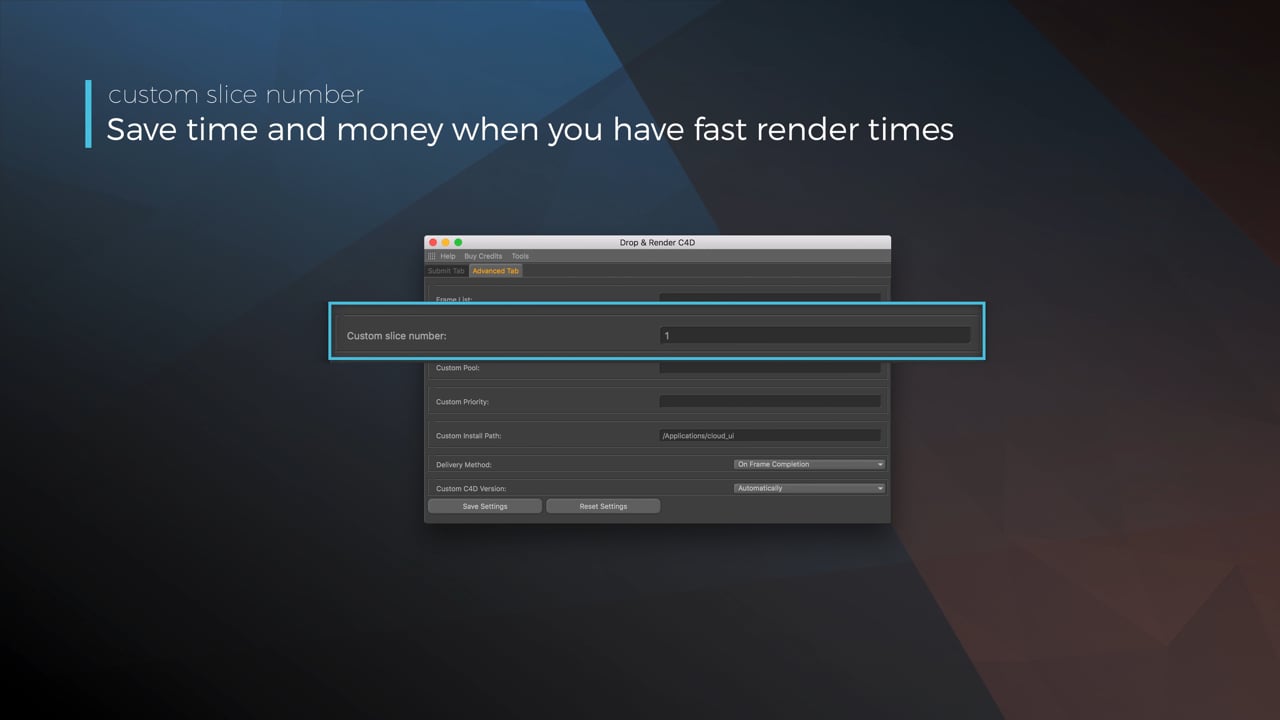
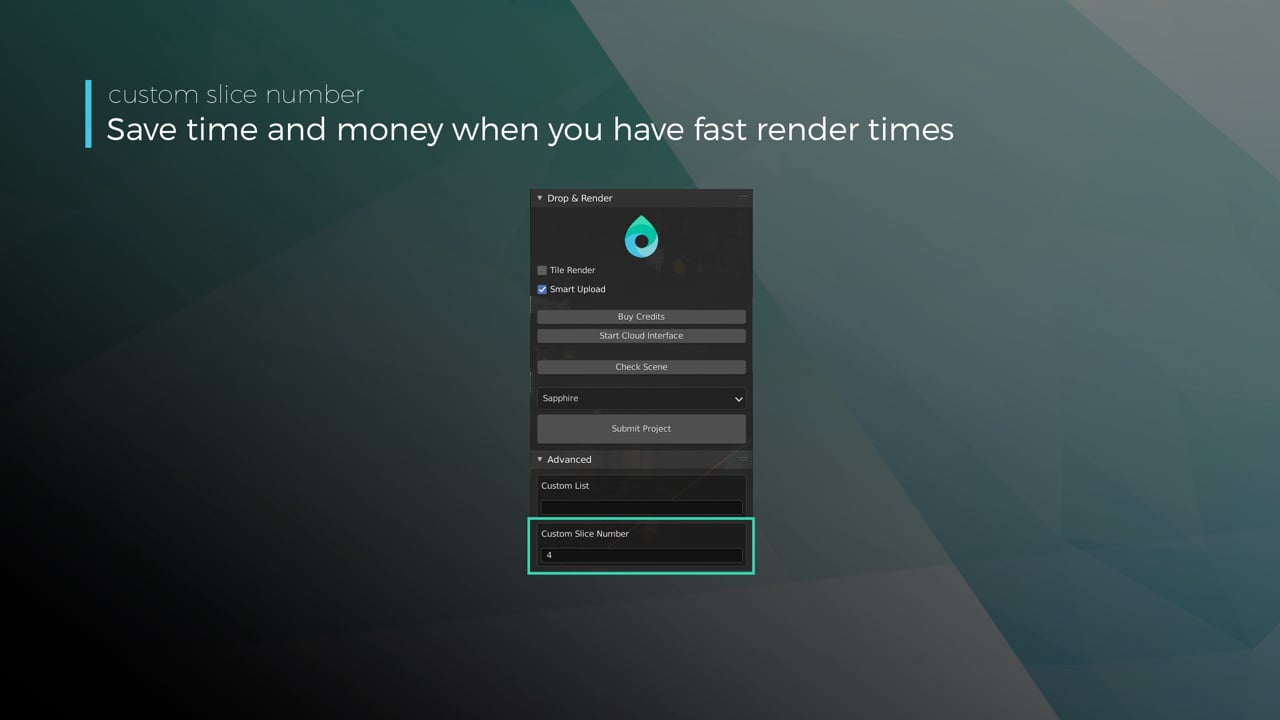
Optimize your render with a Custom Slice Number - Video tutorial thumbnail

Optimize your render with a Custom Slice Number

Using a custom slice number lets one machine render multiple frames while only initializing your project once, saving up to 30% in both render times and costs. Works especially well on faster renders!

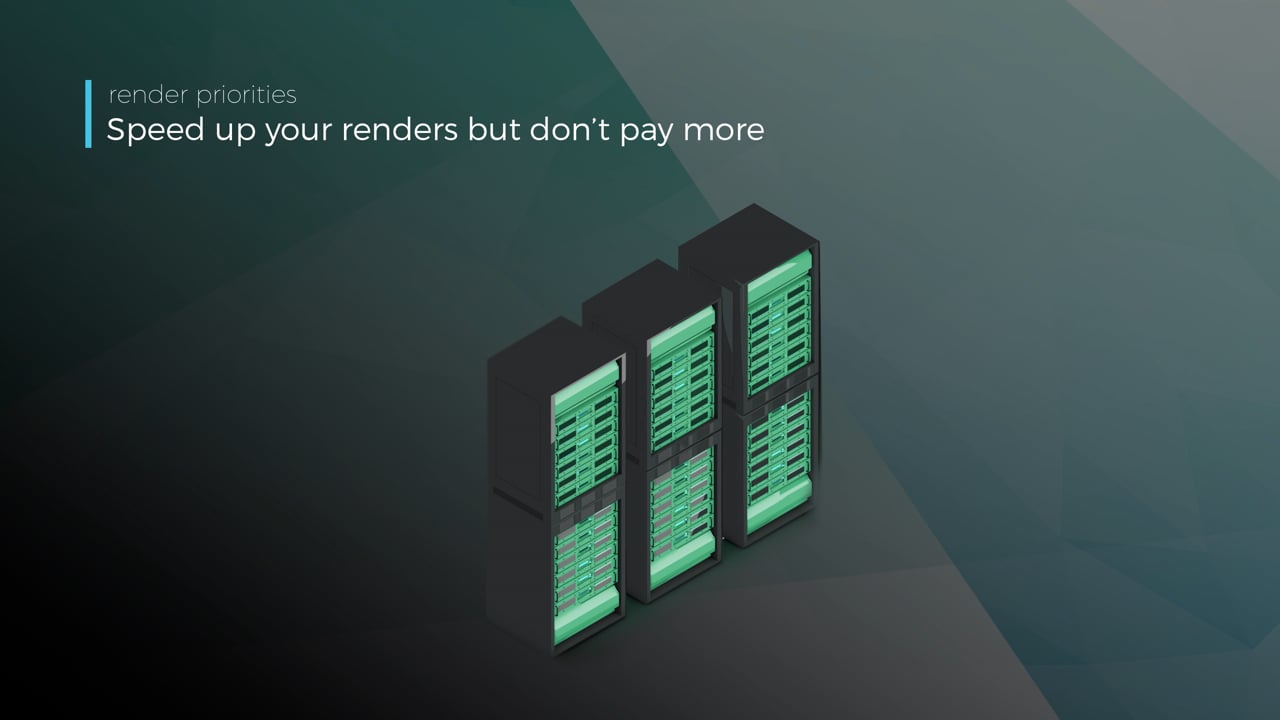
Understanding render priorities - Video tutorial thumbnail

Understanding render priorities

Our priority system has three levels: Sapphire, Emerald and Diamond. The higher the priority, the faster new machines can start working on your projects!

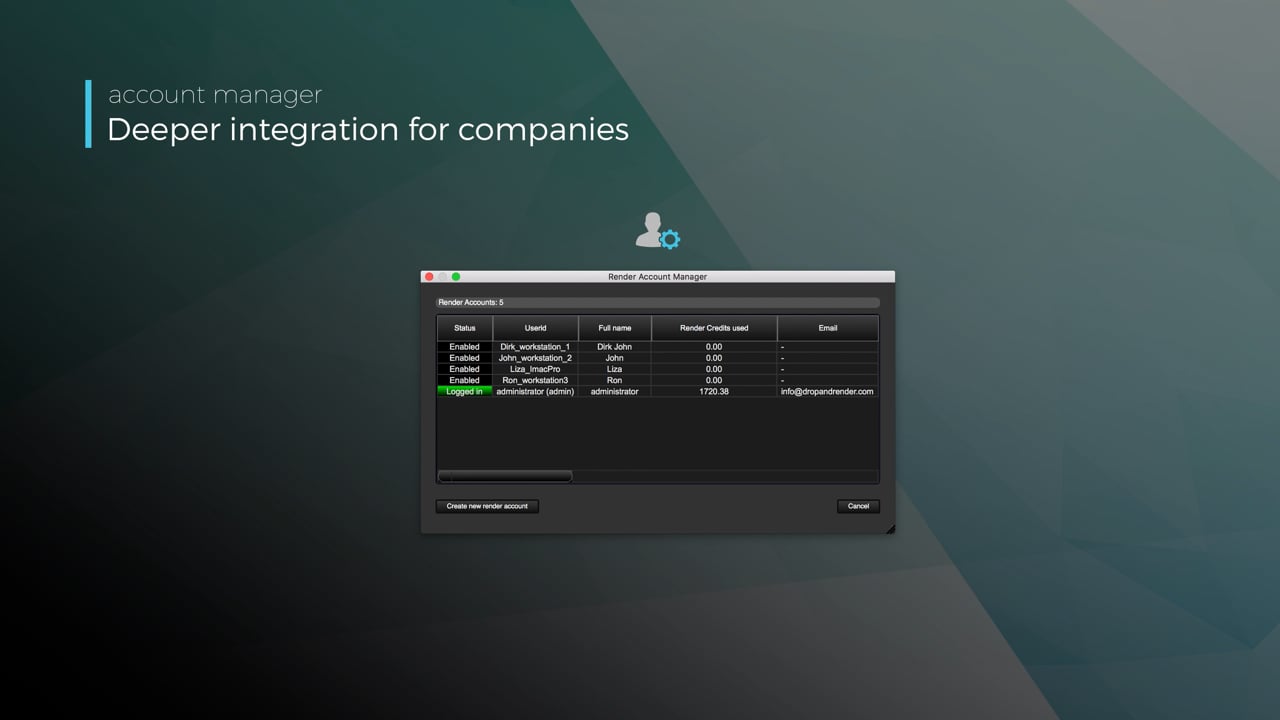
Connect your entire office to Drop & Render - Video tutorial thumbnail

Connect your entire office to Drop & Render

We offer a robust system for a team of artists to work together. You can monitor and download one another's work efficiently, all without having to disturb them!

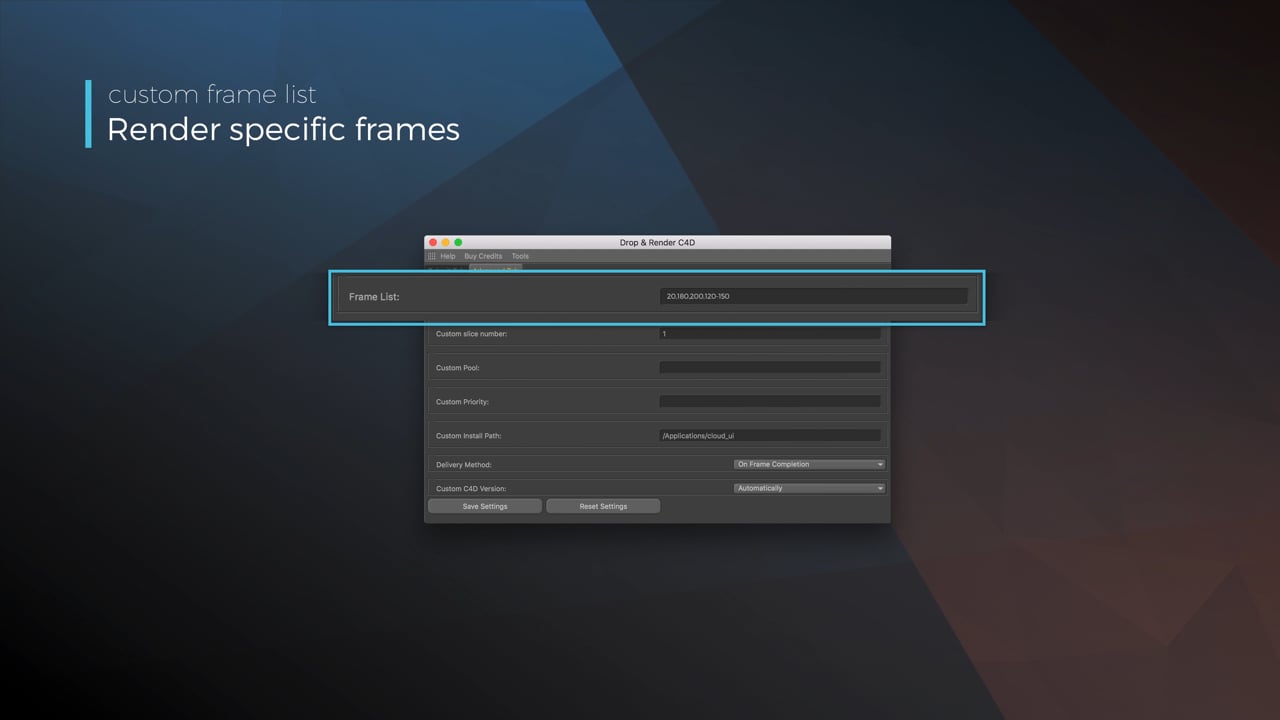
Submit a custom frame range to the farm - Video tutorial thumbnail

Submit a custom frame range to the farm

Only need to render a sequence of your project, or need to see a couple of specific frames? You can set custom frame lists from right within our plugin!

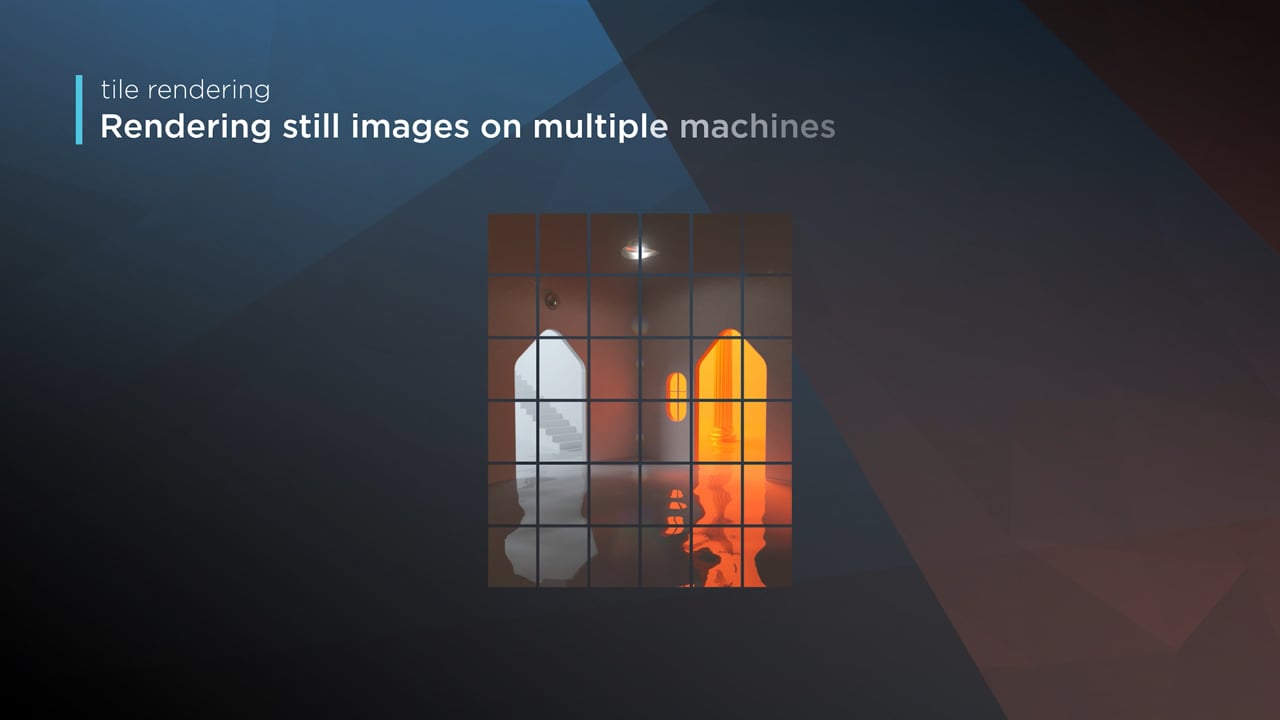
Render large still frames with Tile Rendering - Video tutorial thumbnail

Render large still frames with Tile Rendering

Tile rendering splits a single frame amongst multiple machines, letting them work on it at the same time. Each tile is then seamlessly stitched back and delivered as a single frame!

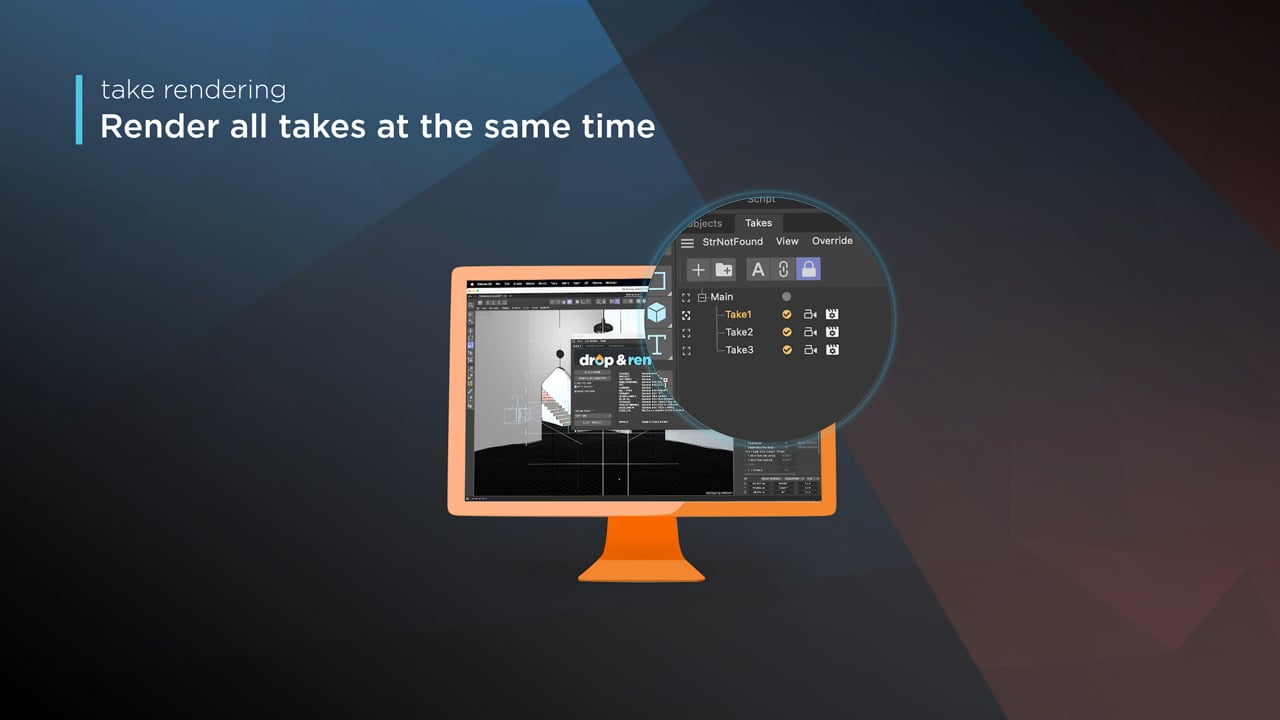
Cinema 4D Take Rendering support - Video tutorial thumbnail

Cinema 4D Take Rendering support

Our farm includes native support for Cinema 4D's 'Takes' feature, letting you upload all your project's variations in a single click!

checklist

すべてのバージョンがサポートされています

300+ のインテリジェントなプロジェクトチェック

あなたのプロジェクトが常に完璧に動作するように。

テイクのレンダリング

タイルレンダリング

left_click

ワンクリックプロジェクト提出

RTX

ON

直接ファイル出力

drive_file_move

待つ必要はありません - 完了した各フレームは自動的にハードドライブにダウンロードされます。

Cryptomatte

Blenderのために構築

Blenderアドオンが現在のシーンを読み込み、Drop & Render Linkがそのアセットをバックグラウンドでアップロードします。

extension

一度インストールするだけ

Drop & Render Linkが3Dアプリケーションを検出し、プラグインを最新の状態に保ちます。

sync

変更されたものだけをアップロード

作業を続けている間、Drop & Render Linkが新規ファイルや変更されたファイルをバックグラウンドでアップロードします。

download

フレームを自動で受信

レンダリングが完了したフレームは、3Dアプリケーションで選択した出力フォルダーに戻ります。

layers

プロジェクトの変更はありません

アセット、キャッシュ、リンクファイル、レンダリング設定は、アップロード前に解決されます。

desktop_windows

Blender内で送信

プロジェクトをエクスポートしたり再構築したりすることなく、チェック、送信、再送信ができます。

deployed_code

バージョンを一致させたまま維持

ファームでは、シーンで使用されているBlender、レンダリングエンジン、アドオンのバージョンを使用します。

ハイライトされた機能

当社のBlenderレンダーファームは、単なる処理性能以上のものを必要とするプロフェッショナルのために構築されています。スマートなアセット処理からカスタムパイプライン統合まで、レンダリングをより高速かつ信頼性の高いものにし、簡単に管理できる高度なツールを開発しています。

Optimize your render with a Custom Slice Number - Video tutorial thumbnail

Optimize your render with a Custom Slice Number

Using a custom slice number lets one machine render multiple frames while only initializing your project once, saving up to 30% in both render times and costs. Works especially well on faster renders!

Understanding render priorities - Video tutorial thumbnail

Understanding render priorities

Our priority system has three levels: Sapphire, Emerald and Diamond. The higher the priority, the faster new machines can start working on your projects!

Connect your entire office to Drop & Render - Video tutorial thumbnail

Connect your entire office to Drop & Render

We offer a robust system for a team of artists to work together. You can monitor and download one another's work efficiently, all without having to disturb them!

Submit a custom frame range to the farm - Video tutorial thumbnail

Submit a custom frame range to the farm

Only need to render a sequence of your project, or need to see a couple of specific frames? You can set custom frame lists from right within our plugin!

checklist

すべてのバージョンがサポートされています

300+ のインテリジェントなプロジェクトチェック

あなたのプロジェクトが常に完璧に動作するように。

テイクのレンダリング

高度な同期

left_click

ワンクリックプロジェクト提出

RTX

ON

直接ファイル出力

drive_file_move

待つ必要はありません - 完了した各フレームは自動的にハードドライブにダウンロードされます。

Cryptomatte

Houdiniのために構築

Houdini HDAがグラフ内のパスと依存関係を保持し、Drop & Render Linkがそのアセットをバックグラウンドでアップロードします。

extension

一度インストールするだけ

Drop & Render Linkが3Dアプリケーションを検出し、プラグインを最新の状態に保ちます。

sync

変更されたものだけをアップロード

作業を続けている間、Drop & Render Linkが新規ファイルや変更されたファイルをバックグラウンドでアップロードします。

download

フレームを自動で受信

レンダリングが完了したフレームは、3Dアプリケーションで選択した出力フォルダーに戻ります。

verified

公式 SideFX パートナー

このHDAは、SideFXおよびHoudiniアーティストと共同で、プロダクション用グラフ向けに開発されました。

account_tree

ドロップインHDAワークフロー

ファイルを収集したりパスを再マッピングしたりせずに、HDAをレンダーノードへ接続できます。

hub

レンダー依存関係チェーン

上流のキャッシュを先に完了し、依存するレンダーを自動的に開始できます。

ハイライトされた機能

当社のHoudiniレンダーファームは、単なる処理性能以上のものを必要とするプロフェッショナルのために構築されています。スマートなアセット処理からカスタムパイプライン統合まで、レンダリングをより高速かつ信頼性の高いものにし、簡単に管理できる高度なツールを開発しています。

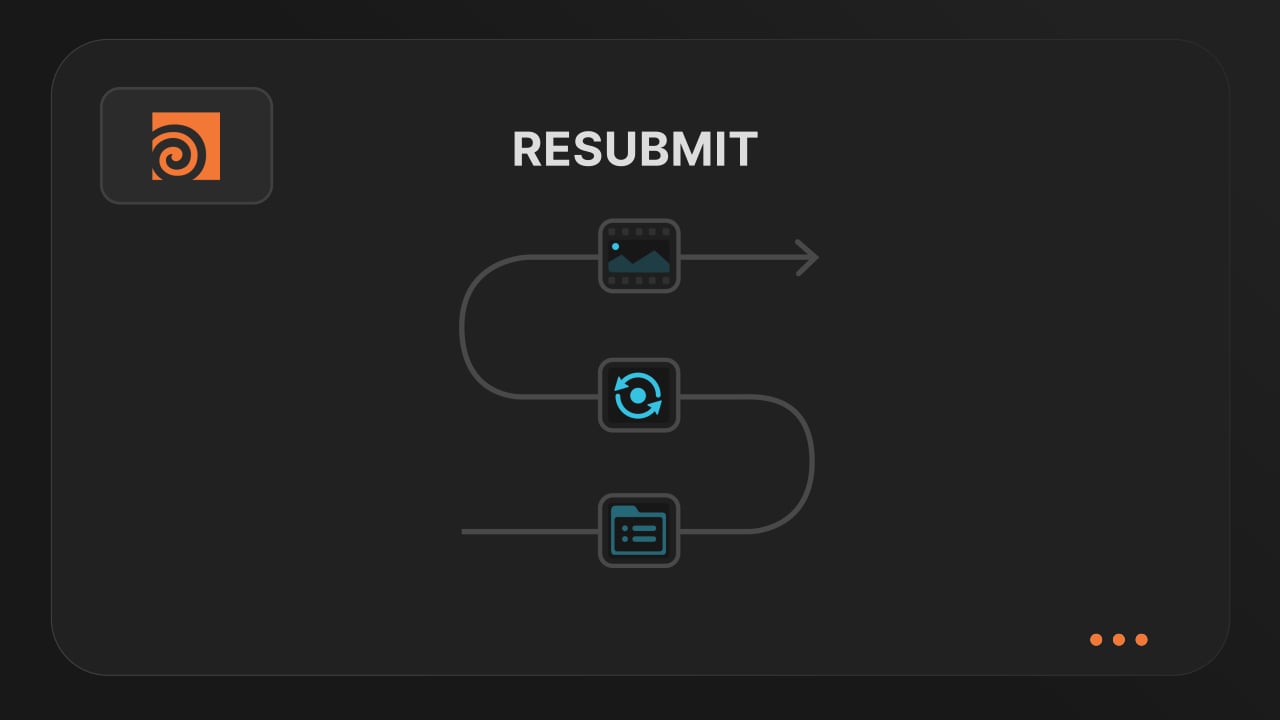
Resubmit workflow - Video tutorial thumbnail

Resubmit workflow

Test a few frames first, then resubmit with updated settings straight from the dashboard. Drop & Render reuses caches and dependencies automatically, so you can focus on the final result.


Connect your entire office to Drop & Render - Video tutorial thumbnail

Connect your entire office to Drop & Render

Invite teammates, assign roles, and keep everyone in sync. Share assets, download results, and work together on the same projects without missing a beat.


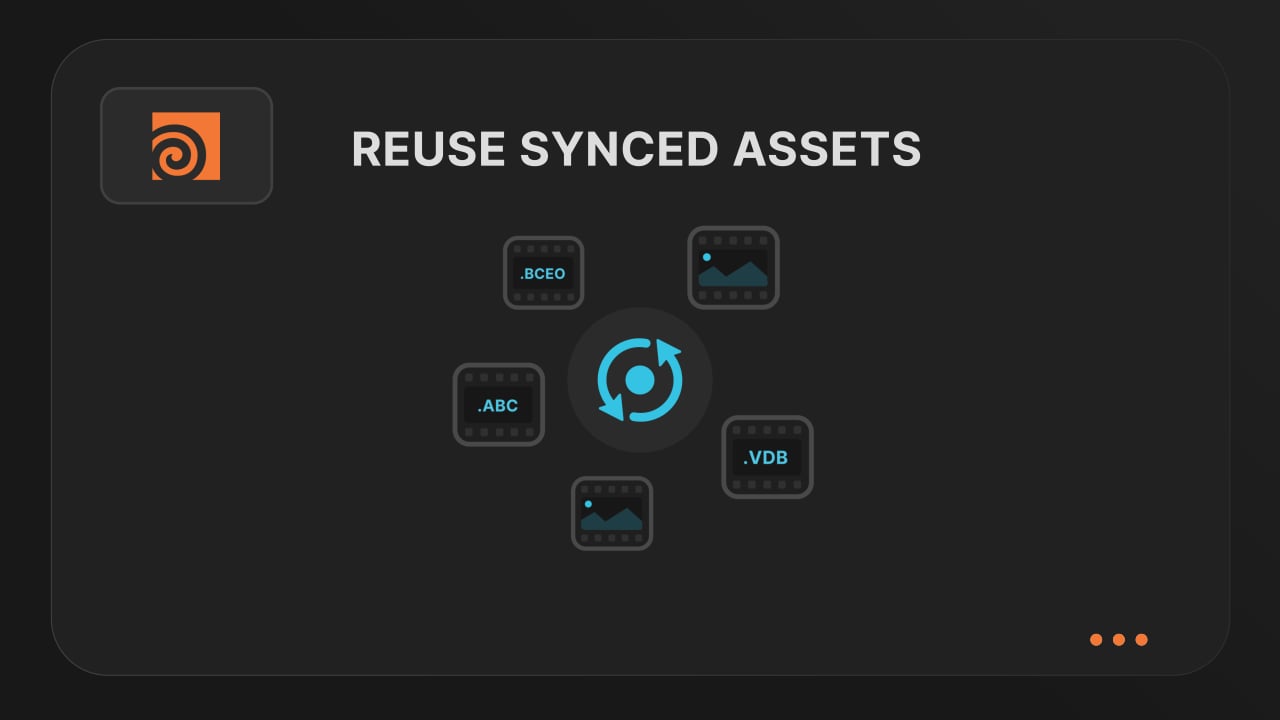
Save time & bandwith by reusing synced assets - Video tutorial thumbnail

Save time & bandwith by reusing synced assets

Reuse large caches stored on our render farm without downloading them again. A powerful way to save time and bandwidth in your Houdini render workflow.


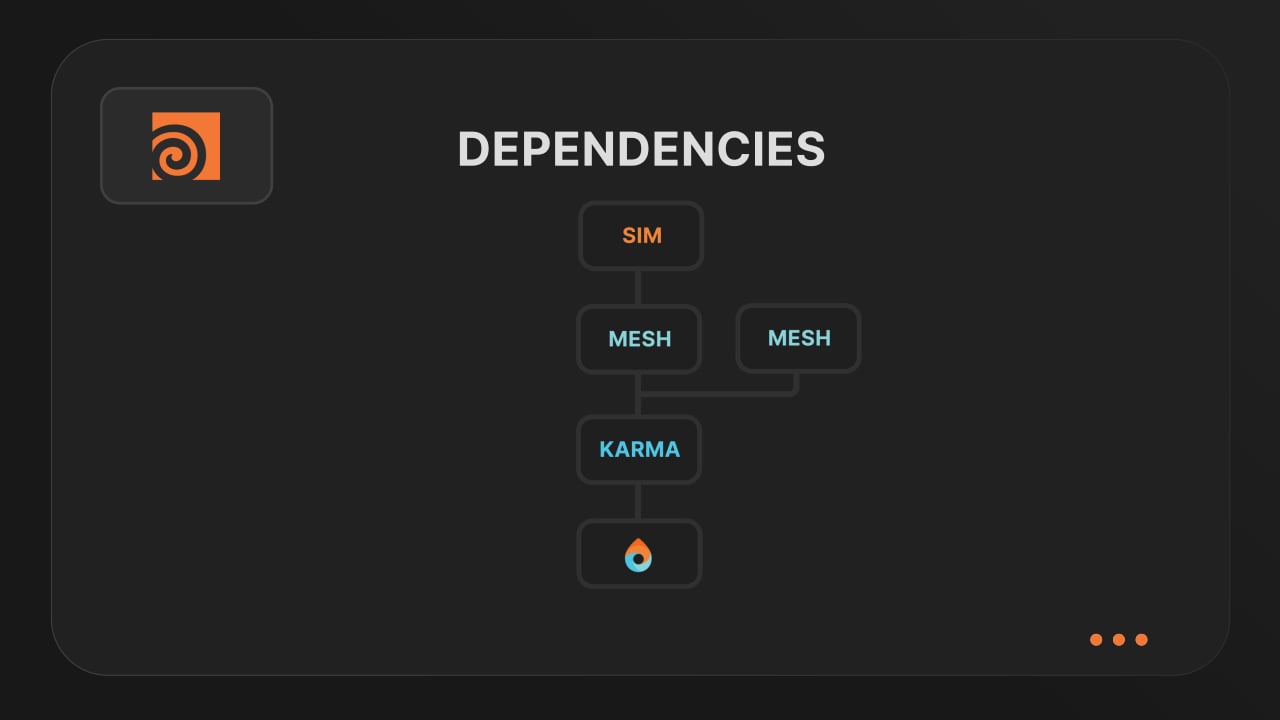
Understanding render dependencies - Video tutorial thumbnail

Understanding render dependencies

Chain your Houdini nodes the way you like and let Drop & Render handle the order. From parallel jobs to complex dependencies, the HDA adapts to your workflow so everything renders in the right order.


Customizing your global and per-render settings - Video tutorial thumbnail

Customizing your global and per-render settings

Fine-tune your render jobs directly in the HDA. Set frame ranges, test specific frames, and assign priority so you get the results you want, when you need them.


Understanding asset management - Video tutorial thumbnail

Understanding asset management

Our asset manager scans your scene and handles all path remapping automatically. Quickly add missing files, skip already-synced assets, and keep uploads fast and hassle-free.


Optimize your render with a Custom Slice Number - Video tutorial thumbnail

Optimize your render with a Custom Slice Number

Speed up rendering by setting the right slice value. Reduce overhead, save credits, and get more out of our Houdini render farm.


Cooking PDG projects - Video tutorial thumbnail

Cooking PDG projects

Drop & Render fully supports PDG workflows. Find out how to use TOP networks on our render farm.

checklist

すべてのバージョンがサポートされています

300+ のインテリジェントなプロジェクトチェック

あなたのプロジェクトが常に完璧に動作するように。

シミュレーションをレンダー

USDワークフロー

left_click

ワンクリックプロジェクト提出

RTX

ON

直接ファイル出力

drive_file_move

待つ必要はありません - 完了した各フレームは自動的にハードドライブにダウンロードされます。

高度な同期・再マッピングシステム

最初のレンダーを開始

アカウントを作成し、Drop & Render Linkをインストールして、3Dアプリケーションから送信してください。

クッキーを使用しています。