설정

워크스테이션 연결

Drop & Render Link는 백그라운드에서 조용히 실행되며 3D 소프트웨어를 팜에 직접 연결합니다.

플러그인 관리는 자동으로

지원되는 설치 항목을 자동으로 감지하고 Drop & Render 플러그인을 최신 상태로 유지합니다.

씬 작업에 집중

에셋을 모으거나 경로를 다시 지정하거나 팜에 맞게 프로젝트를 재구성하지 않고도 확인하고 제출하세요.

모든 프레임 확인

어디서 작업하든 대시보드에서 미리보기, 진행 상황, 비용을 확인하세요.

원하는 위치에 프레임 저장

렌더링이 완료된 프레임은 로컬 렌더와 마찬가지로 3D 애플리케이션에서 선택한 출력 경로로 돌아옵니다.

전체 렌더 보기

전체 워크플로를 확인하세요. 씬을 확인하고 제출한 다음 렌더를 모니터링하고 프레임을 받아보세요.

Cinema 4D tutorial video thumbnail - light mode Cinema 4D tutorial video thumbnail - dark mode
Blender tutorial video thumbnail - light mode Blender tutorial video thumbnail - dark mode
Houdini tutorial video thumbnail - light mode Houdini tutorial video thumbnail - dark mode

Cinema 4D을 위해 설계됨

Cinema 4D 플러그인은 현재 상태 그대로 씬을 읽고, Drop & Render Link는 에셋을 백그라운드에서 업로드합니다.

extension

한 번 설치하면 끝

Drop & Render Link는 3D 애플리케이션을 감지하고 플러그인을 최신 상태로 유지합니다.

sync

변경된 항목만 업로드

작업을 계속하는 동안 Drop & Render Link가 새 파일과 변경된 파일을 백그라운드에서 업로드합니다.

download

프레임 자동 수신

렌더링이 완료된 프레임은 3D 애플리케이션에서 선택한 출력 폴더로 돌아옵니다.

layers

프로젝트 변경 없음

에셋, 캐시, 연결된 파일 및 렌더 설정을 업로드 전에 확인하고 처리합니다.

desktop_windows

Cinema 4D 안에서 제출

프로젝트를 내보내거나 다시 구성하지 않고 검사, 제출 및 재제출을 진행할 수 있습니다.

deployed_code

버전이 일치된 상태로 유지됩니다

렌더 팜은 씬에 사용된 Cinema 4D, 렌더 엔진 및 플러그인 버전을 그대로 사용합니다.

주요 특징

당사의 Cinema 4D 렌더 팜은 단순한 원시 성능 이상의 기능을 필요로 하는 전문가를 위해 설계되었습니다. 스마트 에셋 처리부터 사용자 지정 파이프라인 통합까지, 렌더링을 더 빠르고 안정적으로 수행하며 쉽게 관리할 수 있도록 지원하는 고급 도구를 개발했습니다.

Optimize your render with a Custom Slice Number - Video tutorial thumbnail

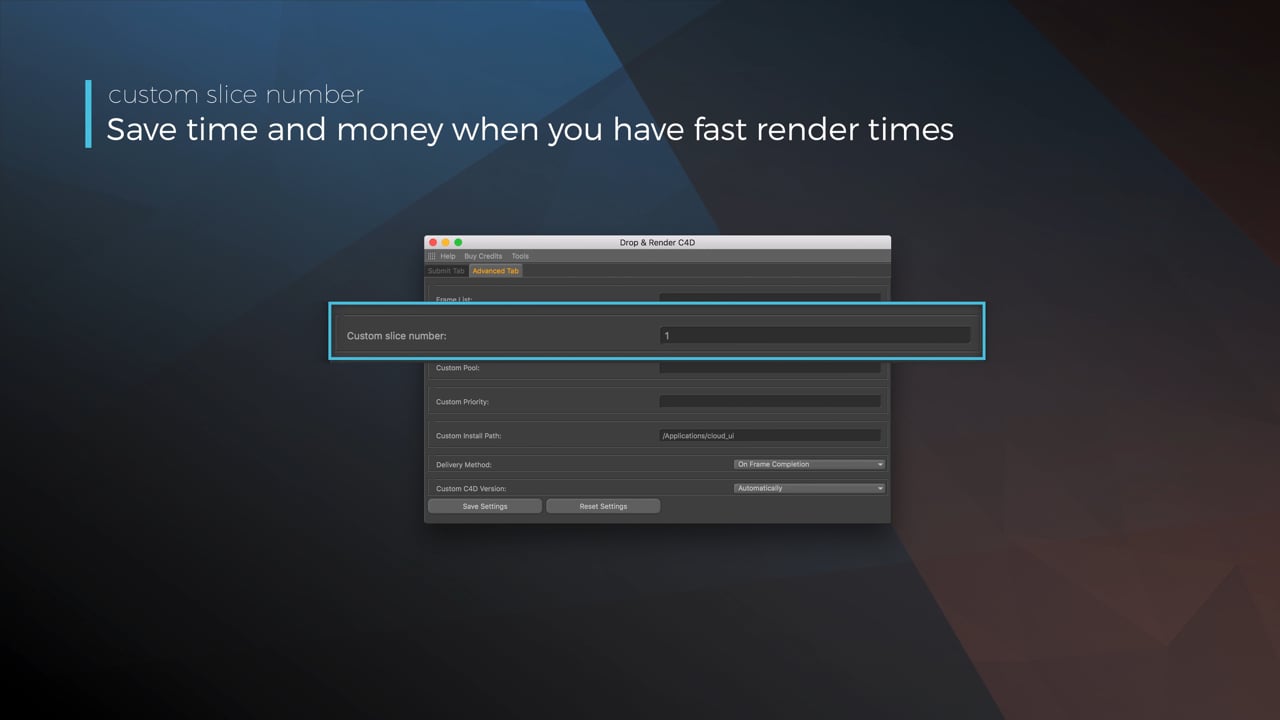
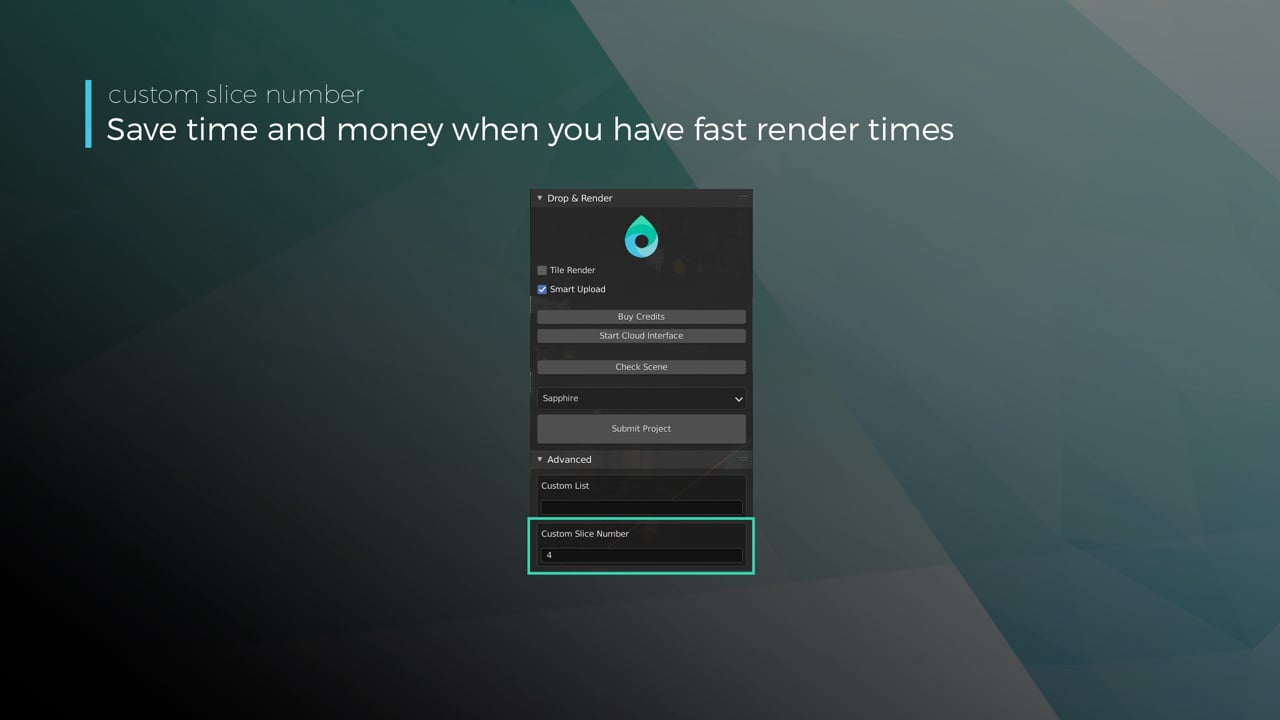
Optimize your render with a Custom Slice Number

Using a custom slice number lets one machine render multiple frames while only initializing your project once, saving up to 30% in both render times and costs. Works especially well on faster renders!

Understanding render priorities - Video tutorial thumbnail

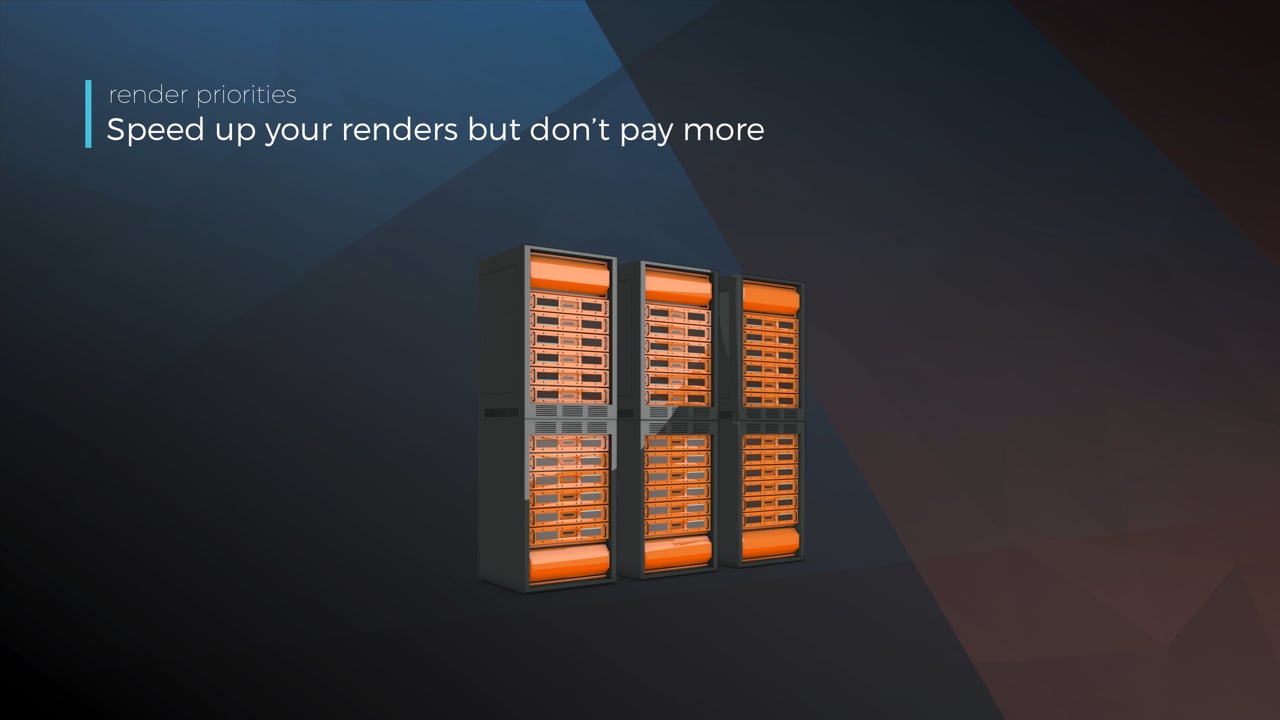
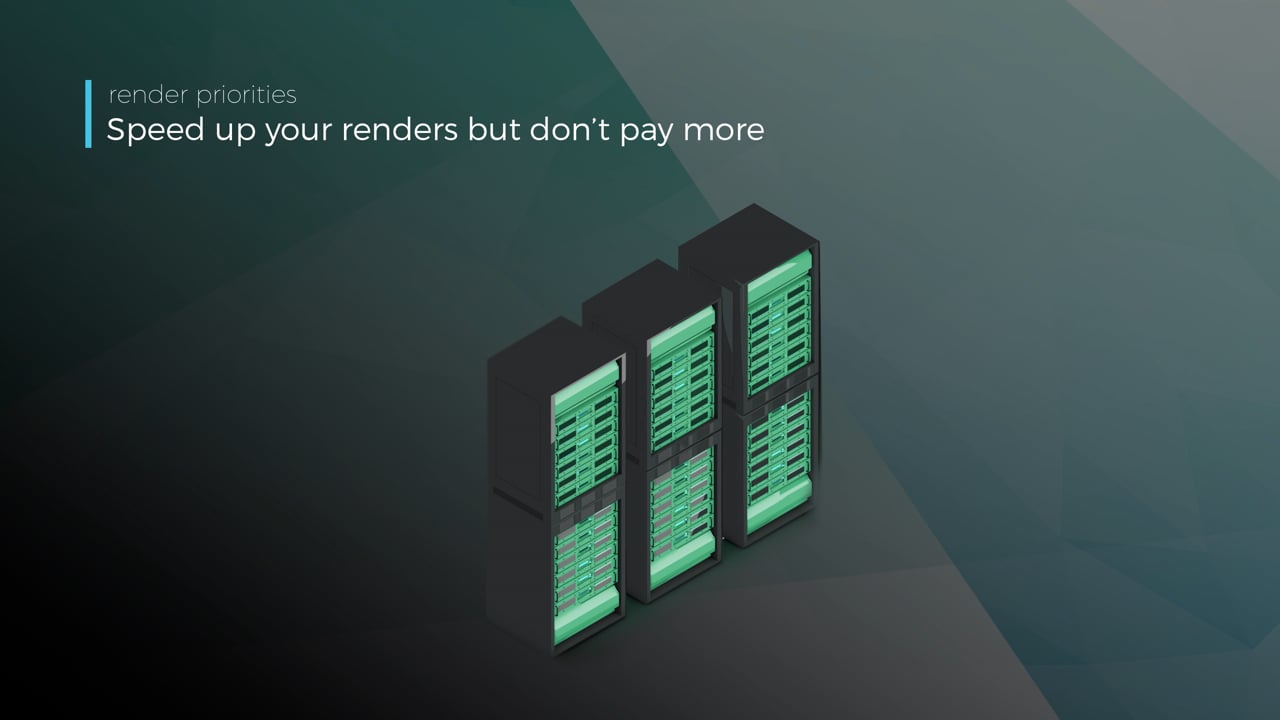
Understanding render priorities

Our priority system has three levels: Sapphire, Emerald and Diamond. The higher the priority, the faster new machines can start working on your projects!

Connect your entire office to Drop & Render - Video tutorial thumbnail

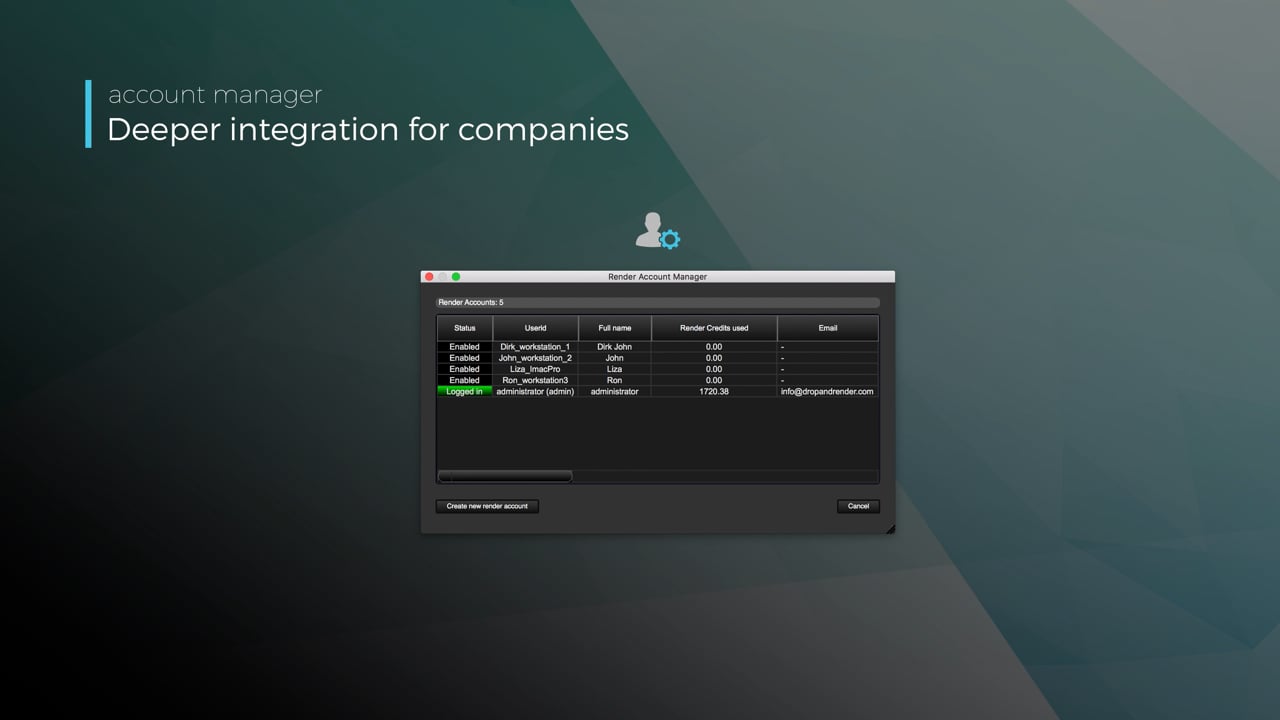
Connect your entire office to Drop & Render

We offer a robust system for a team of artists to work together. You can monitor and download one another's work efficiently, all without having to disturb them!

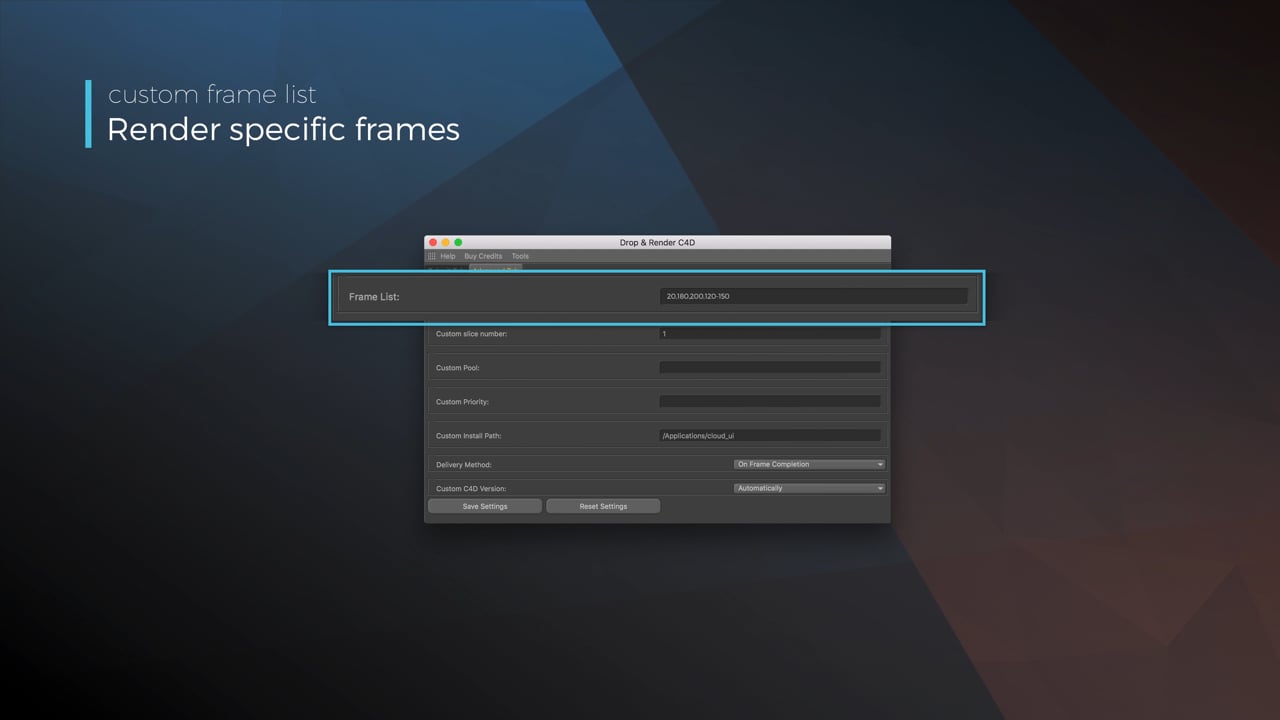
Submit a custom frame range to the farm - Video tutorial thumbnail

Submit a custom frame range to the farm

Only need to render a sequence of your project, or need to see a couple of specific frames? You can set custom frame lists from right within our plugin!

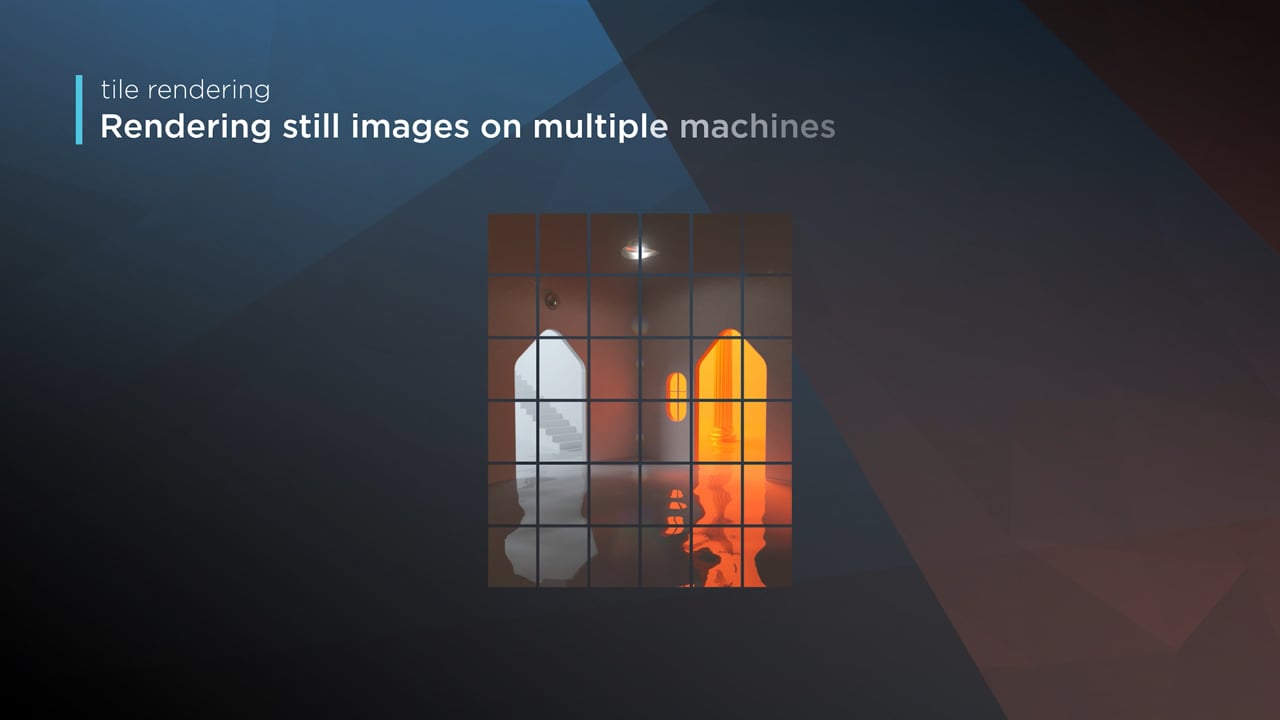
Render large still frames with Tile Rendering - Video tutorial thumbnail

Render large still frames with Tile Rendering

Tile rendering splits a single frame amongst multiple machines, letting them work on it at the same time. Each tile is then seamlessly stitched back and delivered as a single frame!

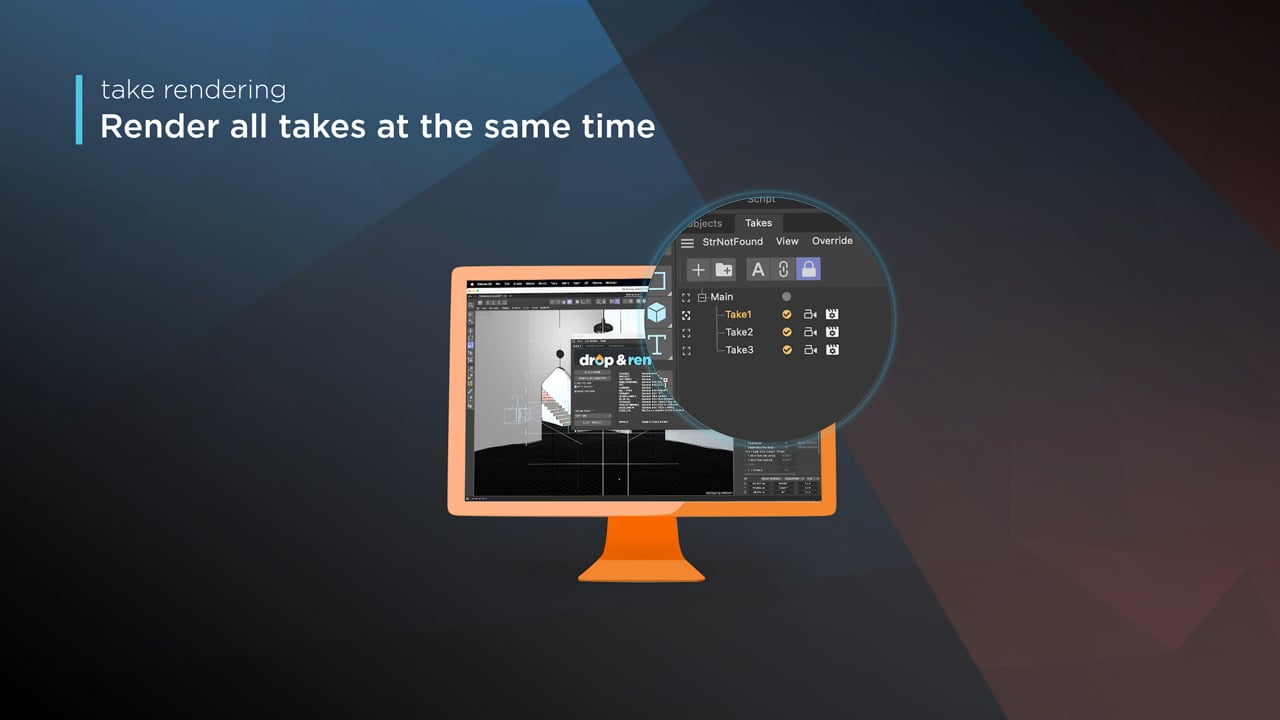
Cinema 4D Take Rendering support - Video tutorial thumbnail

Cinema 4D Take Rendering support

Our farm includes native support for Cinema 4D's 'Takes' feature, letting you upload all your project's variations in a single click!

checklist

모든 버전 지원

300+ 지능형 프로젝트 검사

프로젝트가 항상 완벽하게 작동하도록.

Take 렌더링

타일 렌더링

left_click

원클릭 프로젝트 제출

RTX

ON

직접 파일 출력

drive_file_move

기다릴 필요가 없습니다 - 각 완료된 프레임이 자동으로 하드 드라이브에 다운로드됩니다.

Cryptomatte

Blender을 위해 설계됨

Blender 애드온은 현재 상태 그대로 씬을 읽고, Drop & Render Link는 에셋을 백그라운드에서 업로드합니다.

extension

한 번 설치하면 끝

Drop & Render Link는 3D 애플리케이션을 감지하고 플러그인을 최신 상태로 유지합니다.

sync

변경된 항목만 업로드

작업을 계속하는 동안 Drop & Render Link가 새 파일과 변경된 파일을 백그라운드에서 업로드합니다.

download

프레임 자동 수신

렌더링이 완료된 프레임은 3D 애플리케이션에서 선택한 출력 폴더로 돌아옵니다.

layers

프로젝트 변경 없음

에셋, 캐시, 연결된 파일 및 렌더 설정을 업로드 전에 확인하고 처리합니다.

desktop_windows

Blender 안에서 제출

프로젝트를 내보내거나 다시 구성하지 않고 검사, 제출 및 재제출을 진행할 수 있습니다.

deployed_code

버전이 일치된 상태로 유지됩니다

렌더 팜은 씬에 사용된 Blender, 렌더 엔진 및 애드온 버전을 그대로 사용합니다.

주요 특징

당사의 Blender 렌더 팜은 단순한 원시 성능 이상의 기능을 필요로 하는 전문가를 위해 설계되었습니다. 스마트 에셋 처리부터 사용자 지정 파이프라인 통합까지, 렌더링을 더 빠르고 안정적으로 수행하며 쉽게 관리할 수 있도록 지원하는 고급 도구를 개발했습니다.

Optimize your render with a Custom Slice Number - Video tutorial thumbnail

Optimize your render with a Custom Slice Number

Using a custom slice number lets one machine render multiple frames while only initializing your project once, saving up to 30% in both render times and costs. Works especially well on faster renders!

Understanding render priorities - Video tutorial thumbnail

Understanding render priorities

Our priority system has three levels: Sapphire, Emerald and Diamond. The higher the priority, the faster new machines can start working on your projects!

Connect your entire office to Drop & Render - Video tutorial thumbnail

Connect your entire office to Drop & Render

We offer a robust system for a team of artists to work together. You can monitor and download one another's work efficiently, all without having to disturb them!

Submit a custom frame range to the farm - Video tutorial thumbnail

Submit a custom frame range to the farm

Only need to render a sequence of your project, or need to see a couple of specific frames? You can set custom frame lists from right within our plugin!

checklist

모든 버전 지원

300+ 지능형 프로젝트 검사

프로젝트가 항상 완벽하게 작동하도록.

Take 렌더링

고급 동기화

left_click

원클릭 프로젝트 제출

RTX

ON

직접 파일 출력

drive_file_move

기다릴 필요가 없습니다 - 각 완료된 프레임이 자동으로 하드 드라이브에 다운로드됩니다.

Cryptomatte

Houdini을 위해 설계됨

Houdini HDA는 그래프의 경로와 종속성을 유지하며, Drop & Render Link는 에셋을 백그라운드에서 업로드합니다.

extension

한 번 설치하면 끝

Drop & Render Link는 3D 애플리케이션을 감지하고 플러그인을 최신 상태로 유지합니다.

sync

변경된 항목만 업로드

작업을 계속하는 동안 Drop & Render Link가 새 파일과 변경된 파일을 백그라운드에서 업로드합니다.

download

프레임 자동 수신

렌더링이 완료된 프레임은 3D 애플리케이션에서 선택한 출력 폴더로 돌아옵니다.

verified

공식 SideFX 파트너

이 HDA는 SideFX 및 Houdini 아티스트와 함께 프로덕션 그래프를 위해 개발되었습니다.

account_tree

드롭인 HDA 워크플로우

파일을 수집하거나 경로를 다시 매핑하지 않고 HDA를 렌더 노드에 연결하세요.

hub

렌더 종속성 체인

상위 캐시가 완료되면 종속 렌더가 자동으로 시작됩니다.

주요 특징

당사의 Houdini 렌더 팜은 단순한 원시 성능 이상의 기능을 필요로 하는 전문가를 위해 설계되었습니다. 스마트 에셋 처리부터 사용자 지정 파이프라인 통합까지, 렌더링을 더 빠르고 안정적으로 수행하며 쉽게 관리할 수 있도록 지원하는 고급 도구를 개발했습니다.

Resubmit workflow - Video tutorial thumbnail

Resubmit workflow

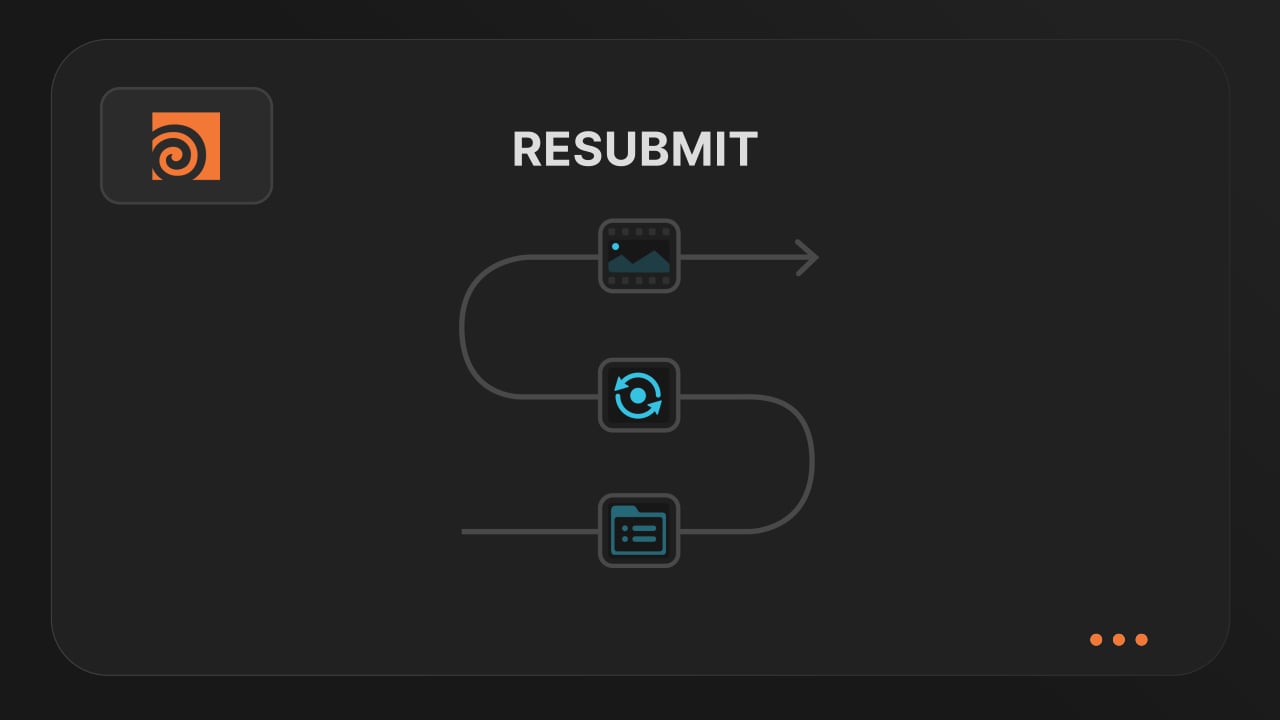
Test a few frames first, then resubmit with updated settings straight from the dashboard. Drop & Render reuses caches and dependencies automatically, so you can focus on the final result.


Connect your entire office to Drop & Render - Video tutorial thumbnail

Connect your entire office to Drop & Render

Invite teammates, assign roles, and keep everyone in sync. Share assets, download results, and work together on the same projects without missing a beat.


Save time & bandwith by reusing synced assets - Video tutorial thumbnail

Save time & bandwith by reusing synced assets

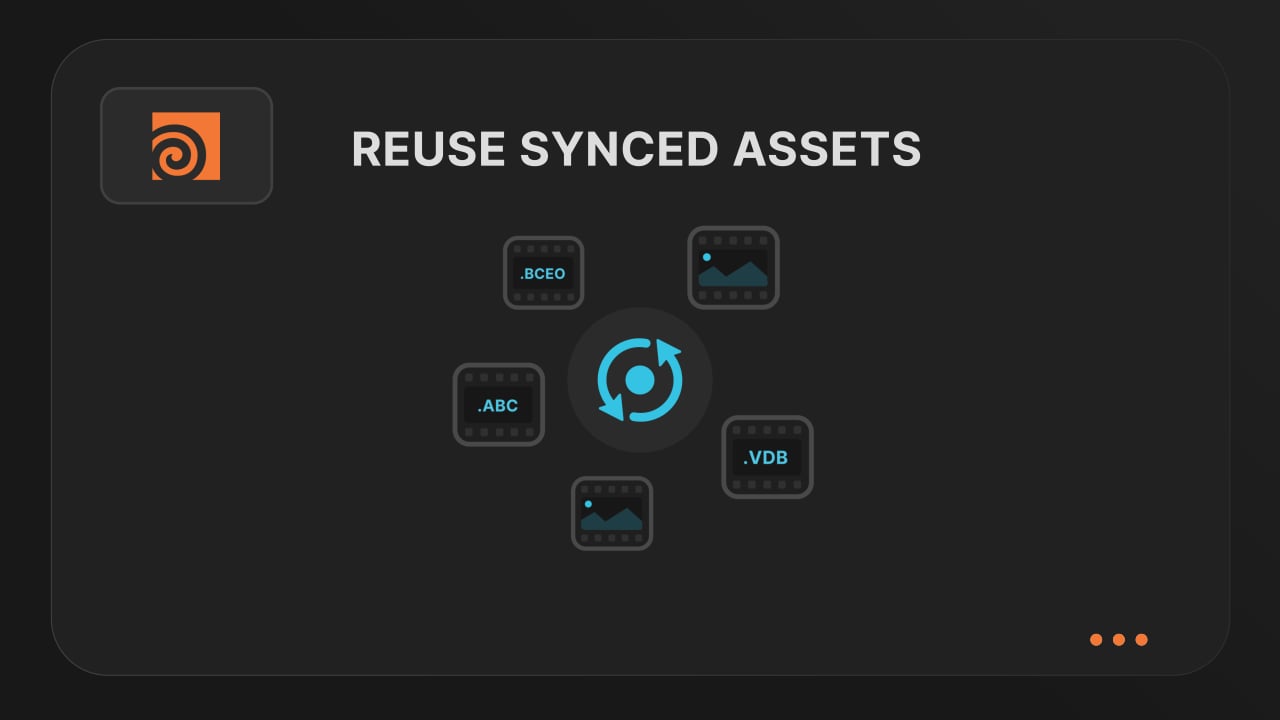
Reuse large caches stored on our render farm without downloading them again. A powerful way to save time and bandwidth in your Houdini render workflow.


Understanding render dependencies - Video tutorial thumbnail

Understanding render dependencies

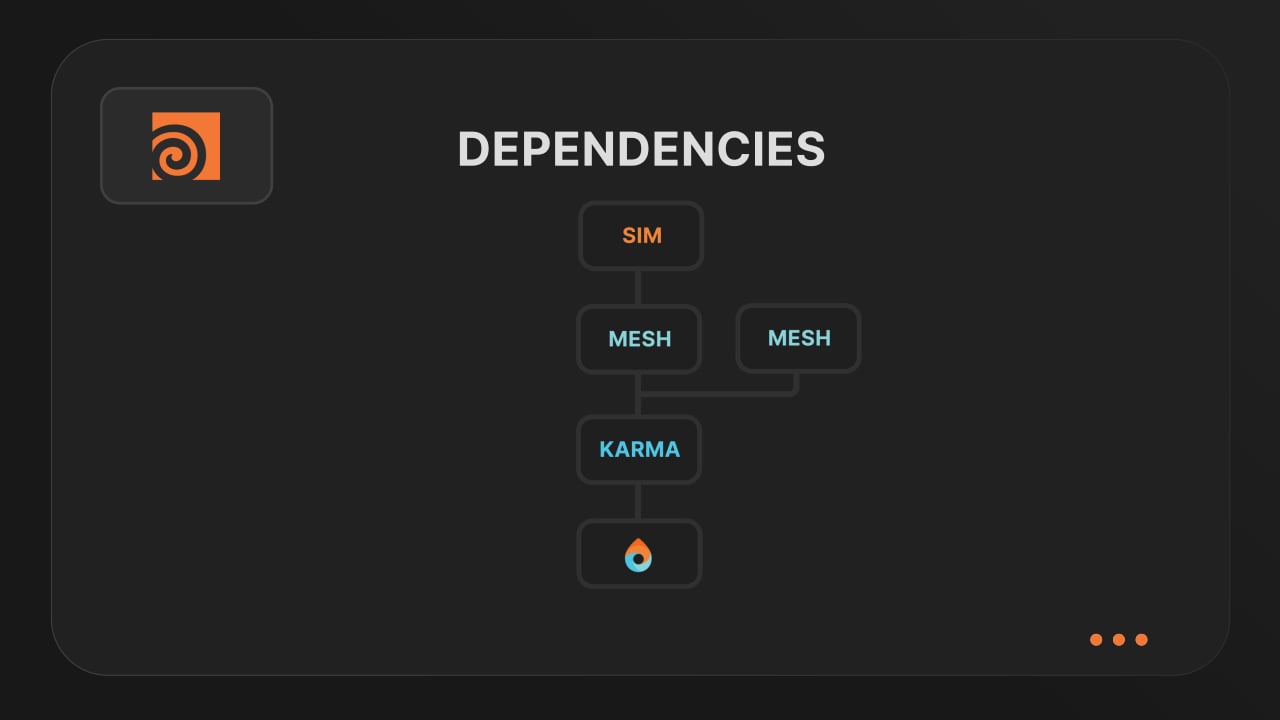
Chain your Houdini nodes the way you like and let Drop & Render handle the order. From parallel jobs to complex dependencies, the HDA adapts to your workflow so everything renders in the right order.


Customizing your global and per-render settings - Video tutorial thumbnail

Customizing your global and per-render settings

Fine-tune your render jobs directly in the HDA. Set frame ranges, test specific frames, and assign priority so you get the results you want, when you need them.


Understanding asset management - Video tutorial thumbnail

Understanding asset management

Our asset manager scans your scene and handles all path remapping automatically. Quickly add missing files, skip already-synced assets, and keep uploads fast and hassle-free.


Optimize your render with a Custom Slice Number - Video tutorial thumbnail

Optimize your render with a Custom Slice Number

Speed up rendering by setting the right slice value. Reduce overhead, save credits, and get more out of our Houdini render farm.


Cooking PDG projects - Video tutorial thumbnail

Cooking PDG projects

Drop & Render fully supports PDG workflows. Find out how to use TOP networks on our render farm.

checklist

모든 버전 지원

300+ 지능형 프로젝트 검사

프로젝트가 항상 완벽하게 작동하도록.

시뮬레이션 렌더링

USD 워크플로

left_click

원클릭 프로젝트 제출

RTX

ON

직접 파일 출력

drive_file_move

기다릴 필요가 없습니다 - 각 완료된 프레임이 자동으로 하드 드라이브에 다운로드됩니다.

고급 동기화 및 재매핑 시스템

첫 렌더 시작

계정을 만들고 Drop & Render Link를 설치한 다음 3D 애플리케이션에서 제출하세요.

쿠키를 사용합니다.