Settings

Connect your workstation

The Drop & Render Link runs quietly in the background and connects your 3D software directly to the farm.

Plugins, handled for you

Supported installations are detected automatically, with the Drop & Render plugins kept up to date.

Stay in your scene

Check and submit without collecting assets, remapping paths or rebuilding the project for the farm.

Keep an eye on every frame

Follow previews, progress and costs from the dashboard, wherever you are working.

Frames where you expect them

Completed frames return to the output path selected in your 3D application, just like a local render.

See a complete render

Watch the full workflow: check the scene, submit it, monitor the render and receive the frames.

Cinema 4D tutorial video thumbnail - light mode Cinema 4D tutorial video thumbnail - dark mode
Blender tutorial video thumbnail - light mode Blender tutorial video thumbnail - dark mode
Houdini tutorial video thumbnail - light mode Houdini tutorial video thumbnail - dark mode

Built for Cinema 4D

The Cinema 4D plugin reads the scene as it is, then the Drop & Render Link uploads its assets in the background.

extension

Install once

The Drop & Render Link detects your 3D applications and keeps their plugins up to date.

sync

Upload only what changed

The Drop & Render Link uploads new and changed files in the background while you keep working.

download

Receive frames automatically

Completed frames return to the output folder selected in your 3D application.

layers

No project changes

Assets, caches, linked files and render settings are resolved before upload.

desktop_windows

Submit inside Cinema 4D

Check, submit and resubmit without exporting or rebuilding the project.

deployed_code

Versions stay matched

The farm uses the Cinema 4D, render engine and plugin versions in your scene.

Highlighted features

Our Cinema 4D render farm is built for professionals who need more than just raw power. From smart asset handling to custom pipeline integration, we’ve developed advanced tools that make your rendering faster, more reliable, and easier to manage.

Optimize your render with a Custom Slice Number - Video tutorial thumbnail

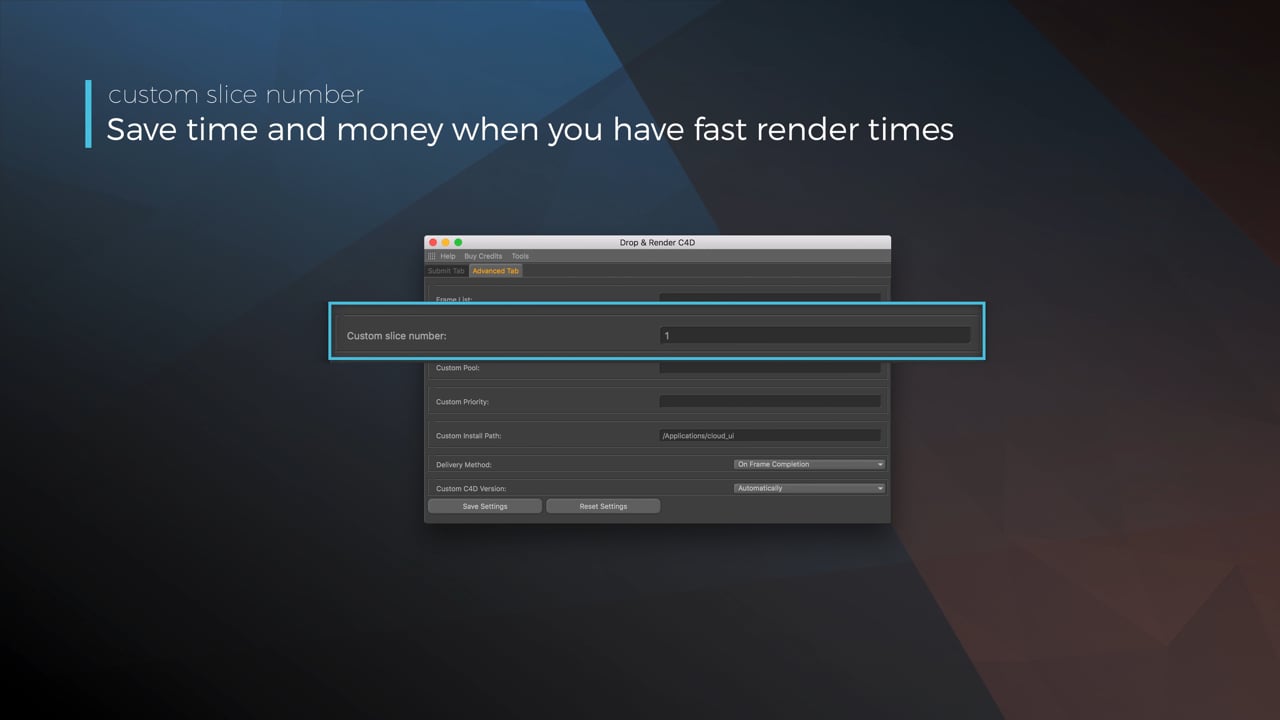
Optimize your render with a Custom Slice Number

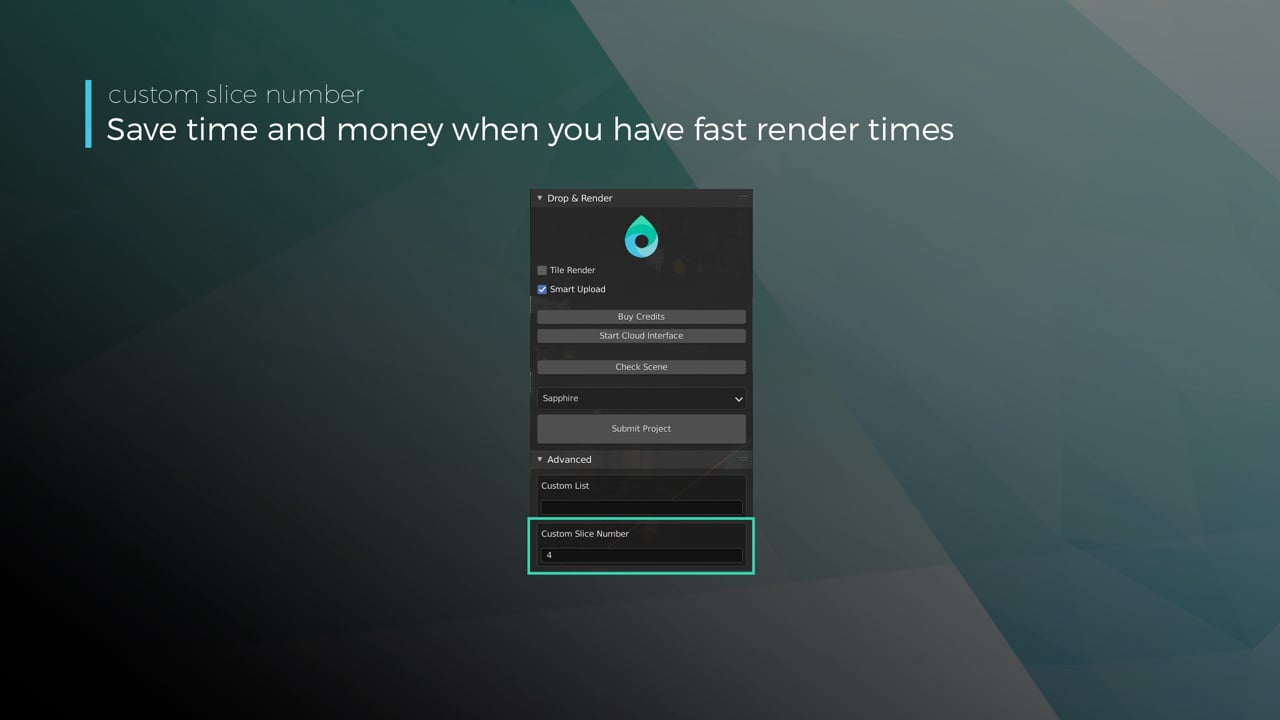
Using a custom slice number lets one machine render multiple frames while only initializing your project once, saving up to 30% in both render times and costs. Works especially well on faster renders!

Understanding render priorities - Video tutorial thumbnail

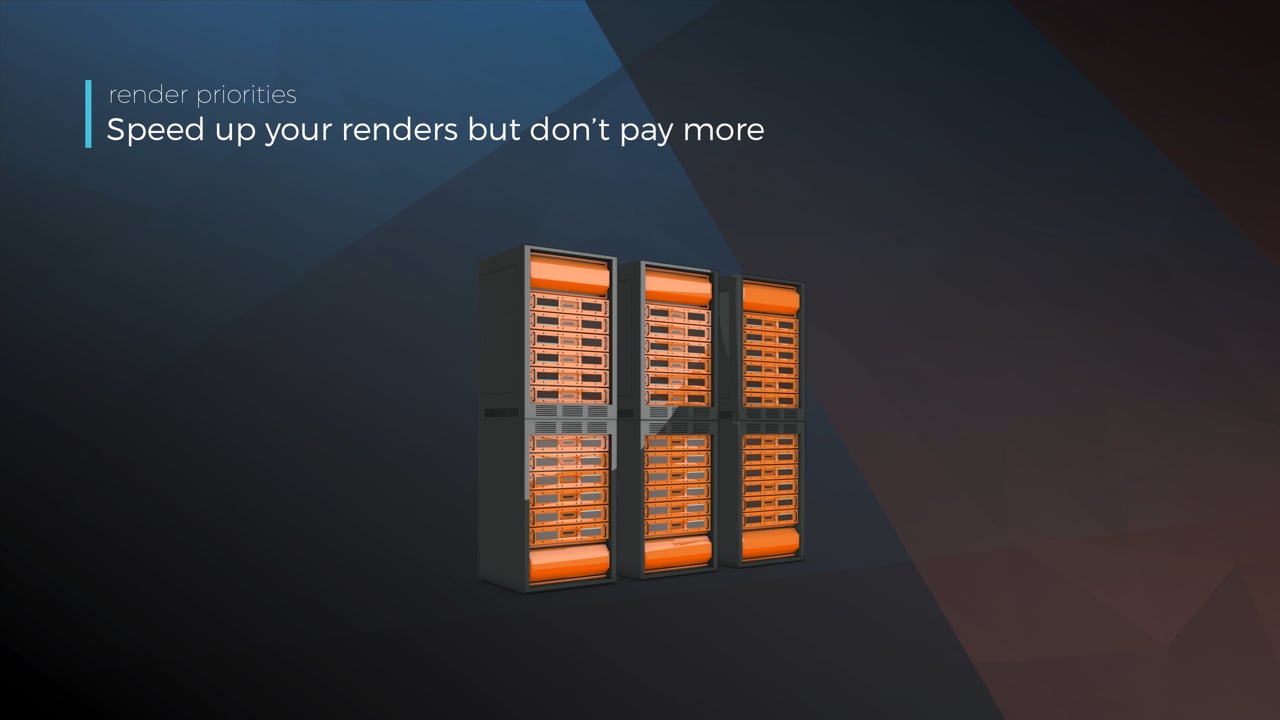
Understanding render priorities

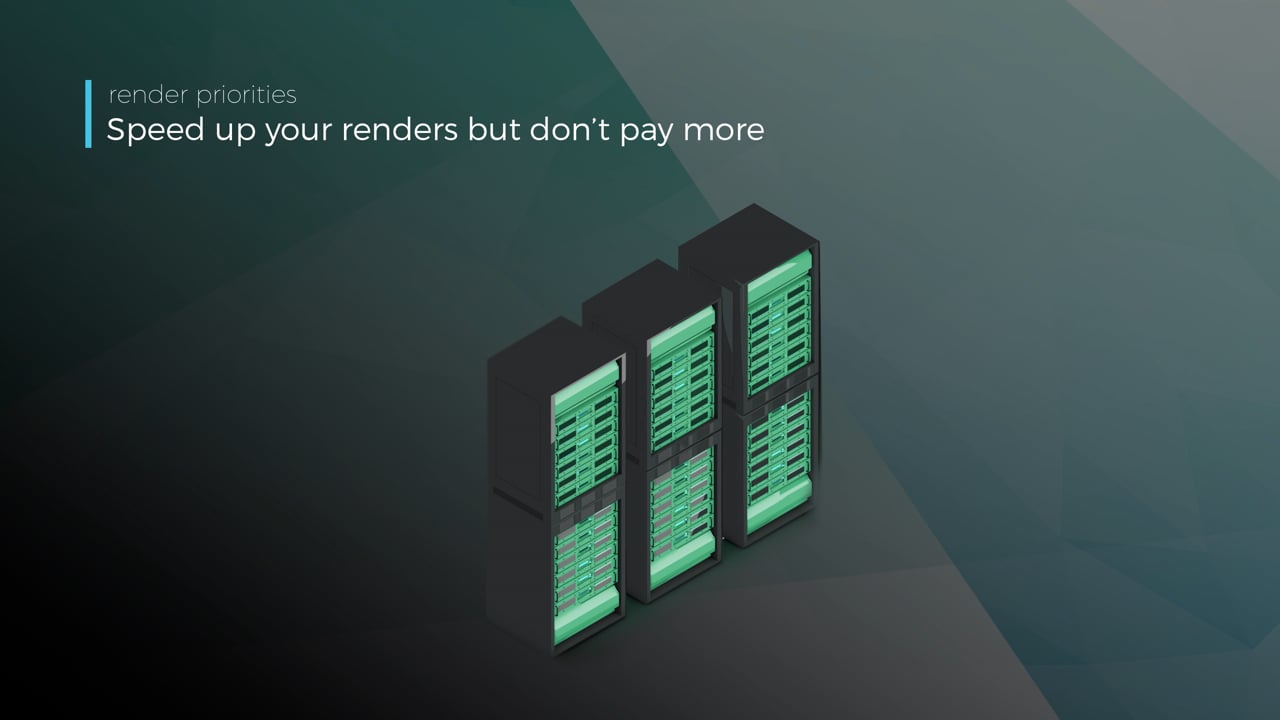
Our priority system has three levels: Sapphire, Emerald and Diamond. The higher the priority, the faster new machines can start working on your projects!

Connect your entire office to Drop & Render - Video tutorial thumbnail

Connect your entire office to Drop & Render

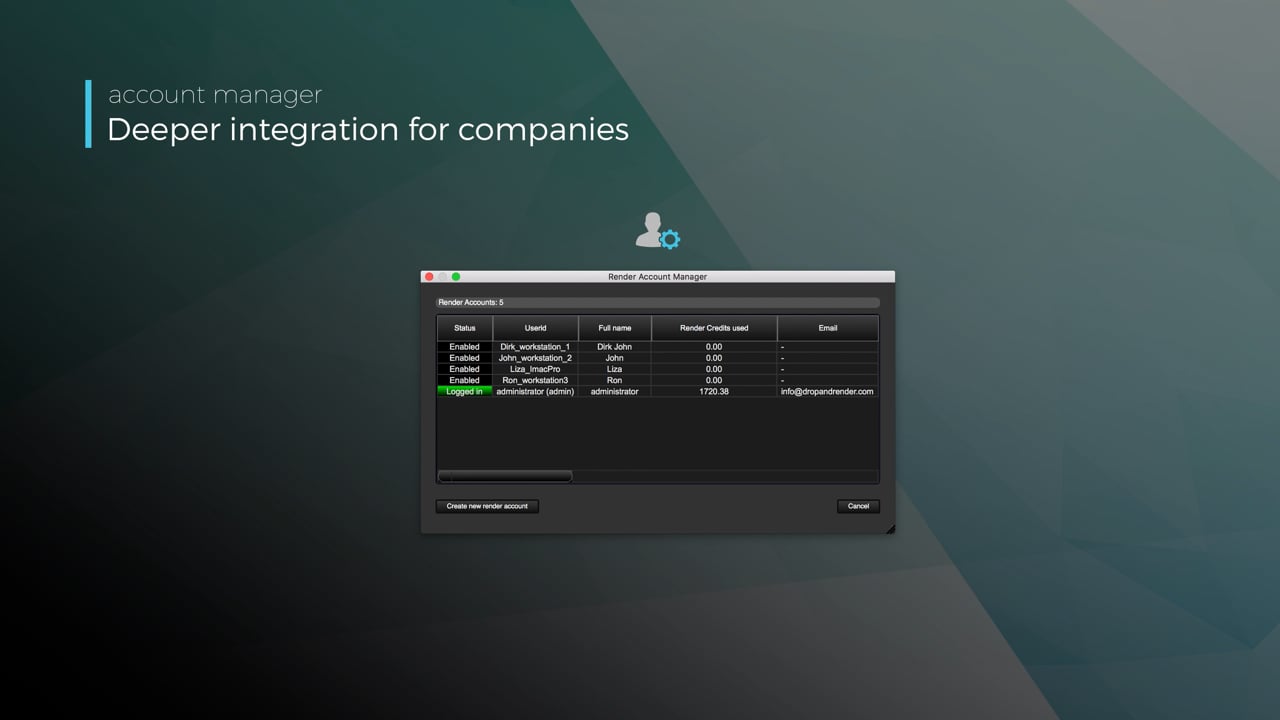
We offer a robust system for a team of artists to work together. You can monitor and download one another's work efficiently, all without having to disturb them!

Submit a custom frame range to the farm - Video tutorial thumbnail

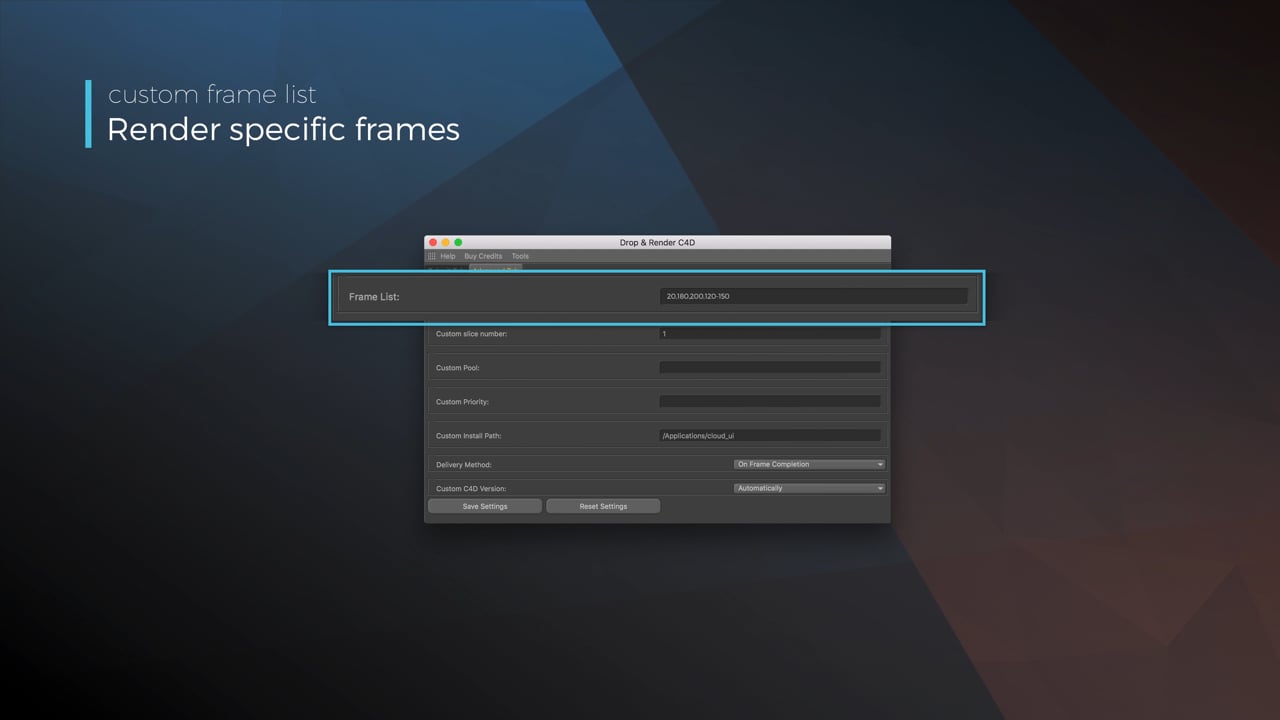
Submit a custom frame range to the farm

Only need to render a sequence of your project, or need to see a couple of specific frames? You can set custom frame lists from right within our plugin!

Render large still frames with Tile Rendering - Video tutorial thumbnail

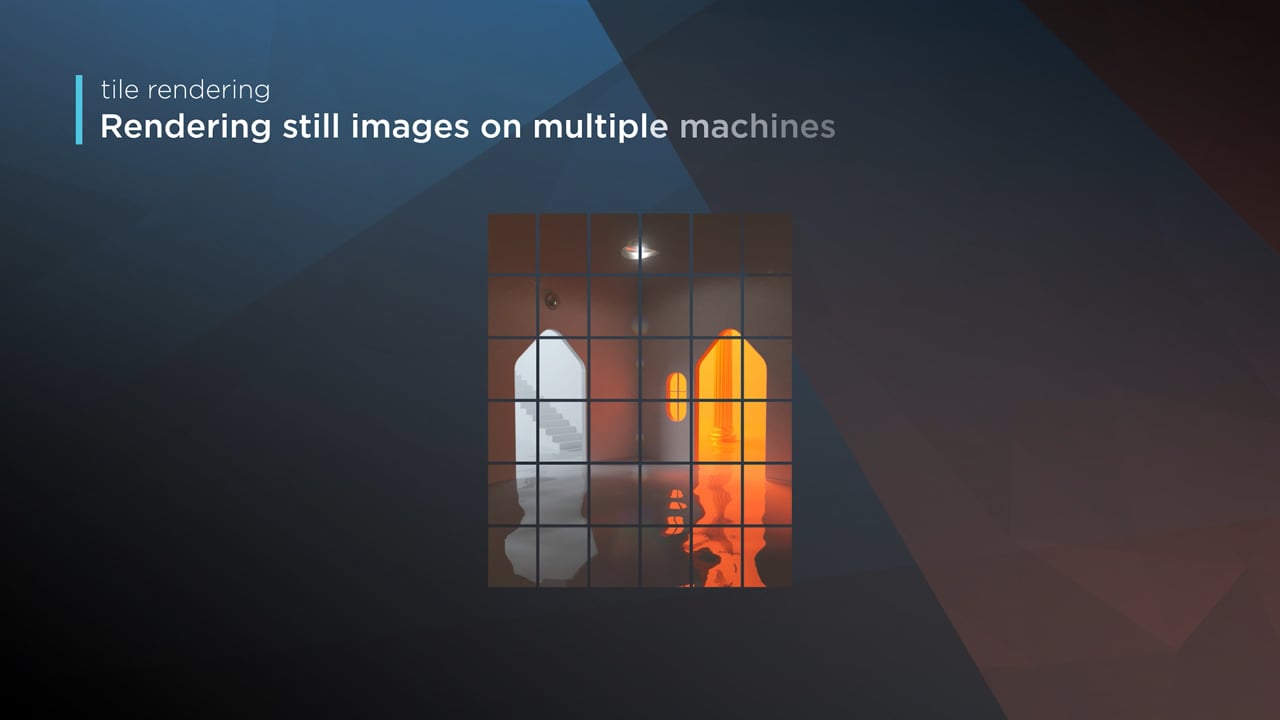
Render large still frames with Tile Rendering

Tile rendering splits a single frame amongst multiple machines, letting them work on it at the same time. Each tile is then seamlessly stitched back and delivered as a single frame!

Cinema 4D Take Rendering support - Video tutorial thumbnail

Cinema 4D Take Rendering support

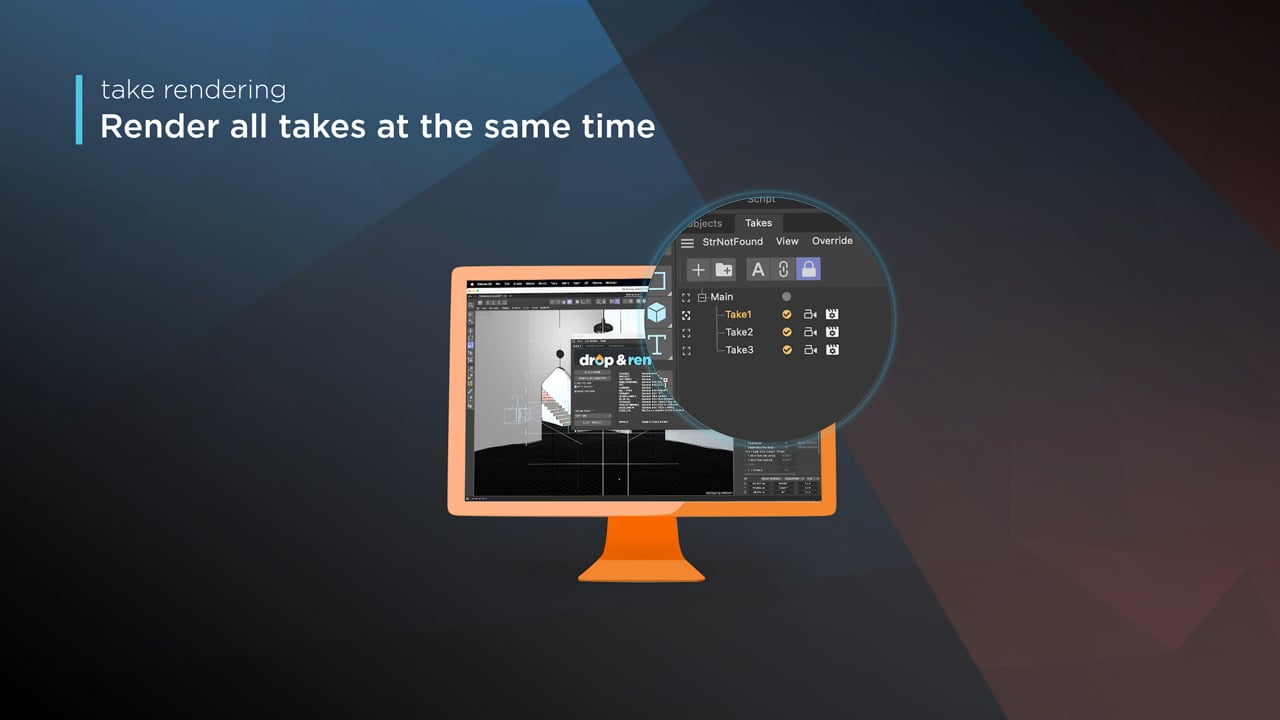
Our farm includes native support for Cinema 4D's 'Takes' feature, letting you upload all your project's variations in a single click!

checklist

Every version supported

300+ intelligent project checks

So your project will always work perfectly.

Take rendering

Tile rendering

left_click

One click project submission

RTX

ON

Direct file output

drive_file_move

No need to wait around - each completed frame is automatically downloaded straight to your hard drive.

Cryptomatte

Built for Blender

The Blender add-on reads the scene as it is, then the Drop & Render Link uploads its assets in the background.

extension

Install once

The Drop & Render Link detects your 3D applications and keeps their plugins up to date.

sync

Upload only what changed

The Drop & Render Link uploads new and changed files in the background while you keep working.

download

Receive frames automatically

Completed frames return to the output folder selected in your 3D application.

layers

No project changes

Assets, caches, linked files and render settings are resolved before upload.

desktop_windows

Submit inside Blender

Check, submit and resubmit without exporting or rebuilding the project.

deployed_code

Versions stay matched

The farm uses the Blender, render engine and add-on versions in your scene.

Highlighted features

Our Blender render farm is built for professionals who need more than just raw power. From smart asset handling to custom pipeline integration, we’ve developed advanced tools that make your rendering faster, more reliable, and easier to manage.

Optimize your render with a Custom Slice Number - Video tutorial thumbnail

Optimize your render with a Custom Slice Number

Using a custom slice number lets one machine render multiple frames while only initializing your project once, saving up to 30% in both render times and costs. Works especially well on faster renders!

Understanding render priorities - Video tutorial thumbnail

Understanding render priorities

Our priority system has three levels: Sapphire, Emerald and Diamond. The higher the priority, the faster new machines can start working on your projects!

Connect your entire office to Drop & Render - Video tutorial thumbnail

Connect your entire office to Drop & Render

We offer a robust system for a team of artists to work together. You can monitor and download one another's work efficiently, all without having to disturb them!

Submit a custom frame range to the farm - Video tutorial thumbnail

Submit a custom frame range to the farm

Only need to render a sequence of your project, or need to see a couple of specific frames? You can set custom frame lists from right within our plugin!

checklist

Every version supported

300+ intelligent project checks

So your project will always work perfectly.

Take rendering

Advanced sync

left_click

One click project submission

RTX

ON

Direct file output

drive_file_move

No need to wait around - each completed frame is automatically downloaded straight to your hard drive.

Cryptomatte

Built for Houdini

The Houdini HDA preserves paths and dependencies in your graph, then the Drop & Render Link uploads its assets in the background.

extension

Install once

The Drop & Render Link detects your 3D applications and keeps their plugins up to date.

sync

Upload only what changed

The Drop & Render Link uploads new and changed files in the background while you keep working.

download

Receive frames automatically

Completed frames return to the output folder selected in your 3D application.

verified

Official SideFX partner

The HDA was developed with SideFX and Houdini artists for production graphs.

account_tree

Drop-in HDA workflow

Connect the HDA to render nodes without collecting files or remapping paths.

hub

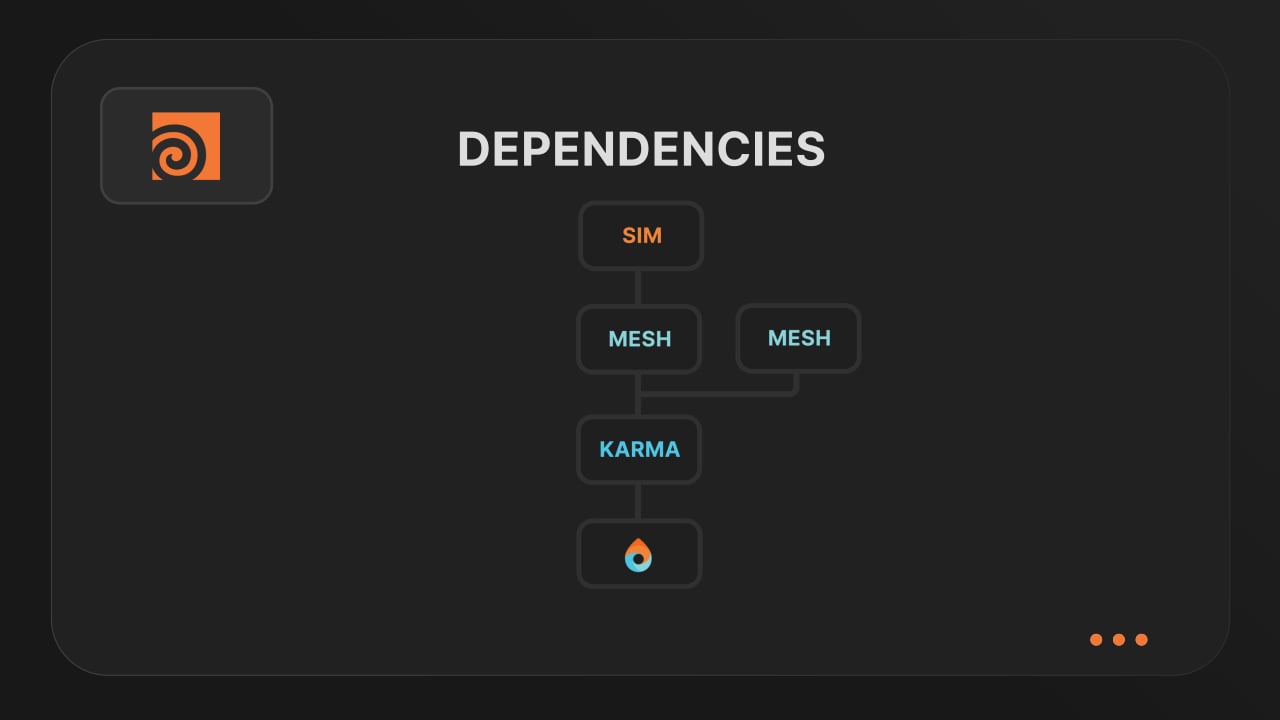
Render dependency chains

Upstream caches can finish before dependent renders start automatically.

Highlighted features

Our Houdini render farm is built for professionals who need more than just raw power. From smart asset handling to custom pipeline integration, we’ve developed advanced tools that make your rendering faster, more reliable, and easier to manage.

Resubmit workflow - Video tutorial thumbnail

Resubmit workflow

Test a few frames first, then resubmit with updated settings straight from the dashboard. Drop & Render reuses caches and dependencies automatically, so you can focus on the final result.


Connect your entire office to Drop & Render - Video tutorial thumbnail

Connect your entire office to Drop & Render

Invite teammates, assign roles, and keep everyone in sync. Share assets, download results, and work together on the same projects without missing a beat.


Save time & bandwith by reusing synced assets - Video tutorial thumbnail

Save time & bandwith by reusing synced assets

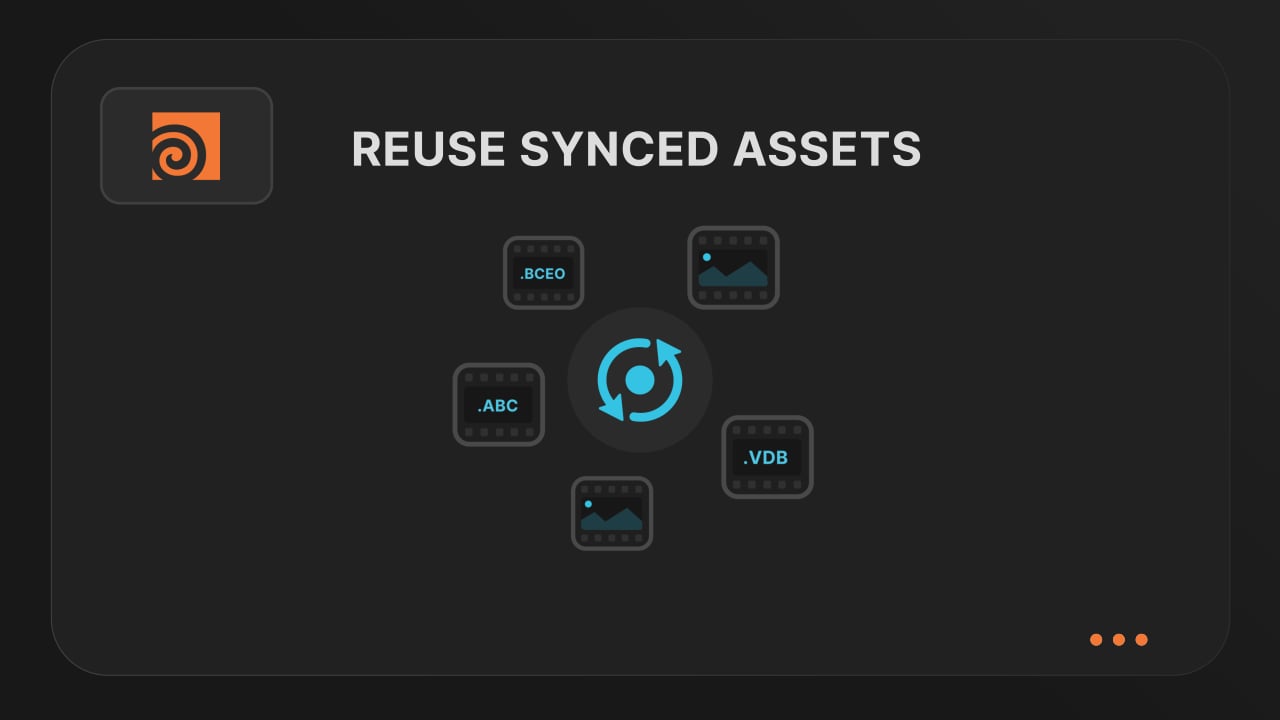
Reuse large caches stored on our render farm without downloading them again. A powerful way to save time and bandwidth in your Houdini render workflow.


Understanding render dependencies - Video tutorial thumbnail

Understanding render dependencies

Chain your Houdini nodes the way you like and let Drop & Render handle the order. From parallel jobs to complex dependencies, the HDA adapts to your workflow so everything renders in the right order.


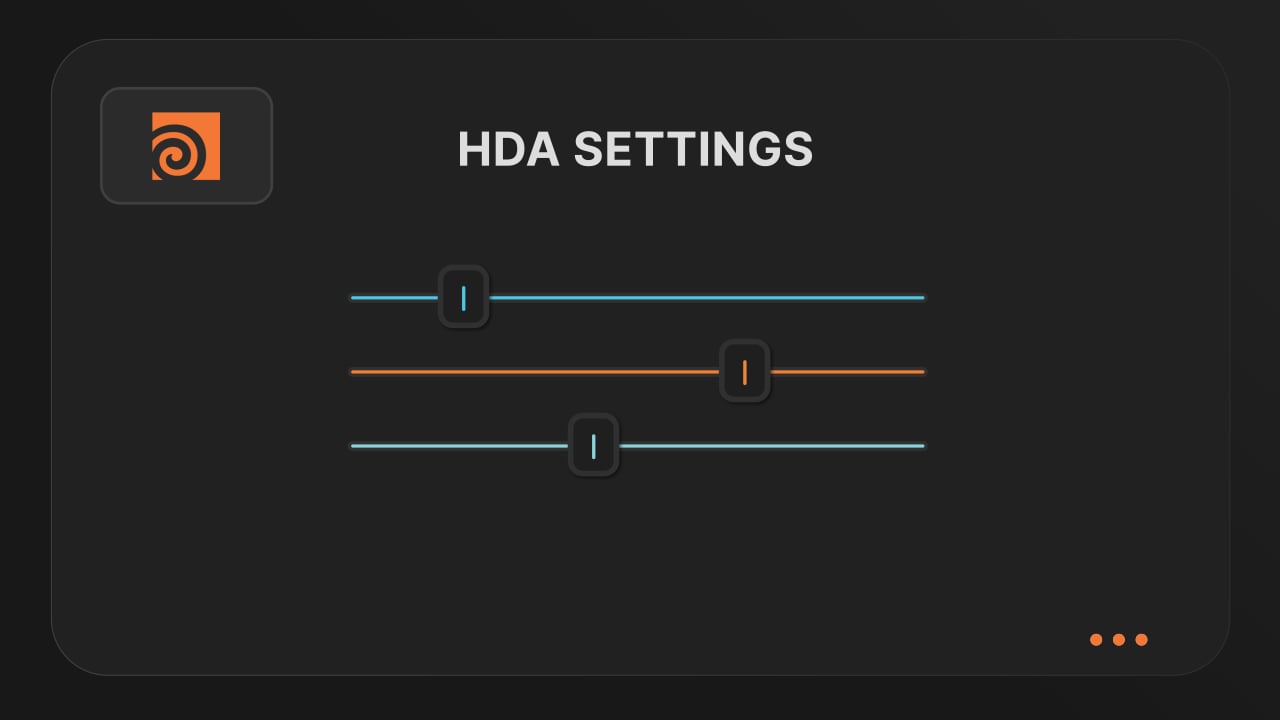
Customizing your global and per-render settings - Video tutorial thumbnail

Customizing your global and per-render settings

Fine-tune your render jobs directly in the HDA. Set frame ranges, test specific frames, and assign priority so you get the results you want, when you need them.


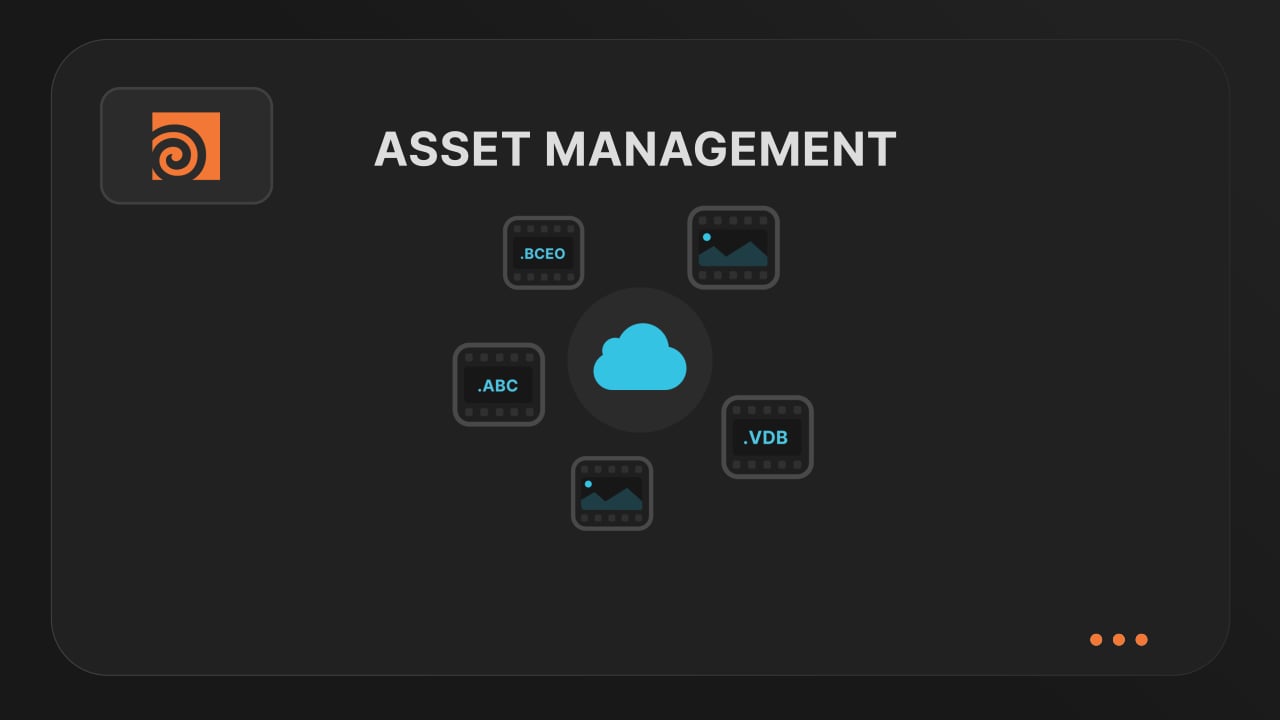
Understanding asset management - Video tutorial thumbnail

Understanding asset management

Our asset manager scans your scene and handles all path remapping automatically. Quickly add missing files, skip already-synced assets, and keep uploads fast and hassle-free.


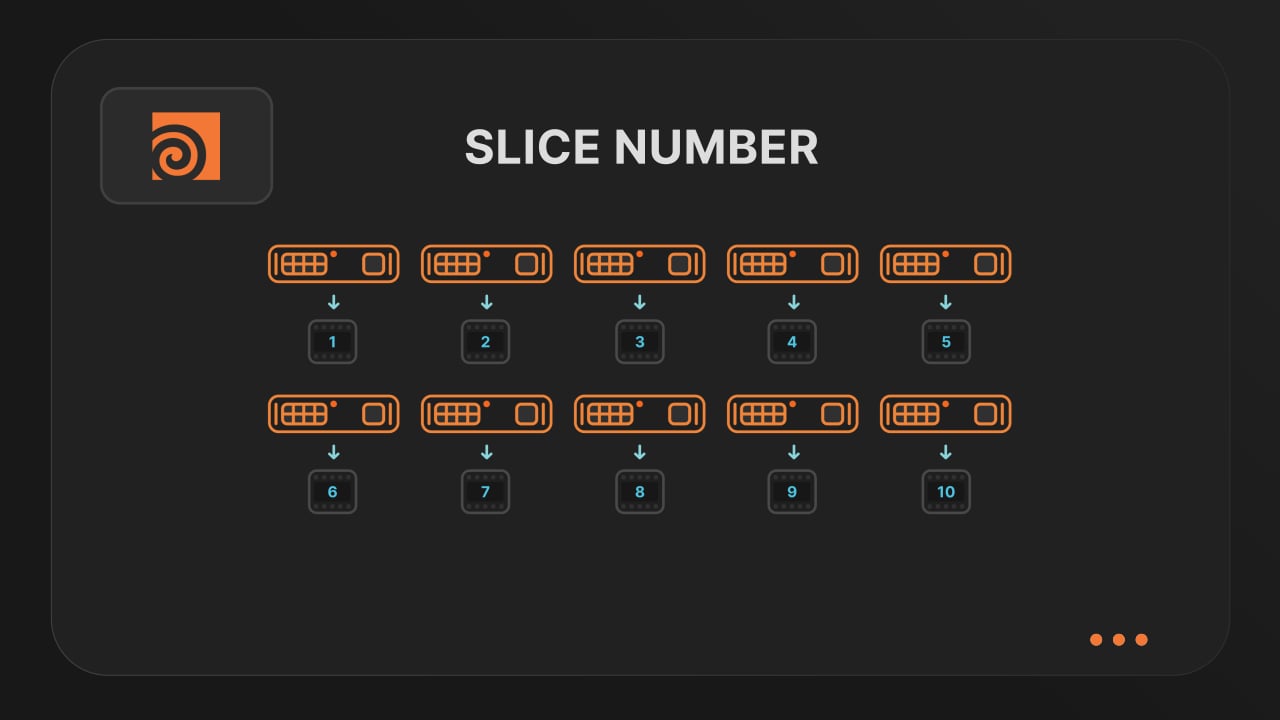
Optimize your render with a Custom Slice Number - Video tutorial thumbnail

Optimize your render with a Custom Slice Number

Speed up rendering by setting the right slice value. Reduce overhead, save credits, and get more out of our Houdini render farm.


Cooking PDG projects - Video tutorial thumbnail

Cooking PDG projects

Drop & Render fully supports PDG workflows. Find out how to use TOP networks on our render farm.

checklist

Every version supported

300+ intelligent project checks

So your project will always work perfectly.

Render simulations

USD workflow

left_click

One click project submission

RTX

ON

Direct file output

drive_file_move

No need to wait around - each completed frame is automatically downloaded straight to your hard drive.

Advanced sync & remap system

Start your first render

Create your account, install the Drop & Render Link and submit from your 3D application.

We use cookies.