

专业的Cinema 4D渲染,无需离开Cinema 4D。
安装插件,提交你的场景,然后继续工作。我们匹配你的Cinema 4D、渲染引擎和插件版本,在上传前检查文件,并将完成的帧发送回你已经设置的输出文件夹。
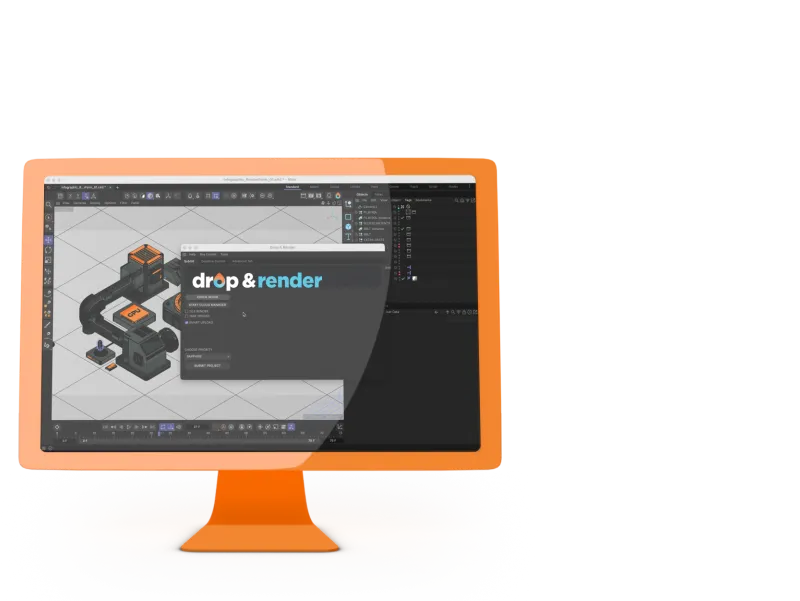
看看我们的Cinema 4D渲染农场如何工作
演示显示了 Cinema 4D 插件的完整工作流程:检查场景、收集所需文件、提交作业、监控进度并将完成的帧下载回机器上的输出文件夹。
为您的工作流程而构建
插件在Cinema 4D内运行,按原样读取场景,并处理通常使农场提交烦人的部分:路径、链接的资产、缓存、插件和下载。
没有项目更改
插件按原样读取您的场景。资产、缓存、链接文件和渲染设置在上传前会自动解析。
不离开 Cinema 4D
从 Cinema 4D 内提交任务,然后通过网页控制面板监控和管理渲染。渲染农场处理任务期间,您的工作站可以保持空闲。
随时随地下载
已完成的帧会在控制面板中保留七天,可随时通过任何浏览器下载。
Cinema 4D中的输出路径
Drop & Render 投递的地方
支持的 Cinema 4D 版本、引擎和插件
我们支持大多数制作文件所依赖的版本、渲染引擎和插件。插件会检测您的本地设置,以便农场能够使用相同的配置进行渲染。
基于角色的权限
拥有者、管理员和成员角色将提交批准、支出限额和工作可见性分开管理。
采取rendering
选择您需要的Take,提交一次,插件将它们作为单独的农场作业发送,而无需再次上传相同的项目。支持渲染令牌,因此每个Take保留其自己的输出命名和设置。
大型静止图像,分布在farm中
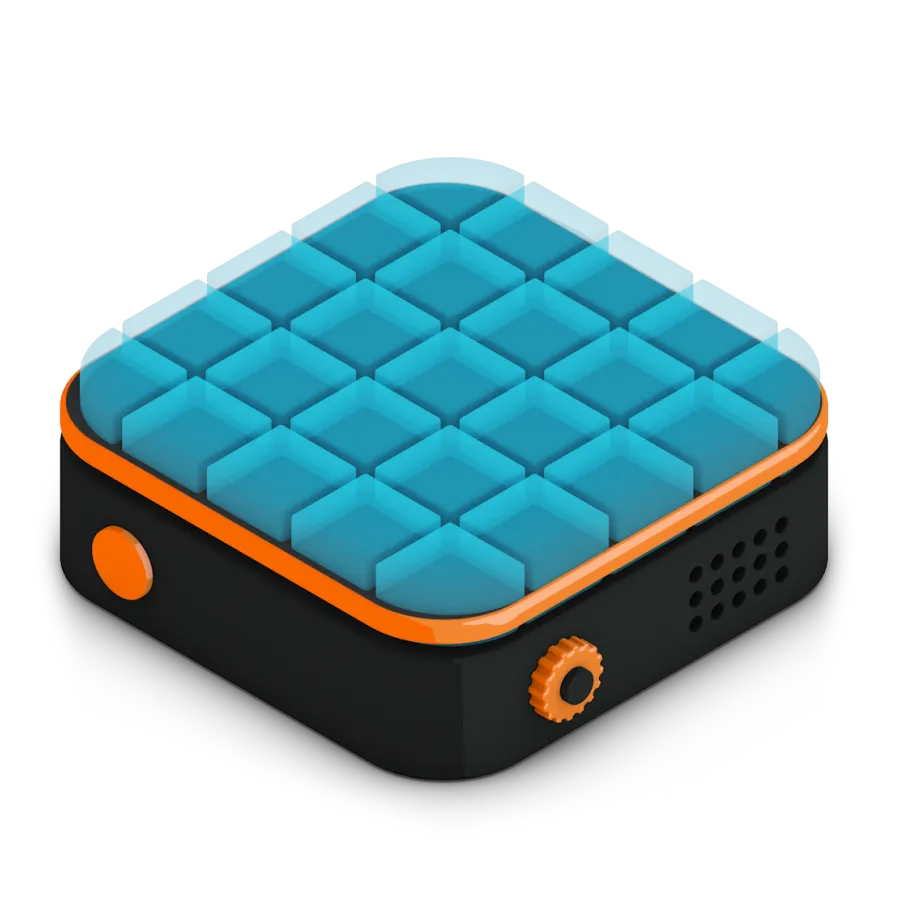
我们的平台允许您在多台机器上渲染大型静态图像,使该过程与渲染图像序列一样简单。只需在我们的插件中启用分块渲染选项,其余的我们会处理。您的静态图像将会在创纪录的时间内渲染完成,无需额外付出努力。
支持每个版本
300+ 智能项目检查
以确保您的项目始终完美运行。
Take rendering
Tile rendering
一键提交项目
RTX
ON
RTX
ON
直接文件输出
无需等待 - 每个完成的帧都会自动下载到您的硬盘中。
Cryptomatte
突出功能
我们的 Cinema 4D 渲染农场专为需要的不只是原始算力的专业人士打造。从智能资产处理到自定义管线集成,我们开发了先进工具,让渲染更快、更可靠,也更易于管理。
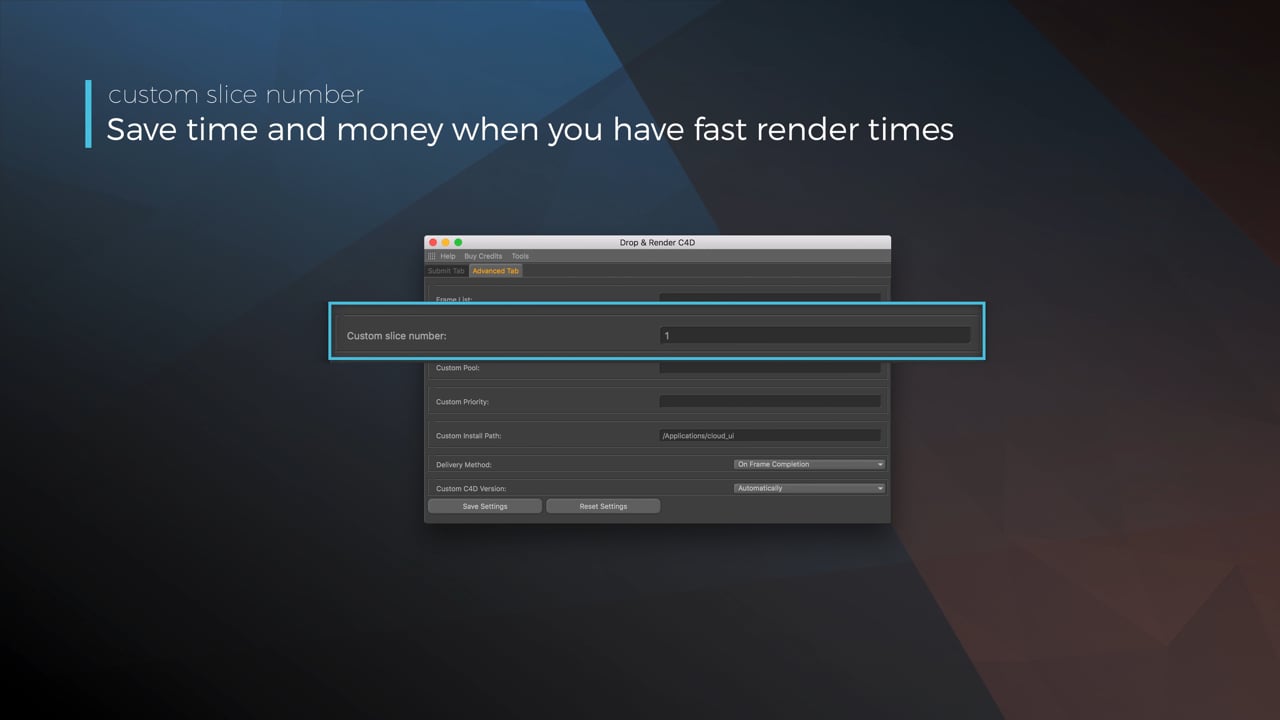
Optimize your render with a Custom Slice Number
Using a custom slice number lets one machine render multiple frames while only initializing your project once, saving up to 30% in both render times and costs. Works especially well on faster renders!
Understanding render priorities
Our priority system has three levels: Sapphire, Emerald and Diamond. The higher the priority, the faster new machines can start working on your projects!
Connect your entire office to Drop & Render
We offer a robust system for a team of artists to work together. You can monitor and download one another's work efficiently, all without having to disturb them!
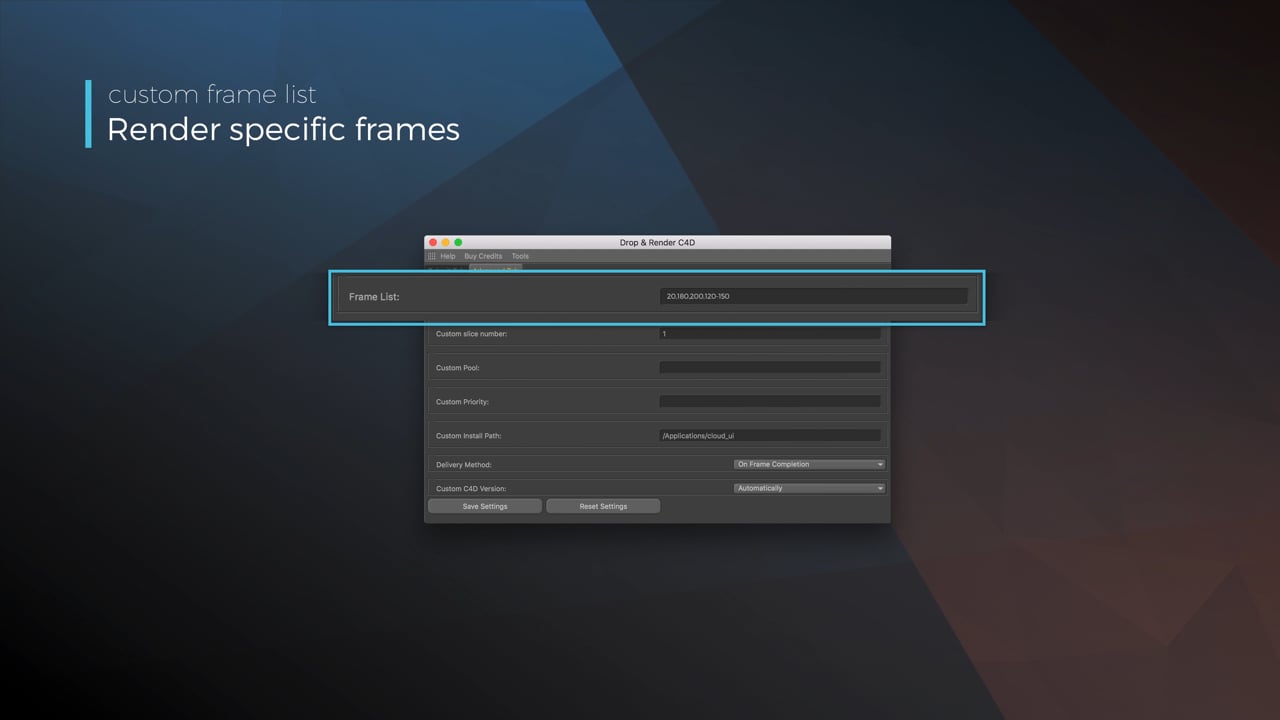
Submit a custom frame range to the farm
Only need to render a sequence of your project, or need to see a couple of specific frames? You can set custom frame lists from right within our plugin!
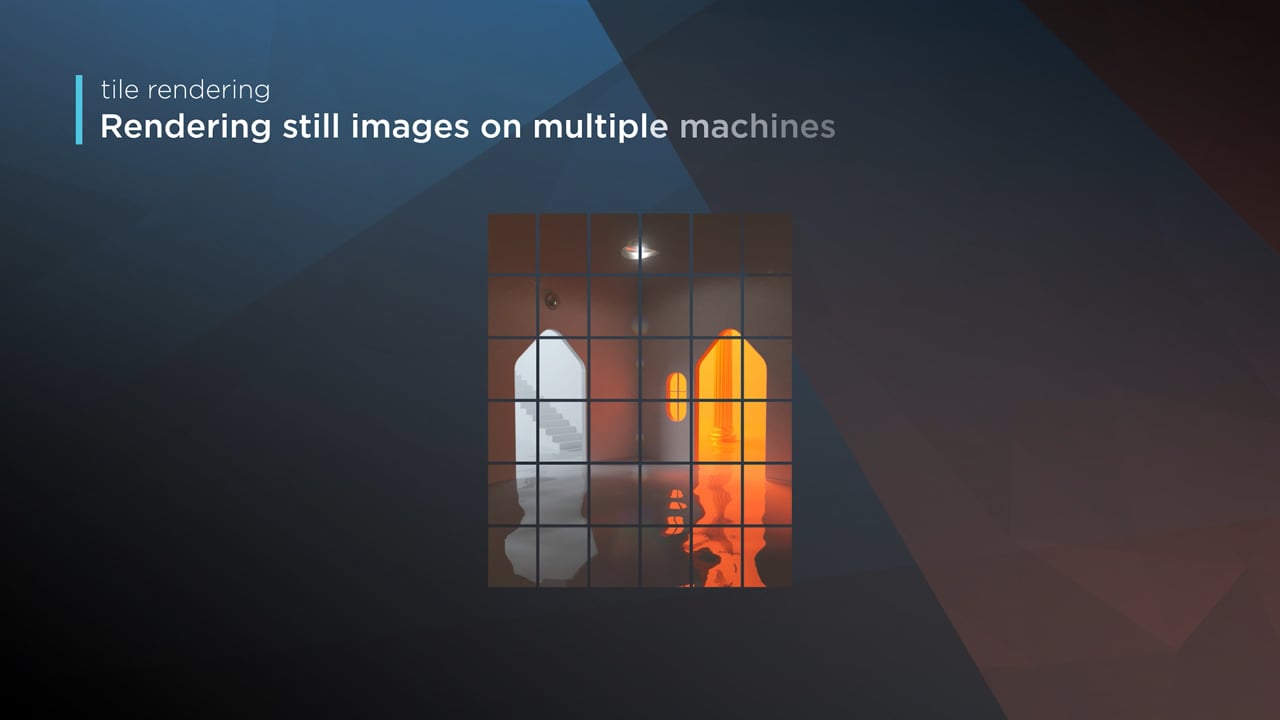
Render large still frames with Tile Rendering
Tile rendering splits a single frame amongst multiple machines, letting them work on it at the same time. Each tile is then seamlessly stitched back and delivered as a single frame!
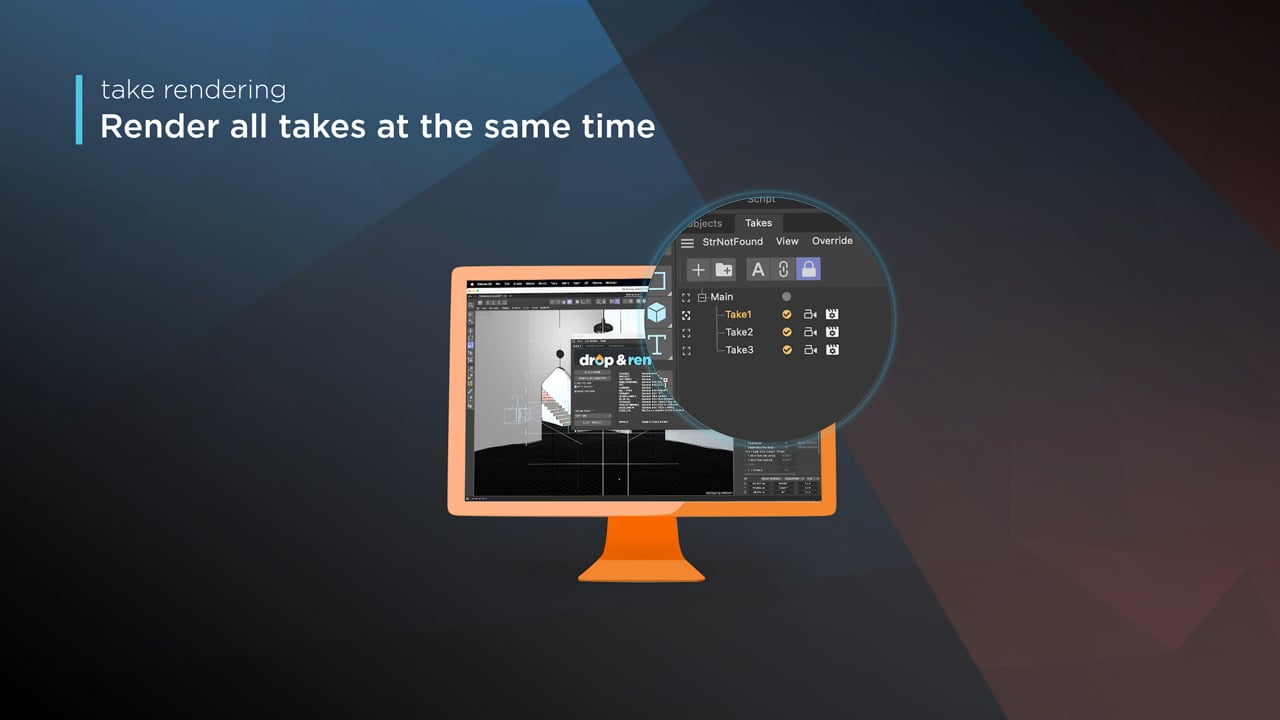
Cinema 4D Take Rendering support
Our farm includes native support for Cinema 4D's 'Takes' feature, letting you upload all your project's variations in a single click!
由最新硬件驱动
当您的截止日期临近时,渲染农场在有足够机器可用时非常有用。我们在自己的荷兰数据中心运行当前一代的渲染节点,典型的任务在大约100台机器上并行运行。
数百个RTX 4090和5090
Jobs运行在一个现代的CPU和GPU群组上,硬件根据您场景使用的renderer和版本选择。
大规模并行渲染
图像序列和任务图同时分布在许多机器上,因此截止日期工作不会因一个超大工作站而等待。
更多紧急工作的容量
更高的优先级可以优先访问可用机器,并在农场有空间时为单个作业收集大约300个节点。
托管在荷兰
渲染节点是我们自己的欧盟舰队的一部分。我们的数据中心遵循行业标准的安全、保安和冗余政策。
Cinema 4D 艺术家的常见问题
关于Cinema 4D版本、引擎、插件、资产、团队和失败帧的一些实际细节。
Cinema 4D渲染农场如何工作?
Drop & Render支持哪些Cinema 4D渲染引擎?
macOS Catalina上的Cloud Manager
Octane 输出看起来与我的本地渲染不同
Redshift 代理工作流程
免费开始
开始使用非常简单!只需创建一个账户,我们的系统就会逐步引导您快速提交第一个渲染任务。


我们将为您提供 €25 的积分开始!
确认