设置

连接您的工作站

Drop & Render Link 在后台静默运行,将您的 3D 软件直接连接到渲染农场。

插件,由我们为您管理

自动检测受支持的安装,并让 Drop & Render 插件保持最新。

继续留在场景中工作

无需收集资源、重新映射路径或为渲染农场重建项目,即可检查并提交任务。

随时掌握每一帧

无论身在何处,都可通过控制面板查看预览、进度和费用。

帧会出现在预期位置

已完成的帧会返回到您在 3D 应用中选择的输出路径,就像本地渲染一样。

查看完整渲染流程

观看完整工作流程:检查场景、提交作业、监控渲染并接收帧。

Cinema 4D tutorial video thumbnail - light mode Cinema 4D tutorial video thumbnail - dark mode
Blender tutorial video thumbnail - light mode Blender tutorial video thumbnail - dark mode
Houdini tutorial video thumbnail - light mode Houdini tutorial video thumbnail - dark mode

专为 Cinema 4D 打造

Cinema 4D 插件会按场景当前状态读取场景,然后由 Drop & Render Link 在后台上传其资源。

extension

只需安装一次

Drop & Render Link 会自动检测您的 3D 应用,并让其插件保持最新。

sync

只上传发生变化的内容

您继续工作时,Drop & Render Link 会在后台上传新增和已修改的文件。

download

自动接收帧

已完成的帧会返回到您在 3D 应用中选择的输出文件夹。

layers

没有项目更改

资产、缓存、链接文件和渲染设置会在上传前解析。

desktop_windows

在 Cinema 4D 内提交

无需导出或重建项目,即可检查、提交和重新提交。

deployed_code

版本保持匹配

渲染农场使用场景中的 Cinema 4D、渲染引擎和插件版本。

突出功能

我们的 Cinema 4D 渲染农场专为需要的不只是原始算力的专业人士打造。从智能资产处理到自定义管线集成,我们开发了先进工具,让渲染更快、更可靠,也更易于管理。

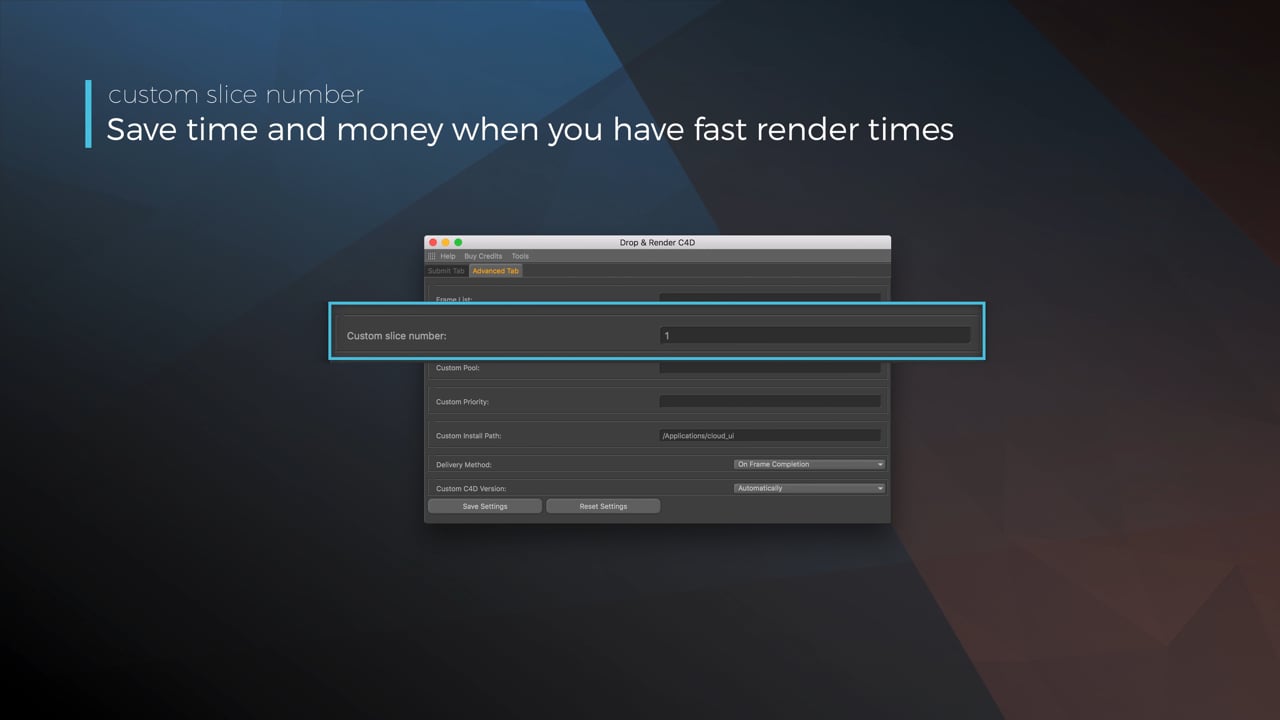
Optimize your render with a Custom Slice Number - Video tutorial thumbnail

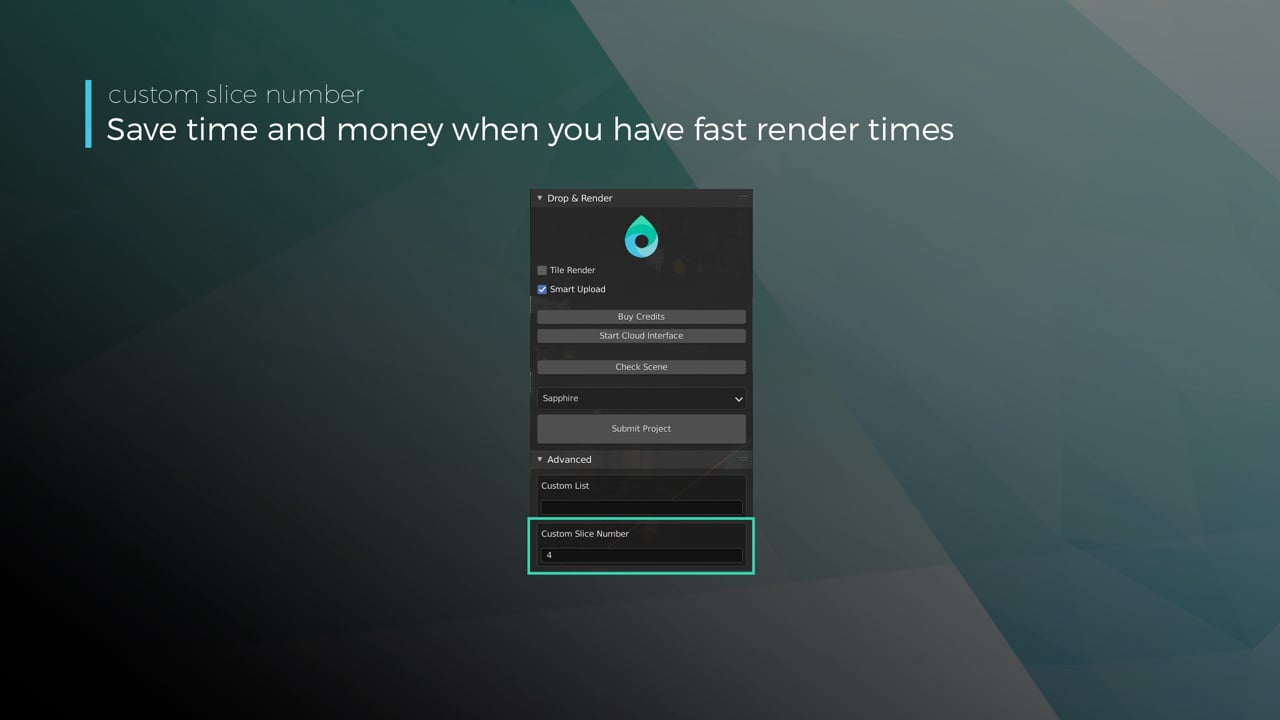
Optimize your render with a Custom Slice Number

Using a custom slice number lets one machine render multiple frames while only initializing your project once, saving up to 30% in both render times and costs. Works especially well on faster renders!

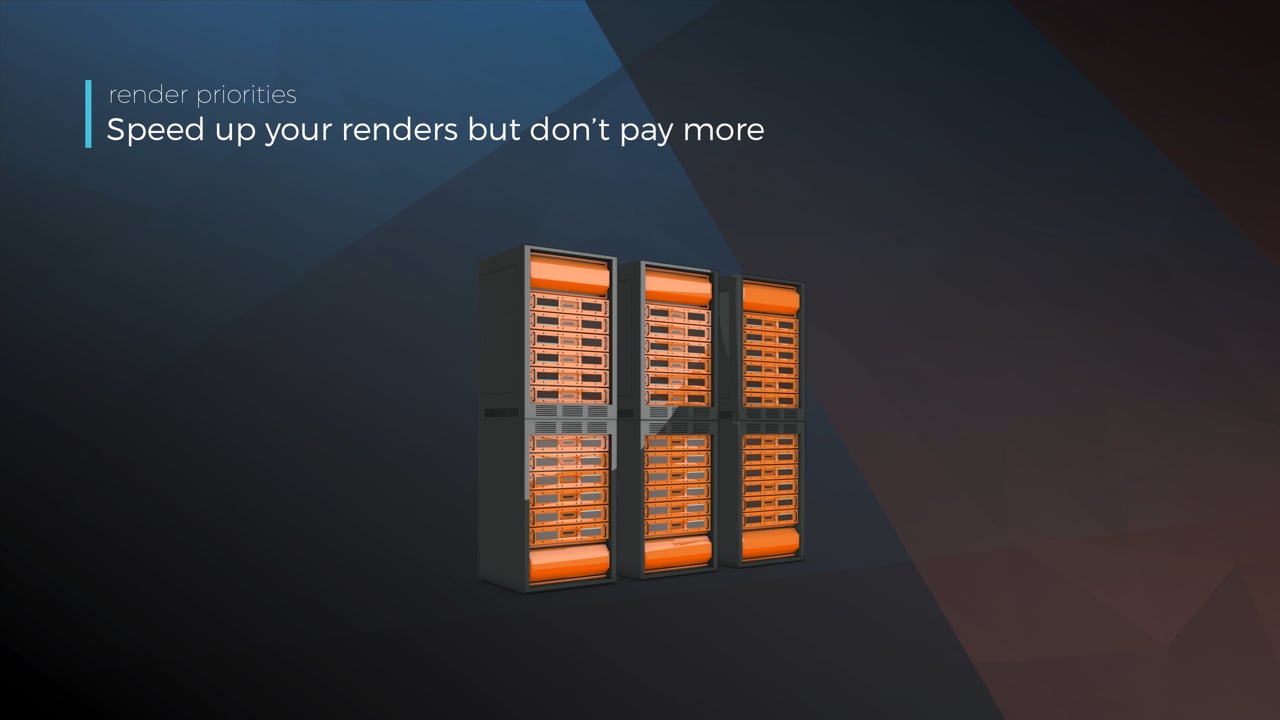
Understanding render priorities - Video tutorial thumbnail

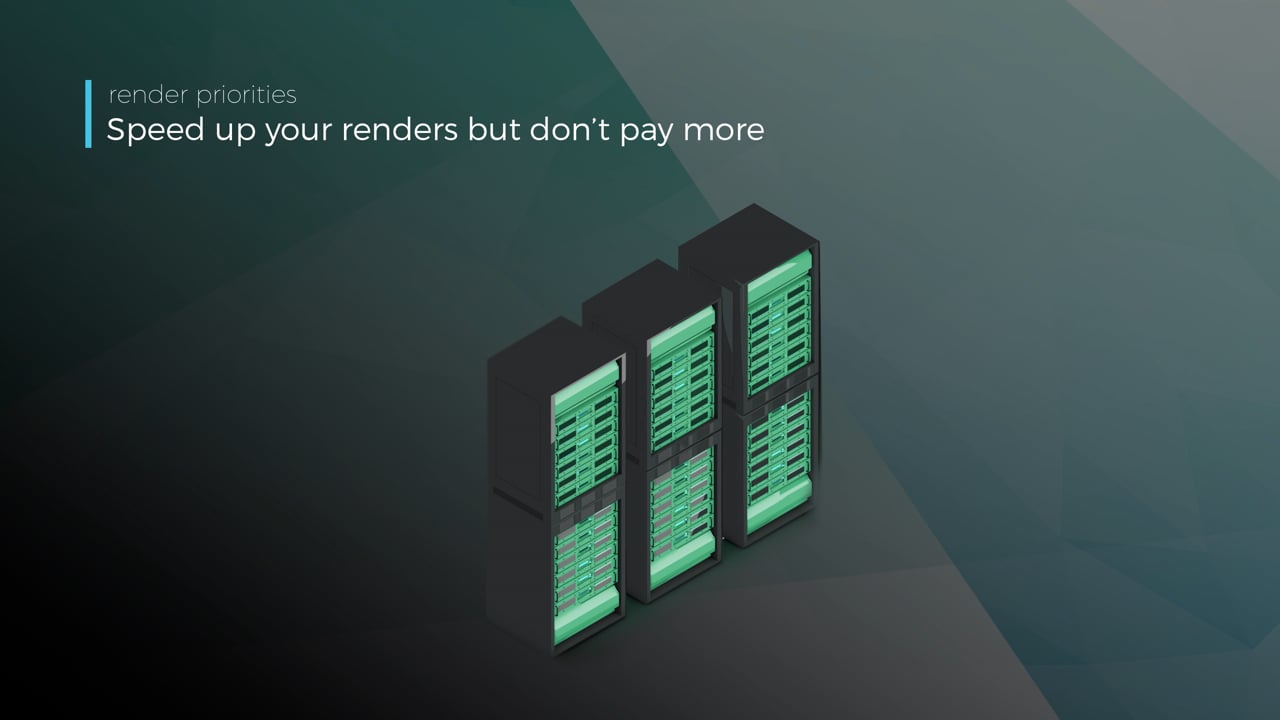
Understanding render priorities

Our priority system has three levels: Sapphire, Emerald and Diamond. The higher the priority, the faster new machines can start working on your projects!

Connect your entire office to Drop & Render - Video tutorial thumbnail

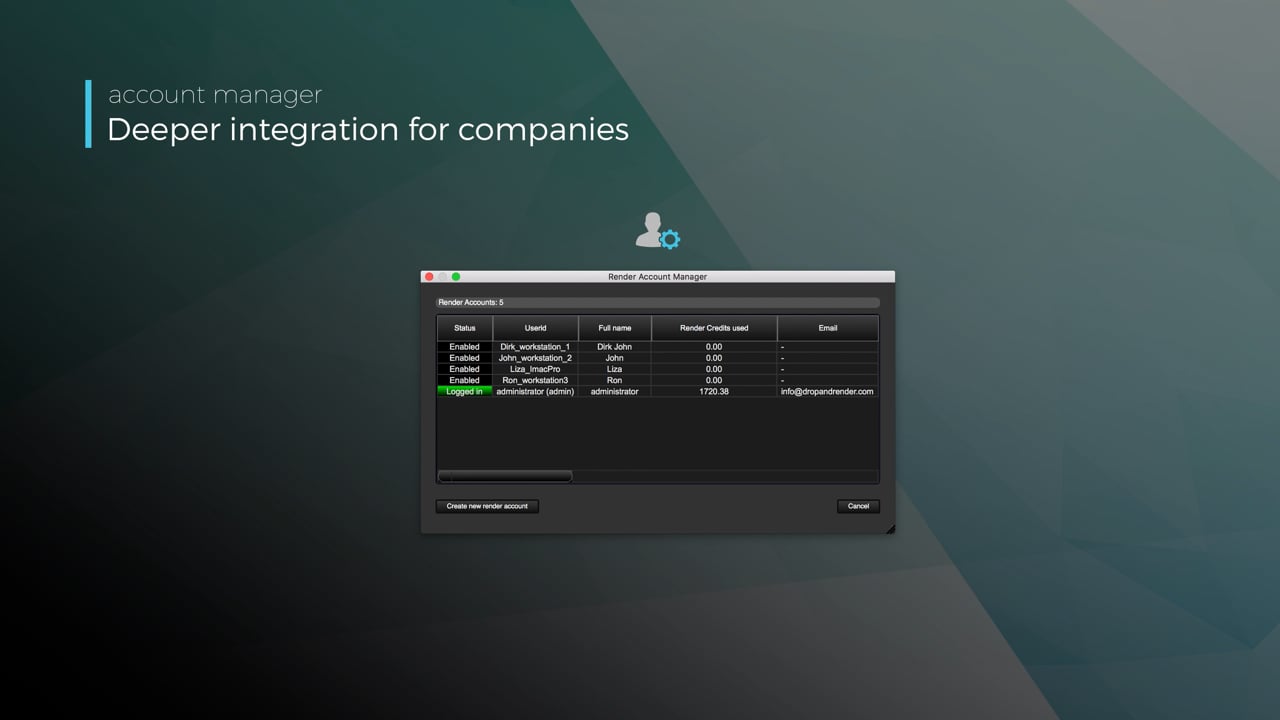
Connect your entire office to Drop & Render

We offer a robust system for a team of artists to work together. You can monitor and download one another's work efficiently, all without having to disturb them!

Submit a custom frame range to the farm - Video tutorial thumbnail

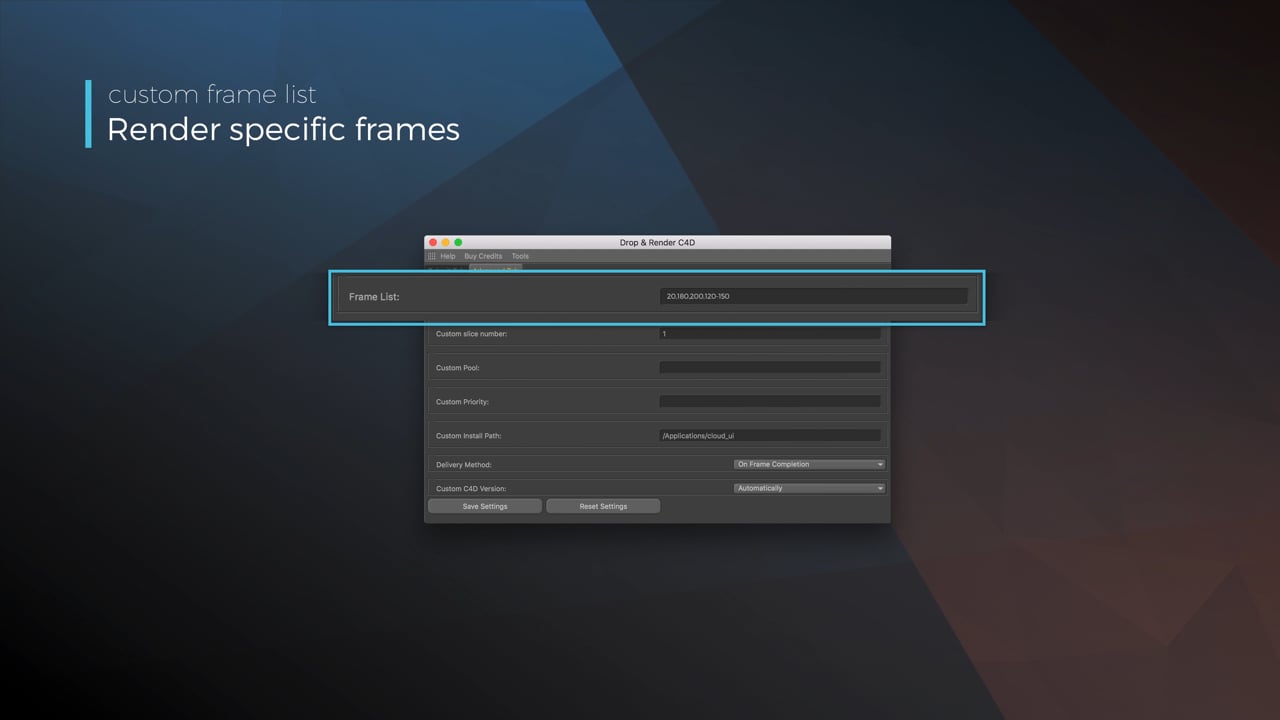
Submit a custom frame range to the farm

Only need to render a sequence of your project, or need to see a couple of specific frames? You can set custom frame lists from right within our plugin!

Render large still frames with Tile Rendering - Video tutorial thumbnail

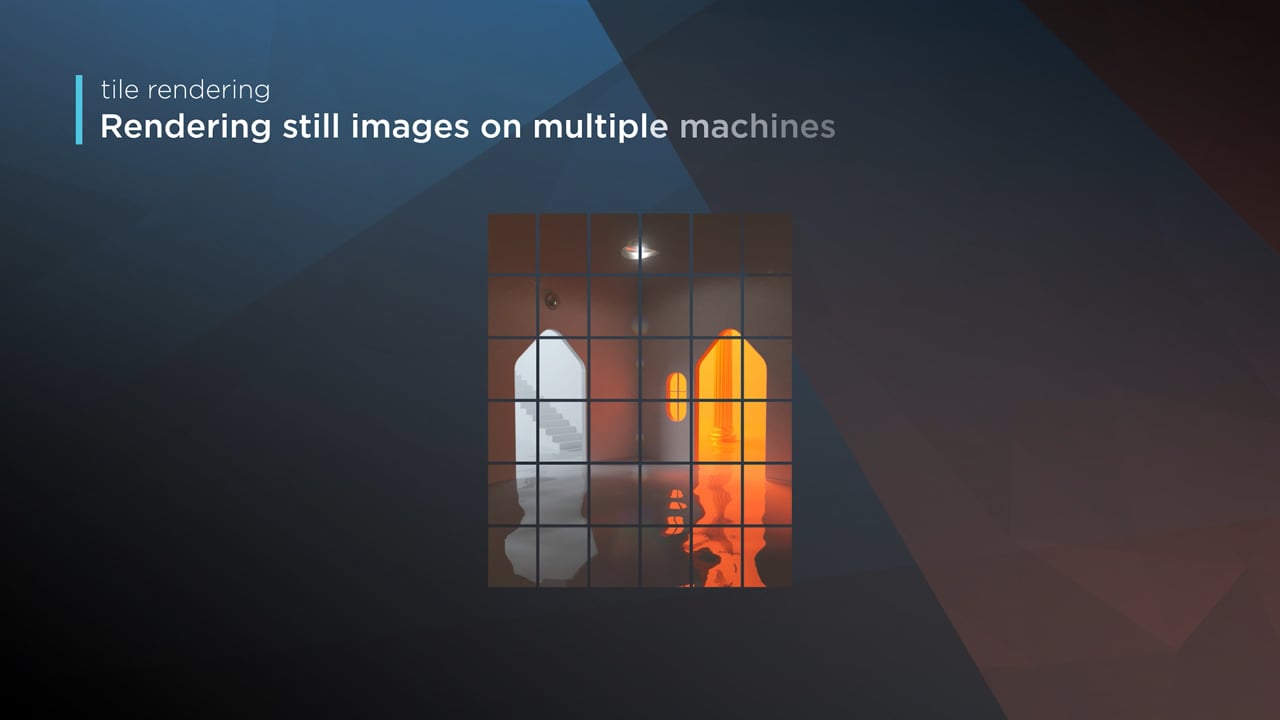
Render large still frames with Tile Rendering

Tile rendering splits a single frame amongst multiple machines, letting them work on it at the same time. Each tile is then seamlessly stitched back and delivered as a single frame!

Cinema 4D Take Rendering support - Video tutorial thumbnail

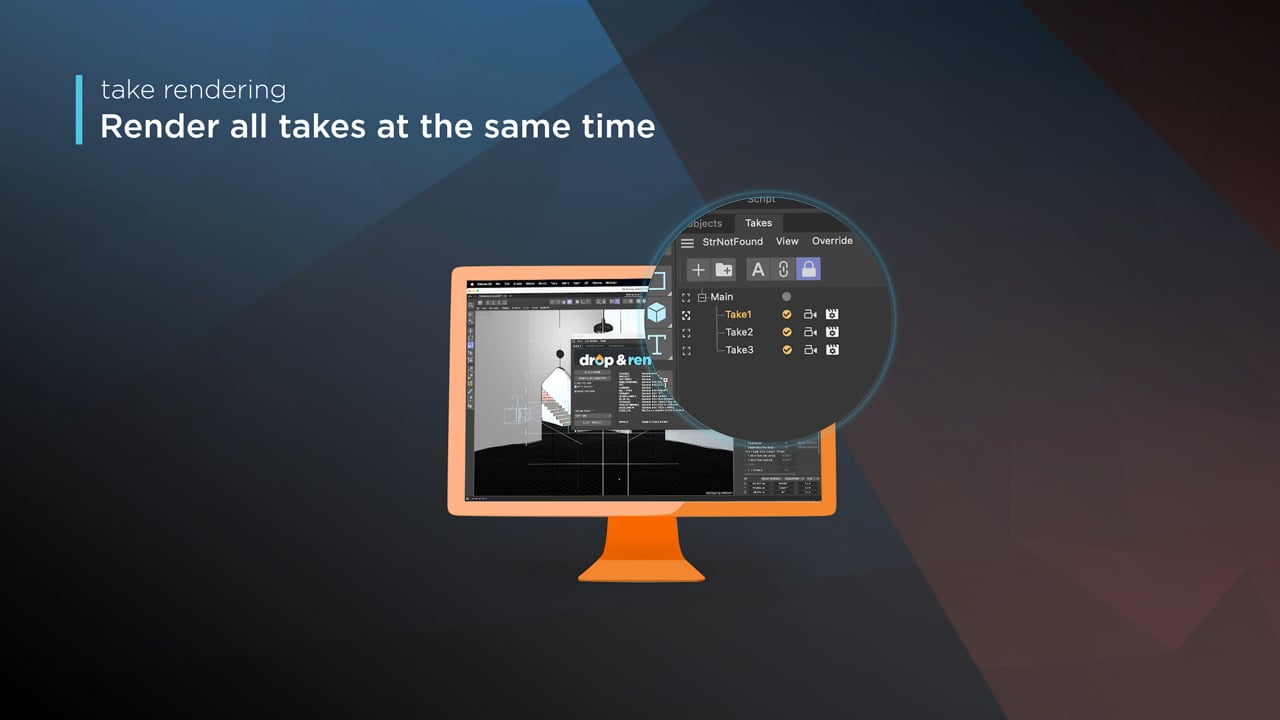
Cinema 4D Take Rendering support

Our farm includes native support for Cinema 4D's 'Takes' feature, letting you upload all your project's variations in a single click!

checklist

支持每个版本

300+ 智能项目检查

以确保您的项目始终完美运行。

Take 渲染

瓷砖渲染

left_click

一键提交项目

RTX

ON

直接文件输出

drive_file_move

无需等待 - 每个完成的帧都会自动下载到您的硬盘中。

Cryptomatte

专为 Blender 打造

Blender 插件会按场景当前状态读取场景,然后由 Drop & Render Link 在后台上传其资源。

extension

只需安装一次

Drop & Render Link 会自动检测您的 3D 应用,并让其插件保持最新。

sync

只上传发生变化的内容

您继续工作时,Drop & Render Link 会在后台上传新增和已修改的文件。

download

自动接收帧

已完成的帧会返回到您在 3D 应用中选择的输出文件夹。

layers

没有项目更改

资产、缓存、链接文件和渲染设置会在上传前解析。

desktop_windows

在 Blender 内提交

无需导出或重建项目,即可检查、提交和重新提交。

deployed_code

版本保持匹配

渲染农场使用场景中的 Blender、渲染引擎和插件版本。

突出功能

我们的 Blender 渲染农场专为需要的不只是原始算力的专业人士打造。从智能资产处理到自定义管线集成,我们开发了先进工具,让渲染更快、更可靠,也更易于管理。

Optimize your render with a Custom Slice Number - Video tutorial thumbnail

Optimize your render with a Custom Slice Number

Using a custom slice number lets one machine render multiple frames while only initializing your project once, saving up to 30% in both render times and costs. Works especially well on faster renders!

Understanding render priorities - Video tutorial thumbnail

Understanding render priorities

Our priority system has three levels: Sapphire, Emerald and Diamond. The higher the priority, the faster new machines can start working on your projects!

Connect your entire office to Drop & Render - Video tutorial thumbnail

Connect your entire office to Drop & Render

We offer a robust system for a team of artists to work together. You can monitor and download one another's work efficiently, all without having to disturb them!

Submit a custom frame range to the farm - Video tutorial thumbnail

Submit a custom frame range to the farm

Only need to render a sequence of your project, or need to see a couple of specific frames? You can set custom frame lists from right within our plugin!

checklist

支持每个版本

300+ 智能项目检查

以确保您的项目始终完美运行。

Take 渲染

高级同步

left_click

一键提交项目

RTX

ON

直接文件输出

drive_file_move

无需等待 - 每个完成的帧都会自动下载到您的硬盘中。

Cryptomatte

专为 Houdini 打造

Houdini HDA 会保留图表中的路径和依赖项,然后由 Drop & Render Link 在后台上传相关资源。

extension

只需安装一次

Drop & Render Link 会自动检测您的 3D 应用,并让其插件保持最新。

sync

只上传发生变化的内容

您继续工作时,Drop & Render Link 会在后台上传新增和已修改的文件。

download

自动接收帧

已完成的帧会返回到您在 3D 应用中选择的输出文件夹。

verified

官方 SideFX 合作伙伴

该 HDA 由 SideFX 与 Houdini 艺术家共同为生产图形开发。

account_tree

Drop-in HDA工作流程

将 HDA 连接到渲染节点,无需收集文件或重新映射路径。

hub

渲染依赖链

上游缓存完成后,依赖它们的渲染即可自动开始。

突出功能

我们的 Houdini 渲染农场专为需要的不只是原始算力的专业人士打造。从智能资产处理到自定义管线集成,我们开发了先进工具,让渲染更快、更可靠,也更易于管理。

Resubmit workflow - Video tutorial thumbnail

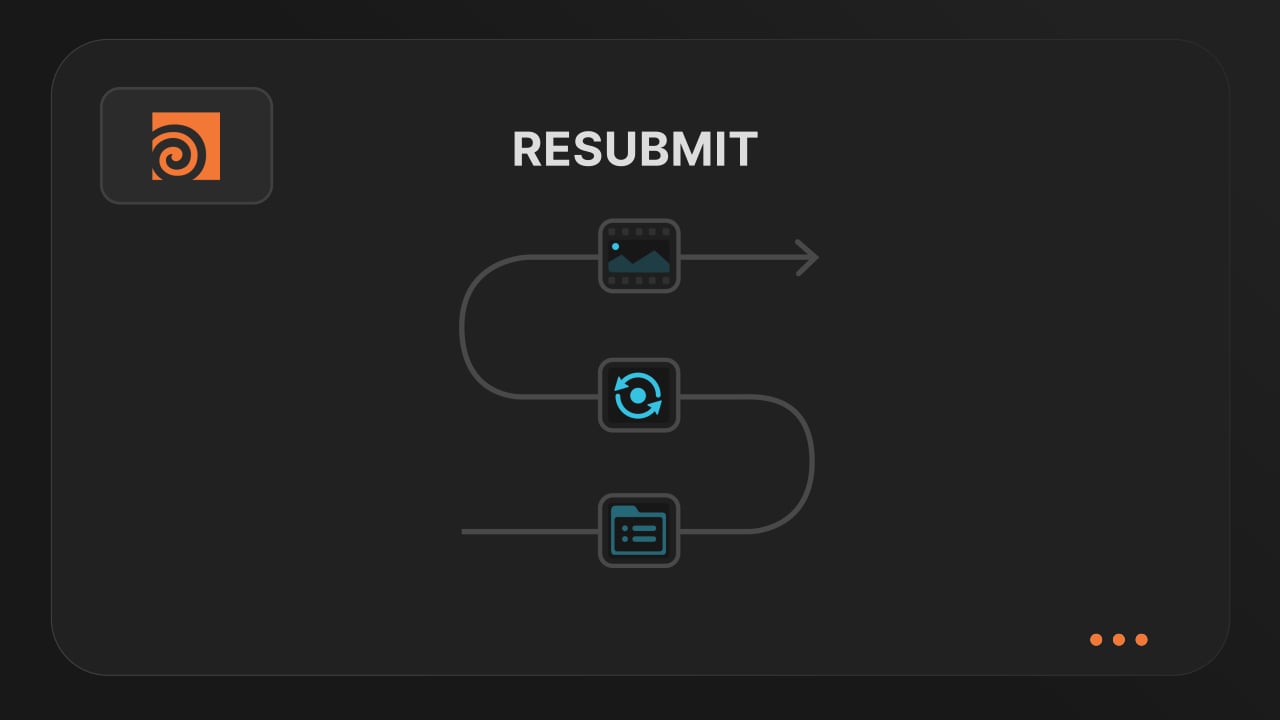
Resubmit workflow

Test a few frames first, then resubmit with updated settings straight from the dashboard. Drop & Render reuses caches and dependencies automatically, so you can focus on the final result.


Connect your entire office to Drop & Render - Video tutorial thumbnail

Connect your entire office to Drop & Render

Invite teammates, assign roles, and keep everyone in sync. Share assets, download results, and work together on the same projects without missing a beat.


Save time & bandwith by reusing synced assets - Video tutorial thumbnail

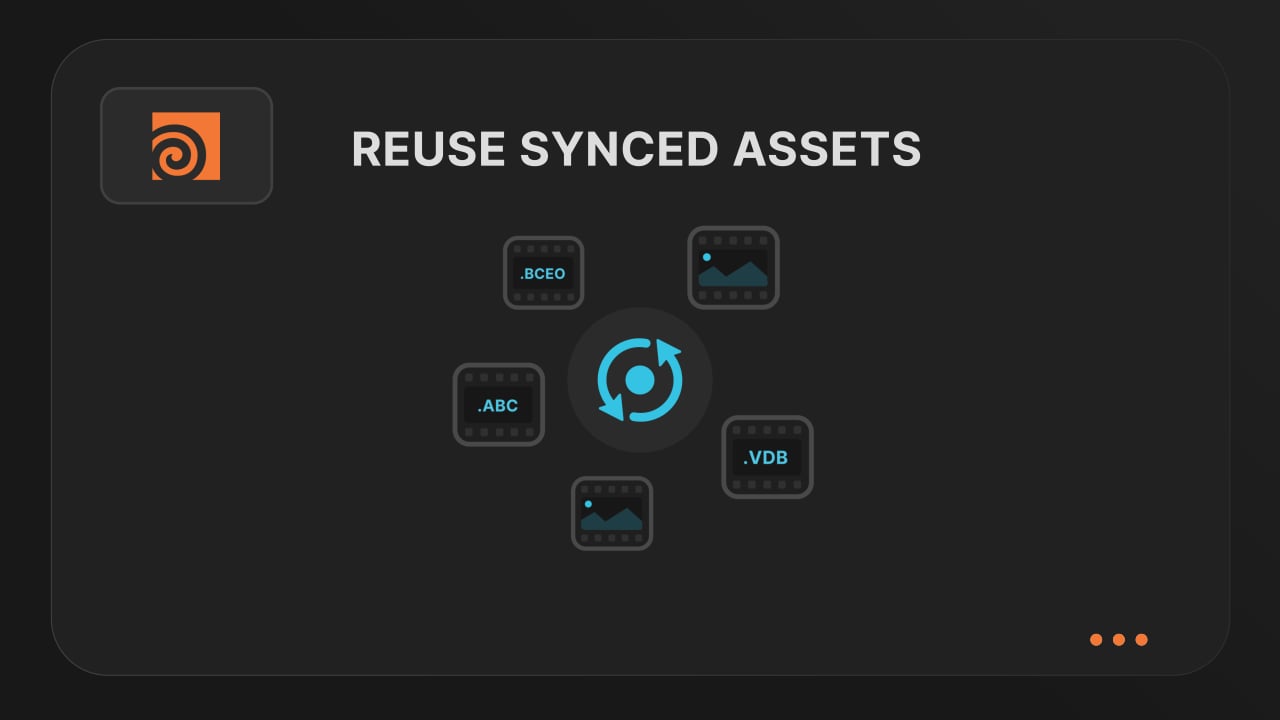
Save time & bandwith by reusing synced assets

Reuse large caches stored on our render farm without downloading them again. A powerful way to save time and bandwidth in your Houdini render workflow.


Understanding render dependencies - Video tutorial thumbnail

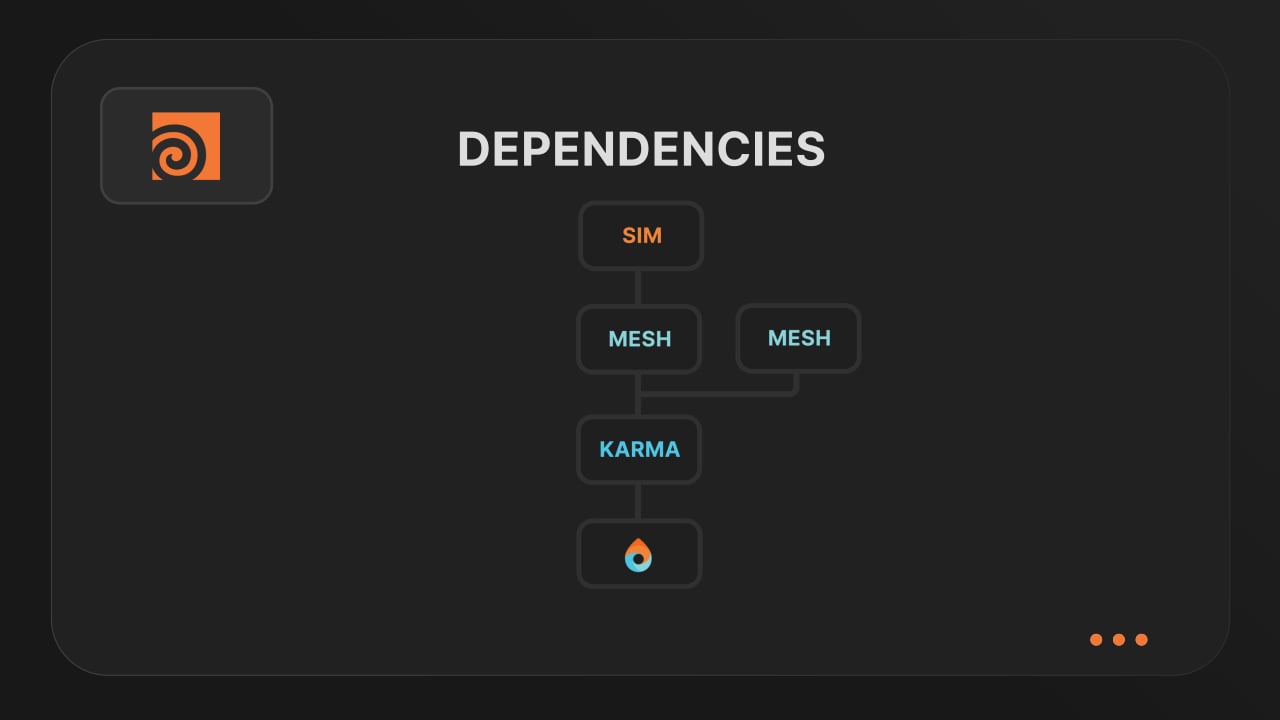
Understanding render dependencies

Chain your Houdini nodes the way you like and let Drop & Render handle the order. From parallel jobs to complex dependencies, the HDA adapts to your workflow so everything renders in the right order.


Customizing your global and per-render settings - Video tutorial thumbnail

Customizing your global and per-render settings

Fine-tune your render jobs directly in the HDA. Set frame ranges, test specific frames, and assign priority so you get the results you want, when you need them.


Understanding asset management - Video tutorial thumbnail

Understanding asset management

Our asset manager scans your scene and handles all path remapping automatically. Quickly add missing files, skip already-synced assets, and keep uploads fast and hassle-free.


Optimize your render with a Custom Slice Number - Video tutorial thumbnail

Optimize your render with a Custom Slice Number

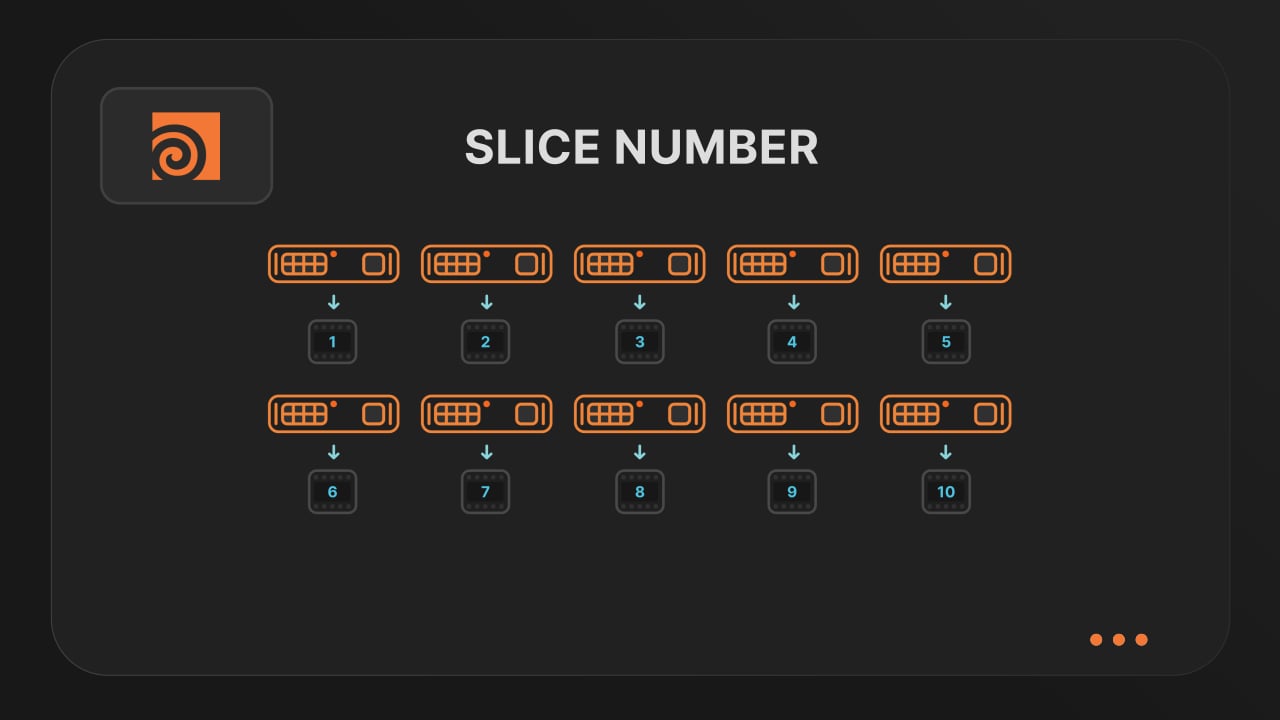
Speed up rendering by setting the right slice value. Reduce overhead, save credits, and get more out of our Houdini render farm.


Cooking PDG projects - Video tutorial thumbnail

Cooking PDG projects

Drop & Render fully supports PDG workflows. Find out how to use TOP networks on our render farm.

checklist

支持每个版本

300+ 智能项目检查

以确保您的项目始终完美运行。

渲染模拟

USD 工作流

left_click

一键提交项目

RTX

ON

直接文件输出

drive_file_move

无需等待 - 每个完成的帧都会自动下载到您的硬盘中。

高级同步与重新映射系统

开始您的首次渲染

创建账户,安装 Drop & Render Link,然后直接从 3D 应用提交任务。

我们使用cookies。