

Einstellungen
A cloud render farm for Flamenco 3
Keep Flamenco. Add the cloud. Send Blender jobs to Drop & Render with one job type and get the frames back in your output folder.
Artist reicht aus Blender ein
Flamenco-Panel, Jobtyp Drop & Render
Ihr Flamenco Manager
Reiht den Job wie jeden anderen ein
Drop & Render-Farm
Rendert die Frames auf unseren Maschinen
Your output folder
Frames landen im Render-Ausgabeordner
So funktioniert es
Flamenco is the free render manager from the Blender Studio. Our Drop & Render job type lets your artists send Blender jobs to our farm without leaving Blender.
-
1
1. Einmal einschalten
On the computer running your Flamenco Manager, sign in to Drop & Render Link and install Flamenco from your Extensions dashboard. The installation guides you through setup and checks what you need.
-
2
2. Wie gewohnt einreichen
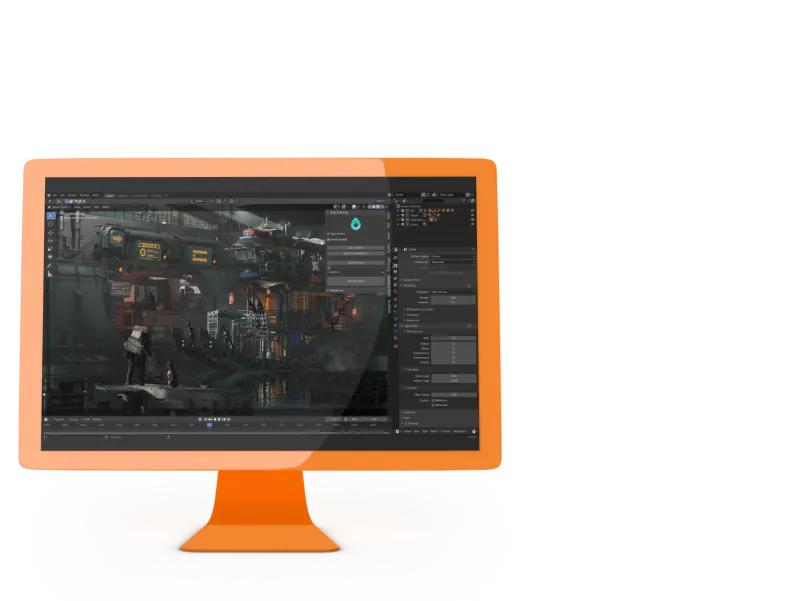
Öffnen Sie in Blender das Flamenco-Panel, wählen Sie Drop & Render als Jobtyp und eine Warteschlange. Flamenco packt die Szene wie gewohnt.
-
3
3. Erhalten Sie Ihre Frames zurück
Choose frame delivery to receive frames as they finish, or job delivery to receive them when the render completes. With delivery disabled, the Flamenco task finishes after submission instead of waiting for the render.


Für Studios, die bereits Flamenco nutzen
Keep your local workers and add cloud capacity where you need it. Choose where each job renders while your artists keep submitting from Blender.
Pro Job entscheiden
Nutzen Sie Simple Blender Render für Ihre eigenen Maschinen und wählen Sie Drop & Render, wenn eine Deadline mehr Leistung braucht. Beide stehen in derselben Flamenco-Warteschlange.
Ein Computer übernimmt die Einrichtung
Nur der Computer, auf dem Ihr Flamenco Manager läuft, braucht Drop & Render Link und unser Blender-Add-on. Link installiert den Flamenco-Worker und den Jobtyp für Sie.
Fortschritt und Vorschauen in Flamenco
With delivery enabled, Flamenco follows delivered frames and displays previews. Choose frame delivery for updates during rendering, or job delivery for output after the render completes.
Ihre Warteschlange, Ihre Priorität
Künstler mit unserem Blender-Add-on bekommen im Flamenco-Panel ein Queue-Auswahlmenü mit denselben Warteschlangen wie im Add-on.
Dieselben Prüfungen wie das Add-on
Jobs laufen über unser Blender-Add-on und erhalten daher dieselben Szenenprüfungen, Add-on-Erkennung und Farm-Einstellungen wie eine normale Einreichung.
Keep following submitted jobs
Link tracks accepted submissions so retries can keep following the same render. If submission fails with an uncertain result, check the farm before retrying.
Zahlen Sie nur, was Sie rendern
The Flamenco extension itself has no extra cost. Jobs use the credits of the Drop & Render account signed in to Link, at our normal prices.
Install from your dashboard
Open Extensions and install Flamenco. The installation guides you through connecting your local Manager to Drop & Render.
Set up in five steps
Set up the integration on your Flamenco Manager computer, then send a short image sequence to check the connection and delivery.
-
1
1. Create your free account
Register for Drop & Render. You get €25 in render credits to test with.
-
2
2. Drop & Render Link installieren
Download Link from Start rendering and sign in. Link installs the Drop & Render add-on into Blender for you.
-
3
3. Check the Flamenco side
Run a Flamenco 3 Manager on the same computer, started by the same user as Link, with flamenco-manager.yaml next to its executable.
-
4
4. Install Flamenco from Extensions
Open Extensions in your dashboard. Link finds the Manager, downloads a matching worker and installs the Drop & Render job type. No terminal commands or script copying needed.
-
5
5. Submit a short test range
Restart the Manager if setup asks for it. Select the Drop & Render job type in Blender and submit a short frame range with an empty output folder.
Job type settings
Choose the frames, queue and delivery mode for each cloud render in Blender's Flamenco panel.
| Setting | What it does |
|---|---|
| Frames | Frame range taken from the scene. Examples: 47, 1-30, 3, 5-10, 47-327. |
| Render output root | Choose where to receive your frames. Each job gets a folder beneath this location, named with the job name and a timestamp. |
| Add path components | Choose how many folder names from your blend file’s location to keep in the output path. |
| Warteschlange | Choose a priority from the queues available in your add-on. |
| Delivery | Choose frame to receive each frame as it finishes, job to receive output after the whole render, or none to download later from the dashboard. |
| Frames pro Slice | Choose how many frames each farm machine renders, or enter 0 to let the add-on choose for you. |
| Stall hours | Set how long to wait without a newly delivered frame before failing the Flamenco task. Leave the default of 12 hours or enter 0 to wait indefinitely. With job delivery, allow more than the total render time. |
Gut zu wissen
- Image sequences only. Render to PNG, EXR or another image format and encode the video afterwards. FFmpeg and AVI output are not supported by this job type.
- Local Manager only. The Manager must run on the computer where Link is installed; a remote Manager is not supported.
- Only trusted users should submit. Anyone who can submit to your Manager can spend the signed-in account's render credits.
- Use an empty output folder for each new job.
- After an uncertain submission error, check the farm before retrying so you do not submit the same render twice.
- For multi-pass renders, check that every pass has arrived before using the output; seeing a delivered frame in Flamenco does not confirm that all its passes are ready.
More ways to connect your pipeline
Use the API for your own submission tools, or follow Drop & Render jobs alongside your local queue in Deadline Monitor.
Render farm API
Submit, monitor and control Blender, Cinema 4D and Houdini renders from your own scripts and tools.
Deadline 10
Follow and control your Drop & Render cloud jobs in Deadline Monitor, next to your local renders.
Verwandte FAQs
Häufige Fragen zum Senden von Flamenco-Jobs an Drop & Render.
Can I use Flamenco with a cloud render farm?
Which Flamenco version is supported?
Do I need shared storage or cloud machines for Flamenco?
Can I keep using my local Flamenco workers?
How do I install the Flamenco integration?
Can Flamenco send video files to the farm?
When do the frames arrive?
Does uninstalling the integration cancel my renders?
How much does it cost?


Unterstützte Software
Pipeline
Firmendetails
Wir starten Sie mit €25 Guthaben!
Bestätigen