
Einstellungen
Kontakt aufnehmen!
Kontaktiere uns über unser intelligentes Chat-System, das dir schnelle und präzise Antworten gibt. Du brauchst weitere Hilfe? Unser freundliches Support-Team steht dir jederzeit gerne zur Seite!

Dies dauert einige Minuten. Die Ergebnisse werden hier angezeigt. Sie können den Chat verlassen und später zurückkehren.
Bitte beantworten Sie die oben genannten Fragen im Chat. Danach wird die Prüfung fortgesetzt.
Wird gespeichert …
Ihre E-Mail-Einstellung konnte nicht gespeichert werden. Bitte versuchen Sie es erneut.
Livia
Unterstützung
Dieser Chat ist beendet. Sie können hier keine neuen Nachrichten senden.
Erhalten Sie eine Benachrichtigung, wenn der Support antwortet, auch wenn dieser Tab nicht geöffnet ist.
Allgemeine Fragen & Antworten
Möchtest du mehr über unseren Service erfahren? Hier findest du unsere am häufigsten gestellten Fragen.
Bieten Sie Lösungen für Teams und Studios an?
Kann ich den Fortschritt meines Renders in Echtzeit verfolgen?
Kann ich Drop & Render ausprobieren, bevor ich Geld ausgebe?
Muss ich zusätzliche Softwarelizenzen kaufen, um auf der Farm zu rendern?
Sind meine Projektdaten auf einer Renderfarm sicher und vertraulich?
Pro-Serie & Handbücher
Für eine ausführlichere Nutzung der Tools sehen Sie sich unsere Video-Tutorials an! Sie helfen Ihnen, Ihren Workflow zu optimieren und bis zu 30 % bei Credits und Renderzeiten zu sparen.
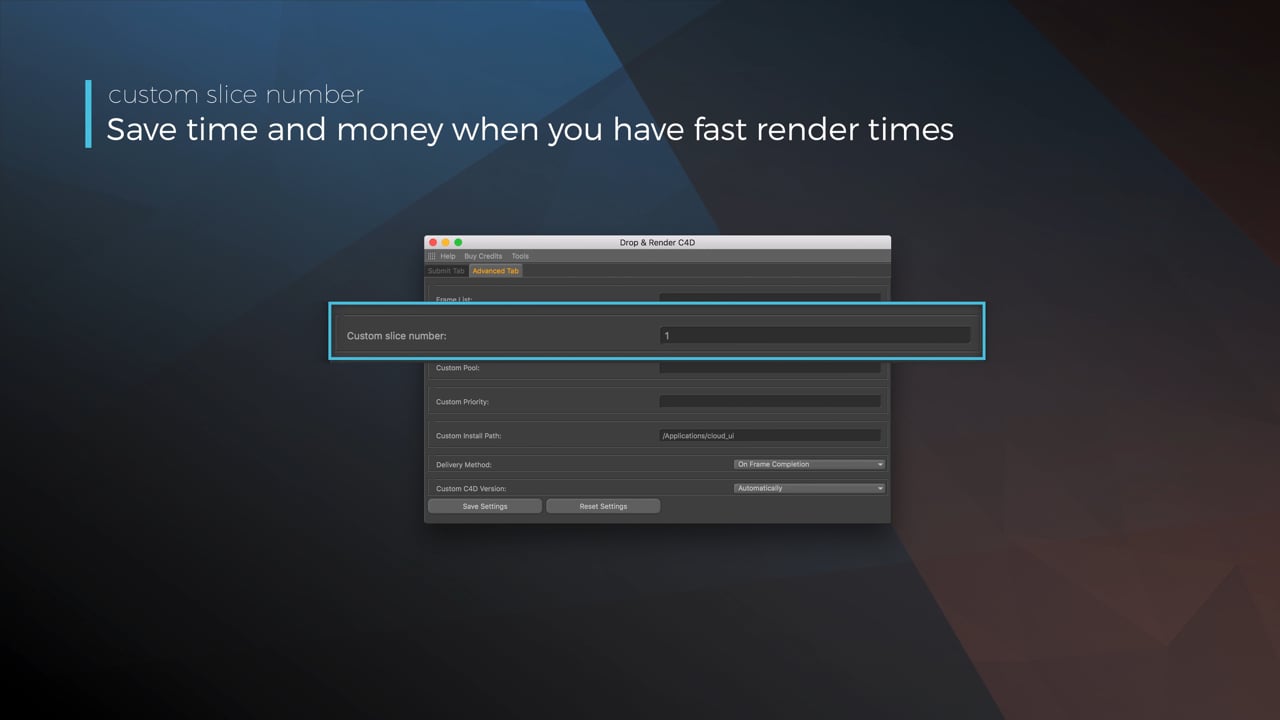
Optimize your render with a Custom Slice Number
Using a custom slice number lets one machine render multiple frames while only initializing your project once, saving up to 30% in both render times and costs. Works especially well on faster renders!
Understanding render priorities
Our priority system has three levels: Sapphire, Emerald and Diamond. The higher the priority, the faster new machines can start working on your projects!
Connect your entire office to Drop & Render
We offer a robust system for a team of artists to work together. You can monitor and download one another's work efficiently, all without having to disturb them!
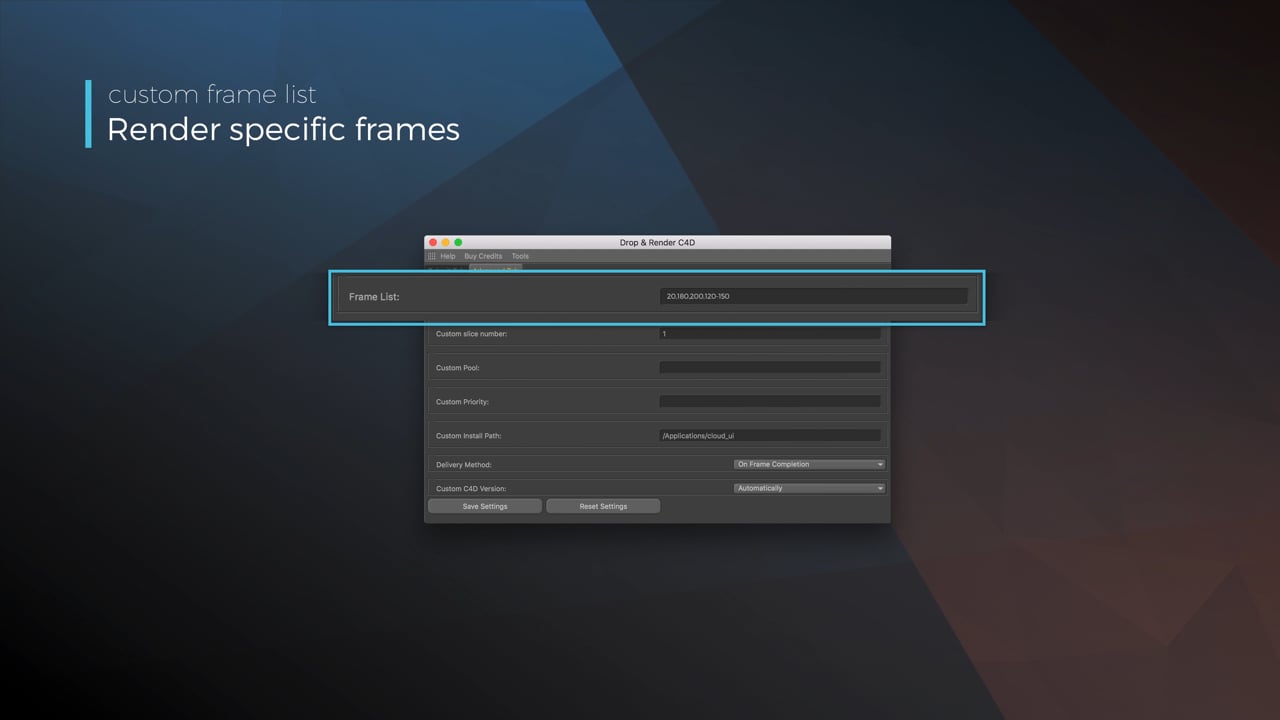
Submit a custom frame range to the farm
Only need to render a sequence of your project, or need to see a couple of specific frames? You can set custom frame lists from right within our plugin!
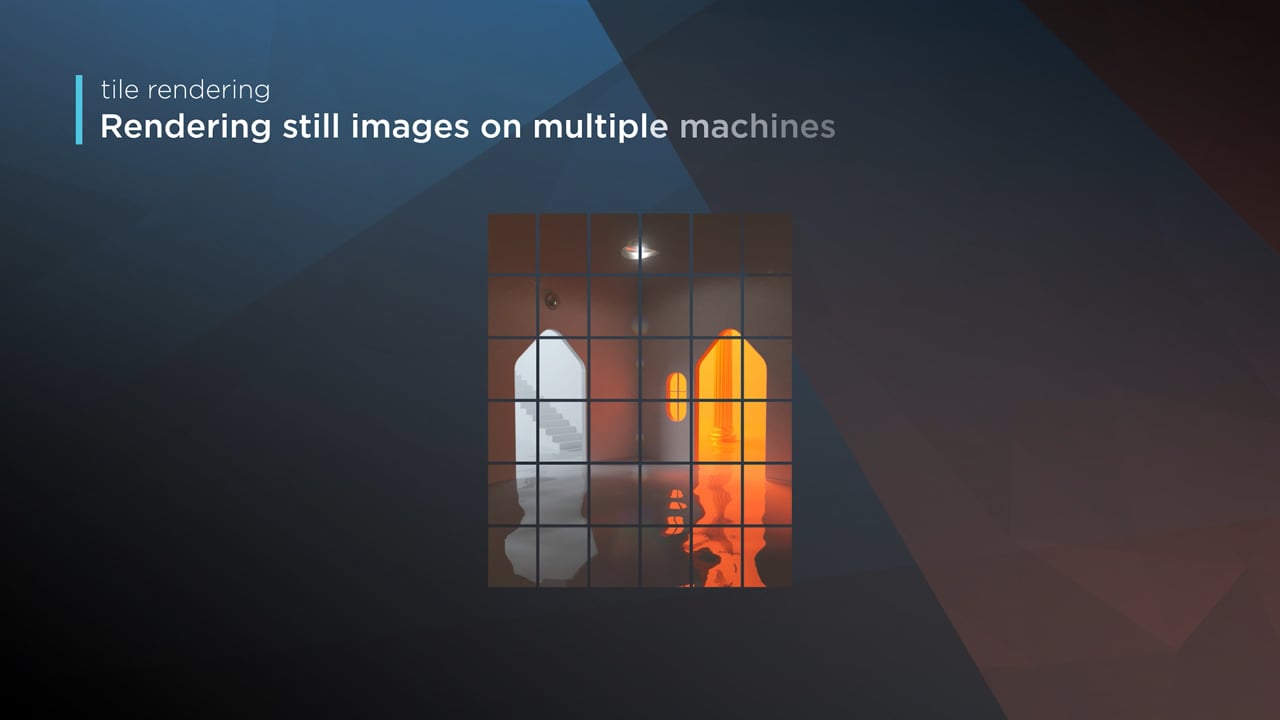
Render large still frames with Tile Rendering
Tile rendering splits a single frame amongst multiple machines, letting them work on it at the same time. Each tile is then seamlessly stitched back and delivered as a single frame!
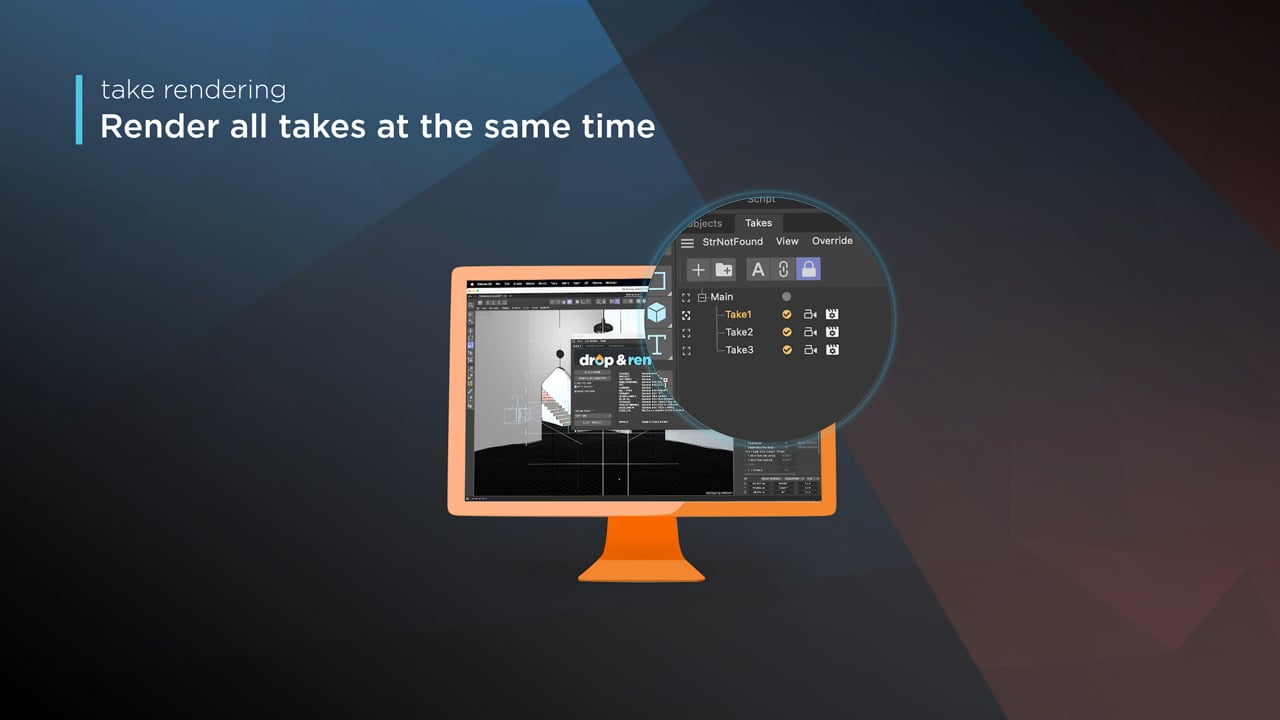
Cinema 4D Take Rendering support
Our farm includes native support for Cinema 4D's 'Takes' feature, letting you upload all your project's variations in a single click!
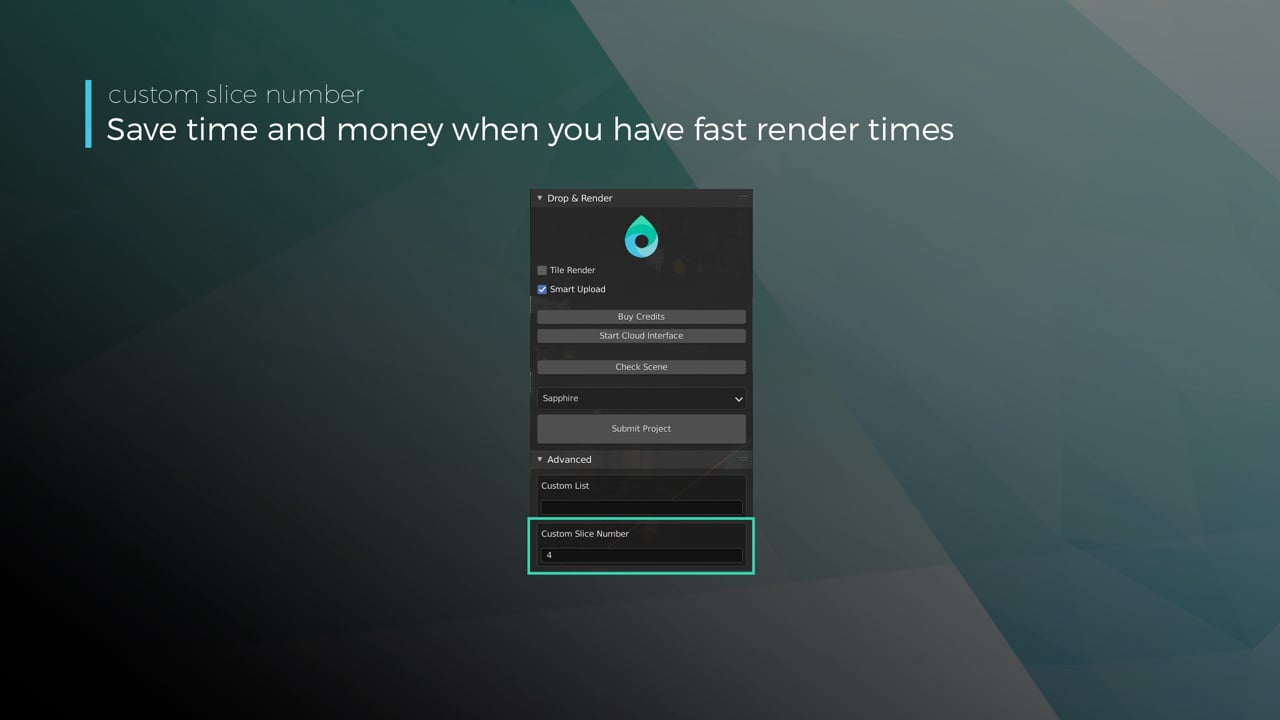
Optimize your render with a Custom Slice Number
Using a custom slice number lets one machine render multiple frames while only initializing your project once, saving up to 30% in both render times and costs. Works especially well on faster renders!
Understanding render priorities
Our priority system has three levels: Sapphire, Emerald and Diamond. The higher the priority, the faster new machines can start working on your projects!
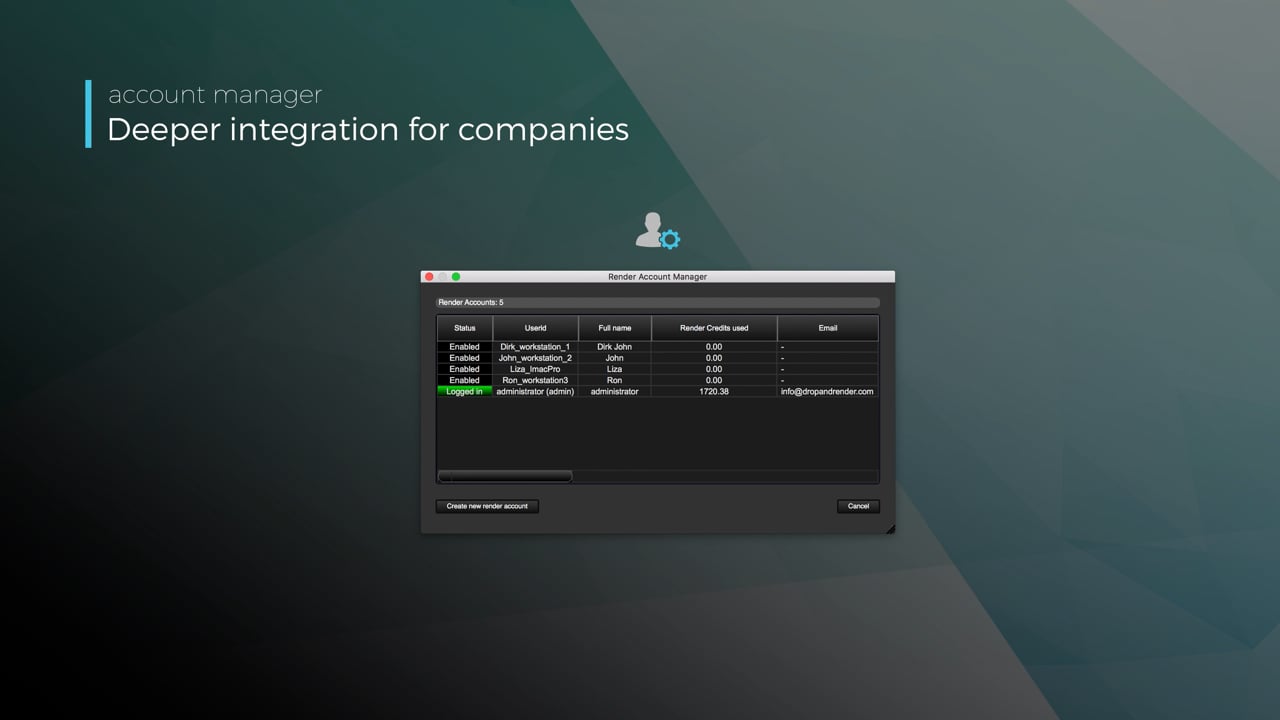
Connect your entire office to Drop & Render
We offer a robust system for a team of artists to work together. You can monitor and download one another's work efficiently, all without having to disturb them!
Submit a custom frame range to the farm
Only need to render a sequence of your project, or need to see a couple of specific frames? You can set custom frame lists from right within our plugin!
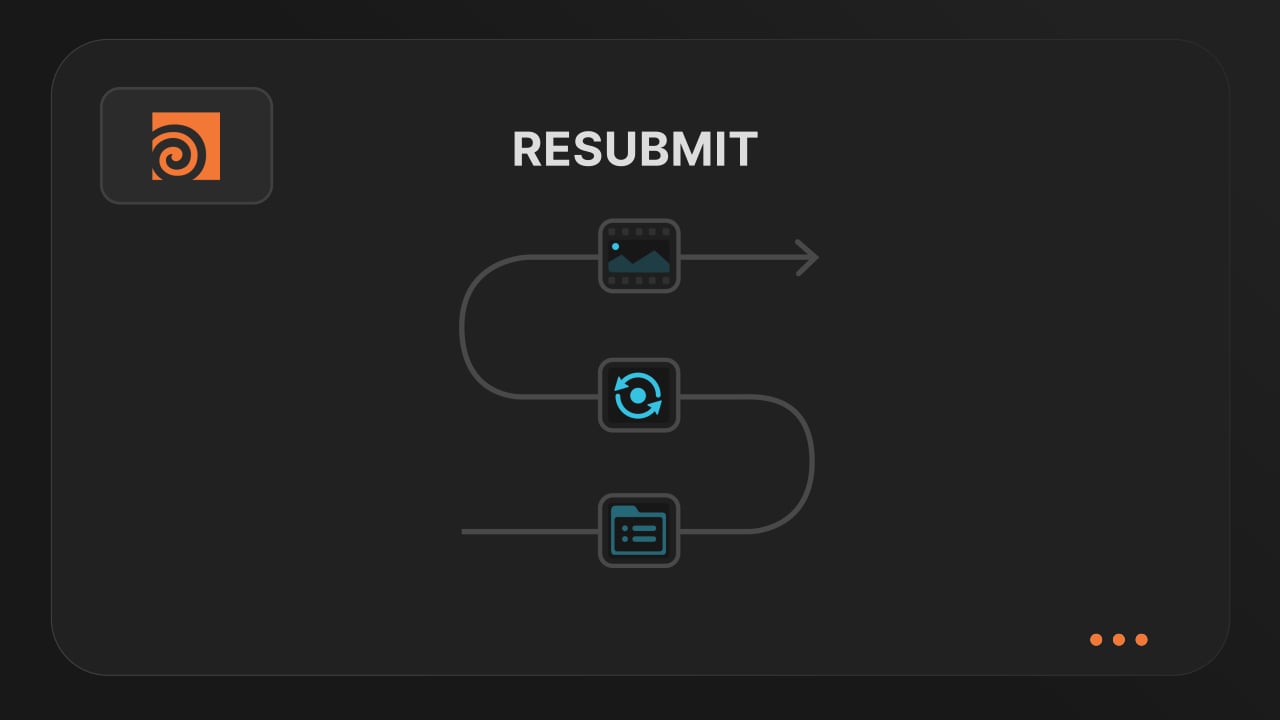
Resubmit workflow
Test a few frames first, then resubmit with updated settings straight from the dashboard. Drop & Render reuses caches and dependencies automatically, so you can focus on the final result.
Connect your entire office to Drop & Render
Invite teammates, assign roles, and keep everyone in sync. Share assets, download results, and work together on the same projects without missing a beat.
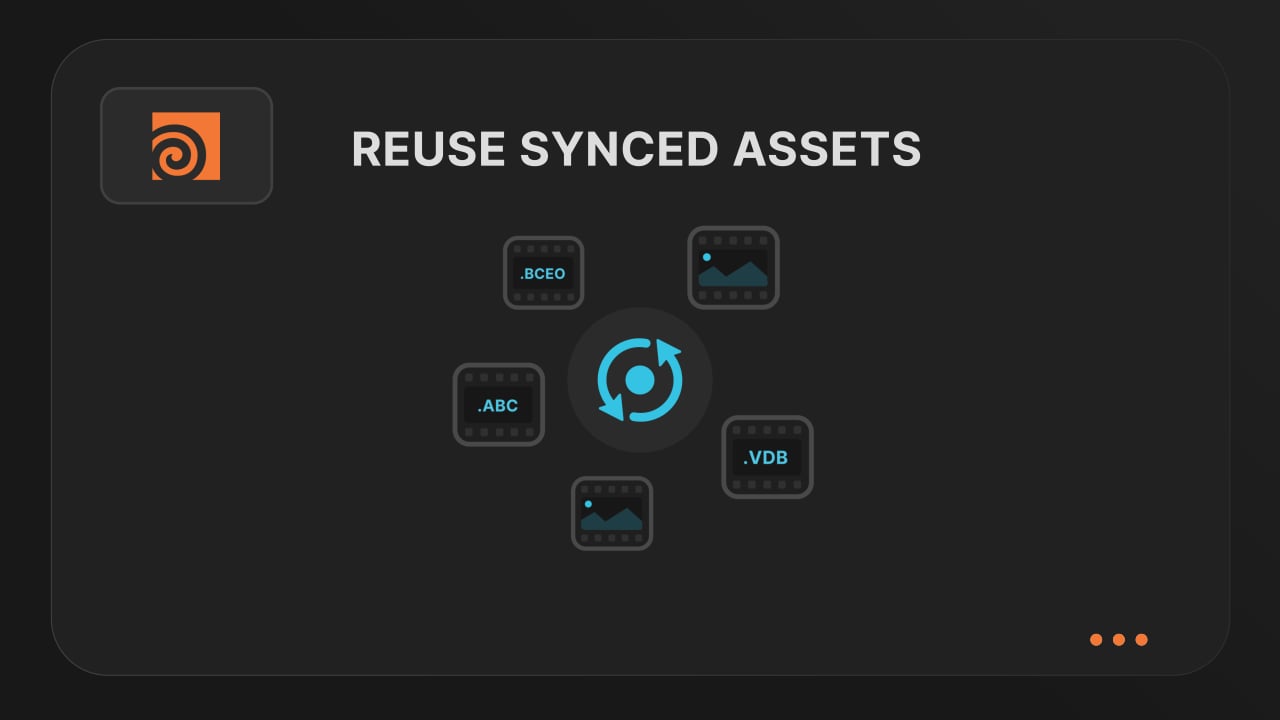
Save time & bandwith by reusing synced assets
Reuse large caches stored on our render farm without downloading them again. A powerful way to save time and bandwidth in your Houdini render workflow.
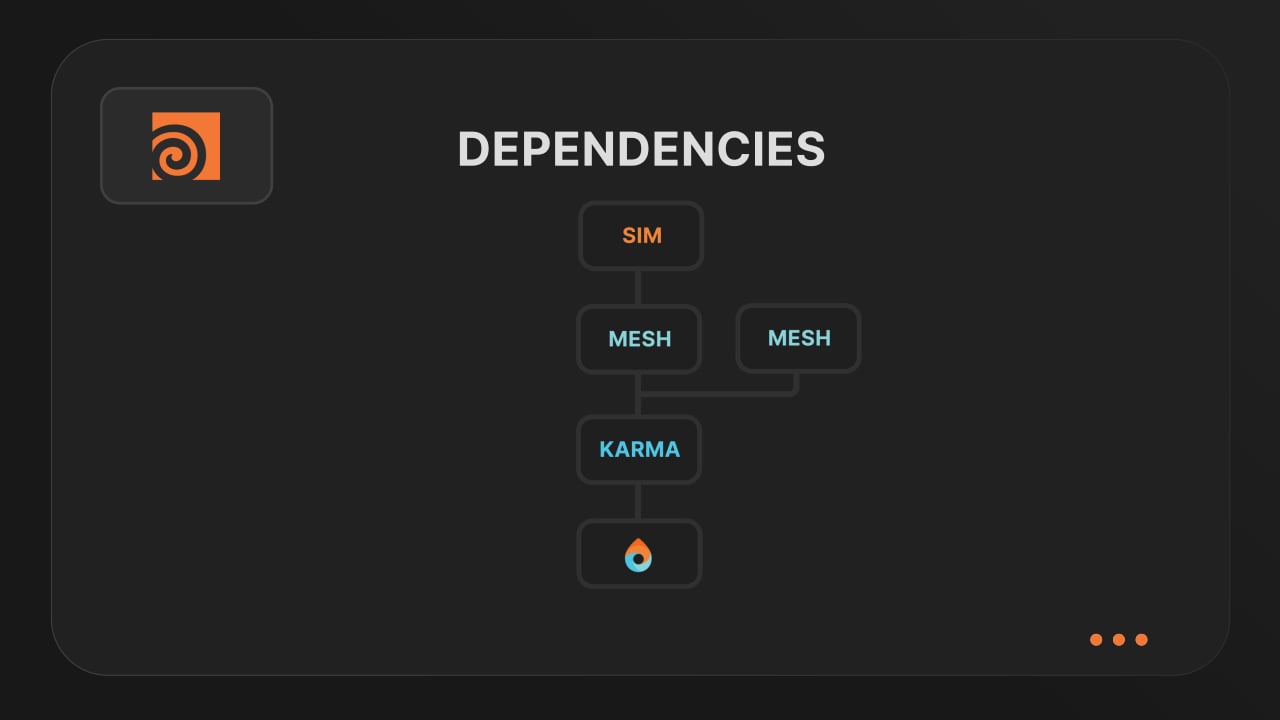
Understanding render dependencies
Chain your Houdini nodes the way you like and let Drop & Render handle the order. From parallel jobs to complex dependencies, the HDA adapts to your workflow so everything renders in the right order.
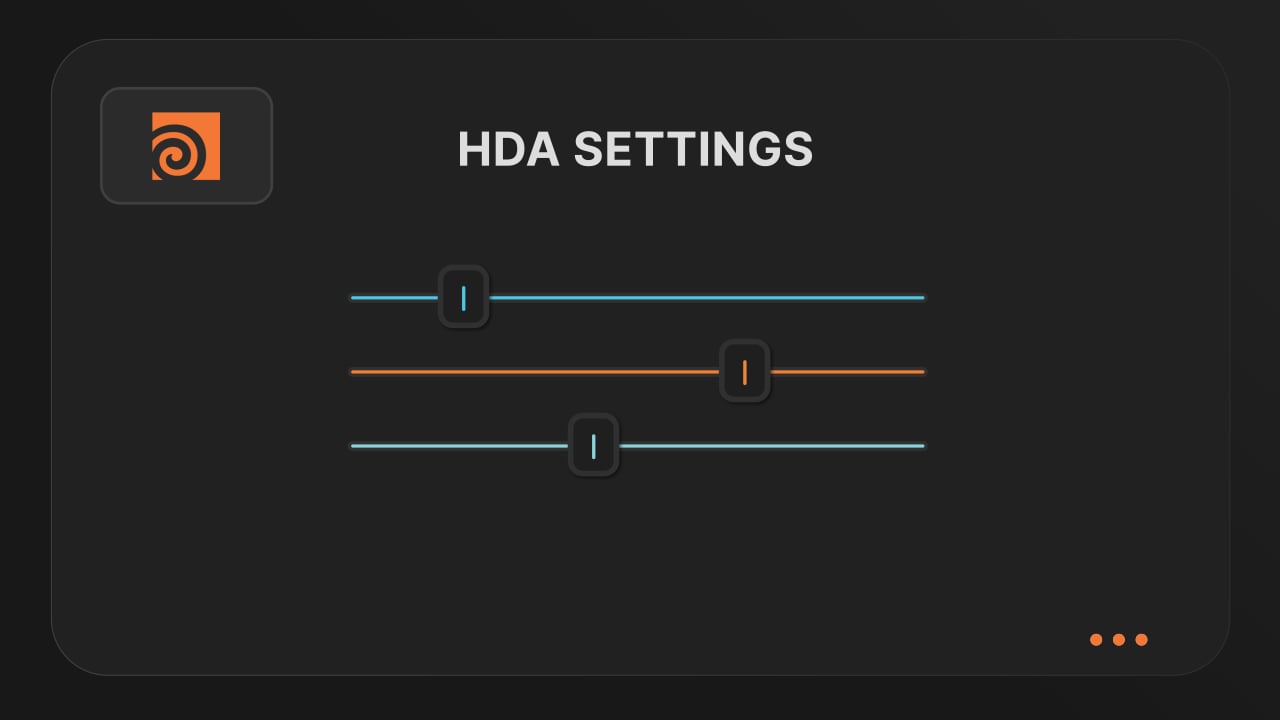
Customizing your global and per-render settings
Fine-tune your render jobs directly in the HDA. Set frame ranges, test specific frames, and assign priority so you get the results you want, when you need them.
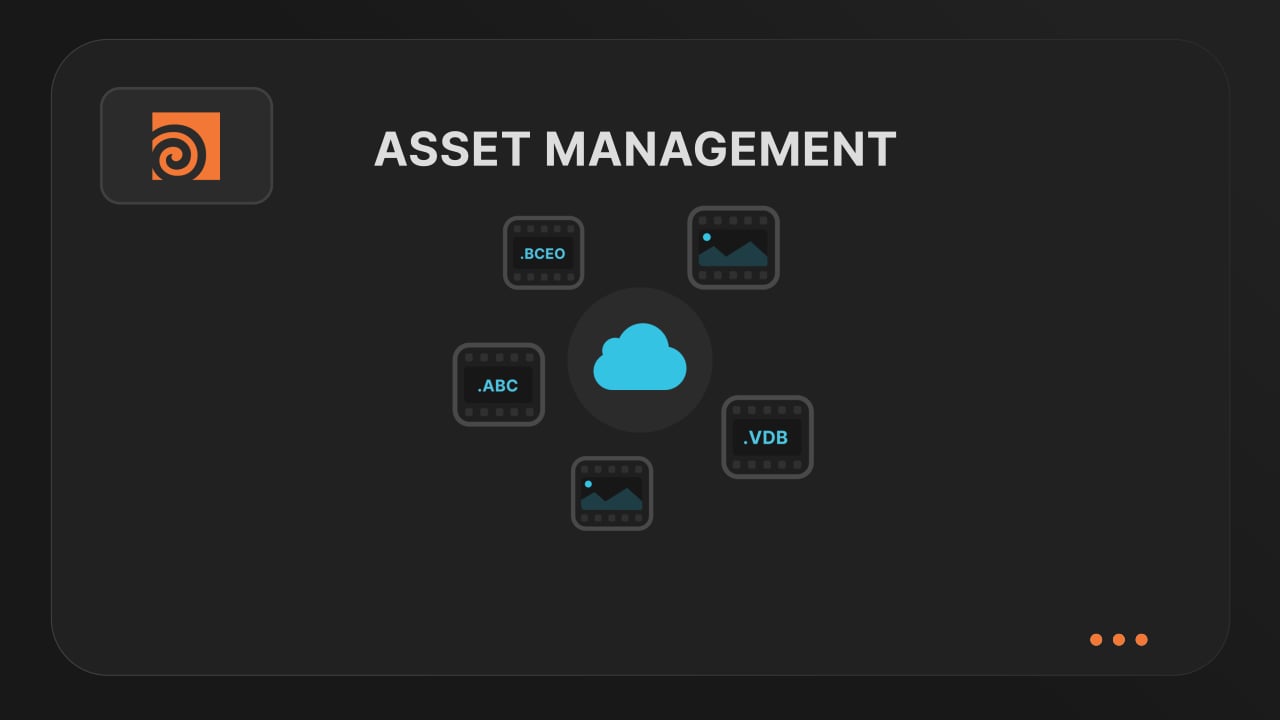
Understanding asset management
Our asset manager scans your scene and handles all path remapping automatically. Quickly add missing files, skip already-synced assets, and keep uploads fast and hassle-free.
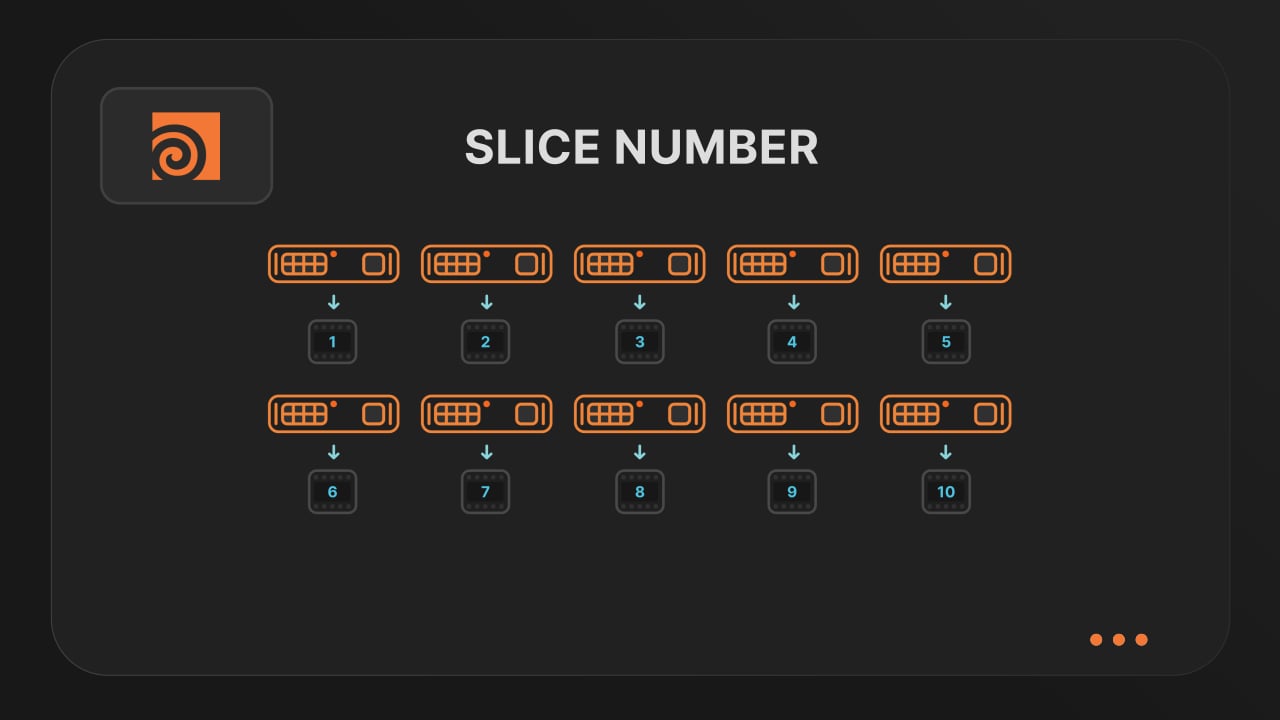
Optimize your render with a Custom Slice Number
Speed up rendering by setting the right slice value. Reduce overhead, save credits, and get more out of our Houdini render farm.
Cooking PDG projects
Drop & Render fully supports PDG workflows. Find out how to use TOP networks on our render farm.
Blog
Bleibe mit den neuesten Tipps, Tricks und Erkenntnissen auf dem Laufenden, um deinen Rendering-Prozess zu optimieren und deine Produktivität zu steigern.
@adam_spizak
Building Worlds Between Art and Design: Adam Spizak on 3D, AI, and a Sustainable Creative Career
Adam Spizak talks about his path into 3D, the personal projects that mean the most to him, his perspective on AI, and why consistency matters more than chasing an algorithm.
2026-08-03
Artist Highlight
Houdini 22 Render Passes: Full Setup Guide and Render Farm Submission
Set up Houdini 22 USD render passes with separate Karma settings and outputs, then submit every pass as its own parallel render-farm job.
2026-07-28
Houdini
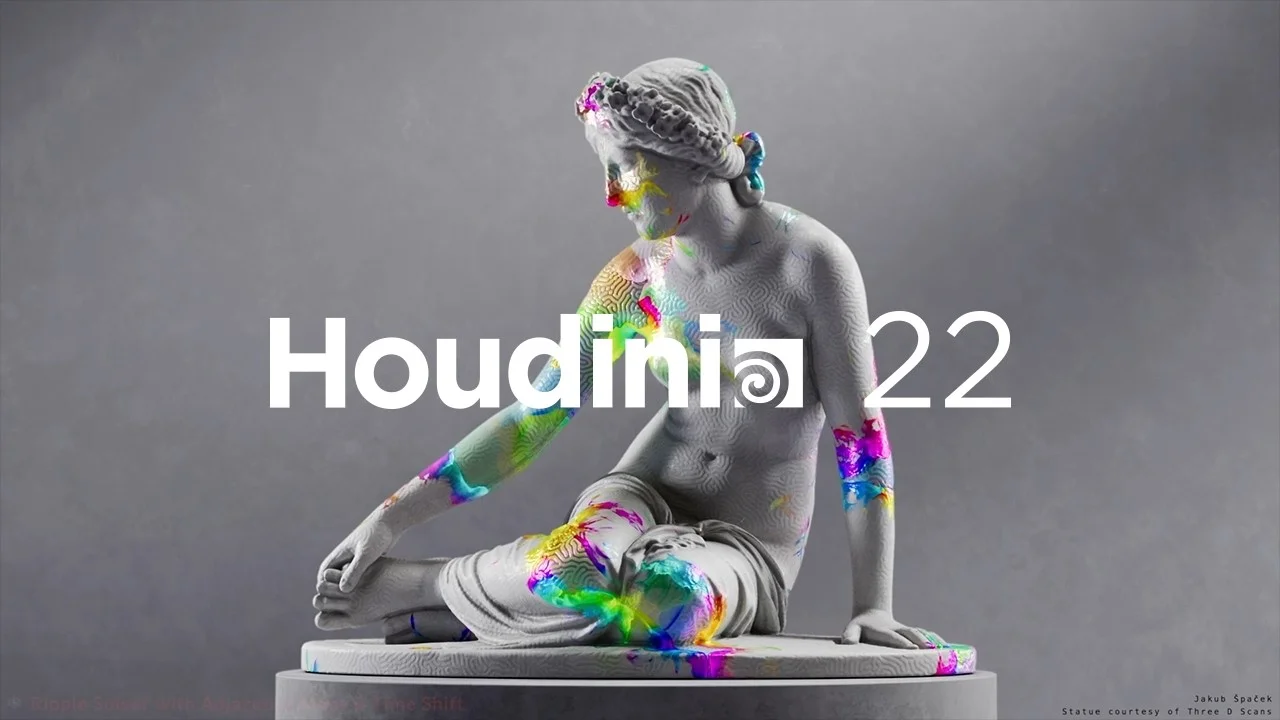
Houdini 22 is almost here, and our farm will be ready within 24 hours
Houdini 22 brings native Gaussian Splats, a maturing Karma renderer, expanded Copernicus tools, and larger PDG/TOPs workloads. Drop & Render is ready to support it within 24 hours of release.
2026-07-09
Houdini


Unterstützte Software
Firmendetails
Bestätigen