

질문이 있습니까?
가장 자주 묻는 질문을 여기에서 확인하세요. 원하는 답변이 없다면 언제든지 지원팀에 문의하세요!
"Submit"을(를) 클릭해도 아무 일도 일어나지 않습니다
"이미 로그인됨" 메시지
Blender 렌더팜은 어떻게 작동하나요?
Blender 작업의 렌더된 프레임에 문제가 있는 경우 어떻게 해야 하나요?
Cinema 4D 렌더팜은 어떻게 작동합니까?
Cinema 4D 플러그인에서 작업을 제출할 수 없습니다
Cinema 4D 플러그인을 어떻게 제거하나요?
Cinema 4D 플러그인을 재설치
Cinema 4D의 어떤 버전을 지원하나요?
Cinema4D 플러그인을 설치할 수 없습니까?
Cloud Manager가 로그인을 시도할 때 충돌합니다
Cycles 4D로 Crypomatte 렌더
Drop & Render 직원이 내 프로젝트 파일을 볼 수 있나요?
Drop & Render 팀을 움직이는 것은 무엇인가요?
Drop & Render 플러그인을 설치하거나 제거하려면 어떻게 하나요?
Drop & Render는 Blender 렌더링에 어떤 하드웨어를 사용하나요?
Drop & Render는 어떤 3D 소프트웨어와 렌더 엔진을 지원합니까?
Drop & Render는 어떤 Blender 렌더 엔진을 지원합니까?
Drop & Render는 어떤 Cinema 4D 렌더 엔진을 지원합니까?
Drop & Render는 얼마나 빠르고, 내 프로젝트에 몇 대의 기계가 작업할 것인가요?
Drop & Render에 프로젝트를 제출하려면 어떻게 해야 하나요?
Drop & Render에서 렌더링 중인 Flamenco 작업은 어떻게 취소하나요?
Drop & Render의 Flamenco 작업 비용은 누가 지불하나요?
Error 3: render farm에 연결할 수 없습니다
Flamenco 작업을 Drop & Render로 어떻게 보내나요?
Flamenco 작업을 자체 컴퓨터에서도 계속 렌더링할 수 있나요?
Flamenco란 무엇인가요?
GPU 렌더링을 지원하나요?
Houdini 프로젝트에서 환경 변수를 사용할 수 있습니까?
macOS Catalina에서 Cloud Manager
Octane 렌더 패스를 렌더링하는 방법
Octane 출력이 로컬 렌더와 다르게 보입니다
Octane에서 "All GPUs" 옵션 활성화

Octane을(를) 사용한 Cryptomatte 렌더링
RealFlow 캐시 설정 방법
Redshift Proxy 워크플로우
Redshift를 사용한 Cryptomatte 렌더링
render farm을 사용할 때 Cinema 4D 프로젝트 데이터가 안전하고 기밀한가요?
Smart Upload 시스템이란 무엇입니까?
Solaris/USD 워크플로우를 지원하나요?
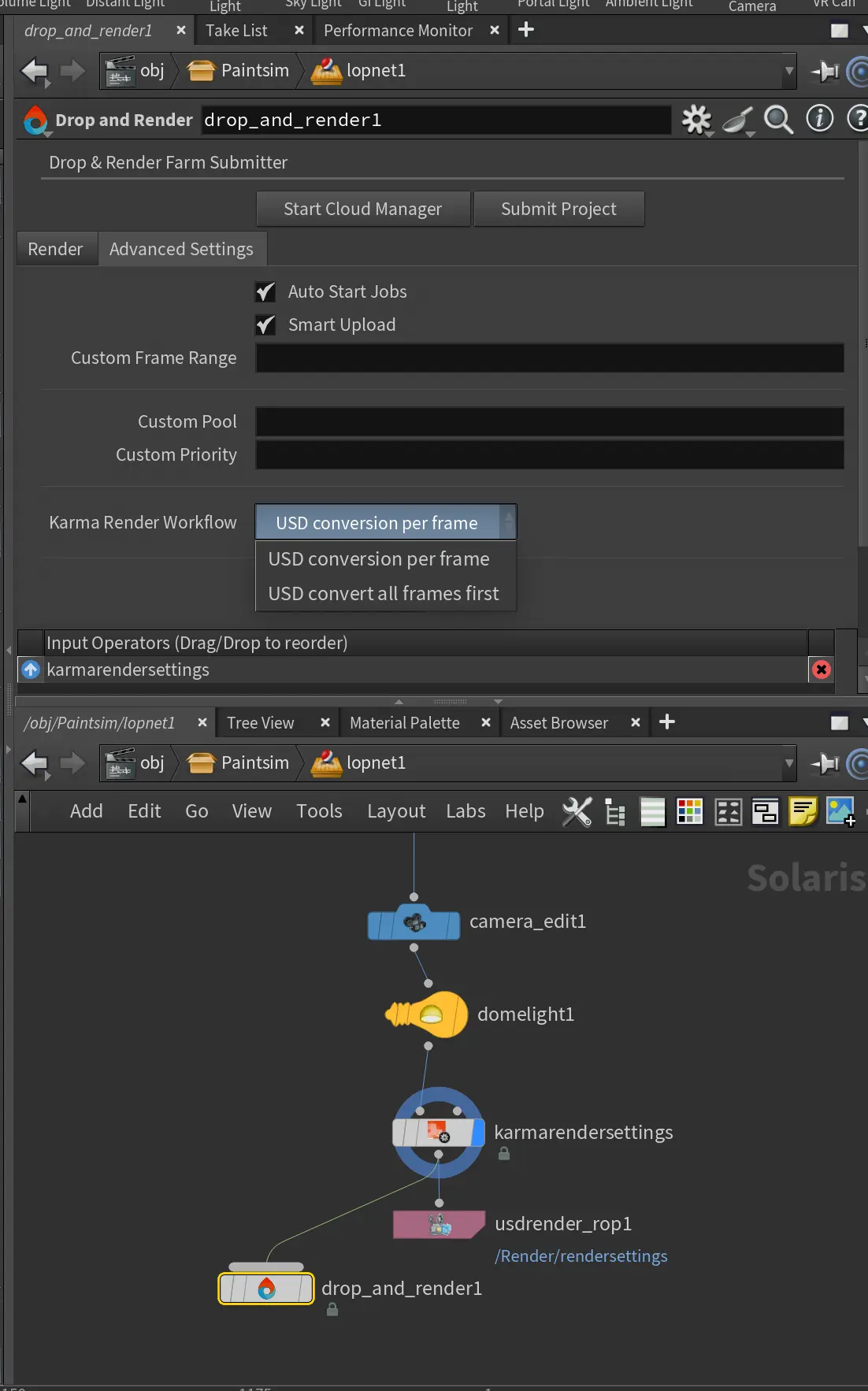
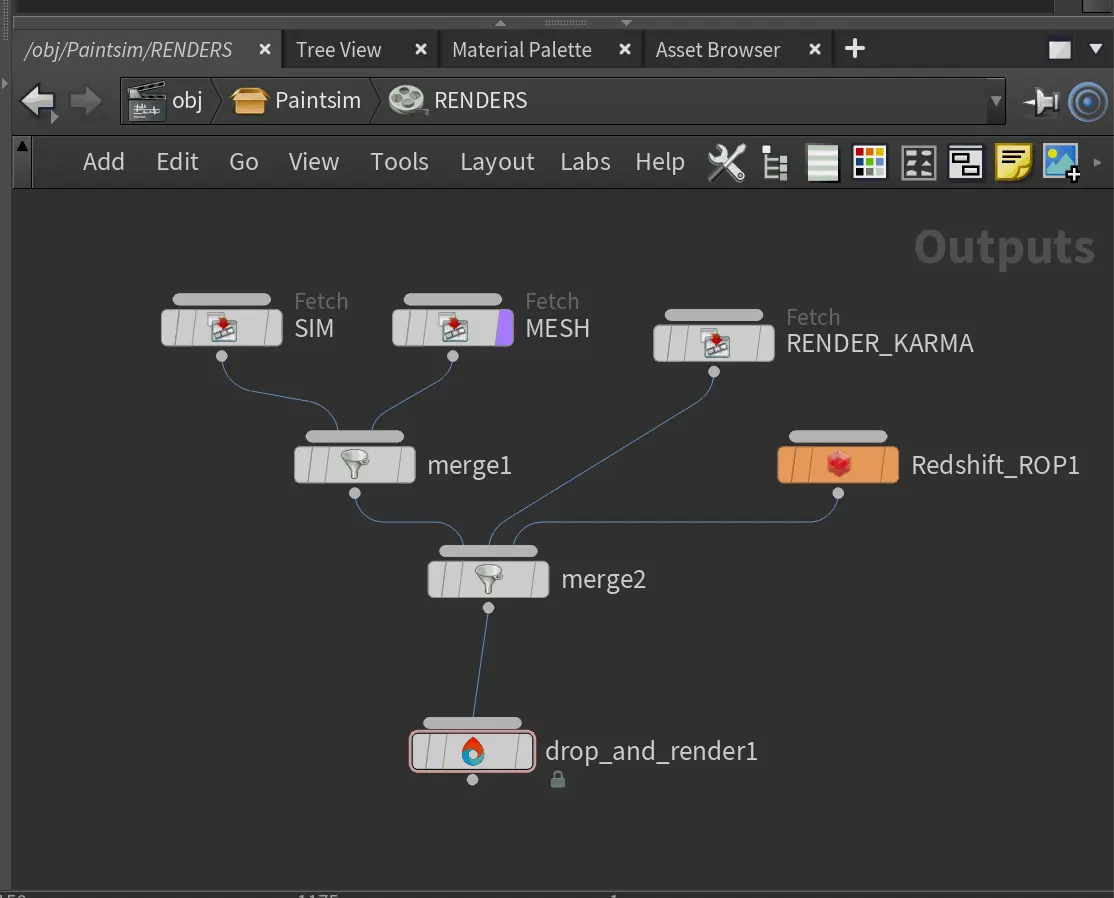
SOP, ROP 또는 LOP을 사용하여 작업을 제출할 수 있습니까?
Standard 또는 Physical 렌더러를 사용한 GI 렌더링
Take 시스템으로 렌더링
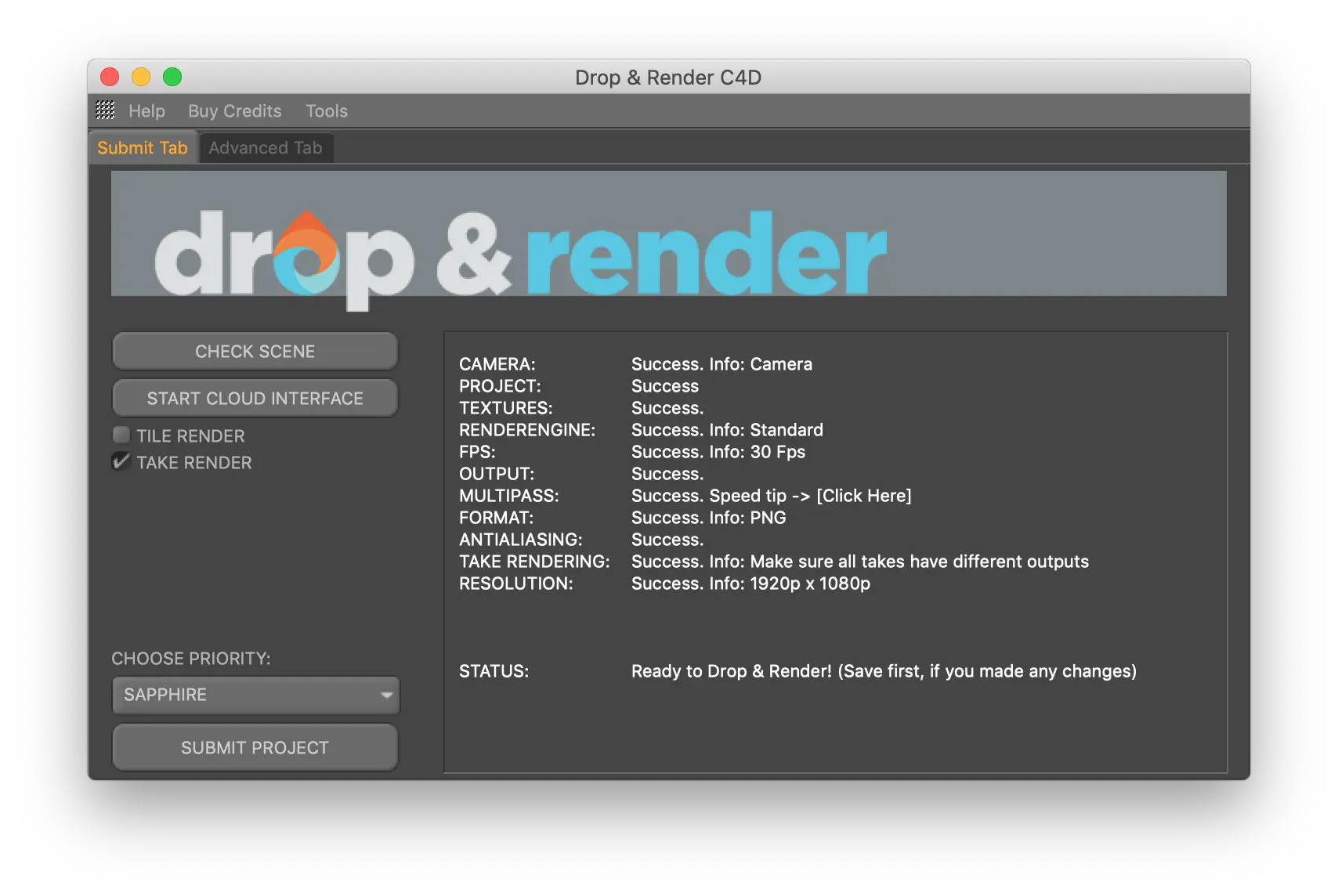
X-Particles 캐시로 렌더링하기
계산기를 위한 Cinebench 또는 OctaneBench 점수를 어떻게 찾을 수 있나요?
구독료가 있나요 아니면 사용한 만큼 지불하나요?
기밀 Blender 프로젝트 파일을 제출하기 전에 맞춤형 NDA에 서명할 수 있습니까?
내 Blender 프로젝트 데이터는 어디에 저장되며 GDPR을 준수합니까?
내 데이터는 어디에 저장되어 있나요?
내 렌더 크레딧은 만료되나요?
내 렌더 크레딧이 만료되나요?
내 렌더링 비용이 예상보다 높습니다
내 업로드가 암호화되나요?
내 작업에 대한 적절한 비용 견적을 얻으려면 어떻게 해야 하나요?
내 작업의 가격을 어떻게 계산하나요?
내 작업이 오류 상태입니다. 어떻게 해야 하나요?
내 프로젝트가 "프로젝트 폴더 캐싱"에서 멈췄습니다
더 많은 크레딧 구매 시 할인을 제공하나요?
데이터센터 접근은 어떻게 통제되나요?
돈을 쓰기 전에 Drop & Render를 시도할 수 있나요?
돈을 쓰기 전에 렌더 팜을 시도해 볼 수 있나요?
렌더 진행 상황을 실시간으로 추적할 수 있나요?
렌더 팜은 언제 사용 가능합니까?
렌더 팜을 처음 사용합니다. 어떻게 시작하나요?
렌더링 비용이 예상보다 많이 들면 어떻게 되나요?
렌더링 사이에 저장 공간을 제공하나요?
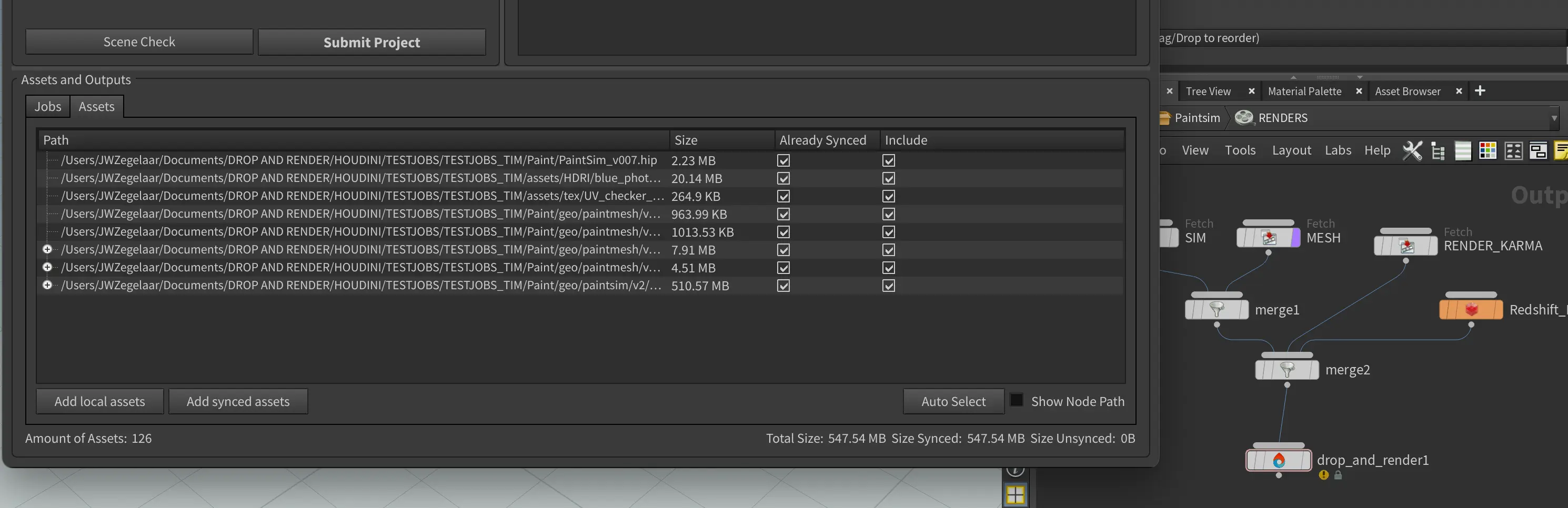
렌더링 시간은 어떻게 추산되고 청구됩니까?
렌더링이 완료된 후 파일은 어떻게 되나요?
렌더링하고 싶은 단일 프레임이 있는데, 가능합니까?
렌더팜에서 Blender 프로젝트를 렌더링하는 데 비용이 얼마나 드나요?
렌더팜에서 Cinema 4D 프로젝트를 렌더링하는 데 비용이 얼마나 드나요?
렌더팜에서 내 프로젝트 데이터는 안전하고 기밀이 유지됩니까?
렌더팜은 얼마나 빠르며 Cinema 4D 프로젝트에는 몇 대의 기계가 작동합니까?
렌더팜을 사용하는 데 비용이 얼마나 드나요?
렌더팜이란 무엇이며 어떻게 작동하나요?
렌더팜이란 무엇이며 어떻게 작동하나요?
로컬에서 렌더링하는 대신 렌더 팜을 사용하는 것이 언제 의미가 있습니까?
리스트 상에 없는 플러그인을 사용 중입니다.
무료 렌더링 크레딧 €25를 언제 받을 수 있나요?
문제가 발생했을 것으로 생각됩니다.
민감한 프로젝트에 대해 NDA를 제공하나요?
사용자 정의 풀
사용자 정의 플러그인 버전
사용자 지정 설치 경로
스마트 업로드 시스템 - 파일을 수집할 필요가 없습니다
시간과 크레딧을 절약하는 팁
시뮬레이션 캐싱을 지원하나요?
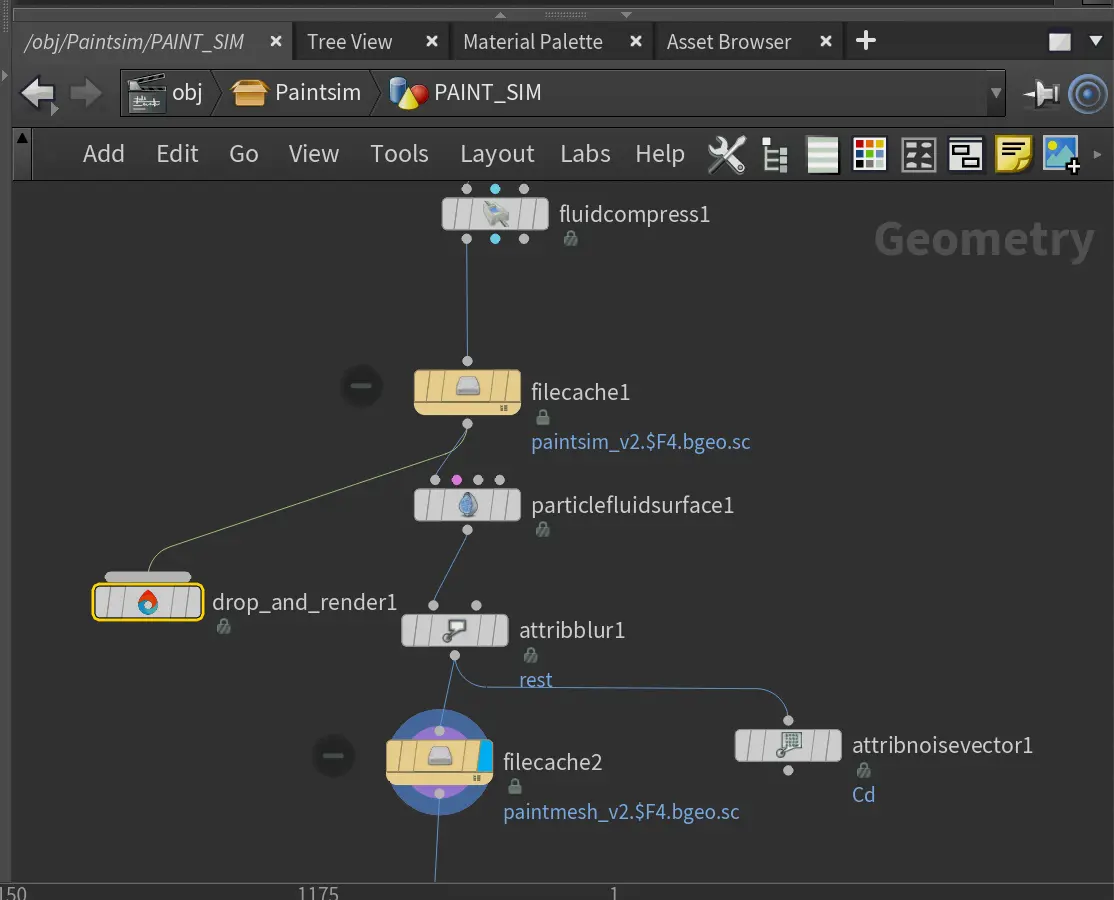
아티스트에게 Drop & Render 계정이나 소프트웨어가 필요한가요?
애니메이션 텍스처
어떤 Flamenco 버전을 지원하나요?
어떤 결제 방법을 받으시나요?
어떤 결제 방법을 지원합니까?
어떤 버전의 Arnold를 지원하나요?
어떤 버전의 Blender를 지원하나요?
어떤 버전의 Octane을 지원하나요?
어떤 버전의 Octane을 지원하나요?
어떤 버전의 Redshift를 지원하나요?
어떤 서드파티 Cinema 4D 플러그인이 지원되며, 어떤 버전인가요?
어떤 소프트웨어를 지원하나요?
어떤 애드온을 지원하나요?
어떤 우선 순위 레벨을 선택해야 합니까: Sapphire, Emerald 또는 Diamond?
어떤 타사 플러그인 버전을 지원하나요?
어떻게 연락할 수 있나요?
에러 3: 렌더팜에 접속할 수 없습니다
완료된 프레임은 어디로 가나요?
왜 내 렌더링 비용이 예상보다 높습니까?
우리 스튜디오의 여러 아티스트가 동일한 Drop & Render 계정을 사용할 수 있나요?
이것은 테스트 질문입니다
이것은 테스트 질문입니다.
자동 플러그인 감지는 어떻게 작동합니까?
자신의 HDA를 농장에서 사용할 수 있나요?
자신의 Houdini 라이센스가 필요한가요?
작업을 시작하기 전에 프로젝트를 업로드하십시오
작업이 다운로드되지 않습니다 - 어떻게 해야 하나요?
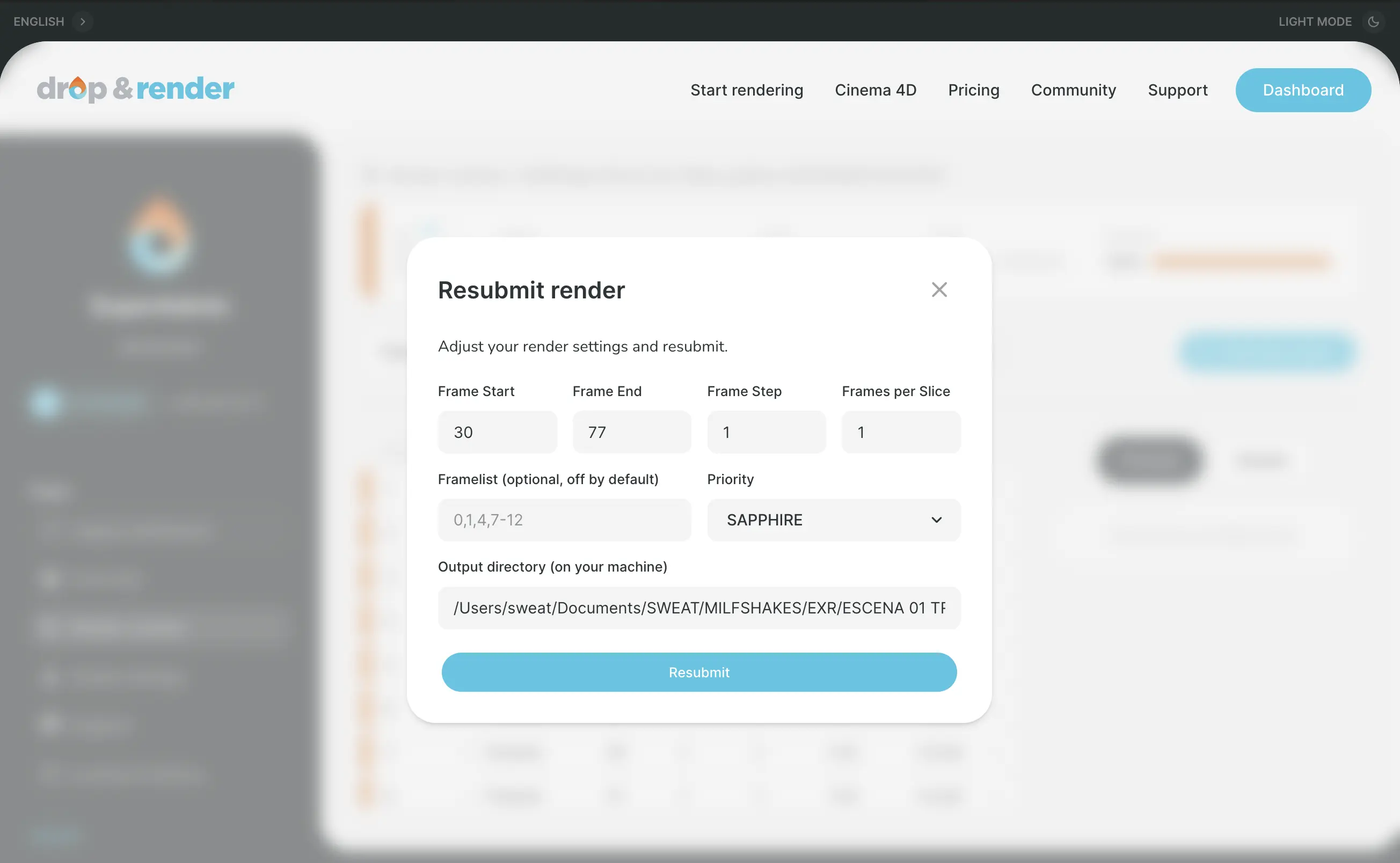
재업로드 없이 작업을 재제출하세요
절대 경로에 대한 오류가 발생하고 있습니다
제 VAT 번호가 작동하지 않습니다
제 데이터는 어떻게 보호되나요?
제 작업이 아직 대기 중입니다 , 언제 시작되나요?
제출을 클릭해도 아무 일도 일어나지 않습니다
제출하기 전에 Cinema 4D 에셋을 수동으로 수집하거나 파일 경로를 다시 매핑해야 합니까?
청구서를 어디에서 찾을 수 있나요?
청구서를 어떻게 받나요?
커스텀 플러그인 버전 관리는 어떻게 작동하나요?
크레딧을 구매할 수 없습니다
클라우드 매니저에 로그인했을 때 플러그인을 설치할 창이 표시되지 않습니다.
타일 렌더링으로 단일 이미지를 렌더링하려면 어떻게 해야 합니까?
타일 렌더링을 사용하여 단일 이미지를 렌더링하는 방법은?
팀과 스튜디오를 위한 솔루션을 제공하나요?
팀에 대해 추가 요금을 부과하나요?
팜에서 Turbulence FD를 사용하는 방법
팜에서 렌더링하기 위해 추가 소프트웨어 라이센스를 구매해야 합니까?
한 번에 여러 렌더 작업을 제출할 수 있나요?
휴대폰에서 Blender 렌더를 모니터링할 수 있나요, 아니면 워크스테이션에 머물러야 하나요?
더 도움이 필요하신가요?
Pro Series
더 고급 도구 사용법은 동영상 튜토리얼을 확인하세요! 워크플로를 간소화하고 크레딧과 렌더 시간 모두 최대 30%까지 절약하는 데 도움이 됩니다.
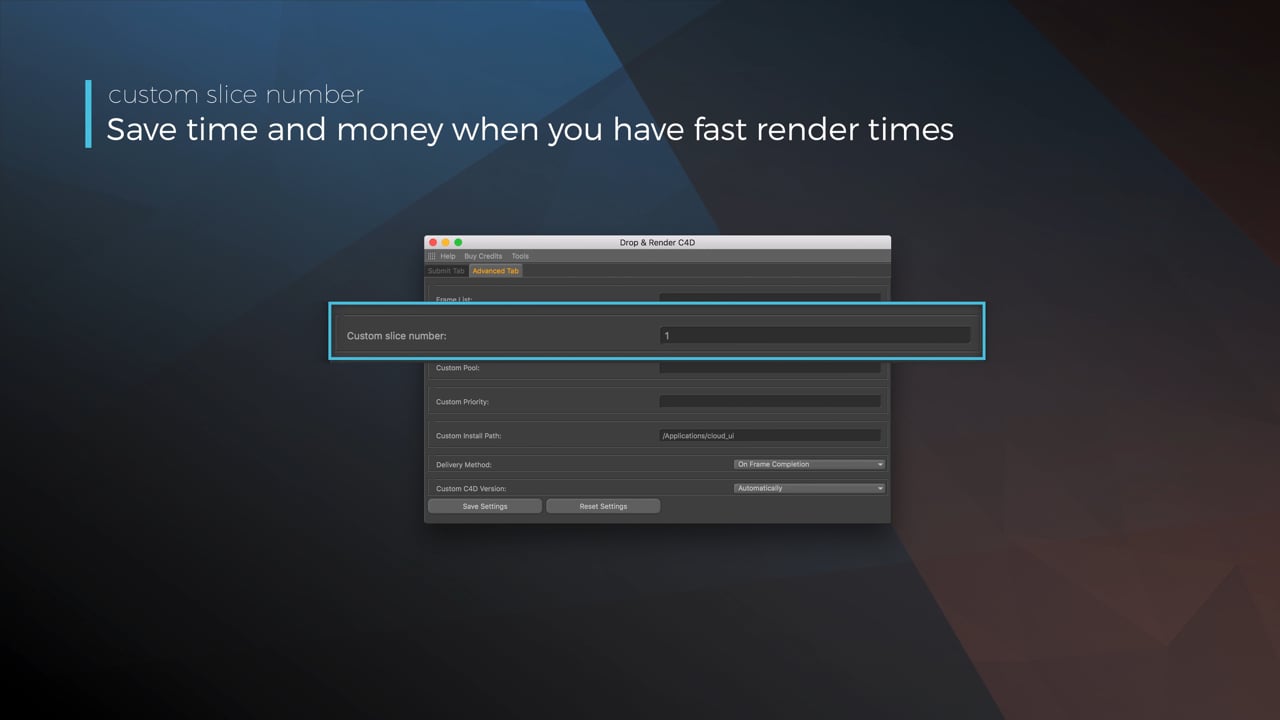
Optimize your render with a Custom Slice Number
Using a custom slice number lets one machine render multiple frames while only initializing your project once, saving up to 30% in both render times and costs. Works especially well on faster renders!
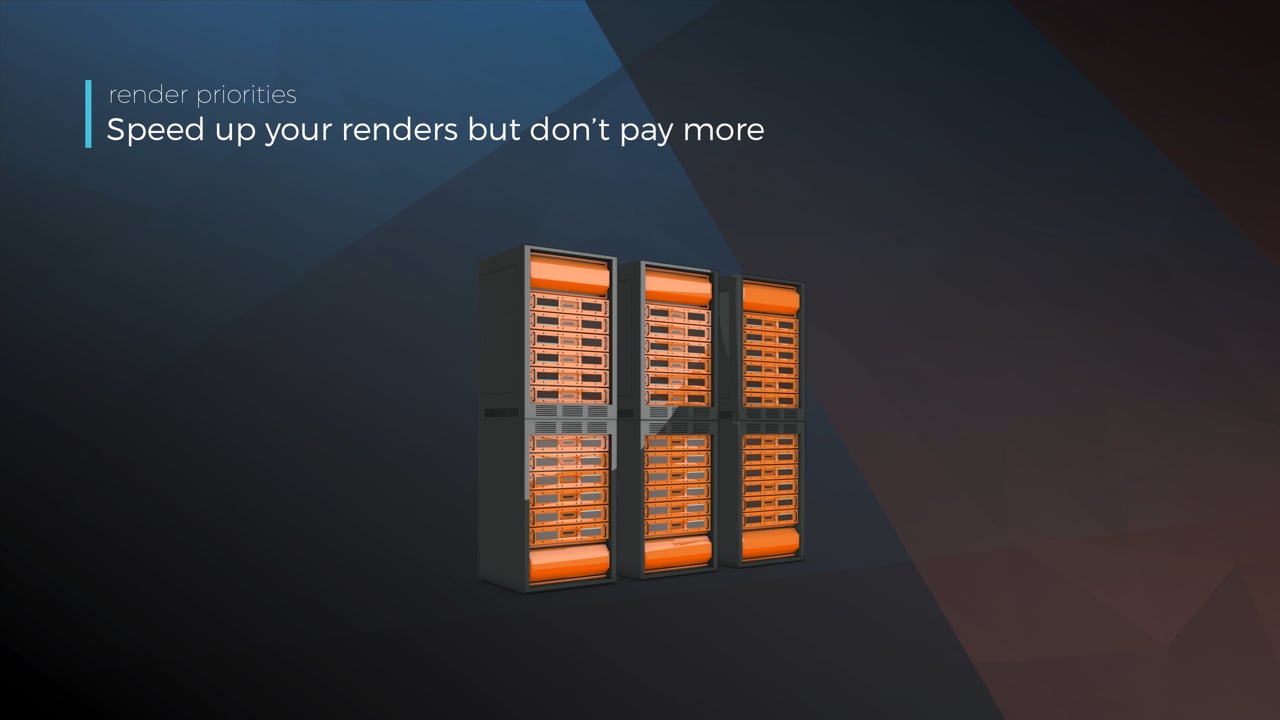
Understanding render priorities
Our priority system has three levels: Sapphire, Emerald and Diamond. The higher the priority, the faster new machines can start working on your projects!
Connect your entire office to Drop & Render
We offer a robust system for a team of artists to work together. You can monitor and download one another's work efficiently, all without having to disturb them!
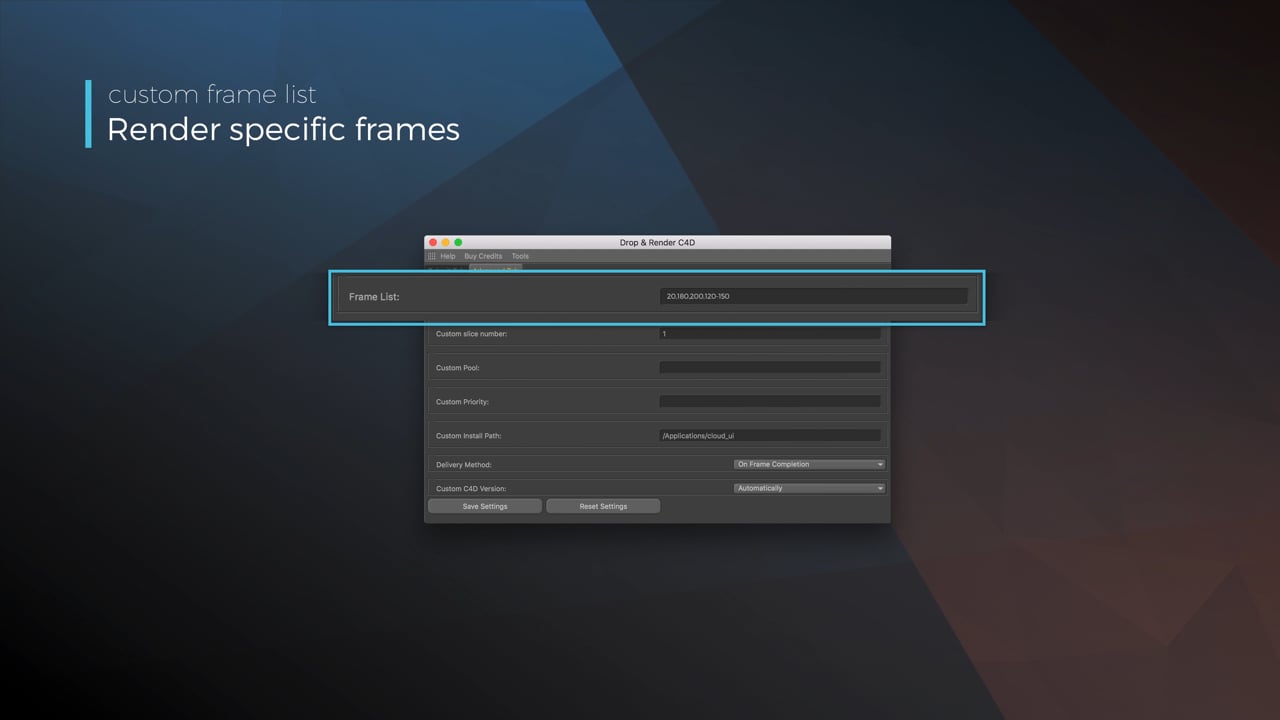
Submit a custom frame range to the farm
Only need to render a sequence of your project, or need to see a couple of specific frames? You can set custom frame lists from right within our plugin!
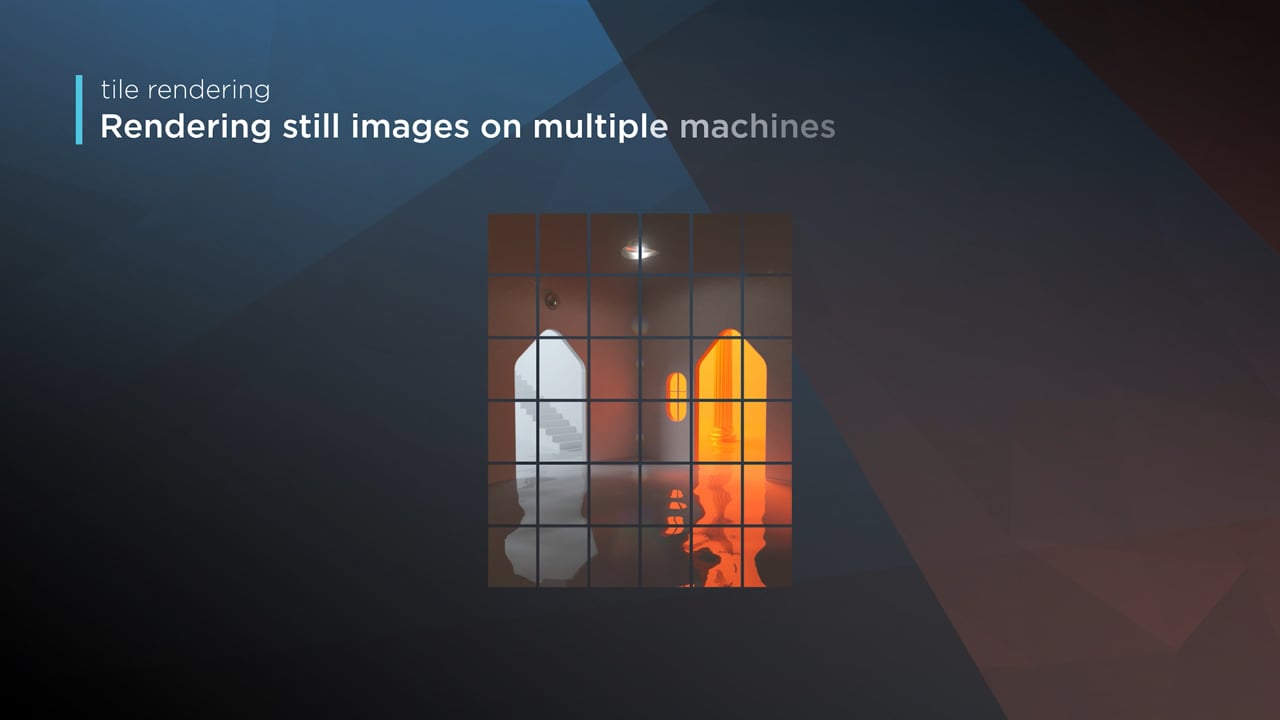
Render large still frames with Tile Rendering
Tile rendering splits a single frame amongst multiple machines, letting them work on it at the same time. Each tile is then seamlessly stitched back and delivered as a single frame!
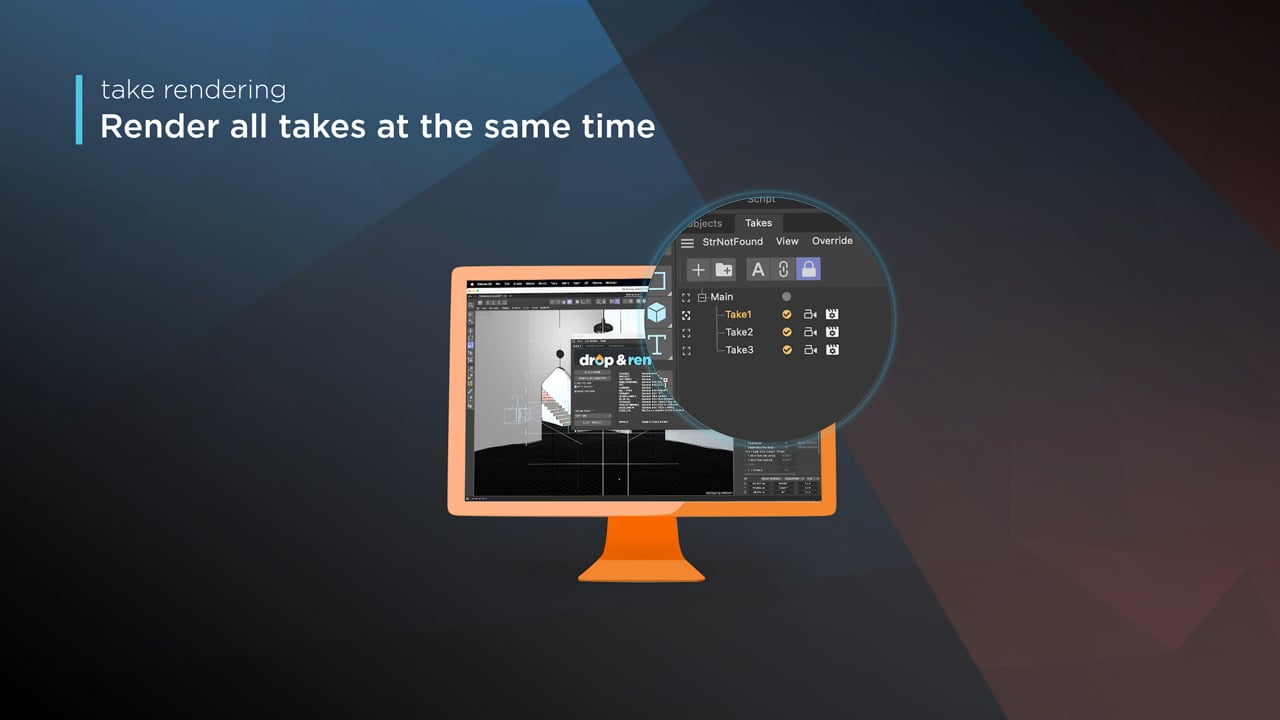
Cinema 4D Take Rendering support
Our farm includes native support for Cinema 4D's 'Takes' feature, letting you upload all your project's variations in a single click!
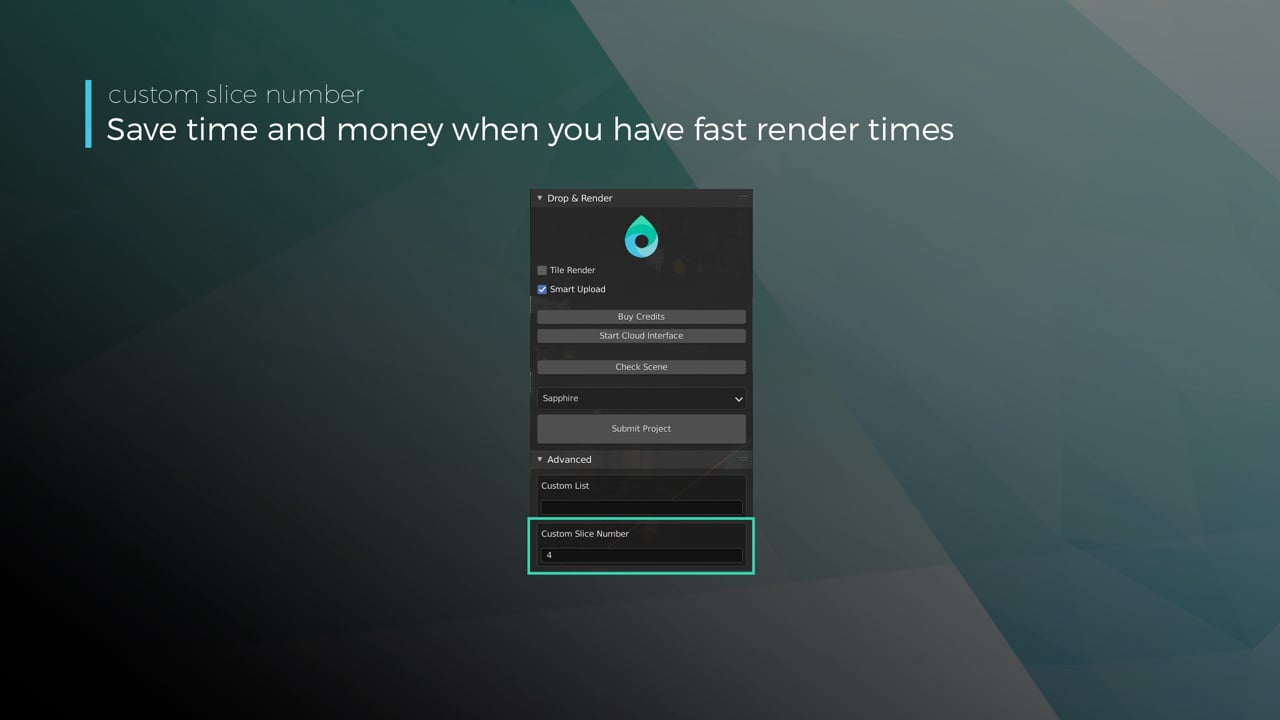
Optimize your render with a Custom Slice Number
Using a custom slice number lets one machine render multiple frames while only initializing your project once, saving up to 30% in both render times and costs. Works especially well on faster renders!
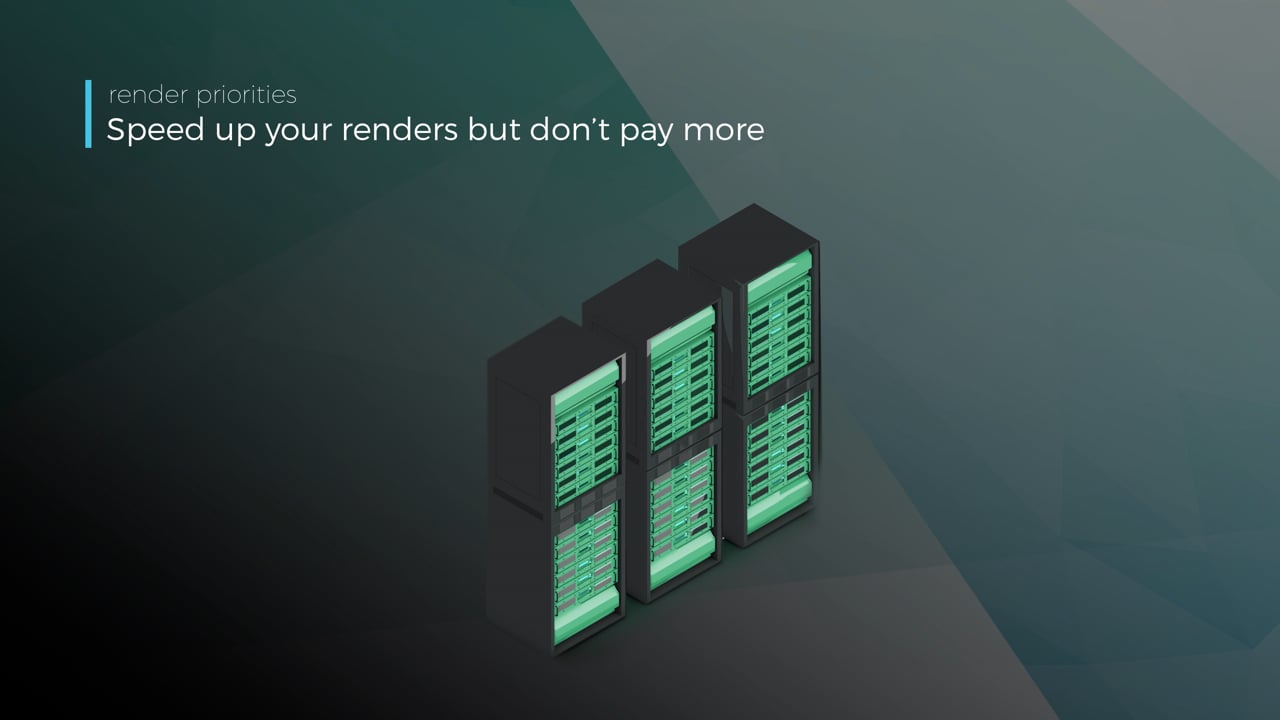
Understanding render priorities
Our priority system has three levels: Sapphire, Emerald and Diamond. The higher the priority, the faster new machines can start working on your projects!
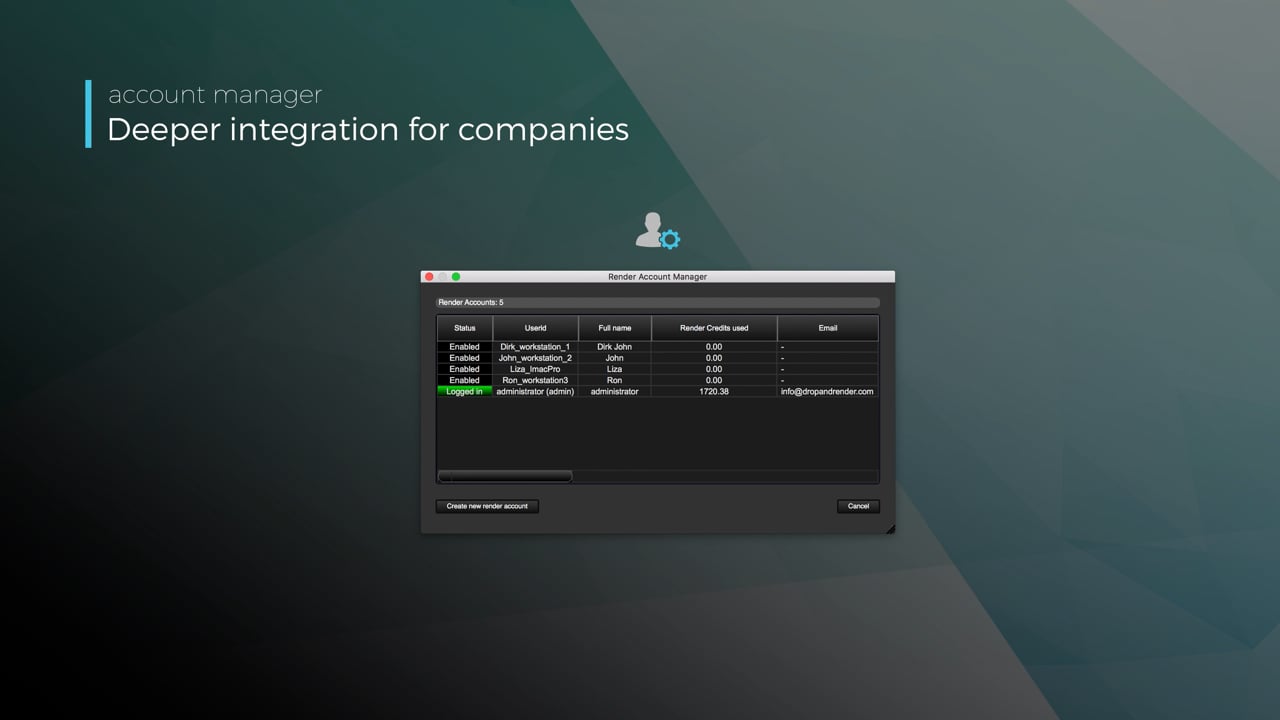
Connect your entire office to Drop & Render
We offer a robust system for a team of artists to work together. You can monitor and download one another's work efficiently, all without having to disturb them!
Submit a custom frame range to the farm
Only need to render a sequence of your project, or need to see a couple of specific frames? You can set custom frame lists from right within our plugin!
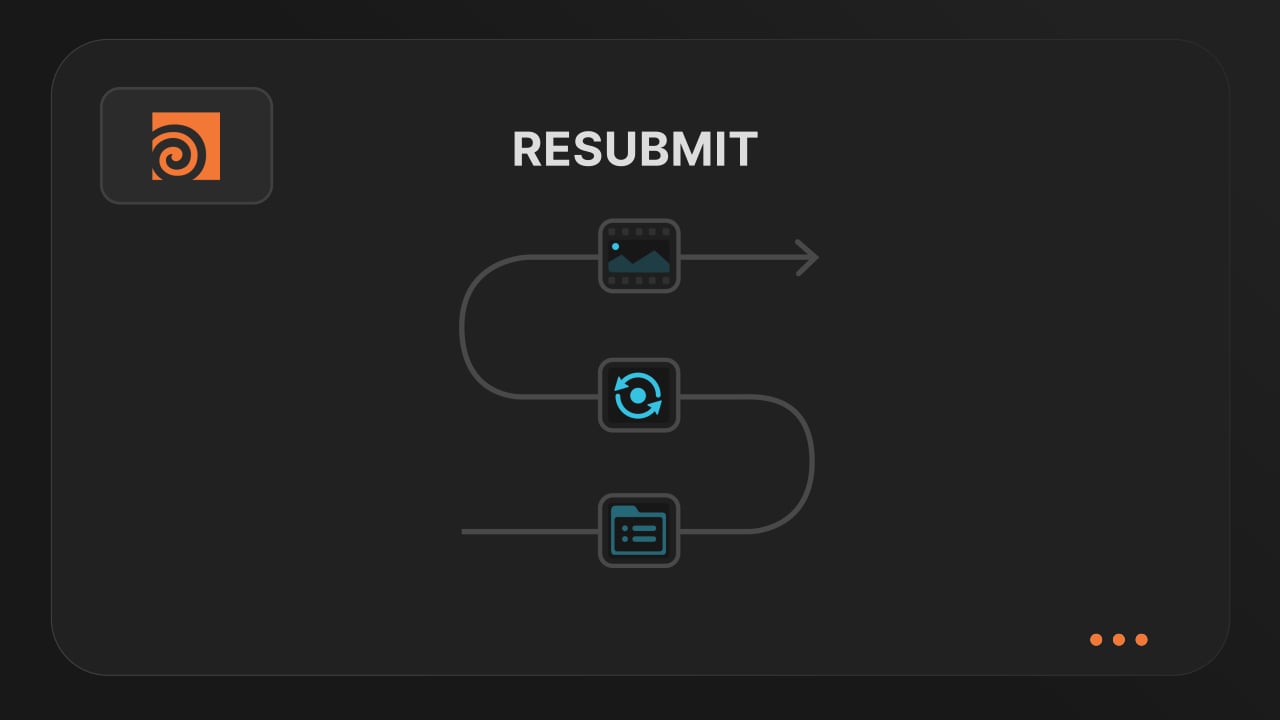
Resubmit workflow
Test a few frames first, then resubmit with updated settings straight from the dashboard. Drop & Render reuses caches and dependencies automatically, so you can focus on the final result.
Connect your entire office to Drop & Render
Invite teammates, assign roles, and keep everyone in sync. Share assets, download results, and work together on the same projects without missing a beat.
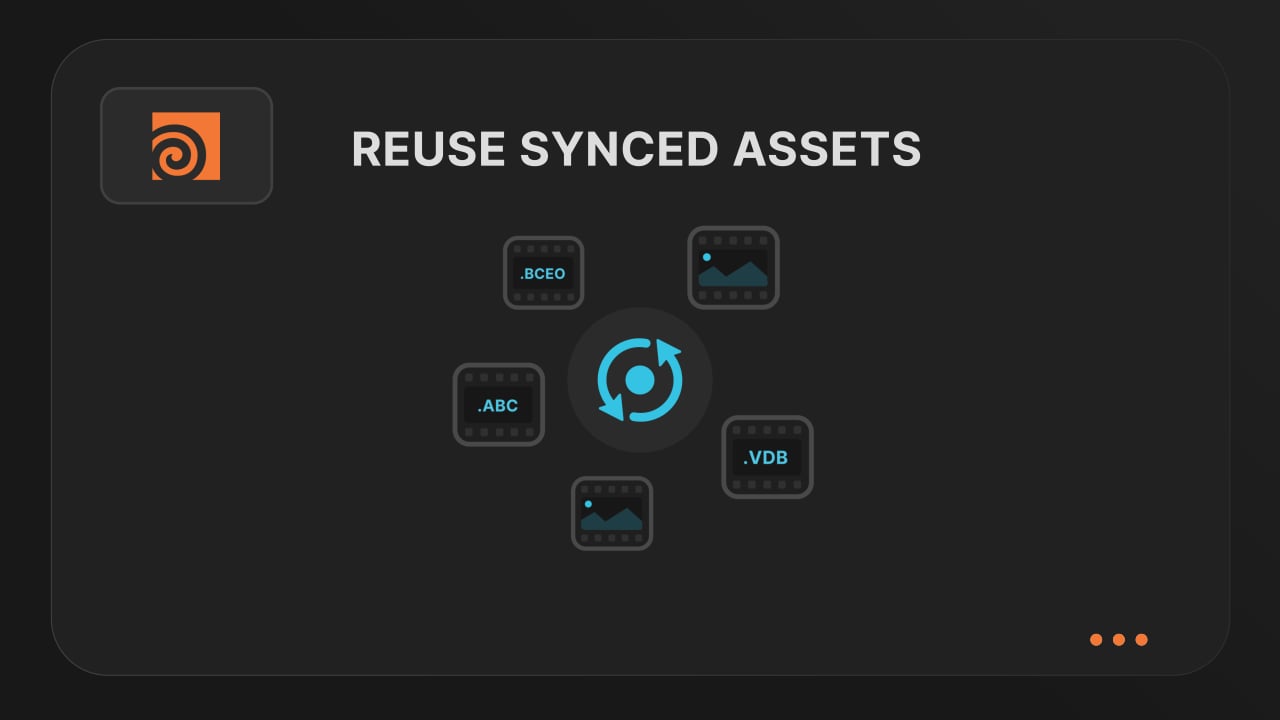
Save time & bandwith by reusing synced assets
Reuse large caches stored on our render farm without downloading them again. A powerful way to save time and bandwidth in your Houdini render workflow.
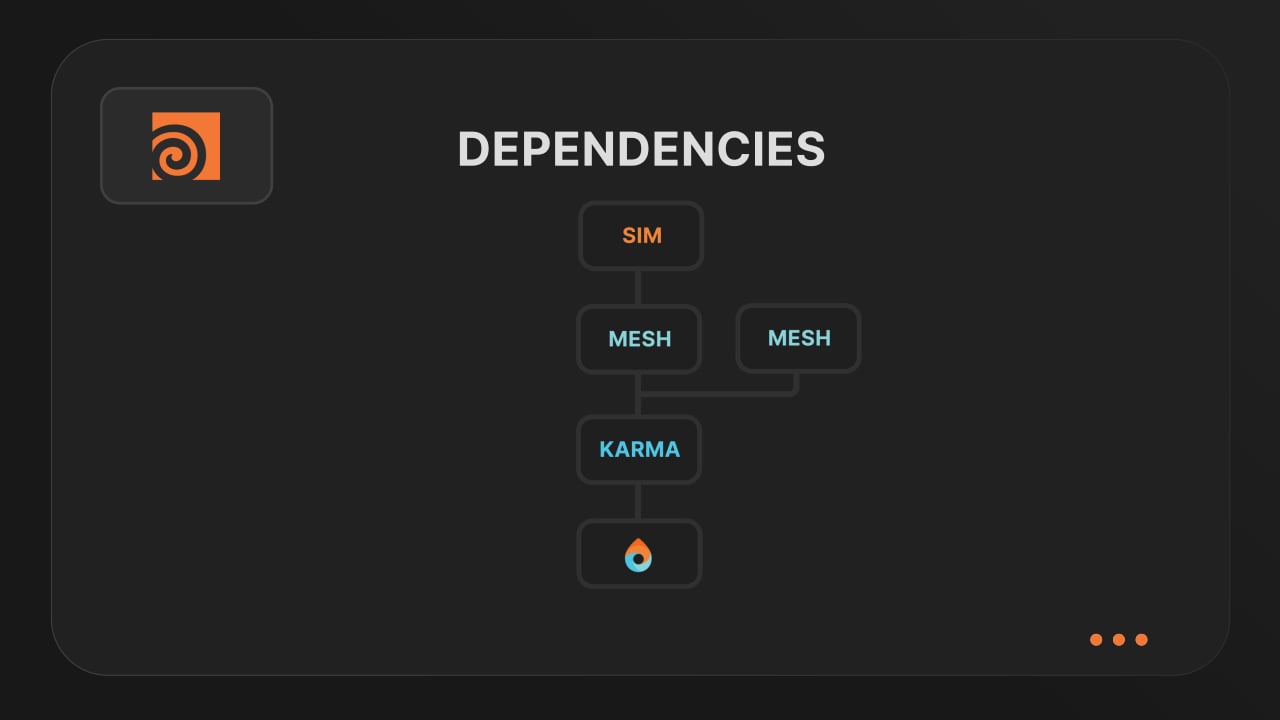
Understanding render dependencies
Chain your Houdini nodes the way you like and let Drop & Render handle the order. From parallel jobs to complex dependencies, the HDA adapts to your workflow so everything renders in the right order.
Customizing your global and per-render settings
Fine-tune your render jobs directly in the HDA. Set frame ranges, test specific frames, and assign priority so you get the results you want, when you need them.
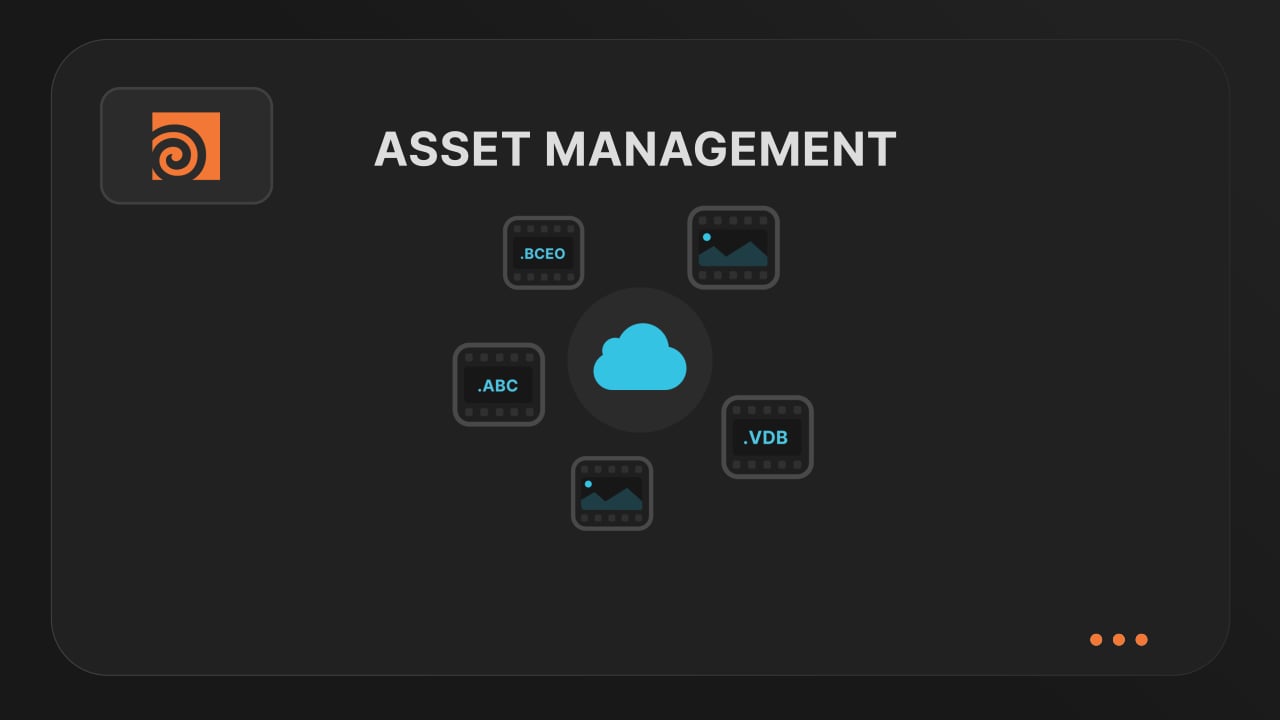
Understanding asset management
Our asset manager scans your scene and handles all path remapping automatically. Quickly add missing files, skip already-synced assets, and keep uploads fast and hassle-free.
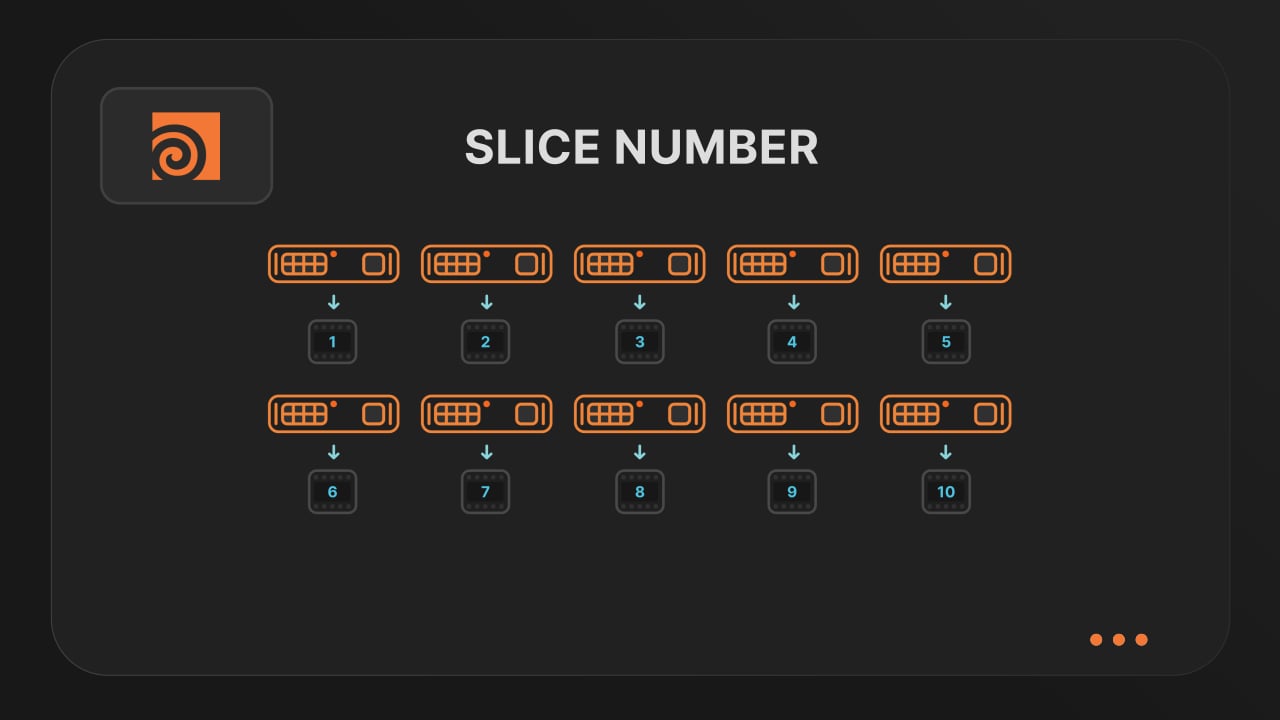
Optimize your render with a Custom Slice Number
Speed up rendering by setting the right slice value. Reduce overhead, save credits, and get more out of our Houdini render farm.
Cooking PDG projects
Drop & Render fully supports PDG workflows. Find out how to use TOP networks on our render farm.
€25 크레딧을 드립니다!


확인