
연락하기!
신속하고 정확한 답변을 제공하도록 설계된 지능형 채팅 시스템을 통해 문의하세요. 더 많은 도움이 필요하신가요? 친절한 지원팀이 언제든 도와드립니다!

몇 분 정도 걸립니다. 결과가 여기에 표시되므로 나갔다가 나중에 다시 돌아와도 됩니다.
위의 질문에 채팅으로 답변해 주시면, 그 다음부터 확인이 계속 진행됩니다.
저장 중…
이메일 설정을 저장하지 못했습니다. 다시 시도해 주세요.
Livia
지원
이 채팅이 종료되었습니다. 여기에서는 새로운 메시지를 보낼 수 없습니다.
이 탭이 열려 있지 않아도 지원팀이 답변하면 알림을 받습니다.
일반 Q&A
서비스에 대해 더 알아보고 싶으신가요? 여기에서 가장 자주 묻는 질문을 확인하세요.
Drop & Render 팀을 움직이는 것은 무엇인가요?
Drop & Render는 어떤 3D 소프트웨어와 렌더 엔진을 지원합니까?
Drop & Render는 얼마나 빠르고, 내 프로젝트에 몇 대의 기계가 작업할 것인가요?
Drop & Render에 프로젝트를 제출하려면 어떻게 해야 하나요?
내 작업의 가격을 어떻게 계산하나요?
프로 시리즈 & 매뉴얼
더 고급 도구 사용법은 동영상 튜토리얼을 확인하세요! 워크플로를 간소화하고 크레딧과 렌더 시간 모두 최대 30%까지 절약하는 데 도움이 됩니다.
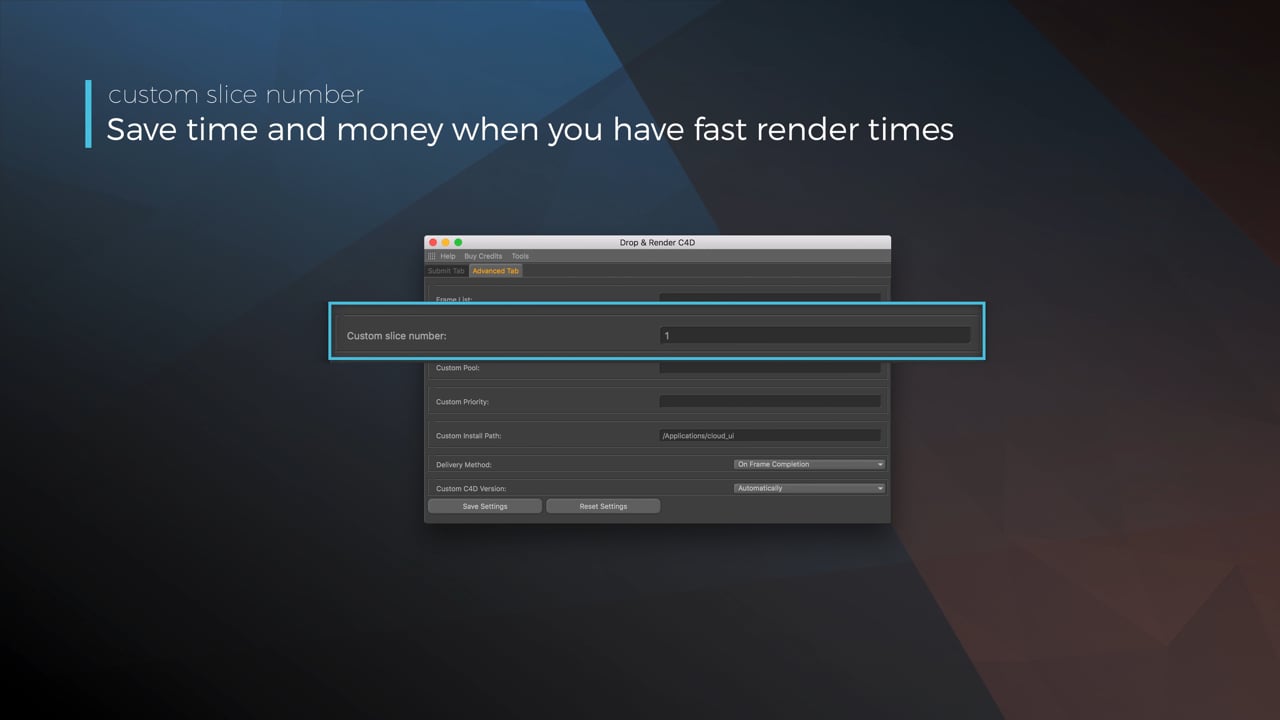
Optimize your render with a Custom Slice Number
Using a custom slice number lets one machine render multiple frames while only initializing your project once, saving up to 30% in both render times and costs. Works especially well on faster renders!
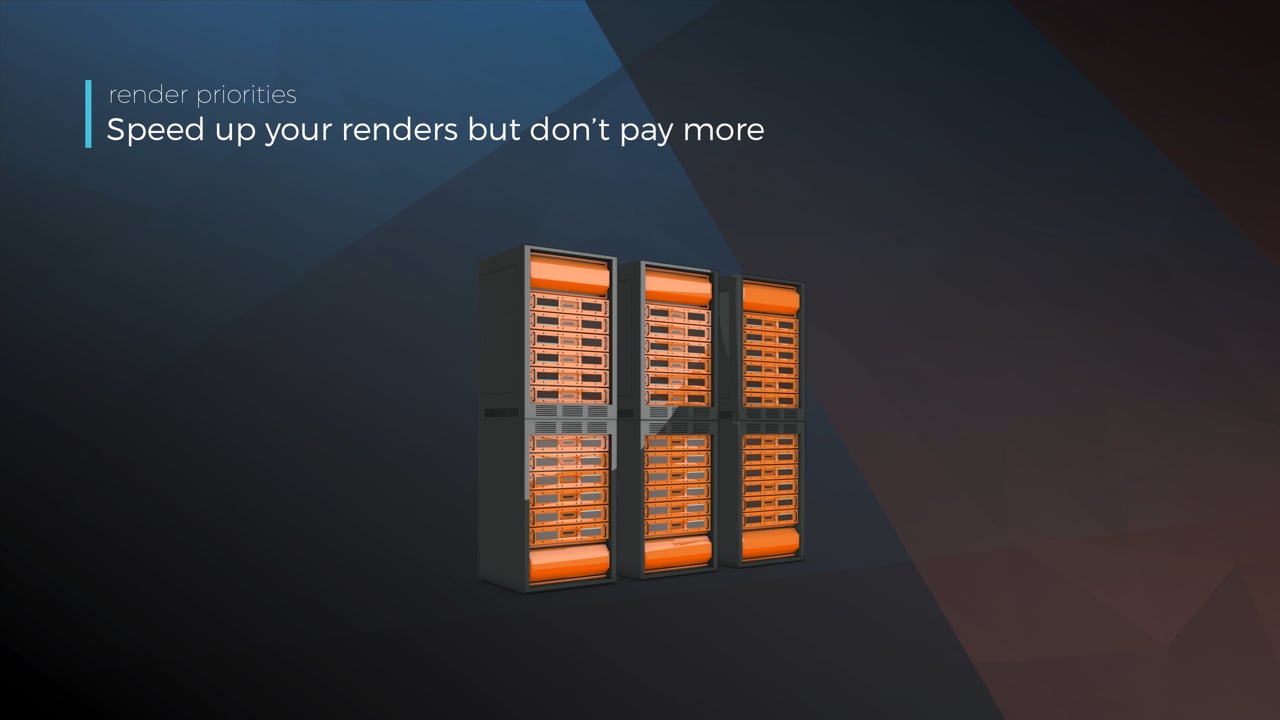
Understanding render priorities
Our priority system has three levels: Sapphire, Emerald and Diamond. The higher the priority, the faster new machines can start working on your projects!
Connect your entire office to Drop & Render
We offer a robust system for a team of artists to work together. You can monitor and download one another's work efficiently, all without having to disturb them!
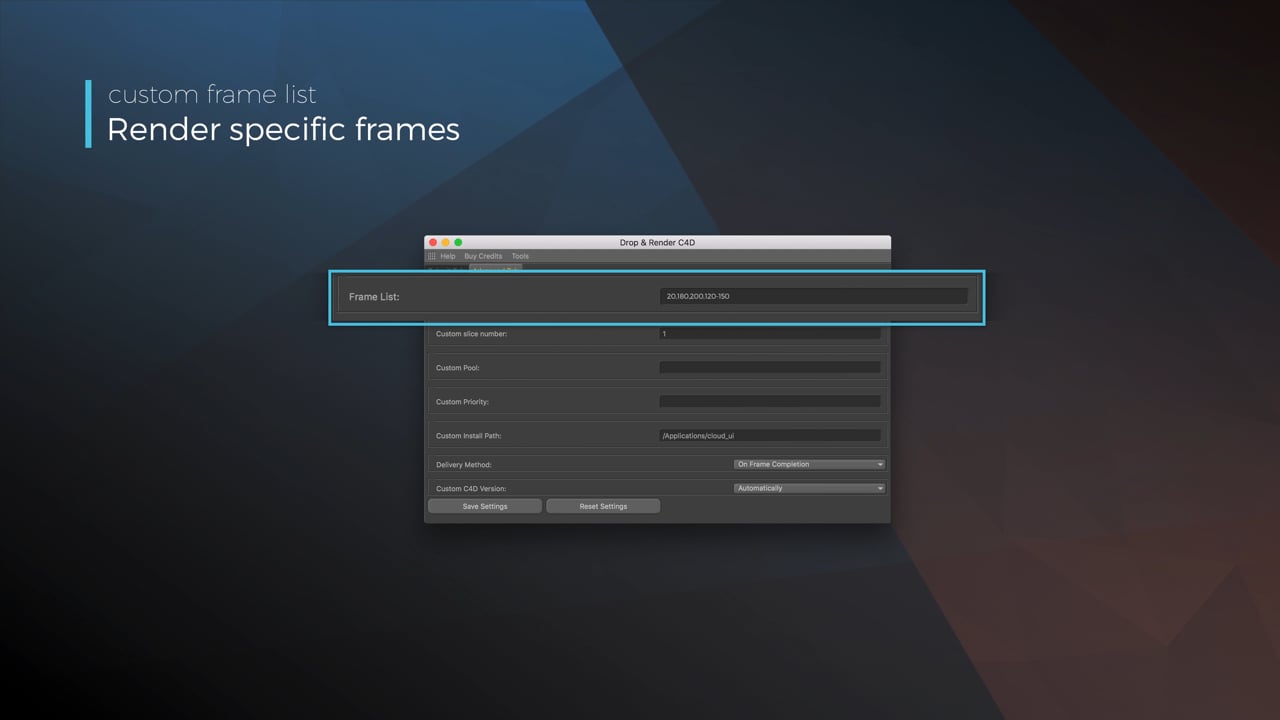
Submit a custom frame range to the farm
Only need to render a sequence of your project, or need to see a couple of specific frames? You can set custom frame lists from right within our plugin!
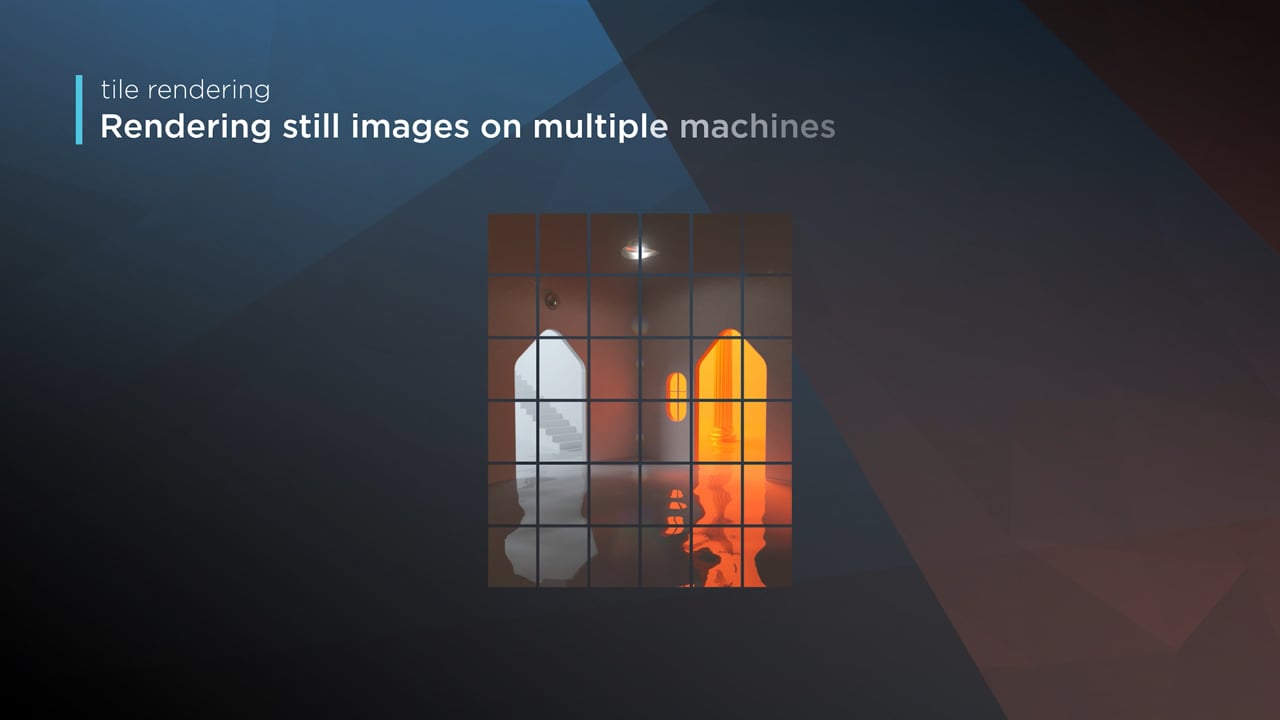
Render large still frames with Tile Rendering
Tile rendering splits a single frame amongst multiple machines, letting them work on it at the same time. Each tile is then seamlessly stitched back and delivered as a single frame!
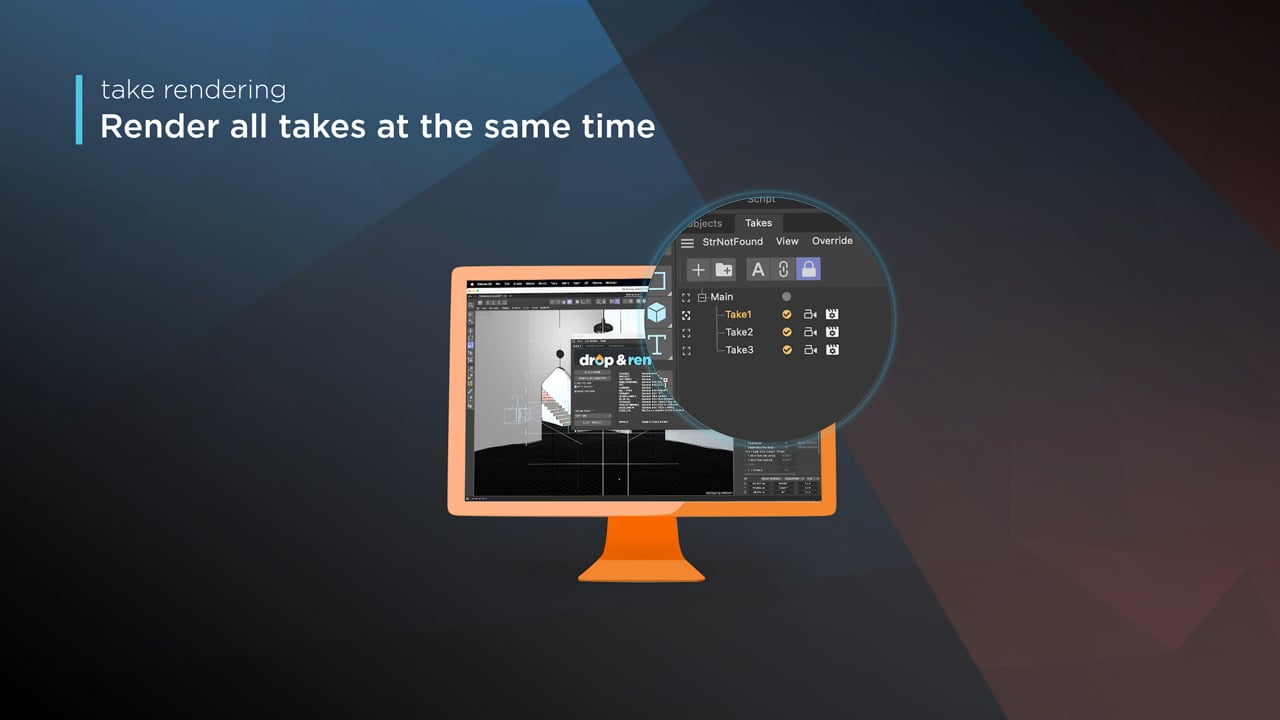
Cinema 4D Take Rendering support
Our farm includes native support for Cinema 4D's 'Takes' feature, letting you upload all your project's variations in a single click!
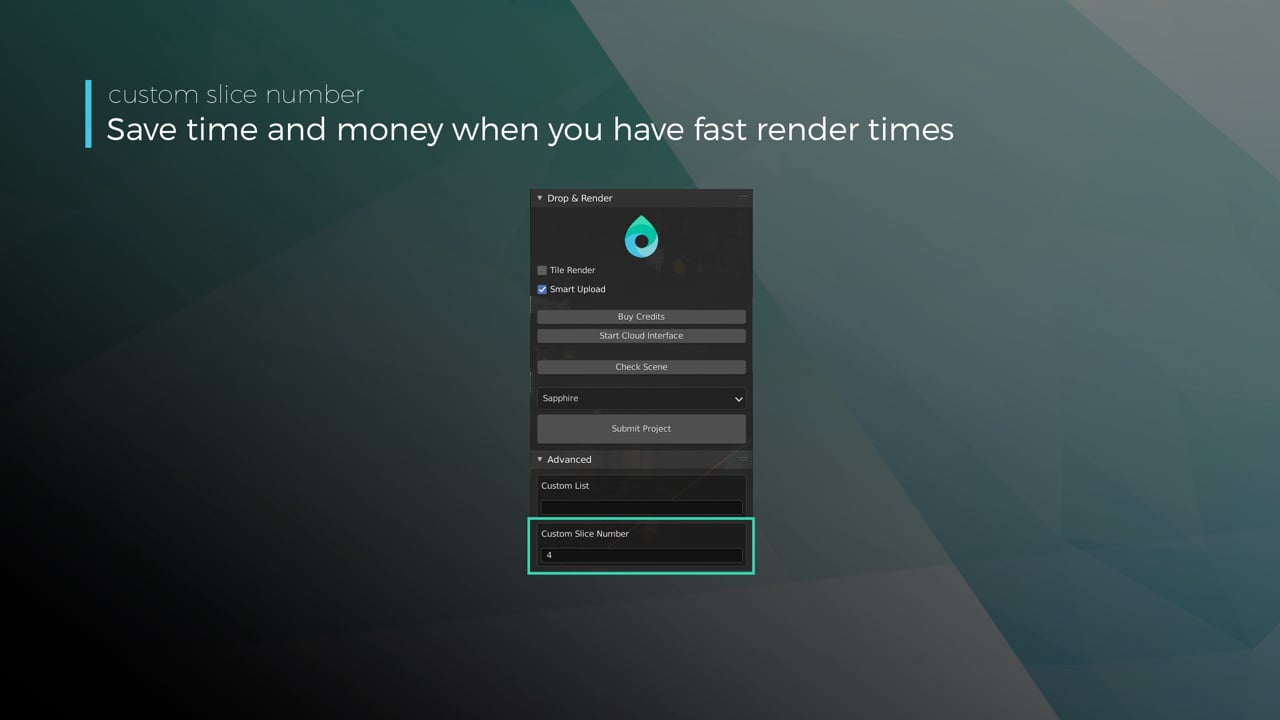
Optimize your render with a Custom Slice Number
Using a custom slice number lets one machine render multiple frames while only initializing your project once, saving up to 30% in both render times and costs. Works especially well on faster renders!
Understanding render priorities
Our priority system has three levels: Sapphire, Emerald and Diamond. The higher the priority, the faster new machines can start working on your projects!
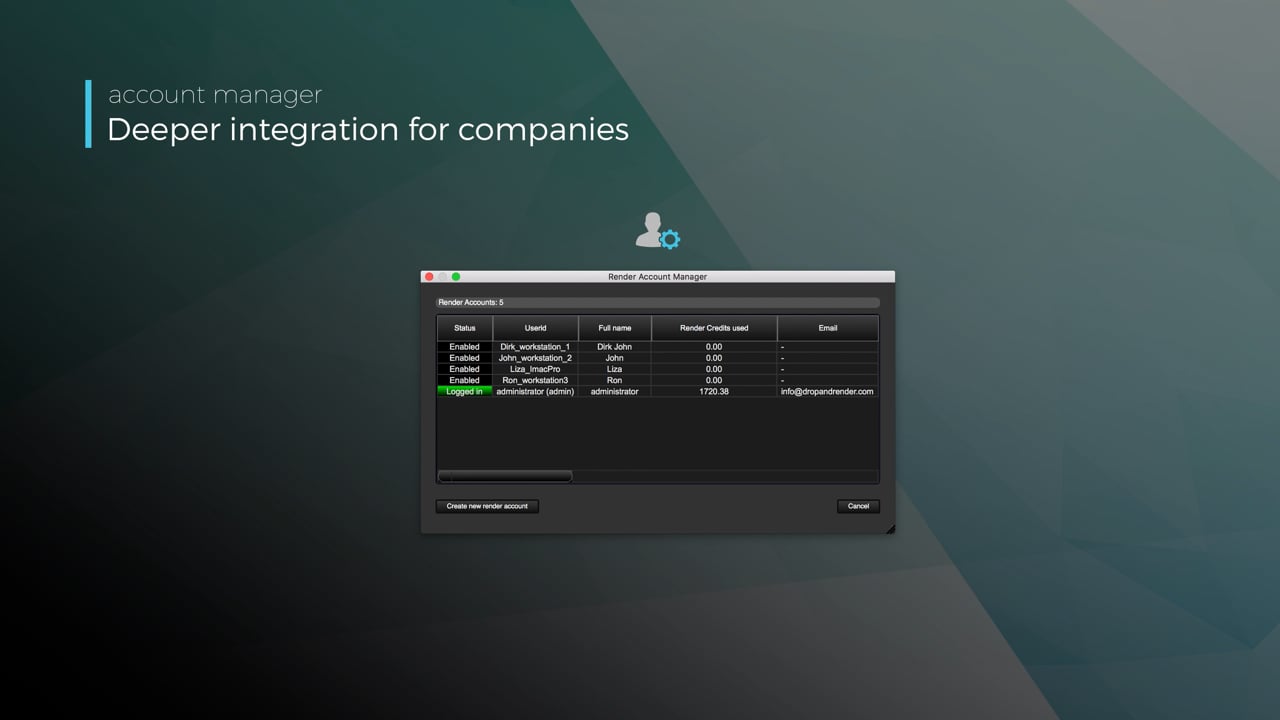
Connect your entire office to Drop & Render
We offer a robust system for a team of artists to work together. You can monitor and download one another's work efficiently, all without having to disturb them!
Submit a custom frame range to the farm
Only need to render a sequence of your project, or need to see a couple of specific frames? You can set custom frame lists from right within our plugin!
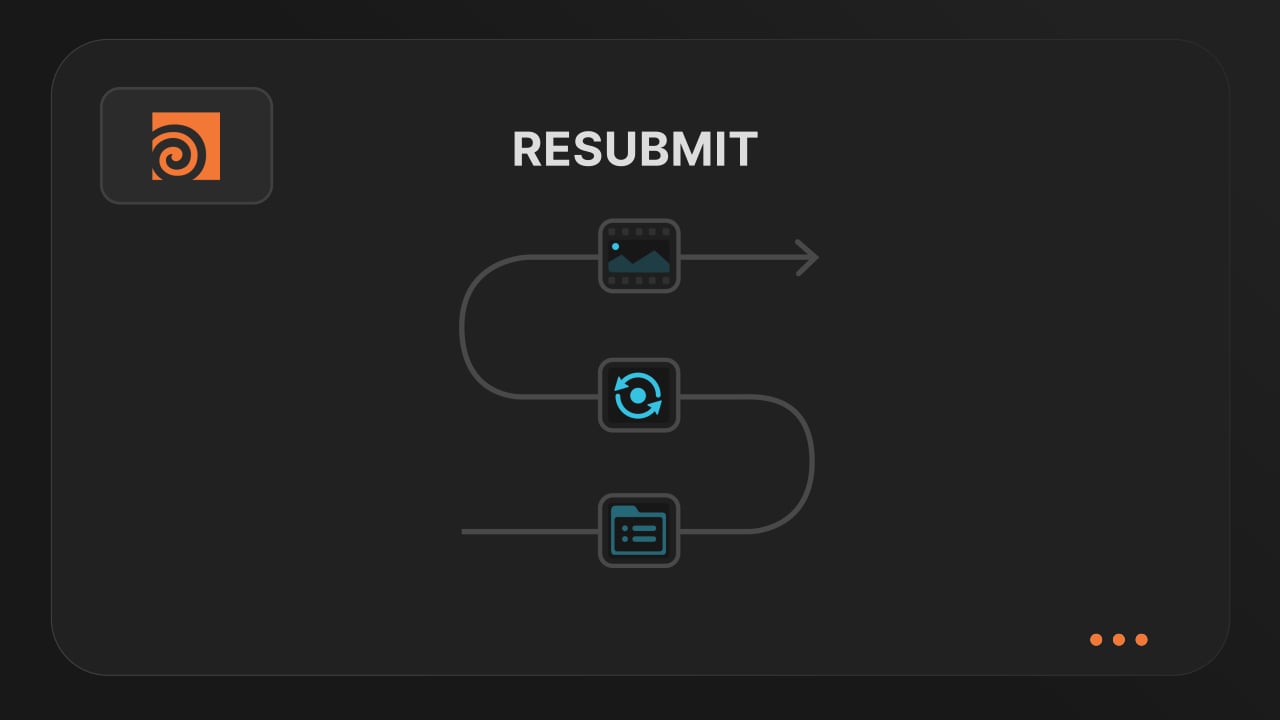
Resubmit workflow
Test a few frames first, then resubmit with updated settings straight from the dashboard. Drop & Render reuses caches and dependencies automatically, so you can focus on the final result.
Connect your entire office to Drop & Render
Invite teammates, assign roles, and keep everyone in sync. Share assets, download results, and work together on the same projects without missing a beat.
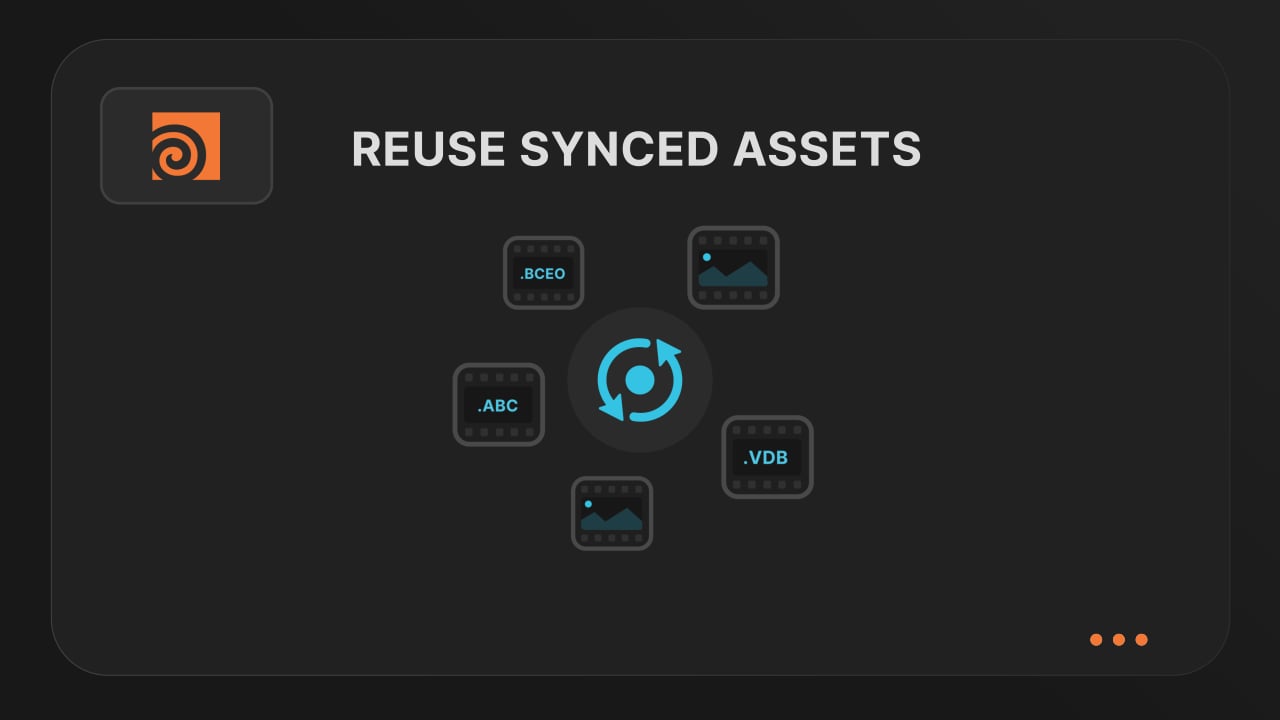
Save time & bandwith by reusing synced assets
Reuse large caches stored on our render farm without downloading them again. A powerful way to save time and bandwidth in your Houdini render workflow.
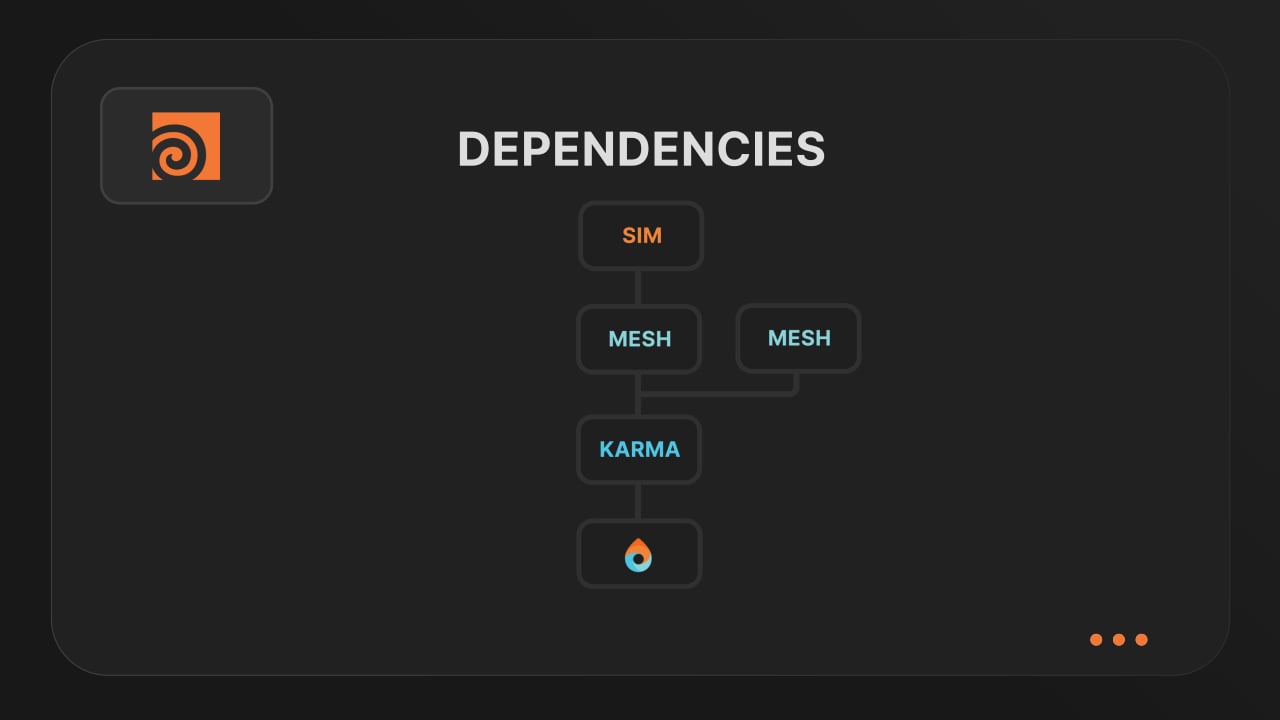
Understanding render dependencies
Chain your Houdini nodes the way you like and let Drop & Render handle the order. From parallel jobs to complex dependencies, the HDA adapts to your workflow so everything renders in the right order.
Customizing your global and per-render settings
Fine-tune your render jobs directly in the HDA. Set frame ranges, test specific frames, and assign priority so you get the results you want, when you need them.
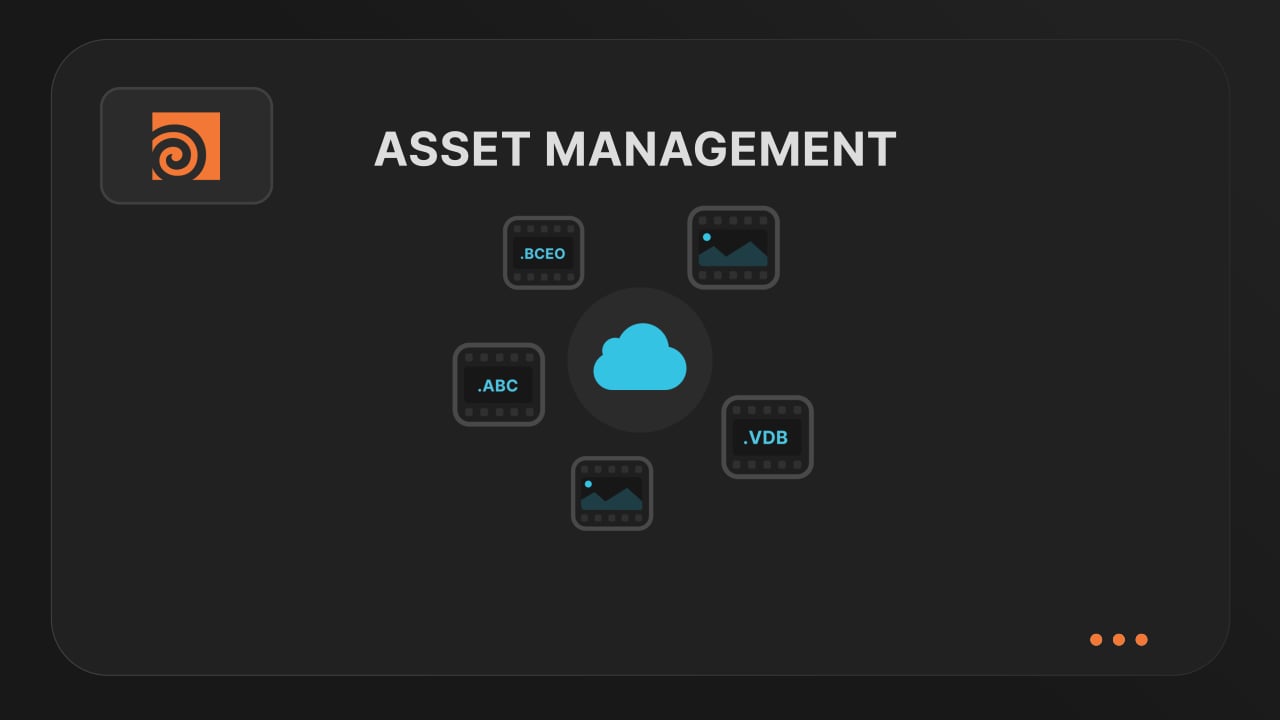
Understanding asset management
Our asset manager scans your scene and handles all path remapping automatically. Quickly add missing files, skip already-synced assets, and keep uploads fast and hassle-free.
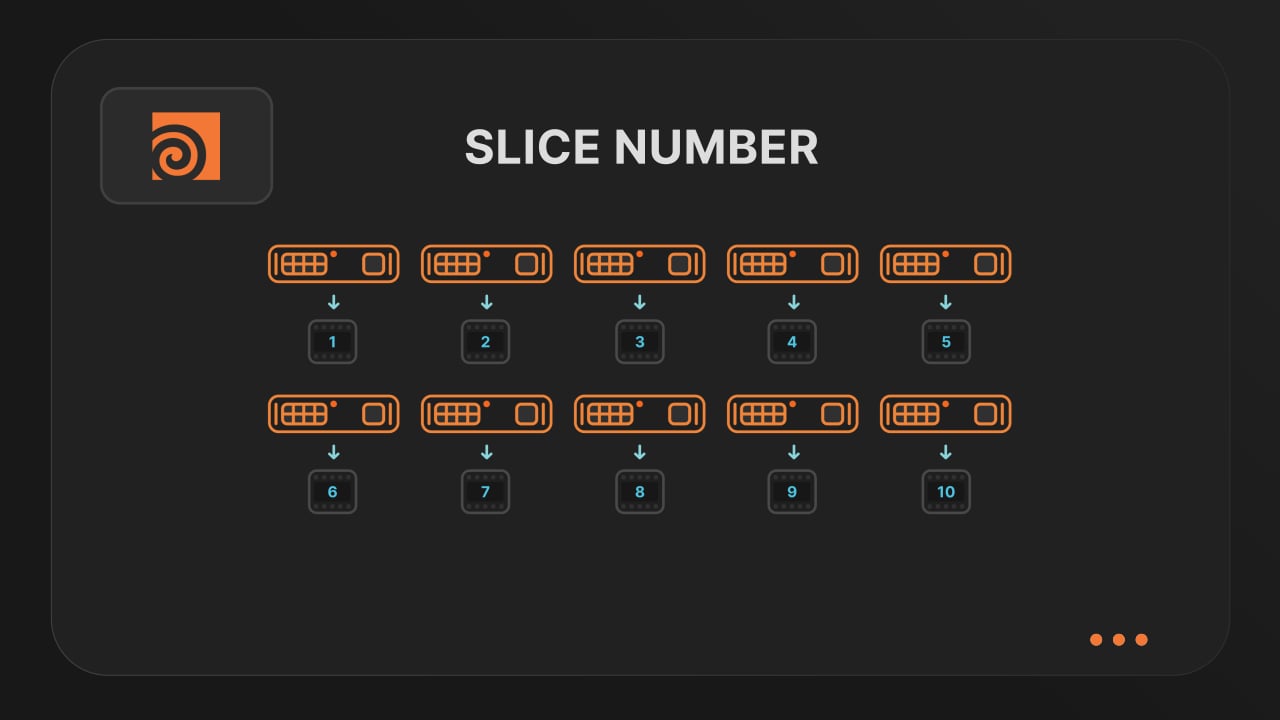
Optimize your render with a Custom Slice Number
Speed up rendering by setting the right slice value. Reduce overhead, save credits, and get more out of our Houdini render farm.
Cooking PDG projects
Drop & Render fully supports PDG workflows. Find out how to use TOP networks on our render farm.
블로그
최신 팁, 요령 및 인사이트를 확인하여 렌더링 프로세스를 최적화하고 생산성을 높이세요.
@la_barbed
Flamenco Render Farm: Send Blender Jobs to the Cloud
Send Blender jobs from Flamenco 3 to Drop & Render, keep local workers and receive frames on shared storage. Try the workflow with €25 free render credits.
2026-11-03
Blender
@sweeper3d
A Houdini render workflow your whole studio can use
Keep Houdini projects moving from FX to lighting and comp. Share farm assets, submit connected jobs and deliver the outputs your team needs.
2026-10-30
Houdini
@shakilanil1
Meet Drop & Render Link: Render Farm Power, Your Usual Workflow
Meet Drop & Render Link: submit from Cinema 4D, Blender or Houdini, transfer files up to 5x faster and get finished frames automatically.
2026-10-28
Announcements


Pipeline
확인