

A cloud render farm for Flamenco 3
Keep Flamenco. Add the cloud. Send Blender jobs to Drop & Render with one job type and get the frames back in your output folder.
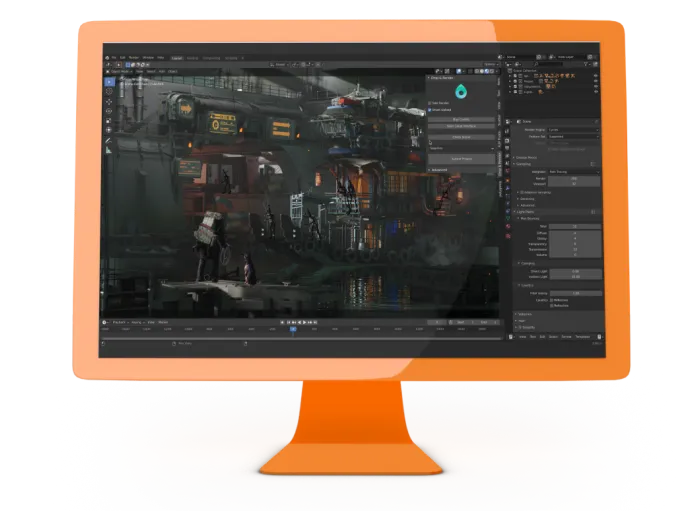
艺术家从 Blender 提交
Flamenco 面板,作业类型 Drop & Render
您的 Flamenco Manager
像其他作业一样排队
Drop & Render 农场
在我们的机器上渲染帧
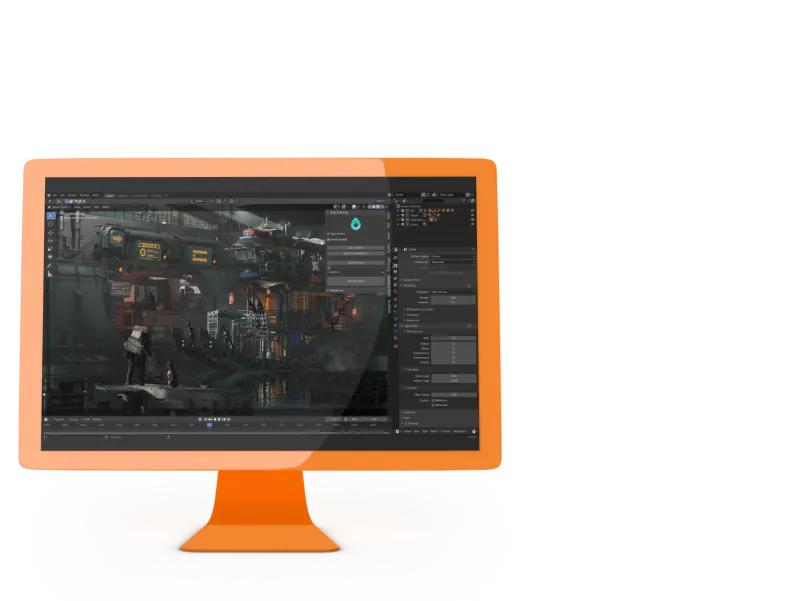
Your output folder
帧会传送到渲染输出文件夹
工作原理
Flamenco is the free render manager from the Blender Studio. Our Drop & Render job type lets your artists send Blender jobs to our farm without leaving Blender.
-
1
1. 只需开启一次
On the computer running your Flamenco Manager, sign in to Drop & Render Link and install Flamenco from your Extensions dashboard. The installation guides you through setup and checks what you need.
-
2
2. 照常提交
在 Blender 中打开 Flamenco 面板,选择 Drop & Render 作为作业类型并选择一个队列。Flamenco 会像往常一样打包场景。
-
3
3. 取回您的帧
Choose frame delivery to receive frames as they finish, or job delivery to receive them when the render completes. With delivery disabled, the Flamenco task finishes after submission instead of waiting for the render.

专为已在使用 Flamenco 的工作室打造
Keep your local workers and add cloud capacity where you need it. Choose where each job renders while your artists keep submitting from Blender.
按作业选择
自己的机器继续使用 Simple Blender Render,截止日期需要更多算力时选择 Drop & Render。两者位于同一个 Flamenco 队列中。
只需一台电脑完成设置
只有运行 Flamenco Manager 的电脑需要 Drop & Render Link 和我们的 Blender 插件。Link 会为您安装 Flamenco worker 和作业类型。
在 Flamenco 中查看进度和预览
With delivery enabled, Flamenco follows delivered frames and displays previews. Choose frame delivery for updates during rendering, or job delivery for output after the render completes.
您的队列,您的优先级
安装了我们 Blender 插件的美术师会在 Flamenco 面板中看到 Queue 下拉菜单,队列与插件中相同。
Keep following submitted jobs
Link tracks accepted submissions so retries can keep following the same render. If submission fails with an uncertain result, check the farm before retrying.
只为渲染付费
The Flamenco extension itself has no extra cost. Jobs use the credits of the Drop & Render account signed in to Link, at our normal prices.
Install from your dashboard
Open Extensions and install Flamenco. The installation guides you through connecting your local Manager to Drop & Render.
Set up in five steps
Set up the integration on your Flamenco Manager computer, then send a short image sequence to check the connection and delivery.
-
1
1. Create your free account
Register for Drop & Render. You get €25 in render credits to test with.
-
2
2. 安装 Drop & Render Link
Download Link from Start rendering and sign in. Link installs the Drop & Render add-on into Blender for you.
-
3
3. Check the Flamenco side
Run a Flamenco 3 Manager on the same computer, started by the same user as Link, with flamenco-manager.yaml next to its executable.
-
4
4. Install Flamenco from Extensions
Open Extensions in your dashboard. Link finds the Manager, downloads a matching worker and installs the Drop & Render job type. No terminal commands or script copying needed.
-
5
5. Submit a short test range
Restart the Manager if setup asks for it. Select the Drop & Render job type in Blender and submit a short frame range with an empty output folder.
Job type settings
Choose the frames, queue and delivery mode for each cloud render in Blender's Flamenco panel.
| Setting | What it does |
|---|---|
| 帧 | Frame range taken from the scene. Examples: 47, 1-30, 3, 5-10, 47-327. |
| Render output root | Choose where to receive your frames. Each job gets a folder beneath this location, named with the job name and a timestamp. |
| Add path components | Choose how many folder names from your blend file’s location to keep in the output path. |
| 队列 | Choose a priority from the queues available in your add-on. |
| Delivery | Choose frame to receive each frame as it finishes, job to receive output after the whole render, or none to download later from the dashboard. |
| 每个切片的帧数 | Choose how many frames each farm machine renders, or enter 0 to let the add-on choose for you. |
| Stall hours | Set how long to wait without a newly delivered frame before failing the Flamenco task. Leave the default of 12 hours or enter 0 to wait indefinitely. With job delivery, allow more than the total render time. |
须知
- Image sequences only. Render to PNG, EXR or another image format and encode the video afterwards. FFmpeg and AVI output are not supported by this job type.
- Local Manager only. The Manager must run on the computer where Link is installed; a remote Manager is not supported.
- Only trusted users should submit. Anyone who can submit to your Manager can spend the signed-in account's render credits.
- Use an empty output folder for each new job.
- After an uncertain submission error, check the farm before retrying so you do not submit the same render twice.
- For multi-pass renders, check that every pass has arrived before using the output; seeing a delivered frame in Flamenco does not confirm that all its passes are ready.
More ways to connect your pipeline
Use the API for your own submission tools, or follow Drop & Render jobs alongside your local queue in Deadline Monitor.
相关常见问题
关于将 Flamenco 作业发送到 Drop & Render 的常见问题。
Can I use Flamenco with a cloud render farm?
keyboard_arrow_downWhich Flamenco version is supported?
keyboard_arrow_downDo I need shared storage or cloud machines for Flamenco?
keyboard_arrow_downCan I keep using my local Flamenco workers?
keyboard_arrow_downHow do I install the Flamenco integration?
keyboard_arrow_downCan Flamenco send video files to the farm?
keyboard_arrow_downWhen do the frames arrive?
keyboard_arrow_downDoes uninstalling the integration cancel my renders?
keyboard_arrow_downHow much does it cost?
keyboard_arrow_down

我们将为您提供 €25 的积分开始!
确认