When FX finishes a simulation, lighting needs more than a message saying it is ready. The receiving artist needs the chosen cache version, its frame range and a location the render can use. Compositing will need the same clarity about the images that come back, especially when another lighting revision is already under way.
Our Houdini integration brings caches, render jobs, shared assets and output delivery into the submission workflow. The useful starting point for a studio is deciding what each artist needs from the previous stage, then making those choices explicit in the scene and submission.
Give the next artist something clear to work with
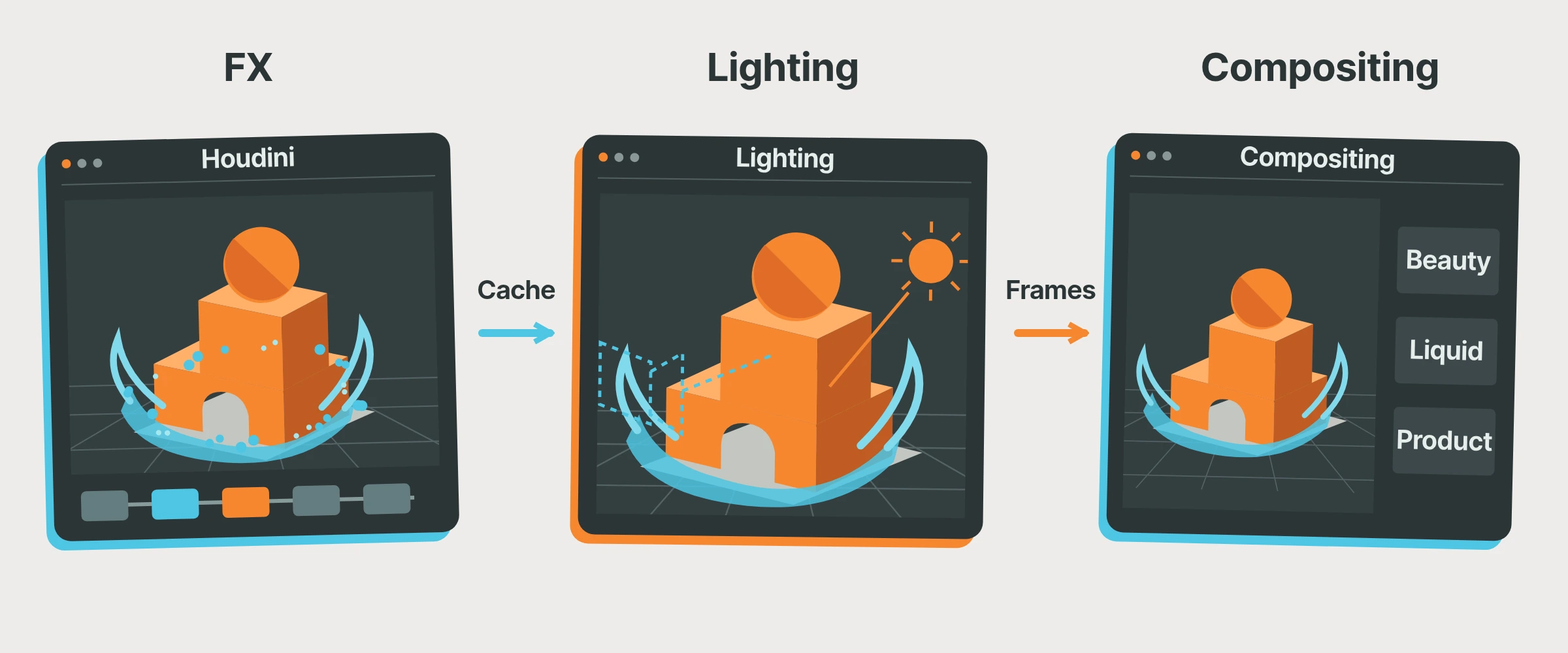
Imagine a 25-person studio making a product film with a fluid effect. An FX artist handles the simulation, a lighter builds the shot in Solaris, and a compositor brings everything together.
For this illustrative shot, the handoff might be “Fluid cache v012, frames 1001 to 1120,” together with its location and approval status. The lighter knows what to use and can keep that version in the shot while FX explores another variation. Your existing publishing conventions can carry that information; the important part is that the next artist does not have to guess what “latest” means.
Houdini already gives you ways to organise this work. Our integration reads the cache settings, including version information, so you can use the conventions your team understands. Give the render its own version and output folder too. That way, the next lighting update does not replace the frames already being used in comp.
Submit the work that belongs together
Once the shot is ready, several operations may still need to run in order. Connect those operations in a supported Houdini workflow and we turn their relationships into farm job dependencies. Review the generated jobs before submitting the chain, so the farm has the processing order the team intends without someone returning to submit each stage separately.
Keep creative review separate from that processing order. A completed cache job means the computation has finished, not that the fluid motion is approved. Run a preview first when the team needs to judge the result, then submit the remaining stages together once that decision is made.
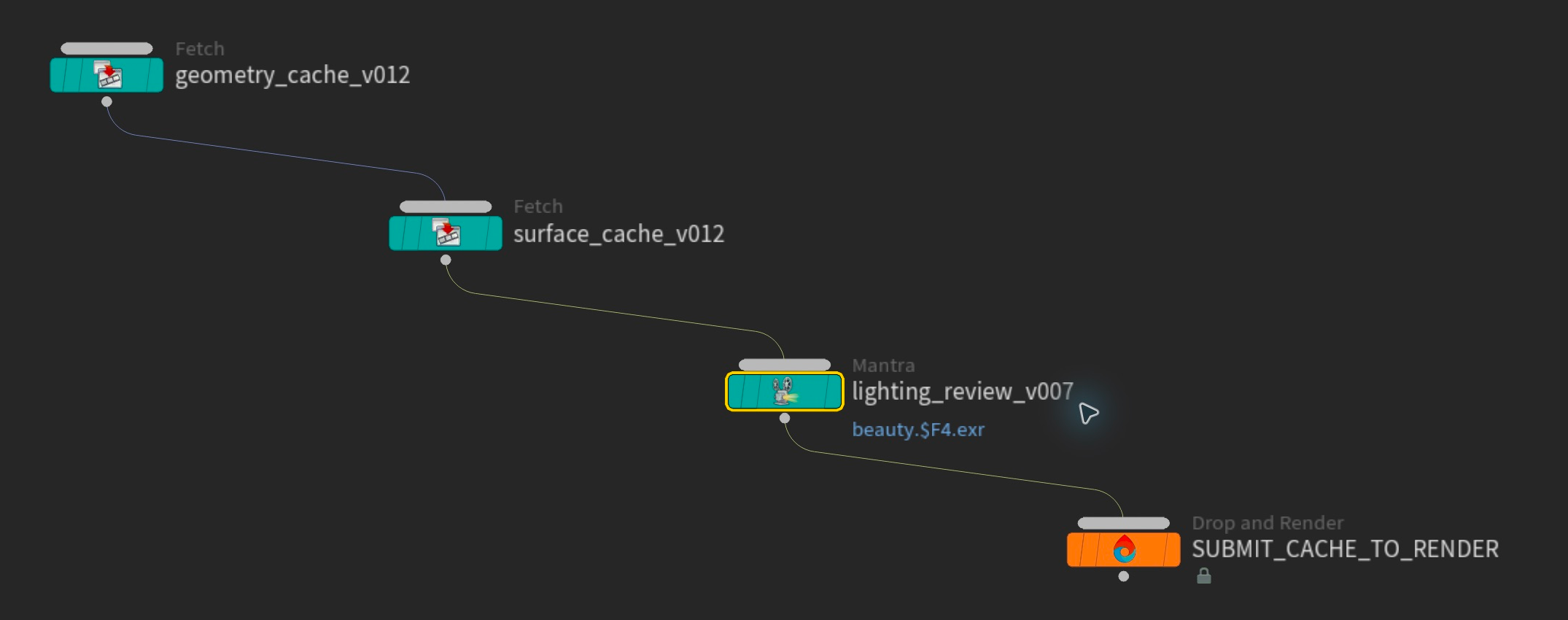 The connections in the workflow describe which operation needs to finish first.
Share the assets and the render budget
Your artists will often use the same environment, textures and geometry across several shots. With our team system, uploaded asset iterations are available for the studio's farm jobs to reuse. A matching file still available on the farm does not need another upload just because a different artist submits the next shot. Your publishing process still determines which version belongs in that shot.
The team also shares credits and invoicing. Each member sees their own renders, while administrators can oversee the studio's jobs and usage. Artists can submit from their own accounts while the person looking after production keeps a studio-wide view of the work using the shared budget.
Bring back what the next person needs
The compositor needs the rendered frames. The lighter might need a cache locally. A large intermediate used only by the next farm job can stay on the farm for that processing.
Our output controls let you choose which jobs download their results. Supported PDG workflows also let you select individual output nodes. You can keep the heavy intermediate steps on the farm and bring back the results your team needs to work with.
Choose the receiving folder before submitting, check that the receiving machine can write to it, and make sure the next artist can access it through your studio's storage setup. Delivery to a configured folder does not automatically distribute files to every workstation. Keep a studio copy of caches and images that need long-term preservation.
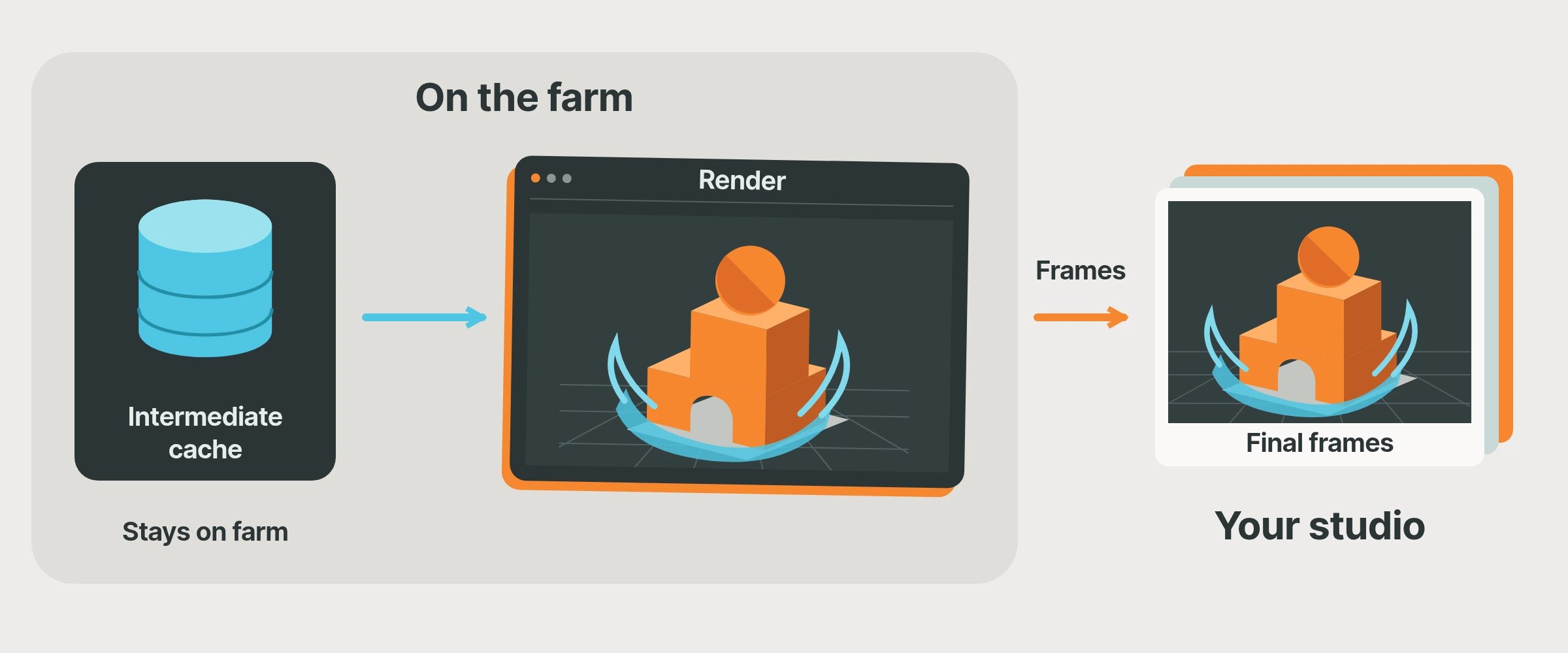 Choose delivery around the next artist's work.
Start with one real shot
Take a representative shot through the Houdini integration from FX to comp. Confirm the cache version, camera and output path, run Scene Check, and send a small frame selection that includes a demanding part of the shot. Open the returned images in the actual comp setup to check the names, channels and colour interpretation as well as the receiving folder.
Record that successful handoff in a short form the next artist can follow. For the node setup behind it, our guide to running cache and render jobs together covers the supported workflow. If your publishing or cache arrangement needs a closer look, talk to us before extending it to the sequence.