

質問がありますか?
こちらで最もよくある質問をご確認ください。回答が見つからない場合は、ぜひサポートにお問い合わせください!
Arnoldのどのバージョンをサポートしていますか?
Blenderのジョブのレンダリングされたフレームに問題がある場合はどうすればいいですか?
Blenderのレンダリングを携帯電話からモニタリングできますか、それともワークステーションに留まる必要がありますか?
Blenderのレンダーファームはどのように機能しますか?
Cinema 4Dのどのバージョンをサポートしていますか?
Cinema 4Dのプラグインをアンインストールするにはどうすればよいですか?
Cinema 4Dのレンダーファームはどのように機能しますか?
Cinema 4Dプラグインからジョブを送信できません
Cinema 4Dプラグインを再インストールする
Cinema4Dプラグインをインストールできませんか?
Cloud Managerがログインしようとするとクラッシュします
Cycles 4DでCrypomatteをレンダリングする
Drop & Render にプロジェクトを提出するにはどうすればよいですか?
Drop & Renderの従業員が私のプロジェクトファイルを見られますか?
Drop & RenderはBlenderレンダリングにどのようなハードウェアを使用していますか?
Drop & Renderはどの3Dソフトウェアとレンダーエンジンをサポートしていますか?
Drop & RenderはどのBlenderレンダーエンジンをサポートしていますか?
Drop & RenderはどのCinema 4Dレンダーエンジンをサポートしていますか?
Drop & Renderはどのくらい速く、私のプロジェクトには何台のマシンが動作しますか?
Drop & Renderチームを駆り立てるものは何ですか?
Drop & Renderプラグインをインストールまたはアンインストールするにはどうすればよいですか?
Error 3:render farmに接続できません
GPUレンダリングはサポートしていますか?
Houdiniプロジェクトで環境変数を使用できますか?
macOS CatalinaでのCloud Manager
Octaneで「All GPUs」オプションを有効にする

Octaneのレンダーパスをレンダリングする方法
Octaneの出力がローカルレンダリングと異なる
Octaneを使用したCryptomatteレンダリング
RealFlowキャッシュの設定方法
Redshift プロキシ ワークフロー
RedshiftでのCryptomatteレンダリング
render farmを使用した場合、Cinema 4Dプロジェクトデータは安全で機密ですか?
Smart Uploadシステムとは何ですか?
Solaris/USD ワークフローをサポートしていますか?
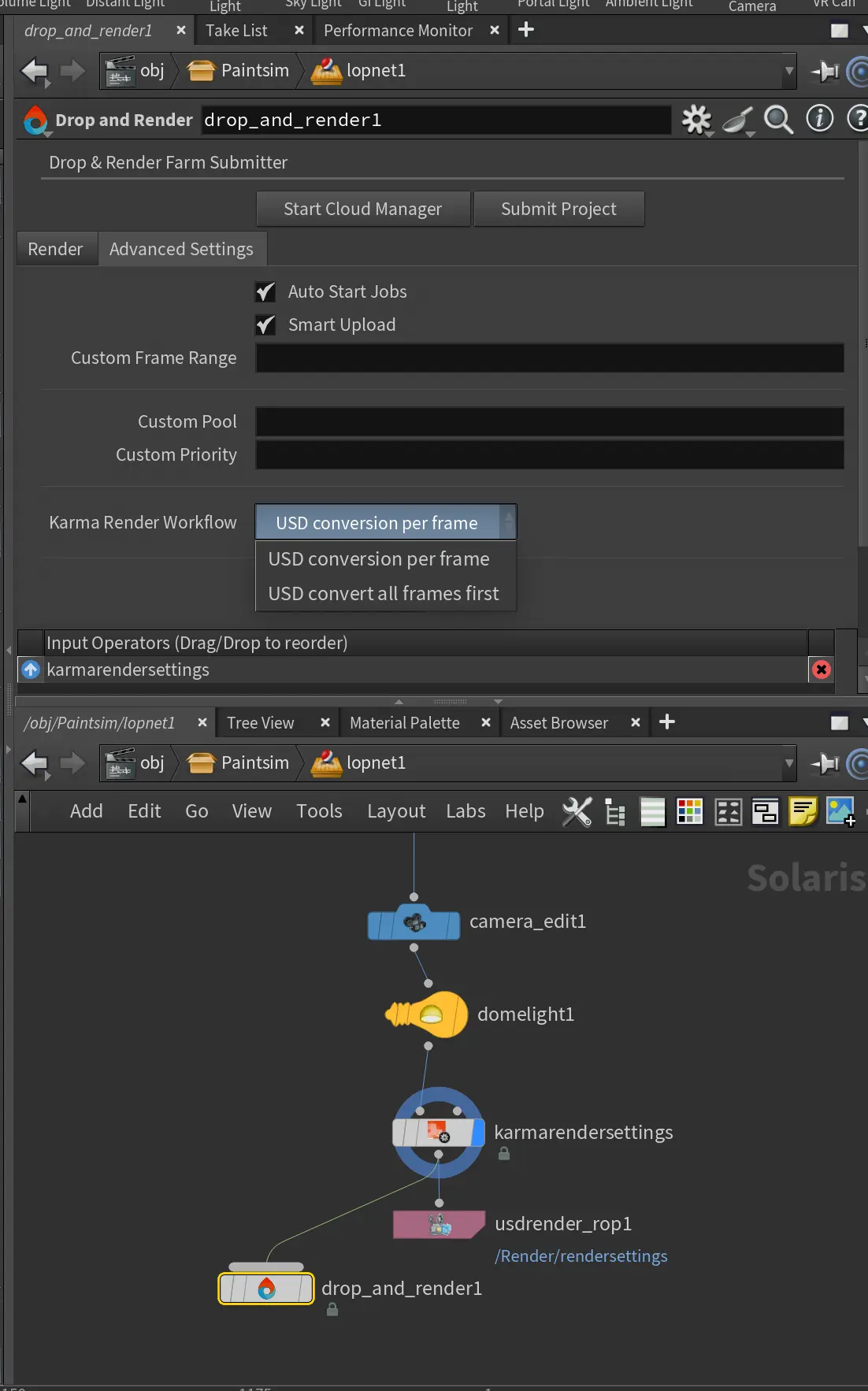
SOP、ROP、または LOP を使用してジョブを送信できますか?
Standard または Physical レンダラーでの GI レンダリング
X-Particlesキャッシュを使ったレンダリング
「Submit」をクリックしても何も起こりません
「既にログインしています」メッセージ
お金を使う前にDrop & Renderを試すことはできますか?
お金を使う前にレンダーファームを試せますか?
これはテストの質問です
これはテストの質問です。
どのように連絡できますか?
どのアドオンをサポートしていますか?
どのサードパーティプラグインのバージョンをサポートしていますか?
どのサードパーティ製Cinema 4Dプラグインがサポートされていて、どのバージョンですか?
どのソフトウェアをサポートしていますか?
どのバージョンのBlenderをサポートしていますか?
どのバージョンのOctaneをサポートしていますか?
どのバージョンのOctaneをサポートしていますか?
どのバージョンのRedshiftをサポートしていますか?
どの優先度レベルを選ぶべきですか:Sapphire、Emerald、またはDiamond?
どの支払い方法をサポートしていますか?
どの支払い方法を受け付けていますか?
なぜレンダーコストが推定よりも高いのですか?
より多くのクレジット購入に対して割引を提供していますか?
アニメーションテクスチャ
エラー3:レンダーファームに接続できません
カスタムインストールパス
カスタムプラグインのバージョニングはどのように機能しますか?
カスタムプラグインバージョン
カスタムプール
クラウドマネージャーにログインしても、プラグインをインストールするウィンドウが表示されません。
クレジットが購入できません
サブスクリプション料金はありますか、それとも利用ごとの支払いですか?
シミュレーションキャッシュをサポートしていますか?
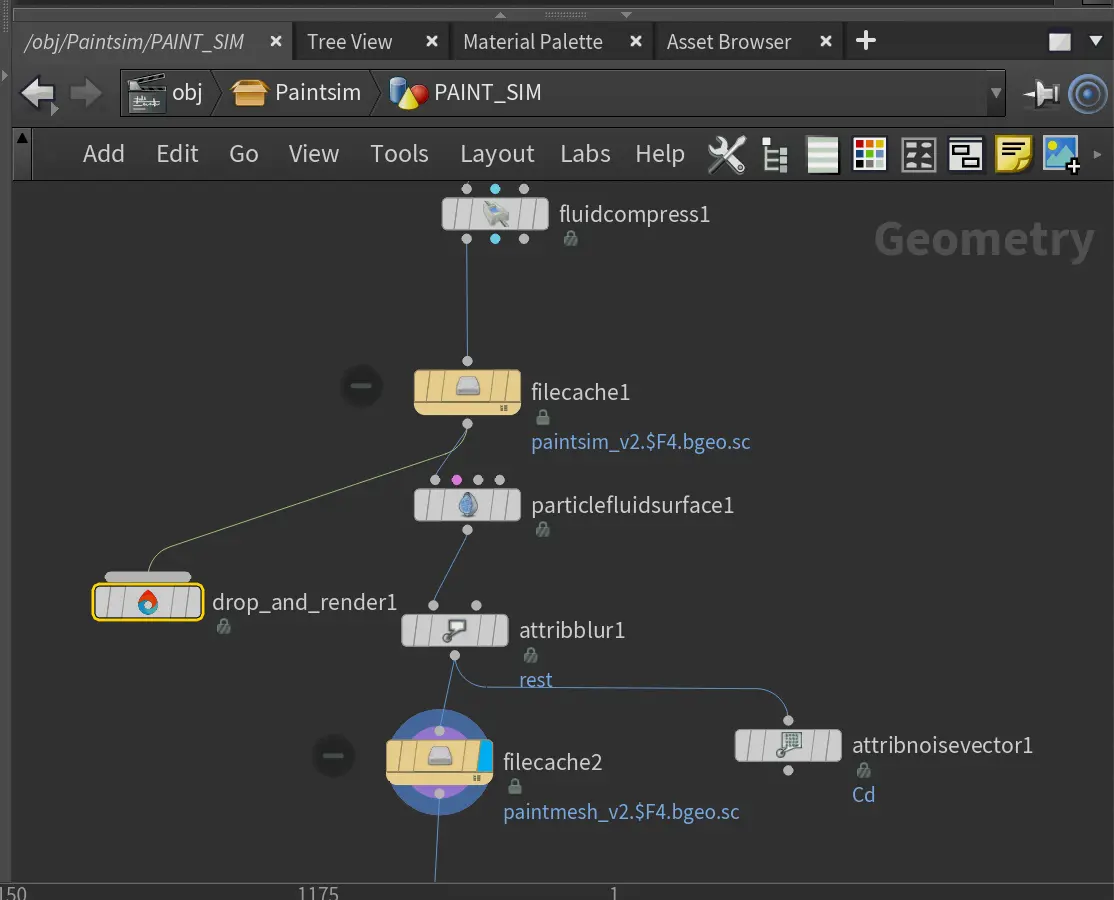
ジョブがダウンロードされません - どうすればいいですか?
ジョブを開始する前にプロジェクトをアップロードしてください
スマートアップロードシステム - ファイルを収集する必要はありません
タイルレンダリングで単一の画像をレンダリングするにはどうすればよいですか?
タイルレンダリングを使用して単一の画像をレンダリングするにはどうすればよいですか?
チームに追加料金はかかりますか?
チームやスタジオ向けのソリューションを提供していますか?
テイクシステムでのレンダリング
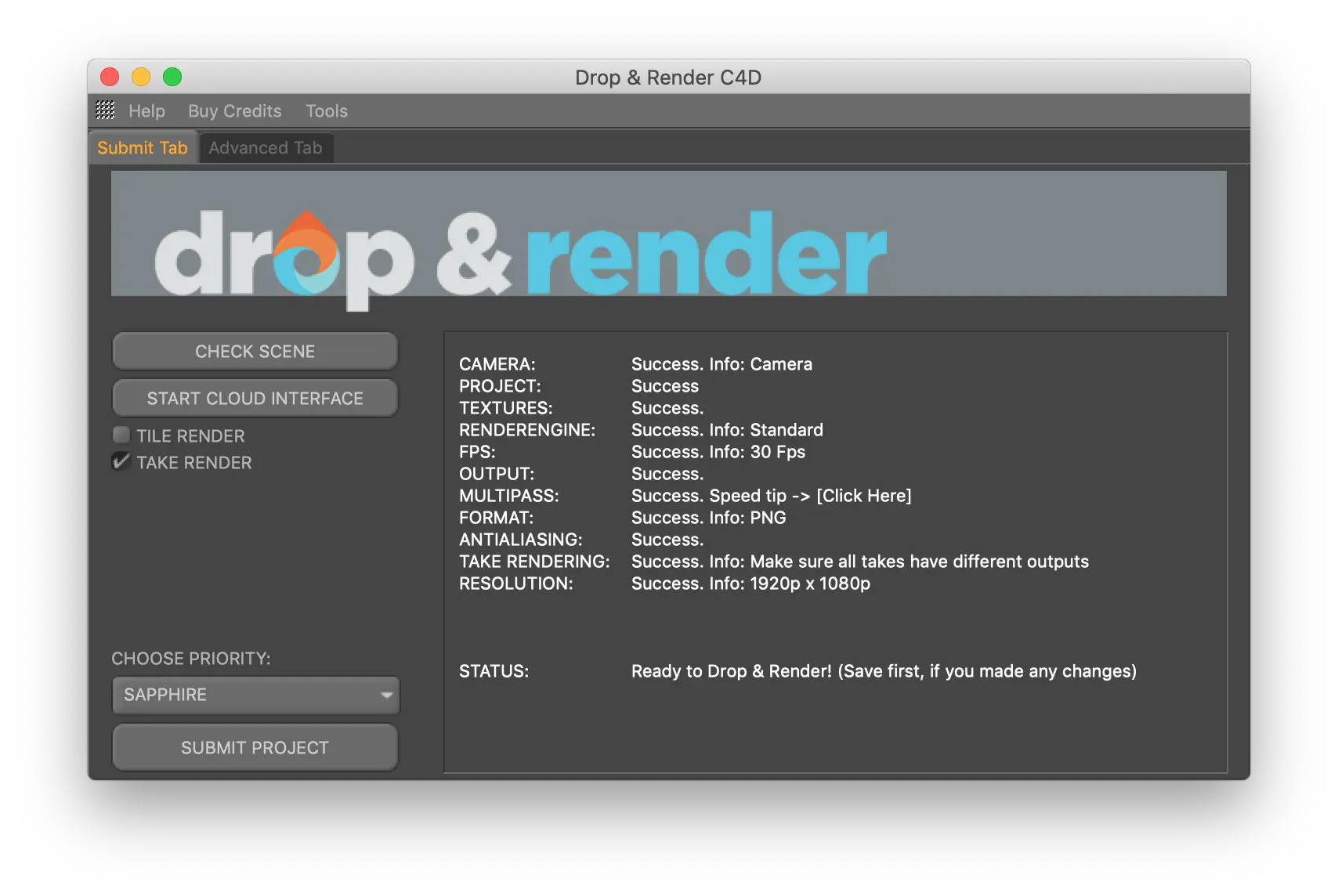
データセンターへのアクセスはどのように制御されていますか?
ファームでTurbulence FDを使用する方法
ファームでレンダリングするために追加のソフトウェアライセンスを購入する必要がありますか?
レンダリングが完了した後、ファイルはどうなりますか?
レンダリングしたい単一のフレームがありますが、これは可能ですか?
レンダリングのコストが予想より高くなった場合はどうなりますか?
レンダリングコストが見積もりよりも高い
レンダリング時間はどのように見積もられ、請求されますか?
レンダーの進捗をリアルタイムで追跡できますか?
レンダークレジットは期限切れになりますか?
レンダーファームでBlenderプロジェクトをレンダリングするにはいくらかかりますか?
レンダーファームでCinema 4Dプロジェクトをレンダリングするのにいくらかかりますか?
レンダーファームでプロジェクトデータは安全かつ機密に保たれていますか?
レンダーファームとは何ですか、そしてそれはどのように機能しますか?
レンダーファームとは何ですか、そしてどのように機能しますか?
レンダーファームはいつ利用できますか?
レンダーファームはどのくらい速く、Cinema 4Dプロジェクトには何台のマシンが作業しますか?
レンダーファームは初めてです。どうやって始めればいいですか?
レンダーファームを使用するにはいくらかかりますか?
レンダー間のストレージを提供していますか?
ローカルでのレンダリングではなく、レンダーファームを使用するのはいつが理にかなっていますか?
何か問題が起きたと思いますが?
再アップロードせずにジョブを再提出する
提出する前にCinema 4Dのアセットを手動で収集したり、ファイルパスを再マップする必要がありますか?
時間とクレジットを節約するためのヒント
機密のBlenderプロジェクトファイルを提出する前にカスタムNDAに署名することはできますか?
機密性の高いプロジェクトにNDAを提供していますか?
無料のレンダリングクレジット€25はいつ受け取れますか?
私が使用しているプラグインは上記のリストにありません。
私たちのスタジオの複数のアーティストが同じDrop & Renderアカウントを使用できますか?
私のBlenderプロジェクトデータはどこに保存されており、GDPRに準拠していますか?
私のVAT番号が機能しません
私のアップロードは暗号化されていますか?
私のジョブがエラーステートになっています。どうすればいいですか?
私のジョブはまだキューにあります , いつ開始されますか?
私のデータはどこに保存されていますか?
私のデータはどのように保護されていますか?
私のプロジェクトは「プロジェクトフォルダのキャッシュ」で止まっています
私のレンダークレジットは期限切れになりますか?
絶対パスに関するエラーが出ています
自分のHDAをファームで使用できますか?
自分のHoudiniライセンスが必要ですか?
自分のジョブのコスト見積もりをうまく得るにはどうすればいいですか?
自分のジョブの価格をどのように計算しますか?
自動プラグイン検出はどのように機能しますか?
複数のレンダージョブを同時に送信できますか?
計算機用のCinebenchまたはOctaneBenchスコアをどのように見つけますか?
請求書はどこで見つけられますか?
請求書はどのように取得しますか?
送信をクリックしても何も起こりません
もっと助けが必要ですか?
Pro Series
より高度なツールの使い方については、動画チュートリアルをご覧ください!ワークフローの効率化に役立ち、クレジットとレンダリング時間を最大30%削減できます。
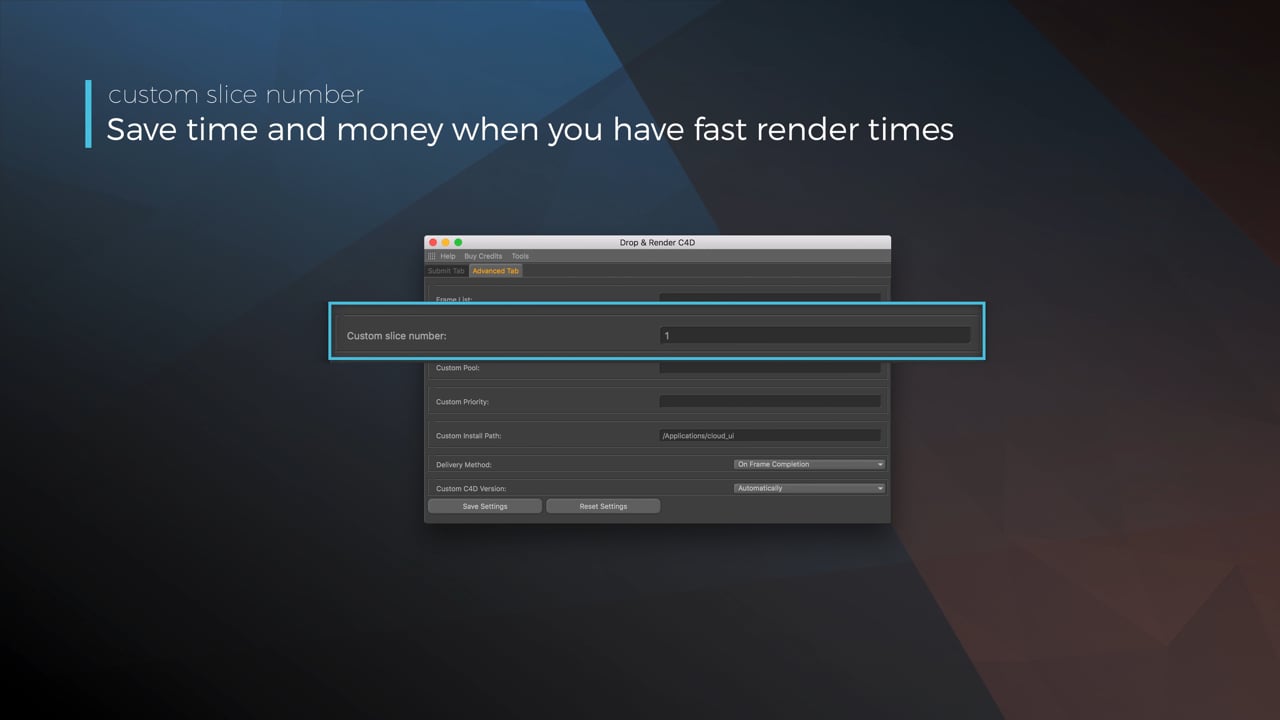
Optimize your render with a Custom Slice Number
Using a custom slice number lets one machine render multiple frames while only initializing your project once, saving up to 30% in both render times and costs. Works especially well on faster renders!
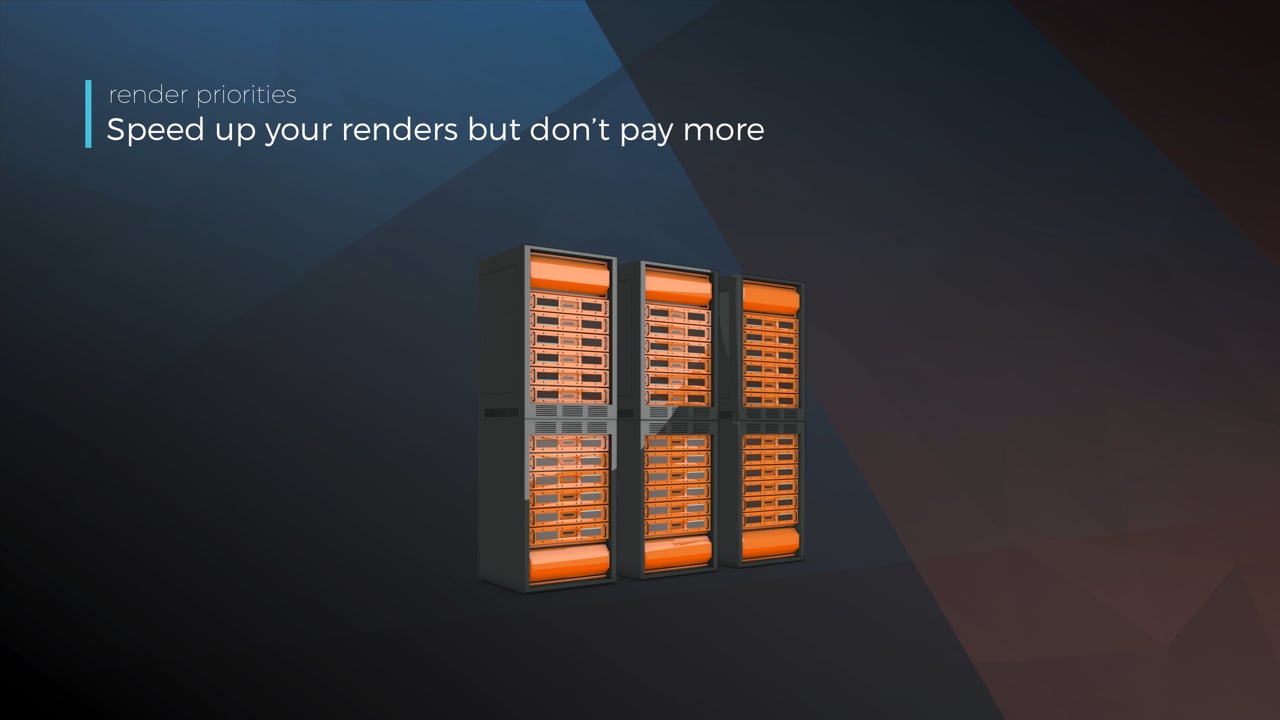
Understanding render priorities
Our priority system has three levels: Sapphire, Emerald and Diamond. The higher the priority, the faster new machines can start working on your projects!
Connect your entire office to Drop & Render
We offer a robust system for a team of artists to work together. You can monitor and download one another's work efficiently, all without having to disturb them!
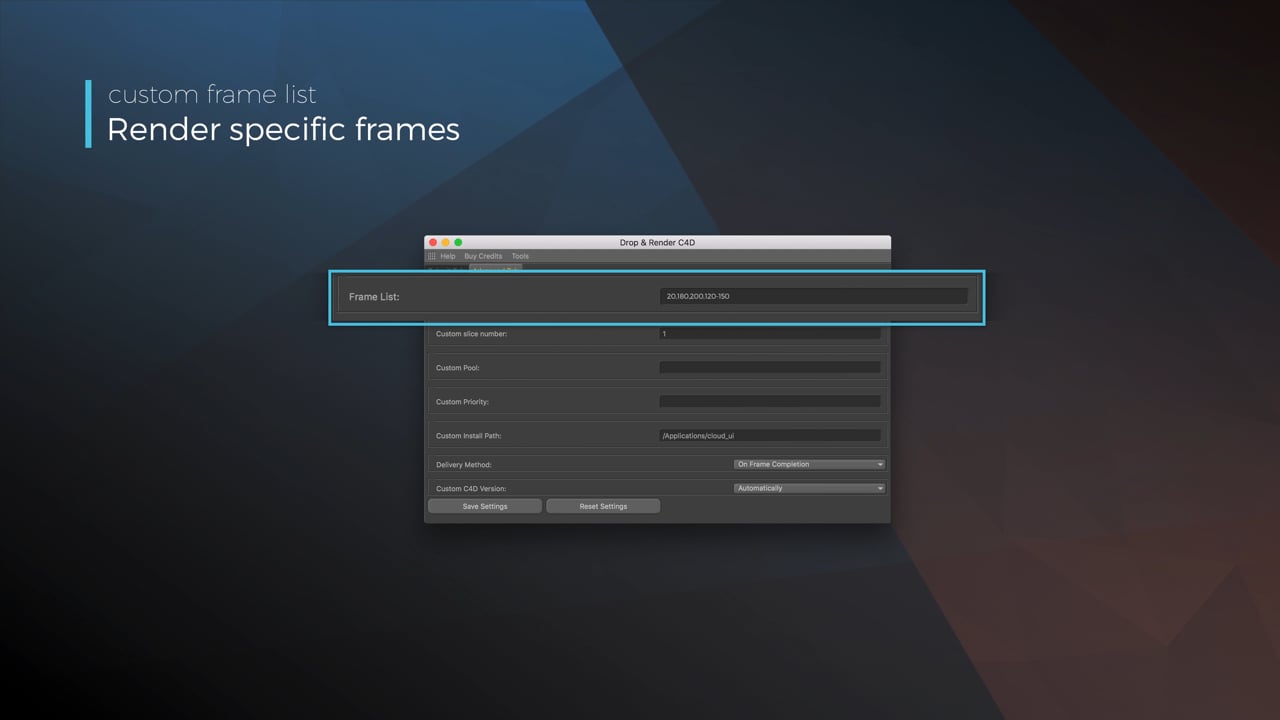
Submit a custom frame range to the farm
Only need to render a sequence of your project, or need to see a couple of specific frames? You can set custom frame lists from right within our plugin!
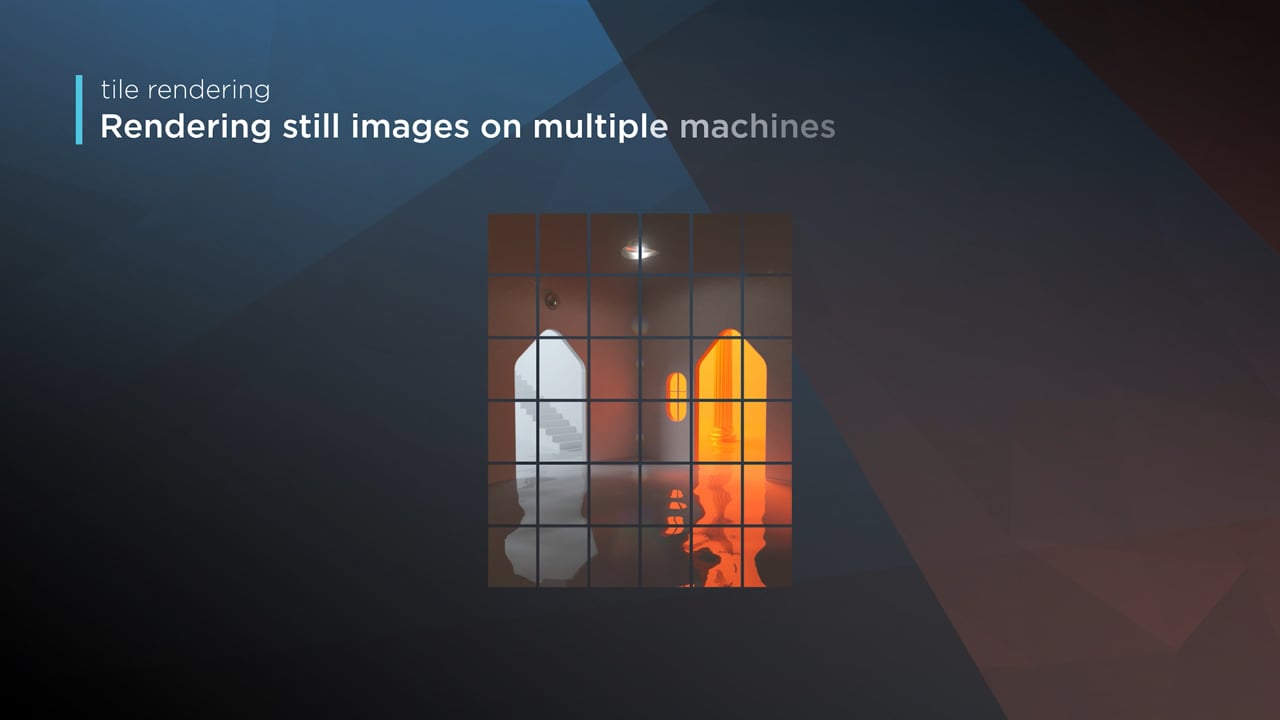
Render large still frames with Tile Rendering
Tile rendering splits a single frame amongst multiple machines, letting them work on it at the same time. Each tile is then seamlessly stitched back and delivered as a single frame!
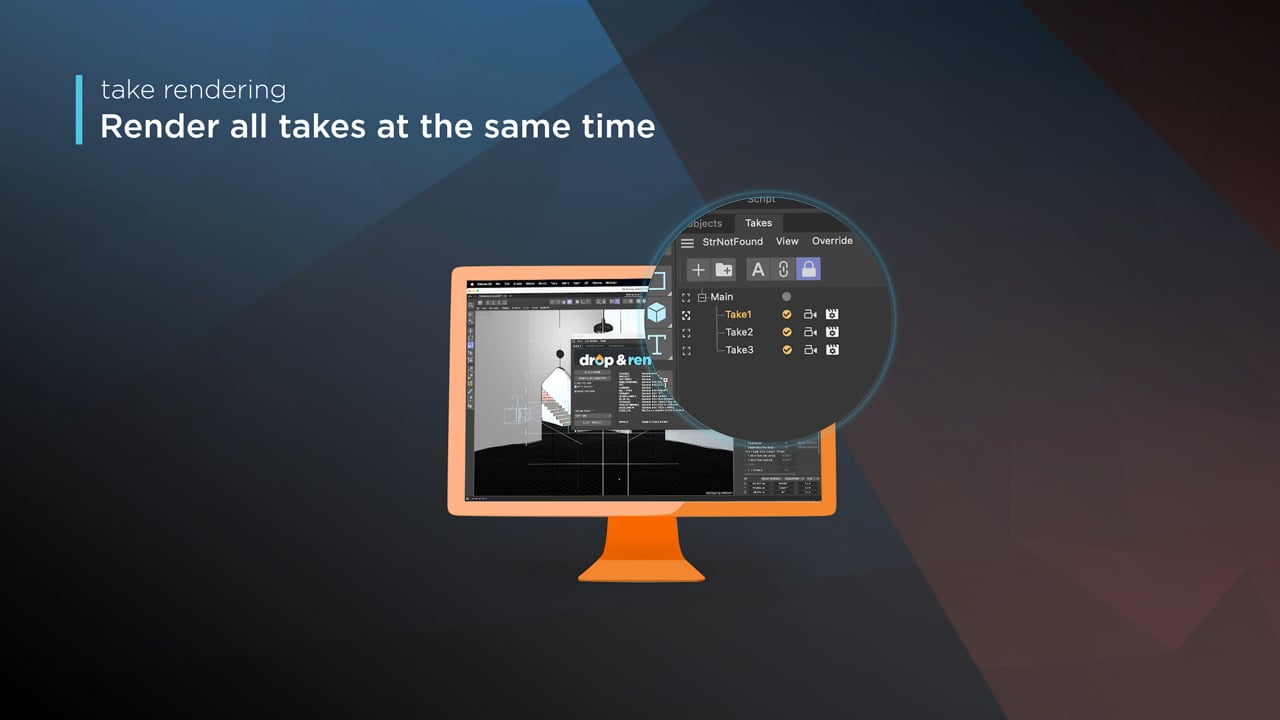
Cinema 4D Take Rendering support
Our farm includes native support for Cinema 4D's 'Takes' feature, letting you upload all your project's variations in a single click!
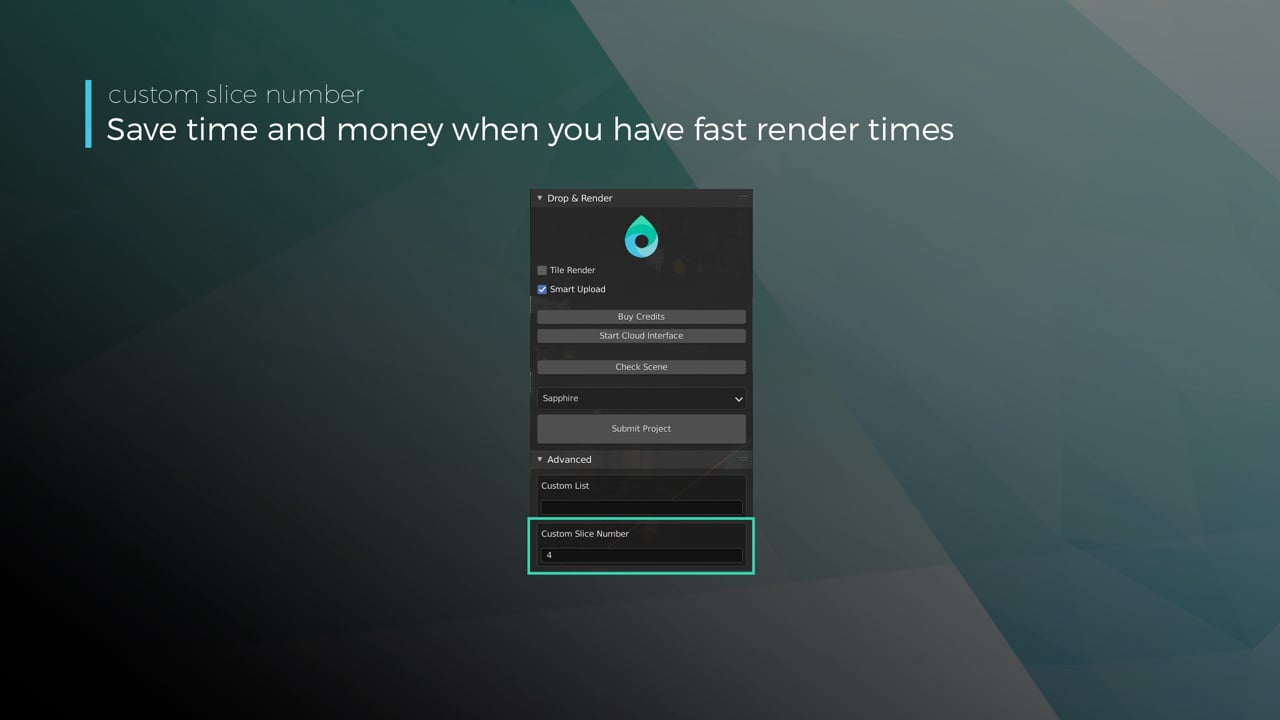
Optimize your render with a Custom Slice Number
Using a custom slice number lets one machine render multiple frames while only initializing your project once, saving up to 30% in both render times and costs. Works especially well on faster renders!
Understanding render priorities
Our priority system has three levels: Sapphire, Emerald and Diamond. The higher the priority, the faster new machines can start working on your projects!
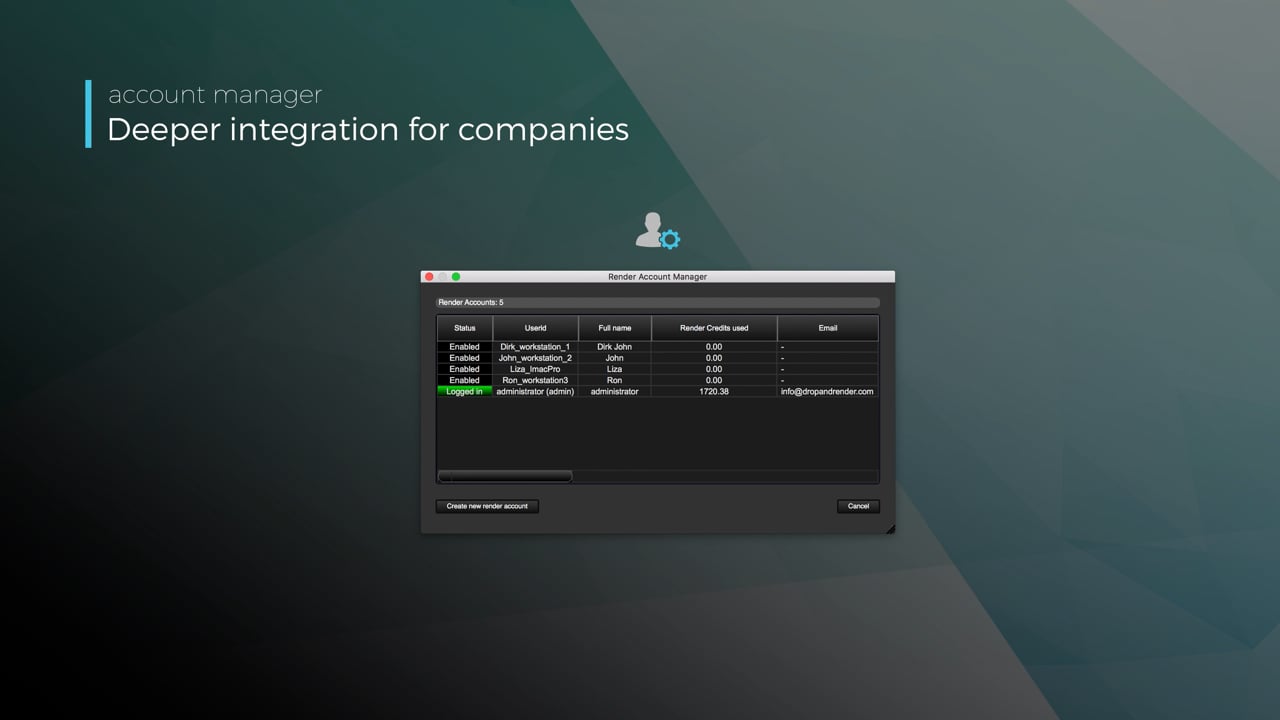
Connect your entire office to Drop & Render
We offer a robust system for a team of artists to work together. You can monitor and download one another's work efficiently, all without having to disturb them!
Submit a custom frame range to the farm
Only need to render a sequence of your project, or need to see a couple of specific frames? You can set custom frame lists from right within our plugin!
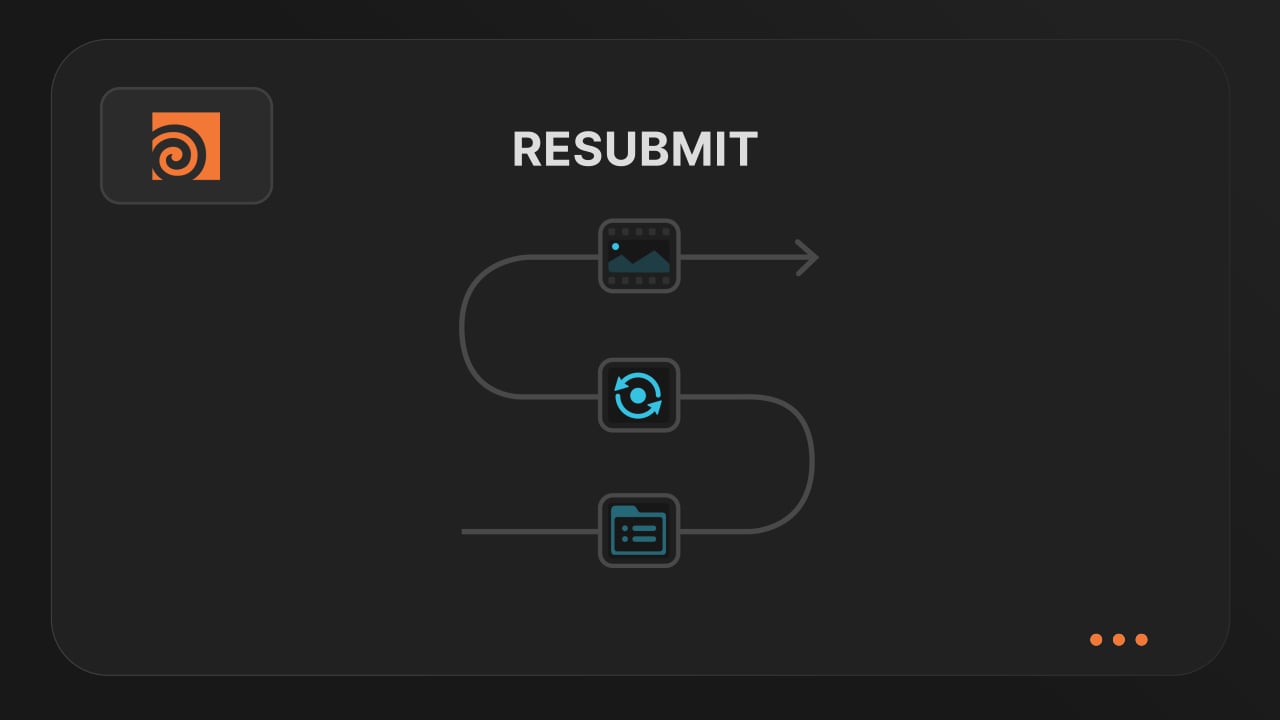
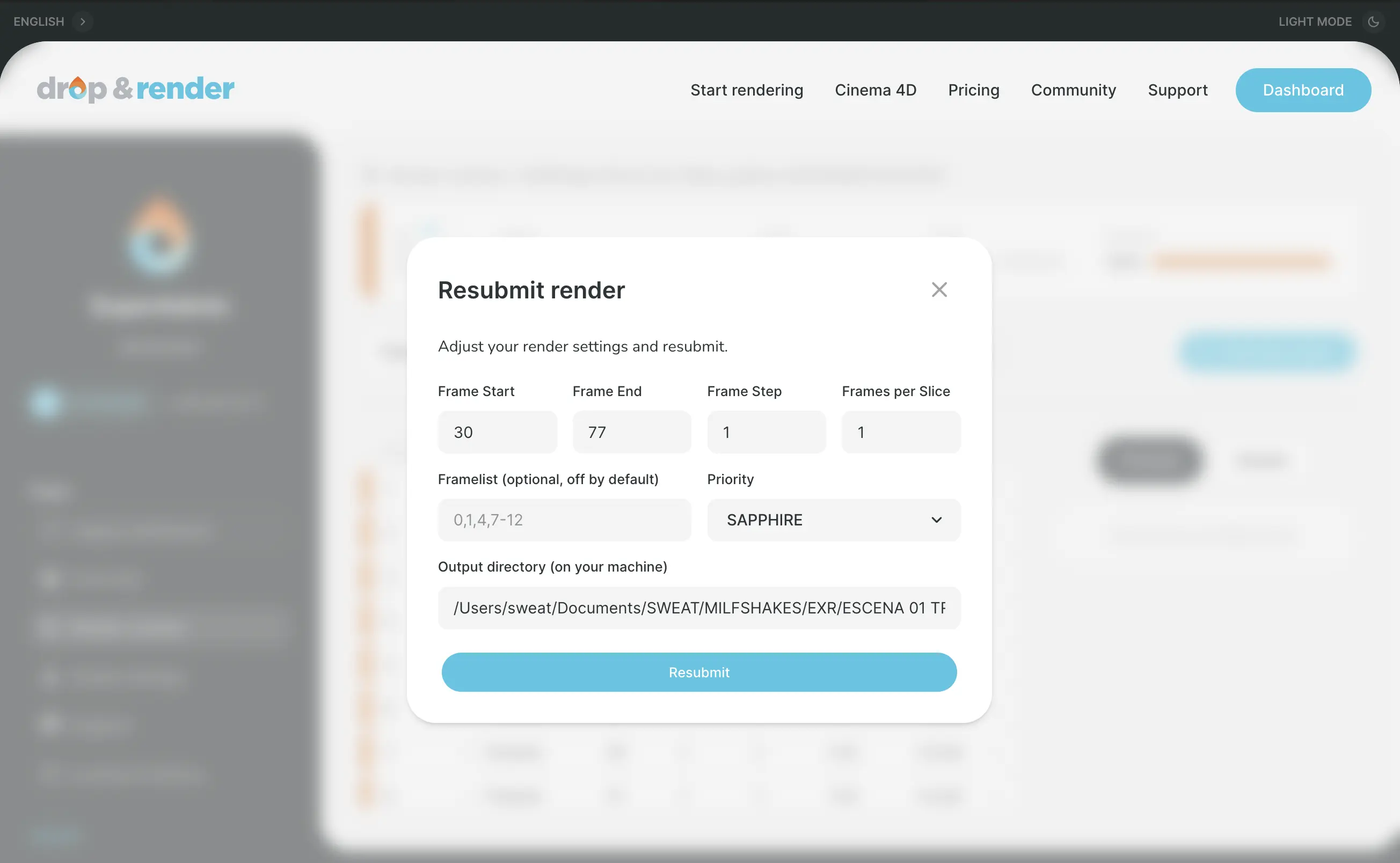
Resubmit workflow
Test a few frames first, then resubmit with updated settings straight from the dashboard. Drop & Render reuses caches and dependencies automatically, so you can focus on the final result.
Connect your entire office to Drop & Render
Invite teammates, assign roles, and keep everyone in sync. Share assets, download results, and work together on the same projects without missing a beat.
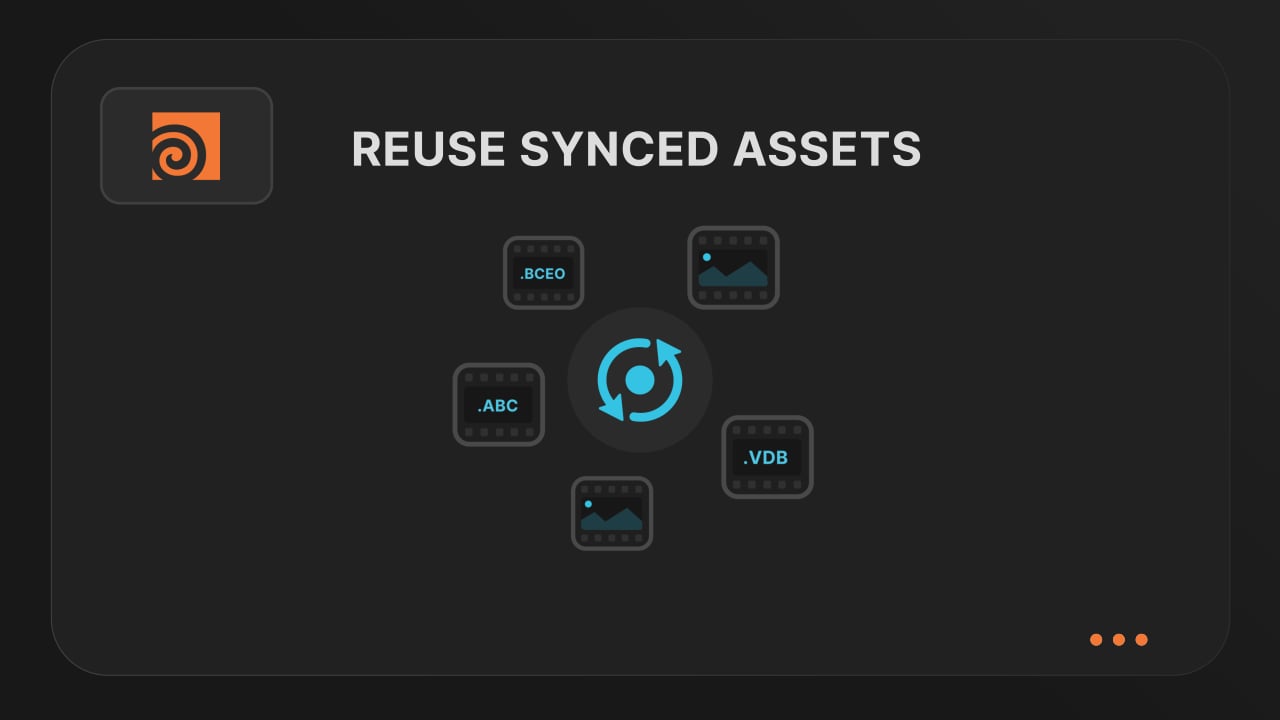
Save time & bandwith by reusing synced assets
Reuse large caches stored on our render farm without downloading them again. A powerful way to save time and bandwidth in your Houdini render workflow.
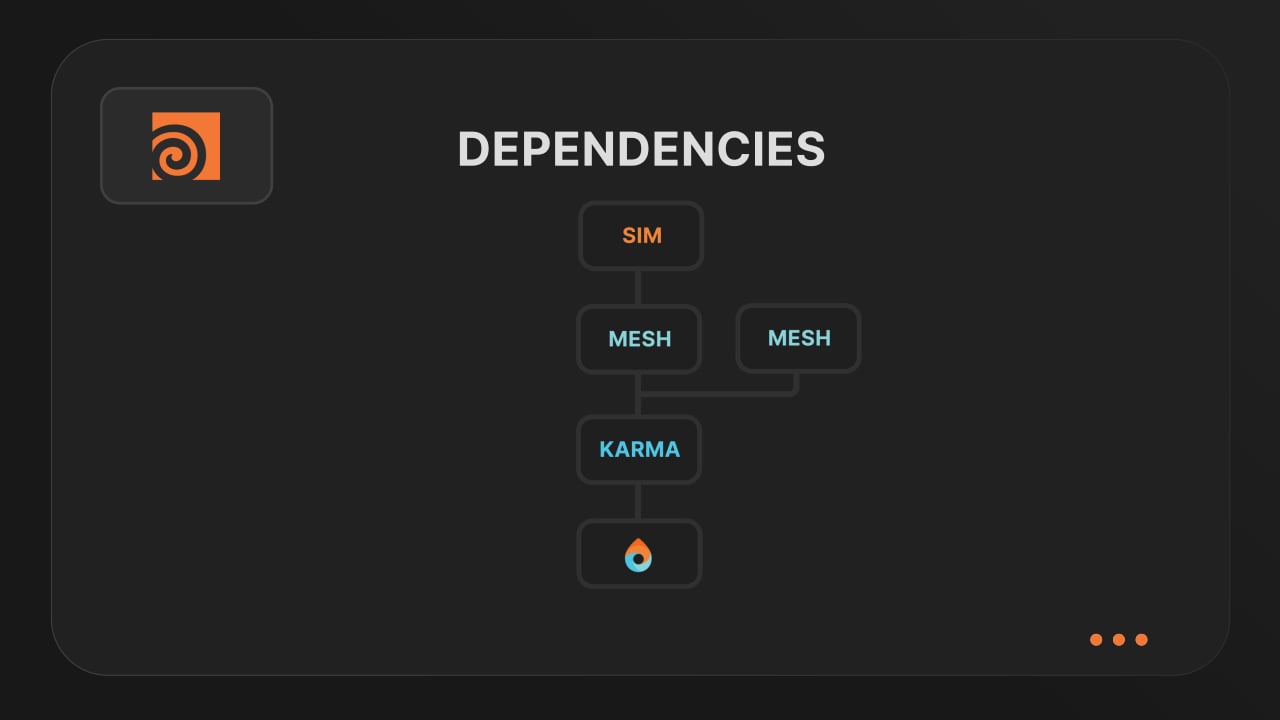
Understanding render dependencies
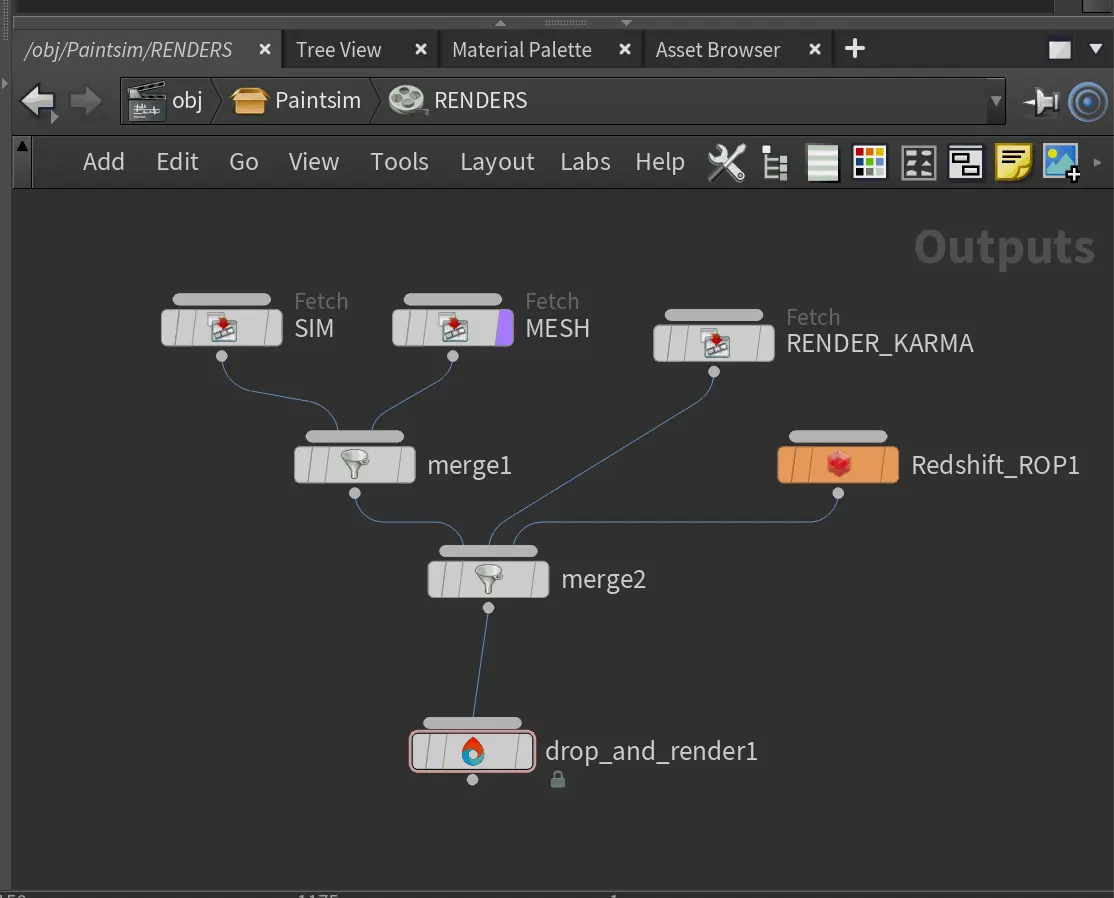
Chain your Houdini nodes the way you like and let Drop & Render handle the order. From parallel jobs to complex dependencies, the HDA adapts to your workflow so everything renders in the right order.
Customizing your global and per-render settings
Fine-tune your render jobs directly in the HDA. Set frame ranges, test specific frames, and assign priority so you get the results you want, when you need them.
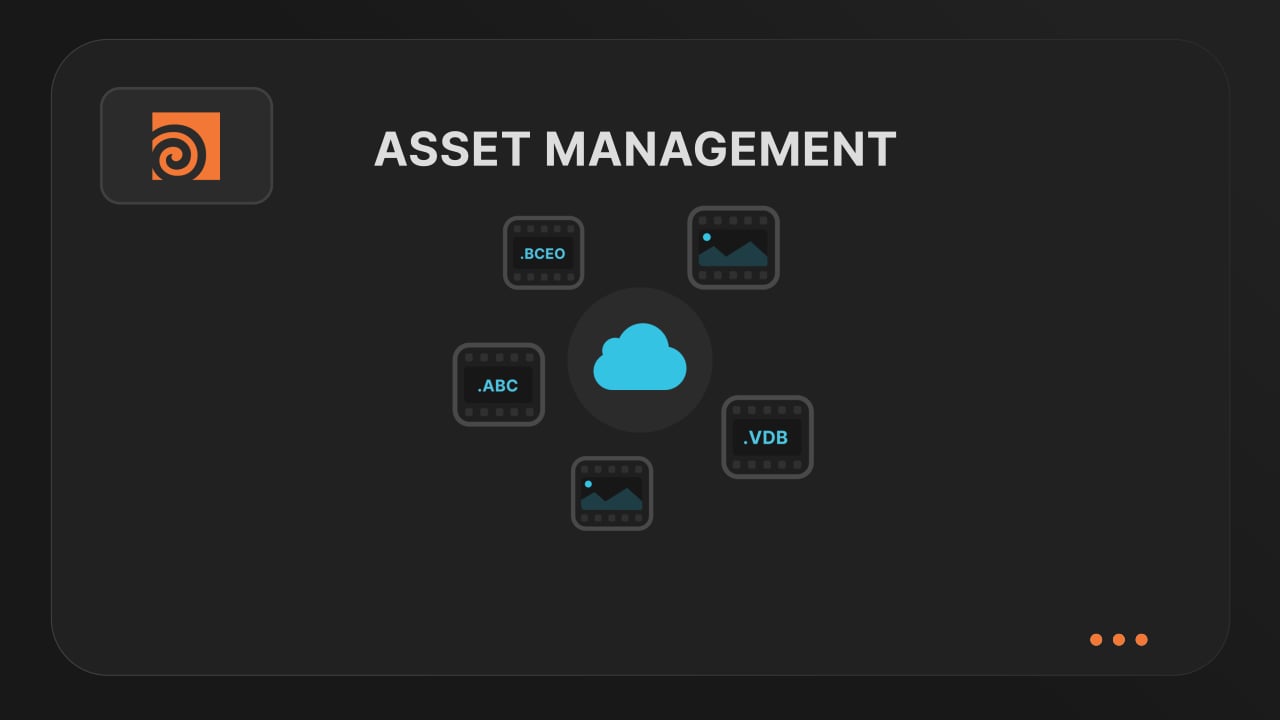
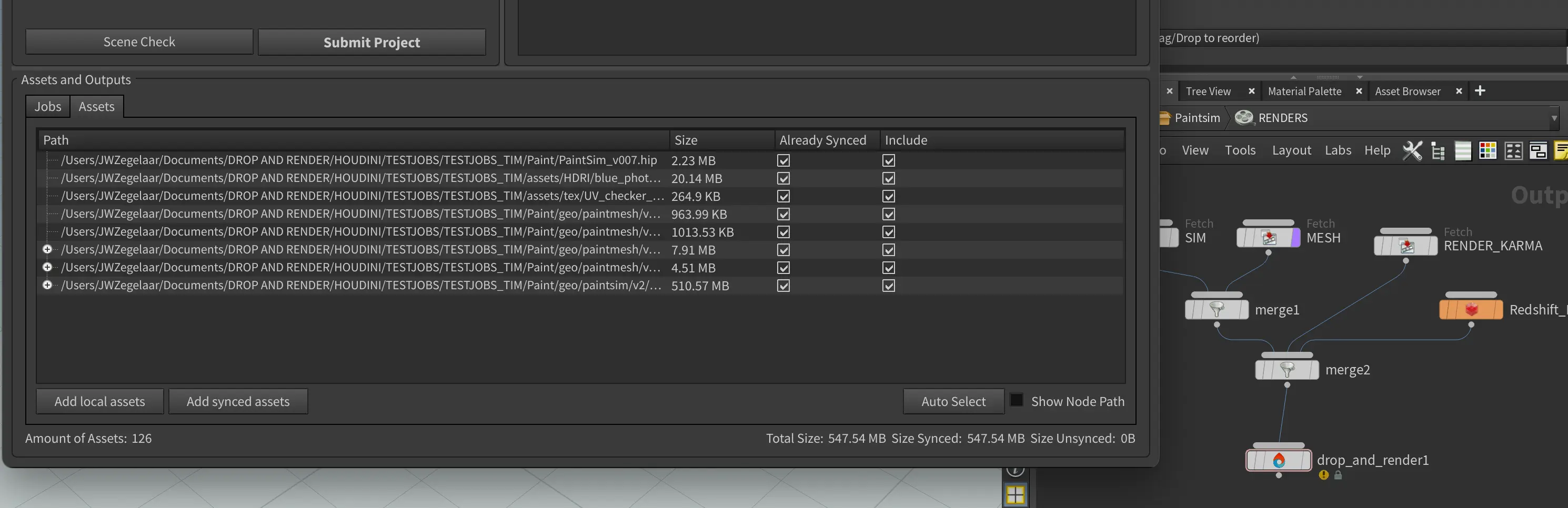
Understanding asset management
Our asset manager scans your scene and handles all path remapping automatically. Quickly add missing files, skip already-synced assets, and keep uploads fast and hassle-free.
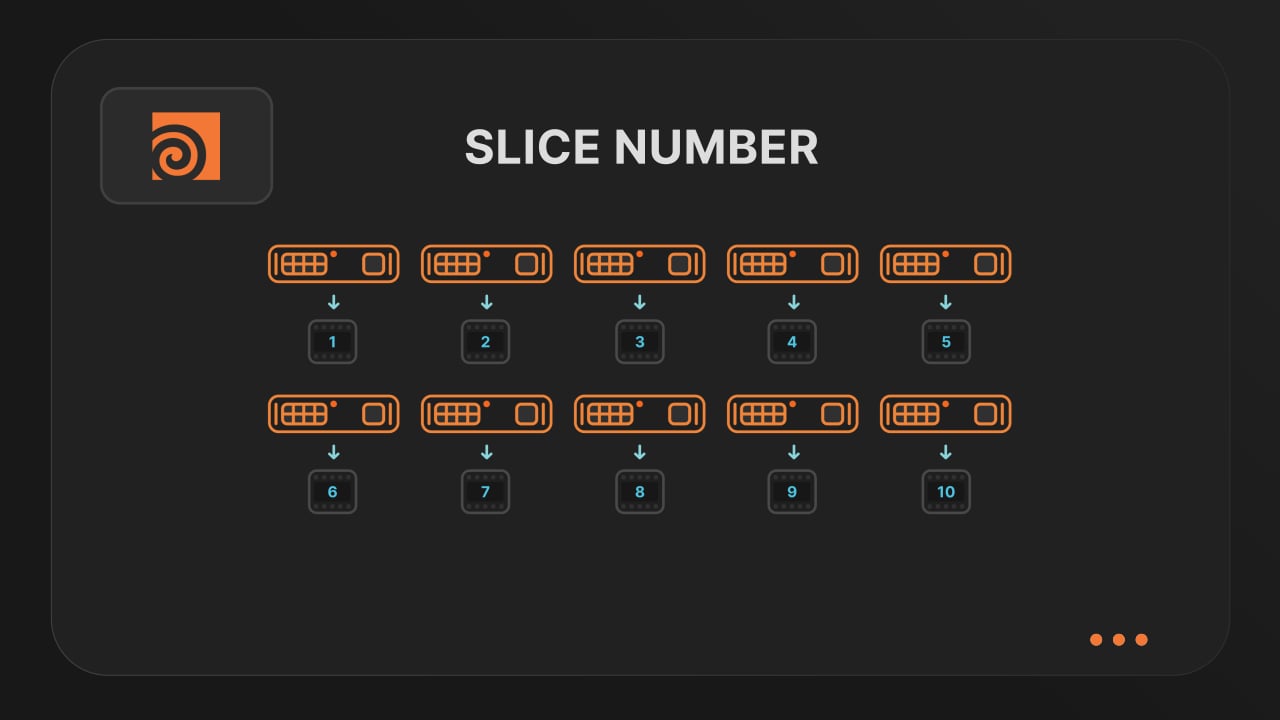
Optimize your render with a Custom Slice Number
Speed up rendering by setting the right slice value. Reduce overhead, save credits, and get more out of our Houdini render farm.
Cooking PDG projects
Drop & Render fully supports PDG workflows. Find out how to use TOP networks on our render farm.
€25 クレジットを提供して開始します!


確認