
Instellingen
Neem contact op!
Neem contact met ons op via ons intelligente chatsysteem, dat is ontworpen om je snel en nauwkeurig antwoord te geven. Meer hulp nodig? Ons vriendelijke supportteam staat altijd klaar om je te helpen!

Dit duurt enkele minuten. De resultaten verschijnen hier, dus je kunt weggaan en later terugkomen.
Beantwoord de bovenstaande vragen in de chat; daarna gaat de controle verder.
Opslaan…
Je e-mailvoorkeur kon niet worden opgeslagen. Probeer het opnieuw.
Livia
Ondersteuning
Deze chat is beëindigd. Je kunt hier geen nieuwe berichten meer sturen.
Ontvang een melding wanneer de ondersteuning antwoordt, zelfs als dit tabblad niet open is.
Algemene V&A
Wil je meer weten over onze service? Bekijk hier onze meest gestelde vragen.
Bieden jullie oplossingen voor teams en studio's?
keyboard_arrow_downHoe bereken ik de prijs voor mijn job?
keyboard_arrow_downHoe dien ik een project in bij Drop & Render?
keyboard_arrow_downHoe kan ik contact met jullie opnemen?
keyboard_arrow_downHoe render ik een enkele afbeelding met behulp van tegelrendering?
keyboard_arrow_downPro-serie & Handleidingen
Bekijk onze videotutorials voor geavanceerder gebruik van de tool! Ze helpen je workflow te stroomlijnen en tot 30% te besparen op zowel credits als rendertijden.
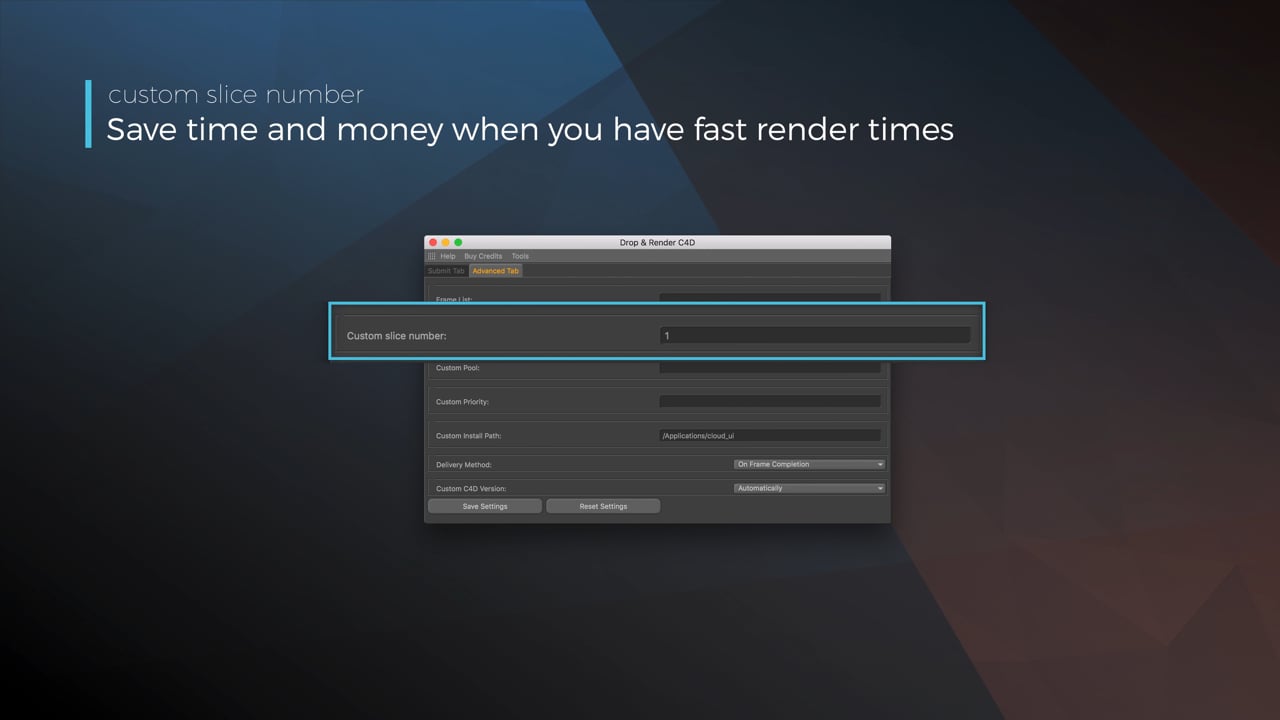
Optimize your render with a Custom Slice Number
Using a custom slice number lets one machine render multiple frames while only initializing your project once, saving up to 30% in both render times and costs. Works especially well on faster renders!
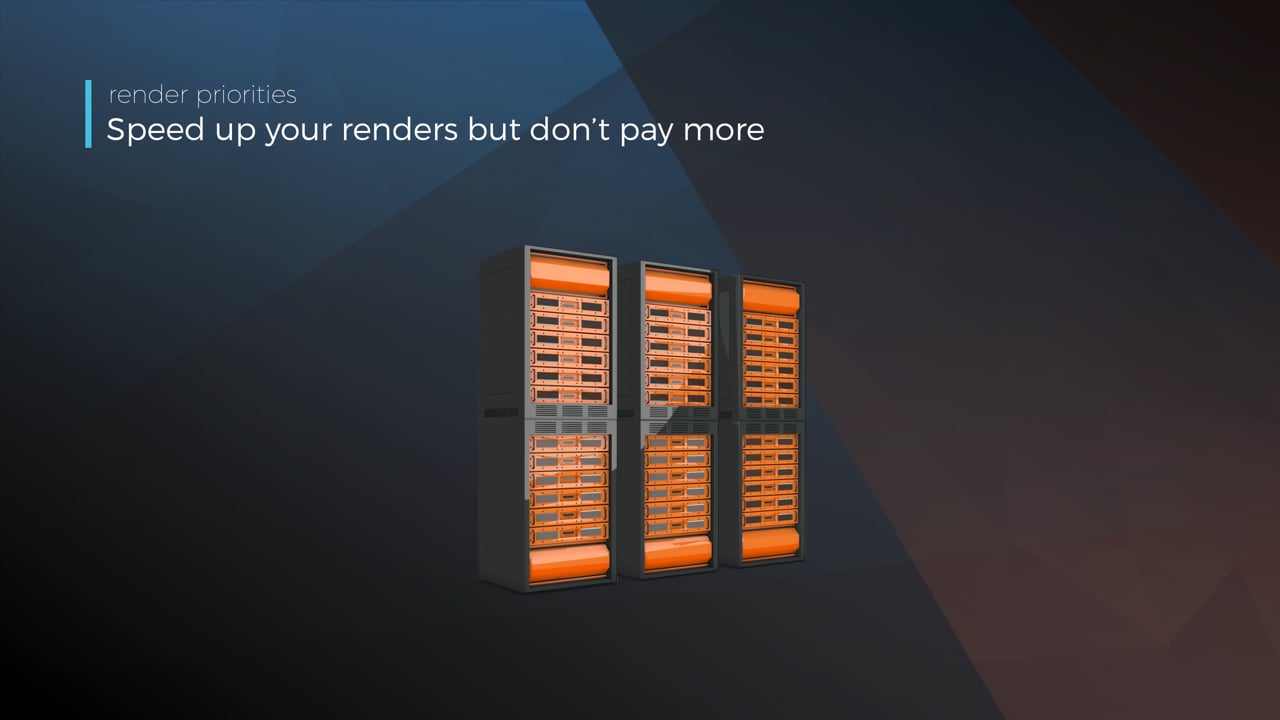
Understanding render priorities
Our priority system has three levels: Sapphire, Emerald and Diamond. The higher the priority, the faster new machines can start working on your projects!
Connect your entire office to Drop & Render
We offer a robust system for a team of artists to work together. You can monitor and download one another's work efficiently, all without having to disturb them!
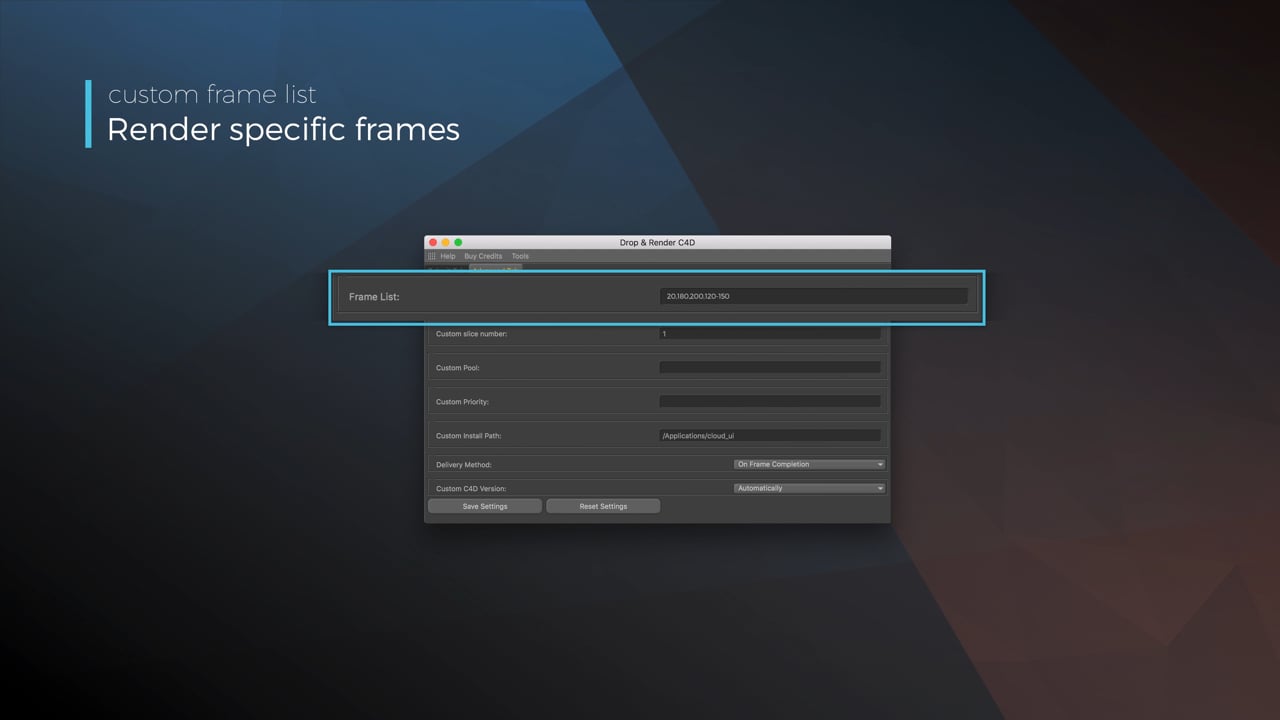
Submit a custom frame range to the farm
Only need to render a sequence of your project, or need to see a couple of specific frames? You can set custom frame lists from right within our plugin!
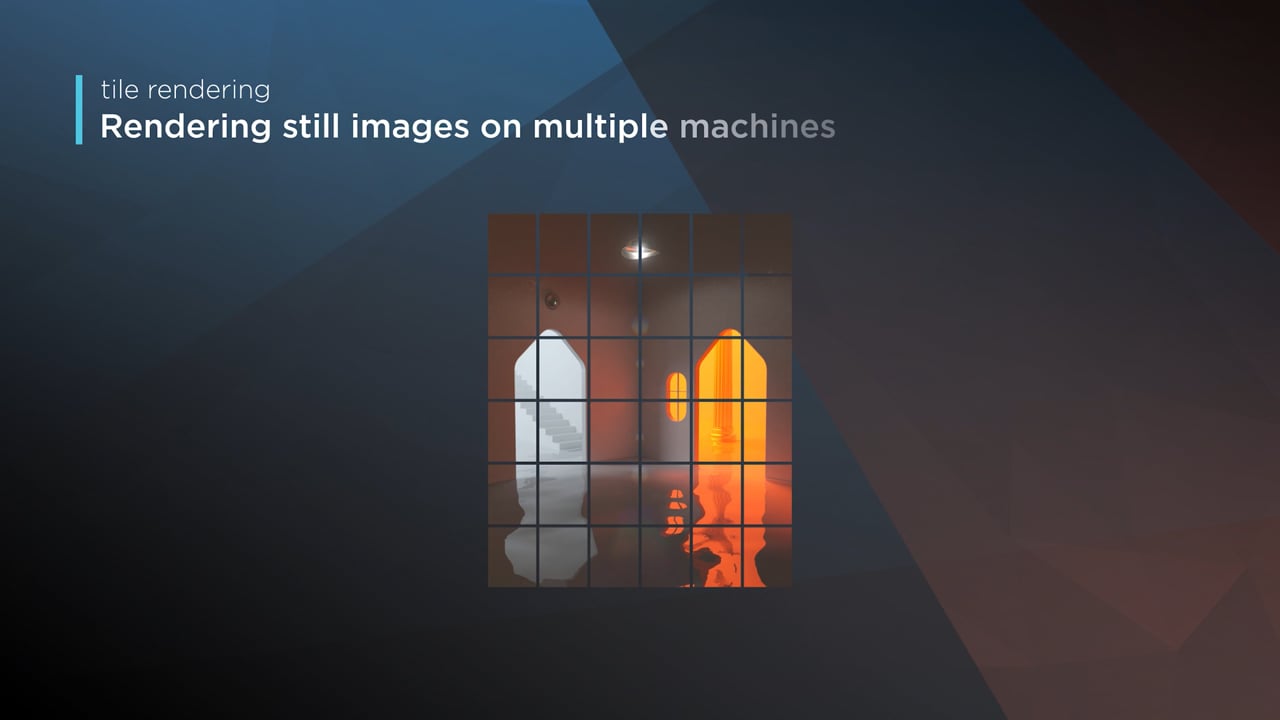
Render large still frames with Tile Rendering
Tile rendering splits a single frame amongst multiple machines, letting them work on it at the same time. Each tile is then seamlessly stitched back and delivered as a single frame!
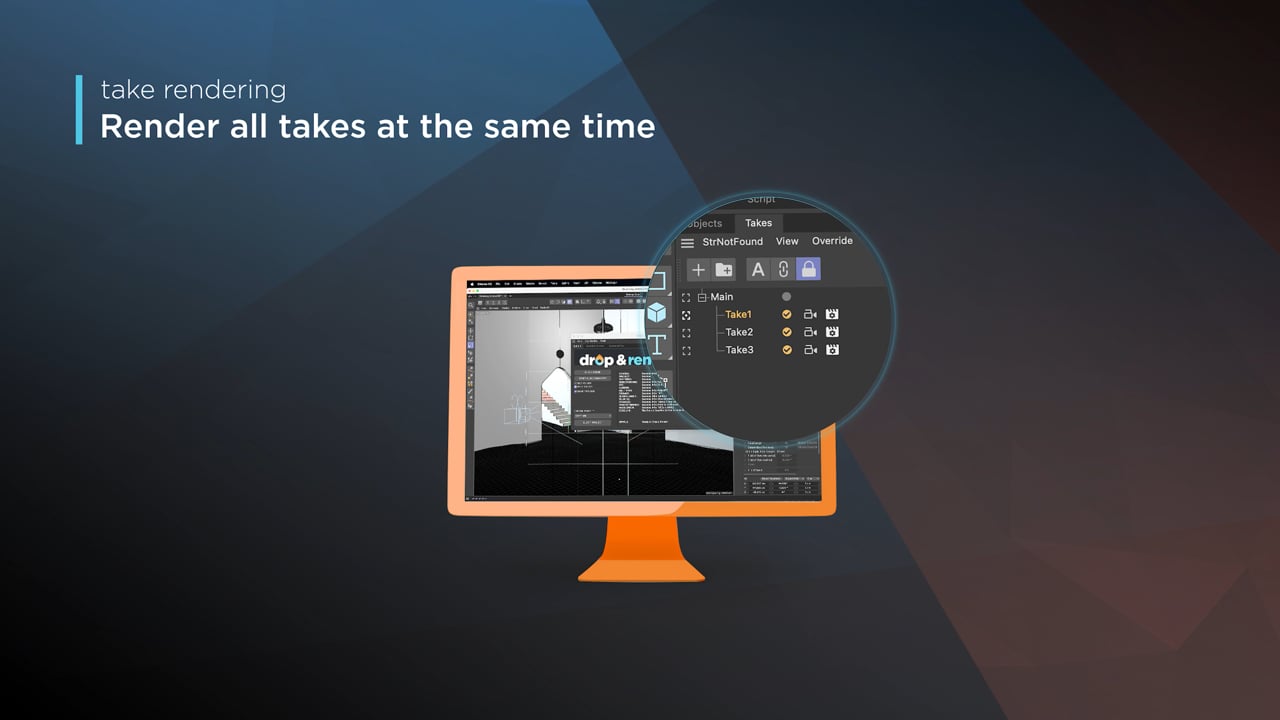
Cinema 4D Take Rendering support
Our farm includes native support for Cinema 4D's 'Takes' feature, letting you upload all your project's variations in a single click!
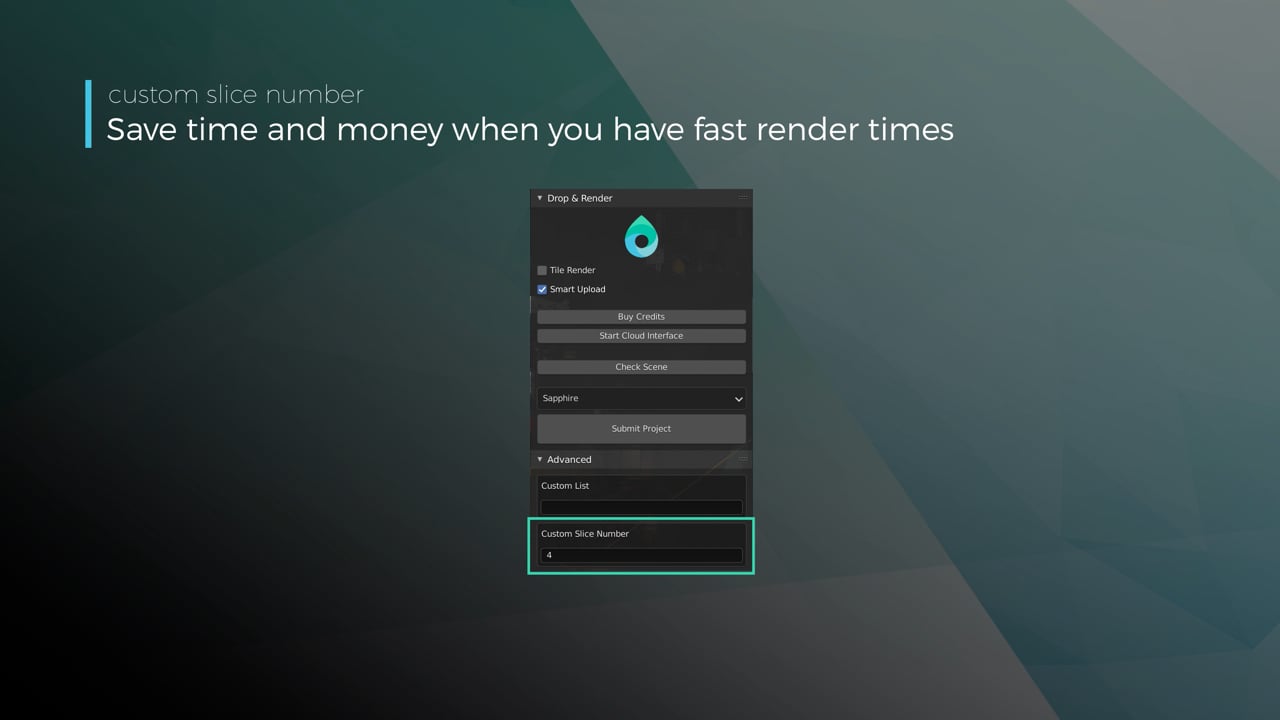
Optimize your render with a Custom Slice Number
Using a custom slice number lets one machine render multiple frames while only initializing your project once, saving up to 30% in both render times and costs. Works especially well on faster renders!
Understanding render priorities
Our priority system has three levels: Sapphire, Emerald and Diamond. The higher the priority, the faster new machines can start working on your projects!
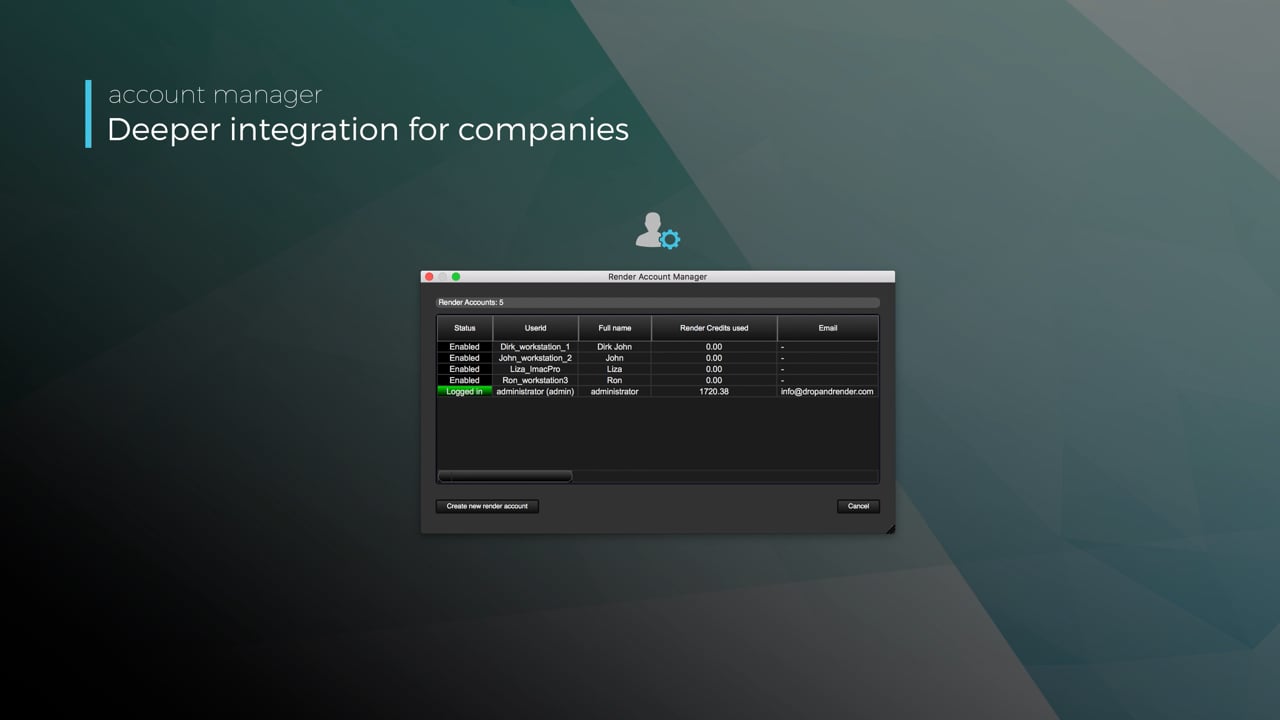
Connect your entire office to Drop & Render
We offer a robust system for a team of artists to work together. You can monitor and download one another's work efficiently, all without having to disturb them!
Submit a custom frame range to the farm
Only need to render a sequence of your project, or need to see a couple of specific frames? You can set custom frame lists from right within our plugin!
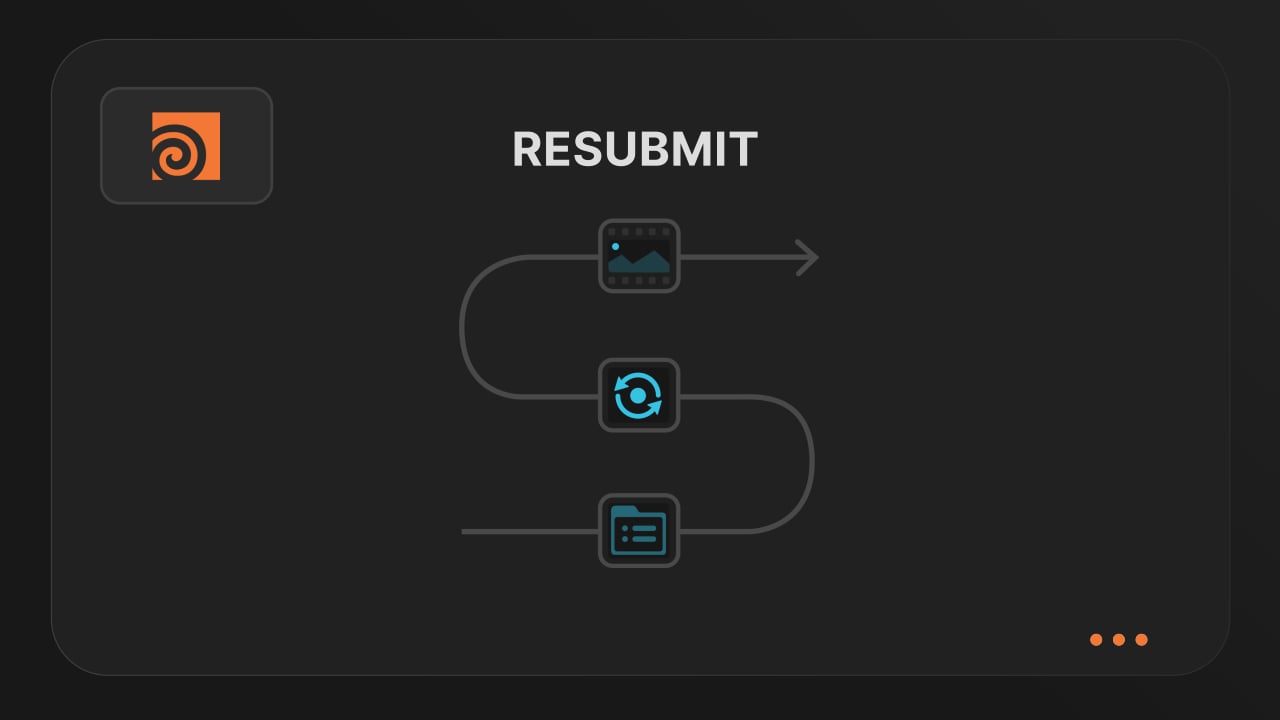
Resubmit workflow
Test a few frames first, then resubmit with updated settings straight from the dashboard. Drop & Render reuses caches and dependencies automatically, so you can focus on the final result.
Connect your entire office to Drop & Render
Invite teammates, assign roles, and keep everyone in sync. Share assets, download results, and work together on the same projects without missing a beat.
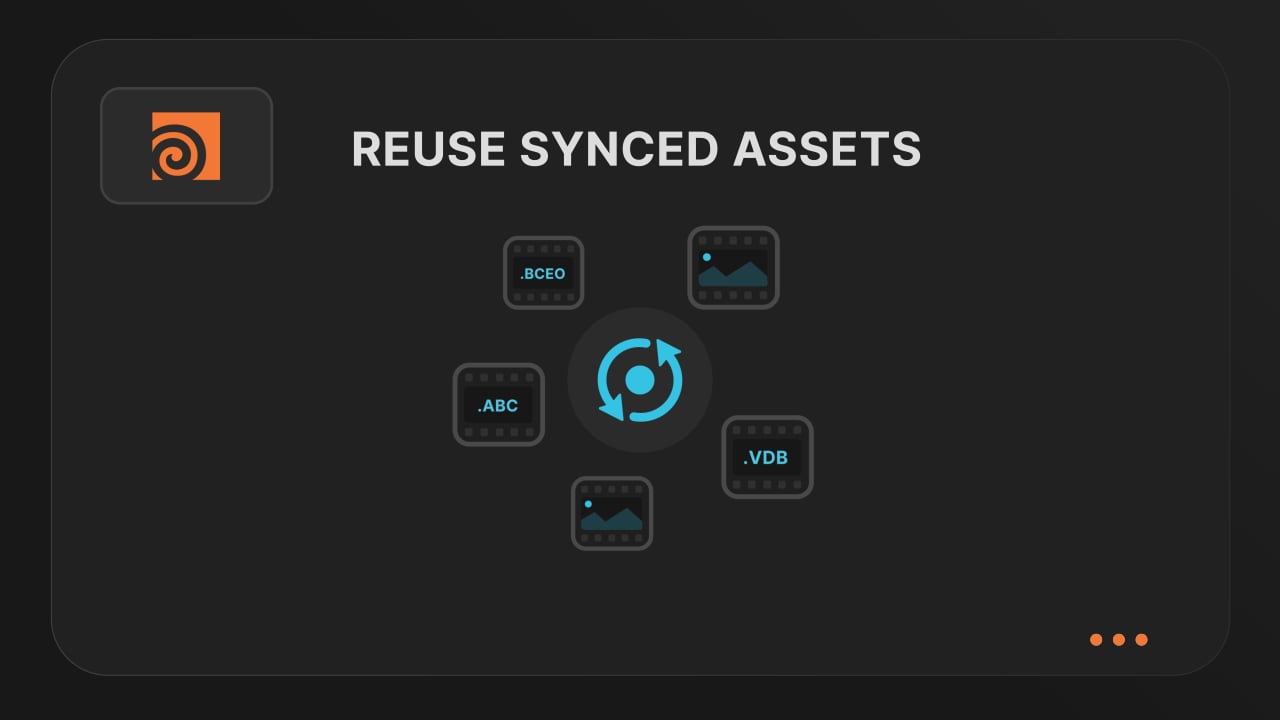
Save time & bandwith by reusing synced assets
Reuse large caches stored on our render farm without downloading them again. A powerful way to save time and bandwidth in your Houdini render workflow.
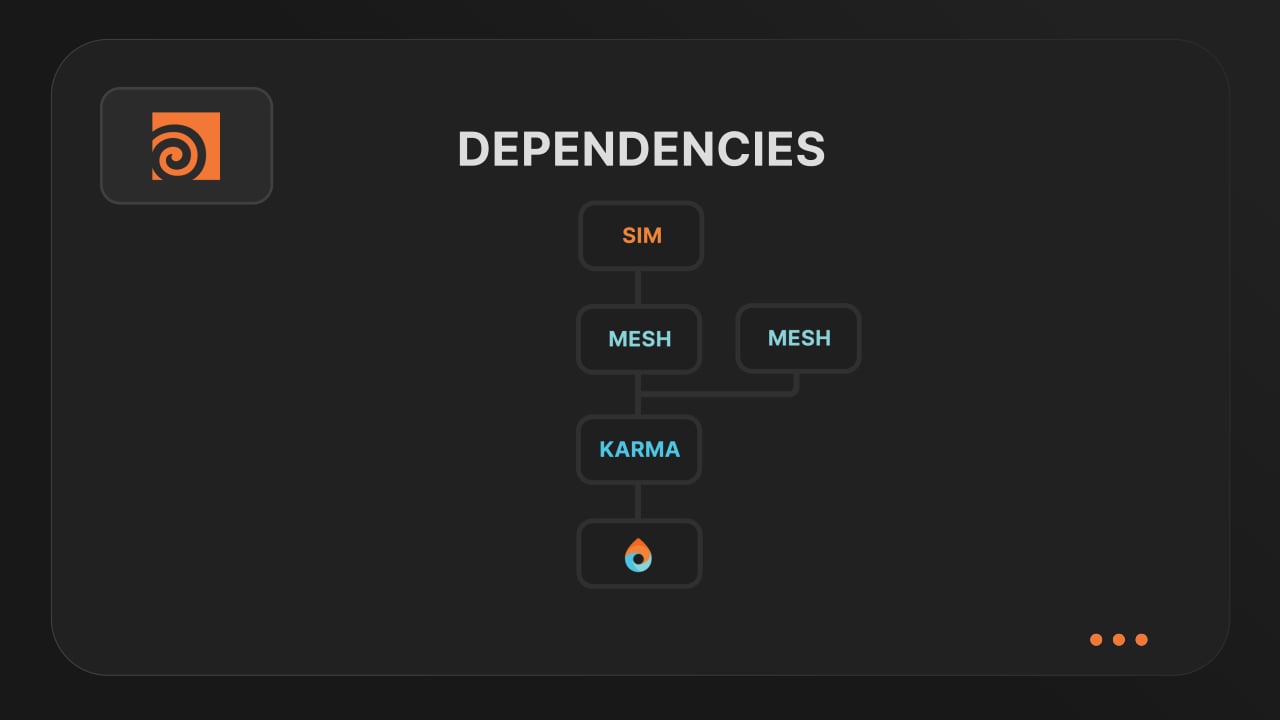
Understanding render dependencies
Chain your Houdini nodes the way you like and let Drop & Render handle the order. From parallel jobs to complex dependencies, the HDA adapts to your workflow so everything renders in the right order.
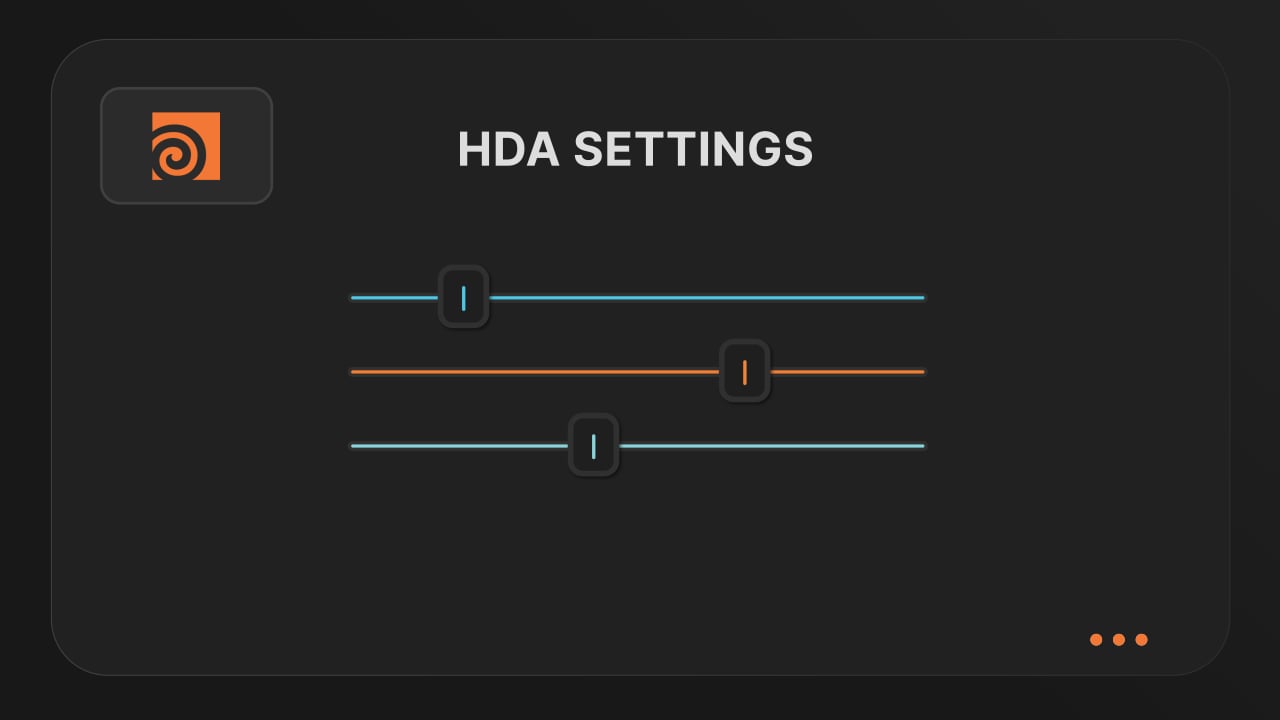
Customizing your global and per-render settings
Fine-tune your render jobs directly in the HDA. Set frame ranges, test specific frames, and assign priority so you get the results you want, when you need them.
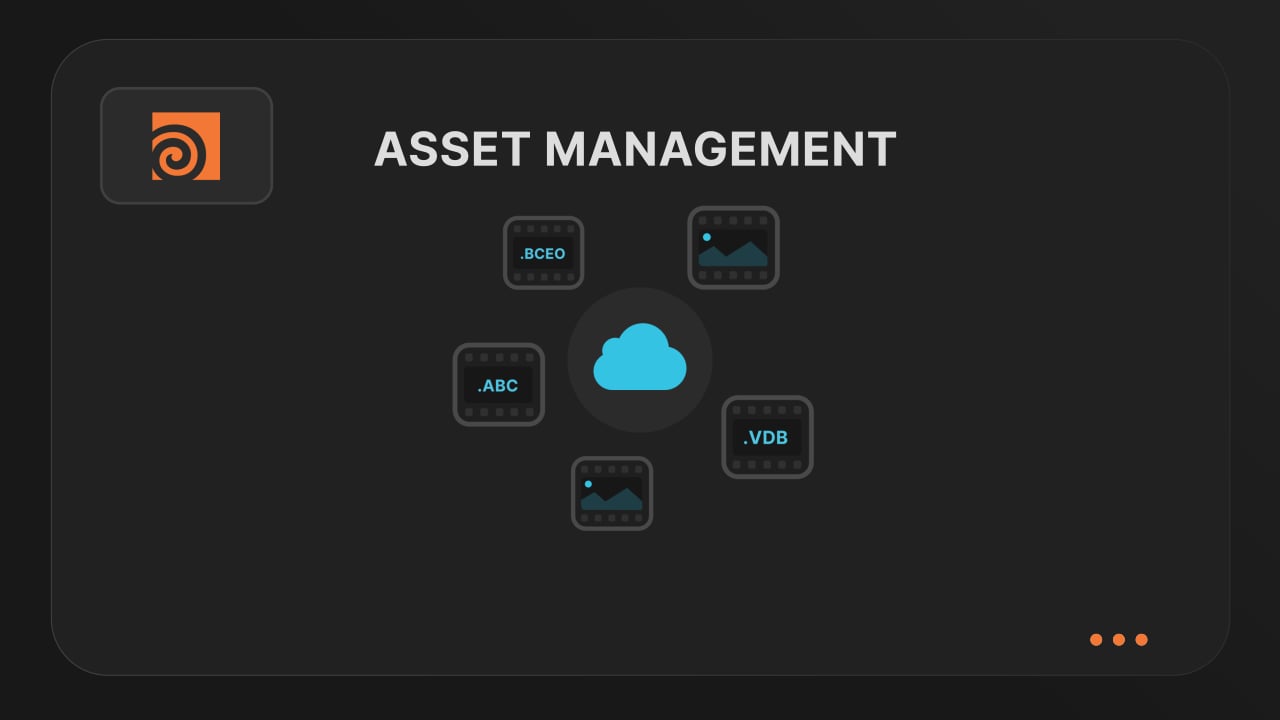
Understanding asset management
Our asset manager scans your scene and handles all path remapping automatically. Quickly add missing files, skip already-synced assets, and keep uploads fast and hassle-free.
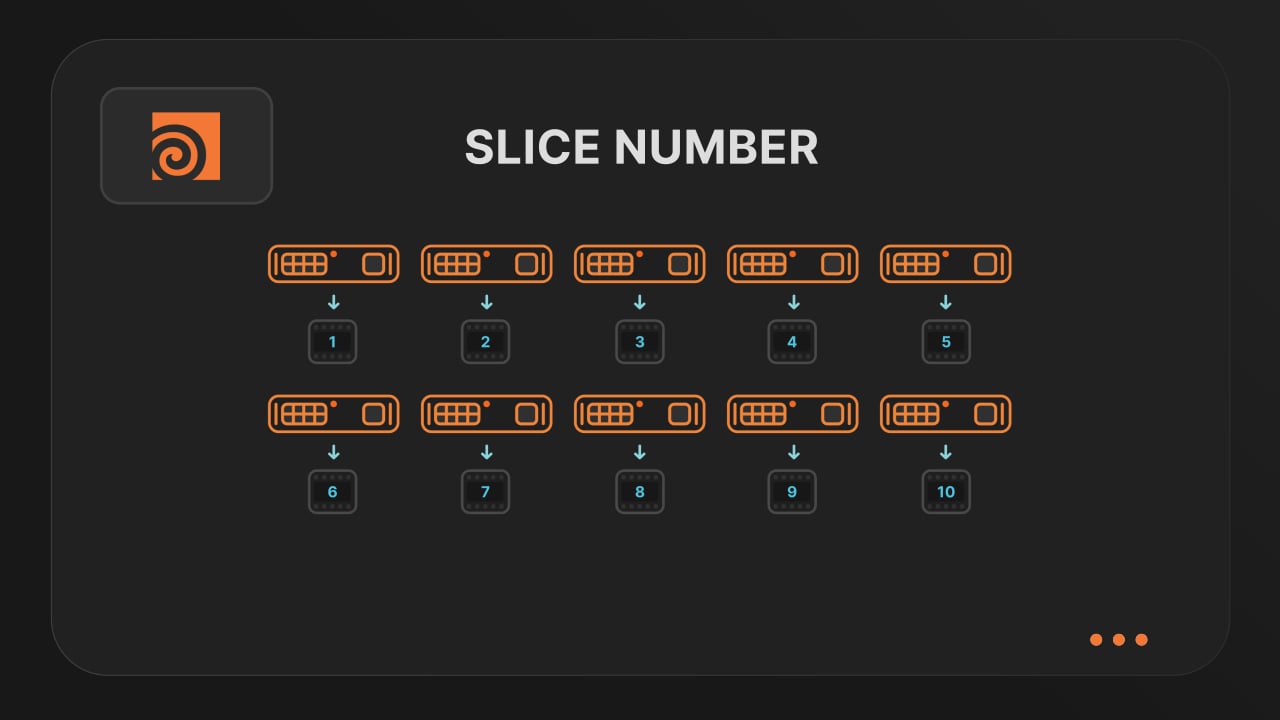
Optimize your render with a Custom Slice Number
Speed up rendering by setting the right slice value. Reduce overhead, save credits, and get more out of our Houdini render farm.
Cooking PDG projects
Drop & Render fully supports PDG workflows. Find out how to use TOP networks on our render farm.
Blog
Blijf op de hoogte van de nieuwste tips, trucs en inzichten om je renderproces te optimaliseren en je productiviteit te verhogen.
@art_by_williamthethird
Linux Render Farm for Blender and Houdini: Meet Link
Render Blender and Houdini projects from Linux with Drop & Render Link. See supported versions, faster transfers, automatic downloads and CLI tools.
2026-11-23
Announcements
@la_barbed
Houdini smart sync: built for the next revision
Keep Houdini revisions moving with smart sync. Reuse available studio assets, upload changed files and select synced caches for the next render.
2026-11-18
Houdini
@adam_spizak
Best Render Farms with MCP or API for Agentic Rendering in 2026
Compare Drop & Render, AWS Deadline Cloud, Fox Renderfarm, JANCTION Render and RenderStreet for agentic rendering with MCP, CLI or API. Setup, apps, examples.
2026-11-18
Posts


Ondersteunde software
Pipeline
Bedrijfsgegevens
Bevestigen