
Paramètres
Prenez contact!
Contactez-nous via notre système de chat intelligent, conçu pour vous fournir des réponses rapides et précises. Besoin d’aide supplémentaire ? Notre équipe d’assistance sympathique est toujours prête à vous aider !

Cela prend plusieurs minutes. Les résultats apparaîtront ici ; vous pouvez donc partir et revenir plus tard.
Veuillez répondre aux questions ci-dessus dans le chat, puis la vérification se poursuit à partir de là.
Enregistrement…
Impossible d’enregistrer vos préférences d’e-mail. Veuillez réessayer.
Livia
Support
Cette discussion est terminée. Vous ne pouvez pas envoyer de nouveaux messages ici.
Recevez une notification lorsque le support répond, même si cet onglet n'est pas ouvert.
Questions & Réponses Générales
Vous souhaitez en savoir plus sur notre service ? Consultez ici les questions les plus fréquemment posées.
Combien coûte l'utilisation d'une ferme de rendu?
Comment calculer le prix de mon travail?
Comment fonctionne la gestion des versions de plugins personnalisés ?
Comment puis-je vous contacter?
Comment rendre une seule image en utilisant le rendu par tuiles ?
Série Pro & Manuels
Pour une utilisation plus avancée de l’outil, consultez nos tutoriels vidéo ! Ils vous aideront à optimiser votre flux de travail et à économiser jusqu’à 30 % sur vos crédits et vos temps de rendu.
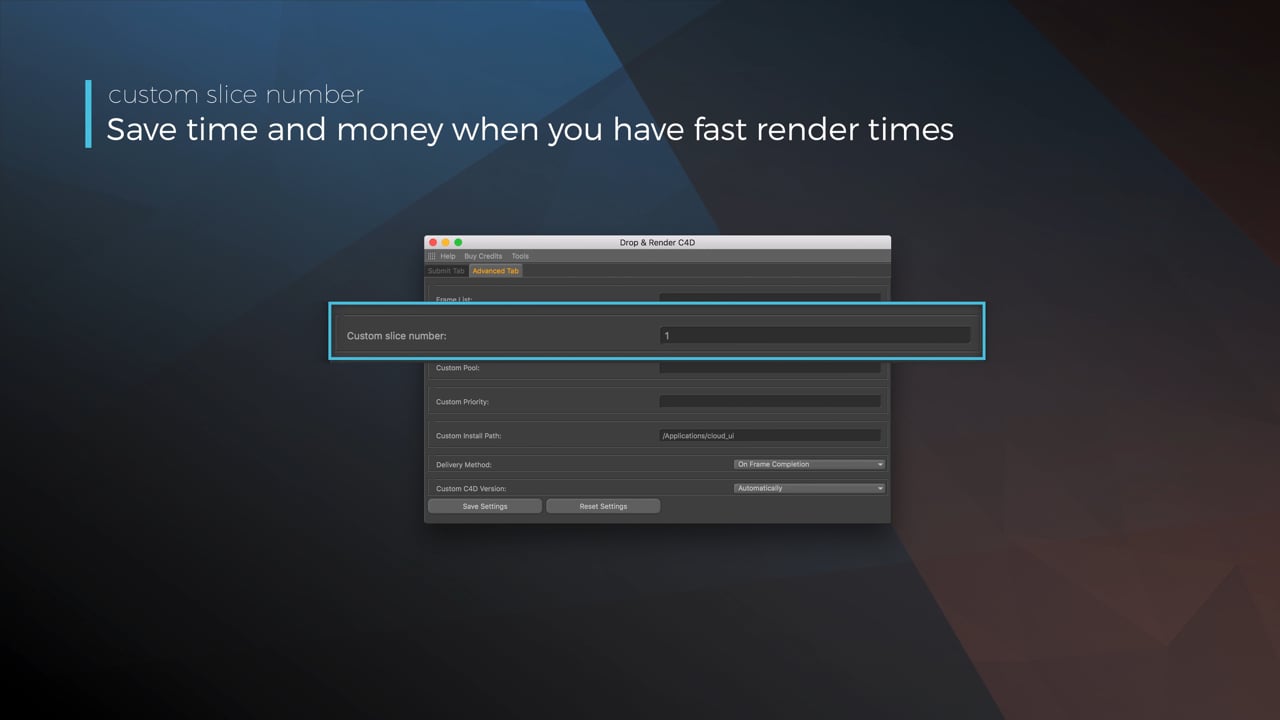
Optimize your render with a Custom Slice Number
Using a custom slice number lets one machine render multiple frames while only initializing your project once, saving up to 30% in both render times and costs. Works especially well on faster renders!
Understanding render priorities
Our priority system has three levels: Sapphire, Emerald and Diamond. The higher the priority, the faster new machines can start working on your projects!
Connect your entire office to Drop & Render
We offer a robust system for a team of artists to work together. You can monitor and download one another's work efficiently, all without having to disturb them!
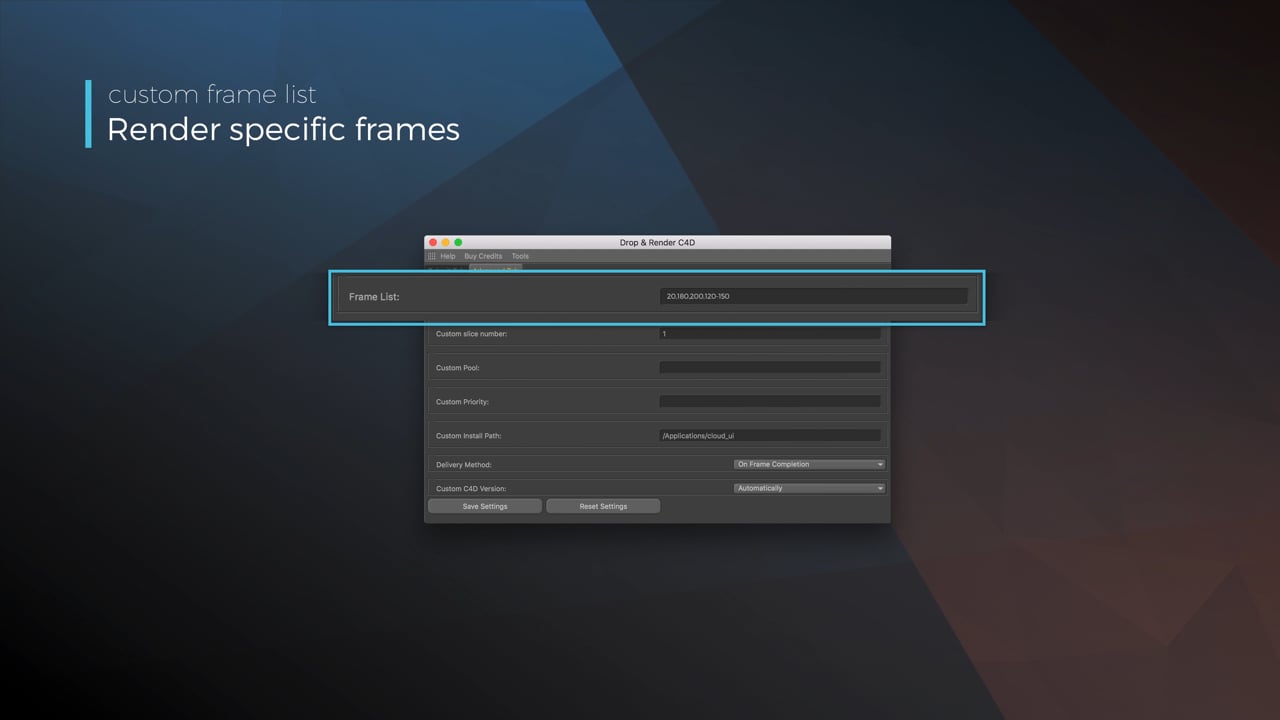
Submit a custom frame range to the farm
Only need to render a sequence of your project, or need to see a couple of specific frames? You can set custom frame lists from right within our plugin!
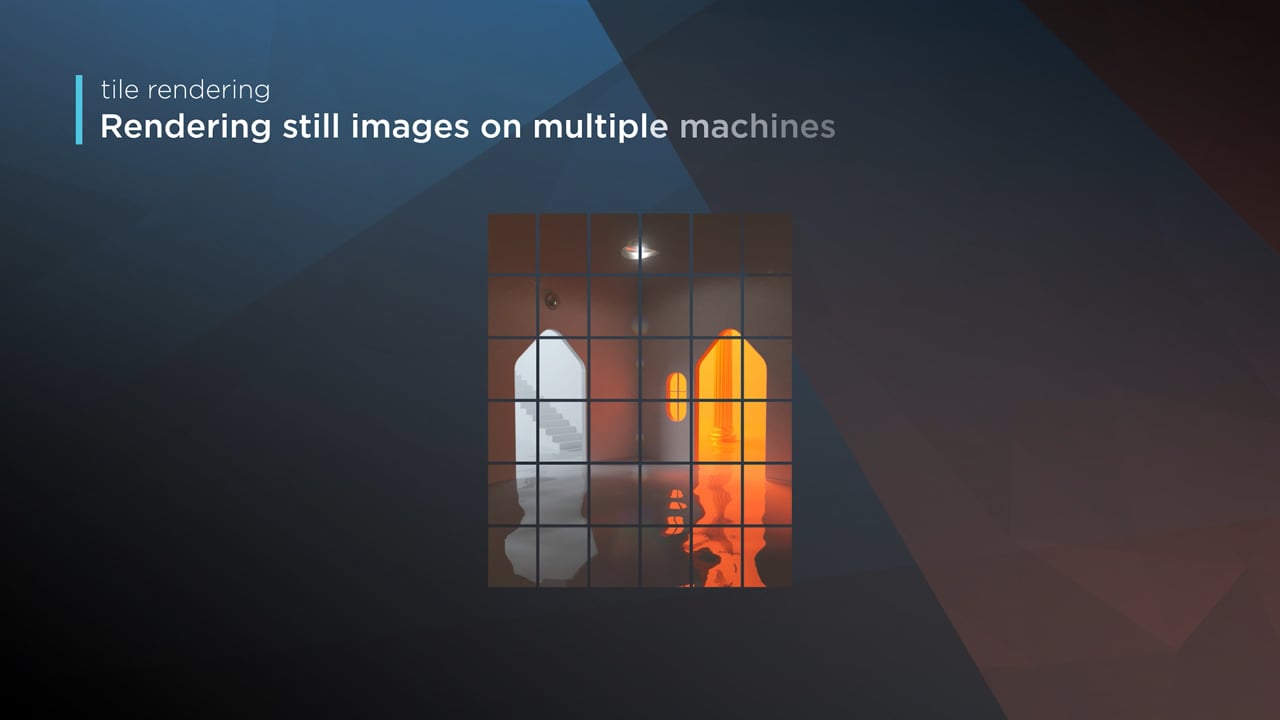
Render large still frames with Tile Rendering
Tile rendering splits a single frame amongst multiple machines, letting them work on it at the same time. Each tile is then seamlessly stitched back and delivered as a single frame!
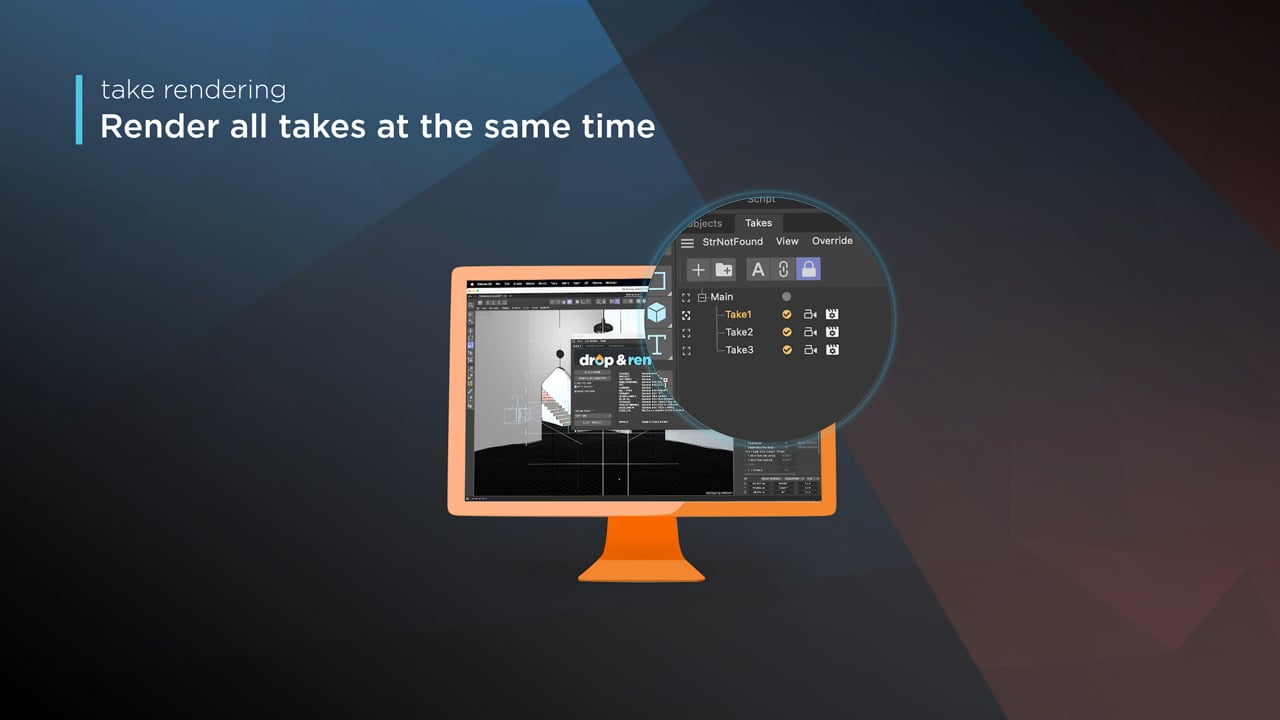
Cinema 4D Take Rendering support
Our farm includes native support for Cinema 4D's 'Takes' feature, letting you upload all your project's variations in a single click!
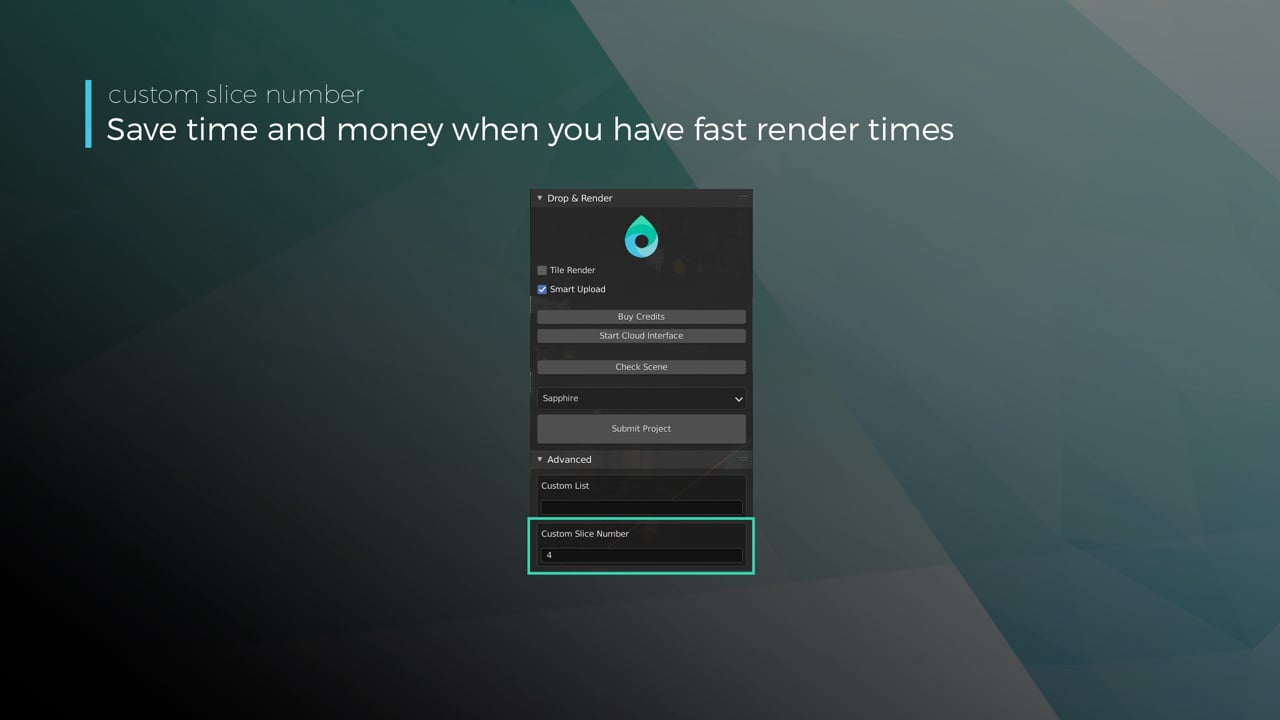
Optimize your render with a Custom Slice Number
Using a custom slice number lets one machine render multiple frames while only initializing your project once, saving up to 30% in both render times and costs. Works especially well on faster renders!
Understanding render priorities
Our priority system has three levels: Sapphire, Emerald and Diamond. The higher the priority, the faster new machines can start working on your projects!
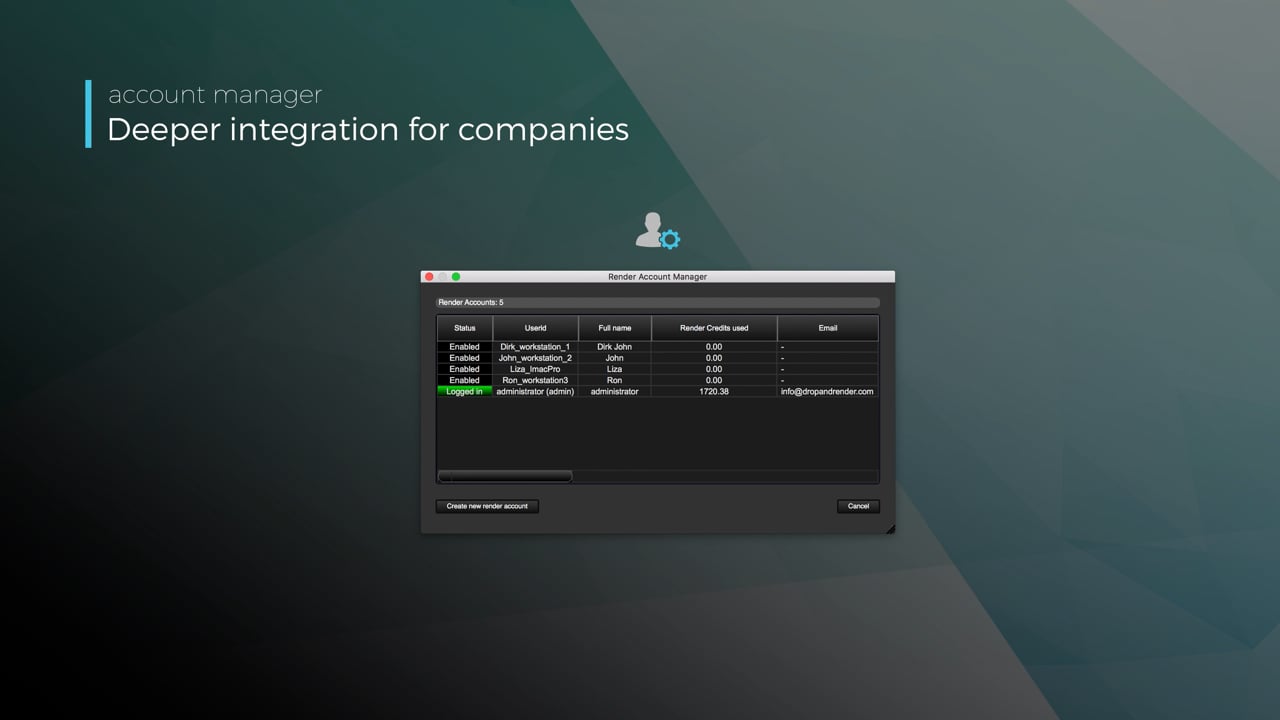
Connect your entire office to Drop & Render
We offer a robust system for a team of artists to work together. You can monitor and download one another's work efficiently, all without having to disturb them!
Submit a custom frame range to the farm
Only need to render a sequence of your project, or need to see a couple of specific frames? You can set custom frame lists from right within our plugin!
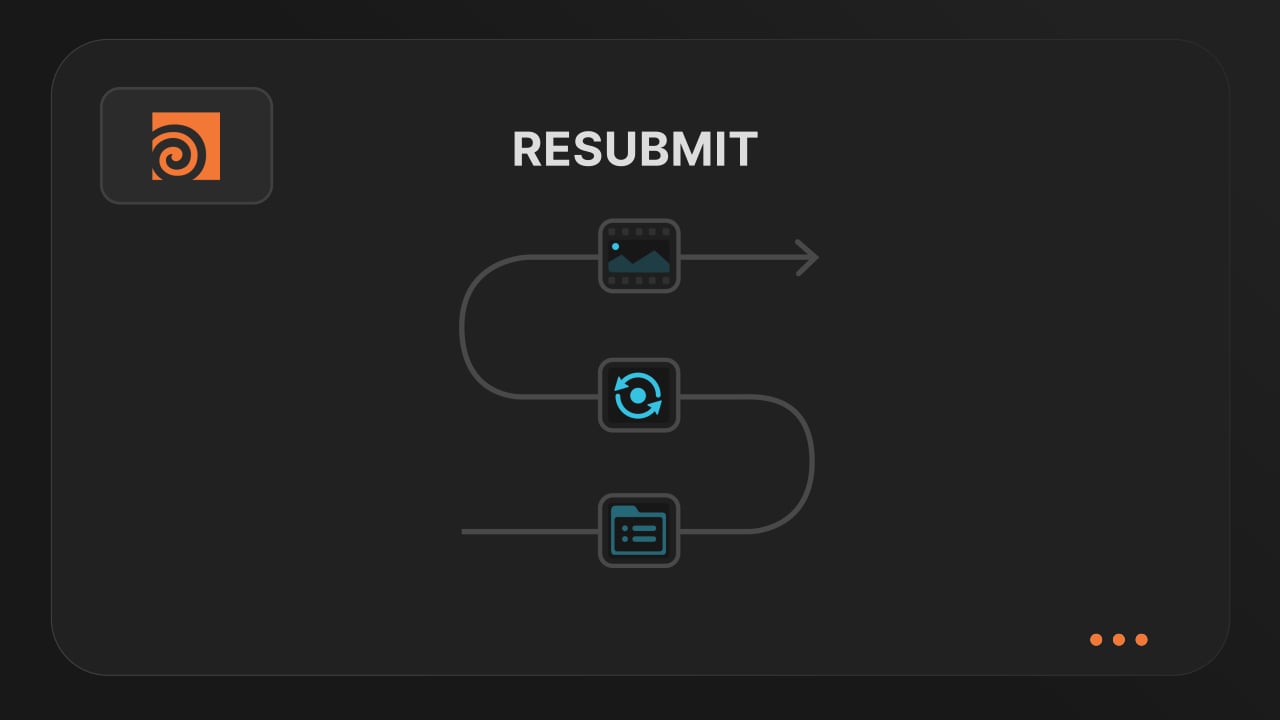
Resubmit workflow
Test a few frames first, then resubmit with updated settings straight from the dashboard. Drop & Render reuses caches and dependencies automatically, so you can focus on the final result.
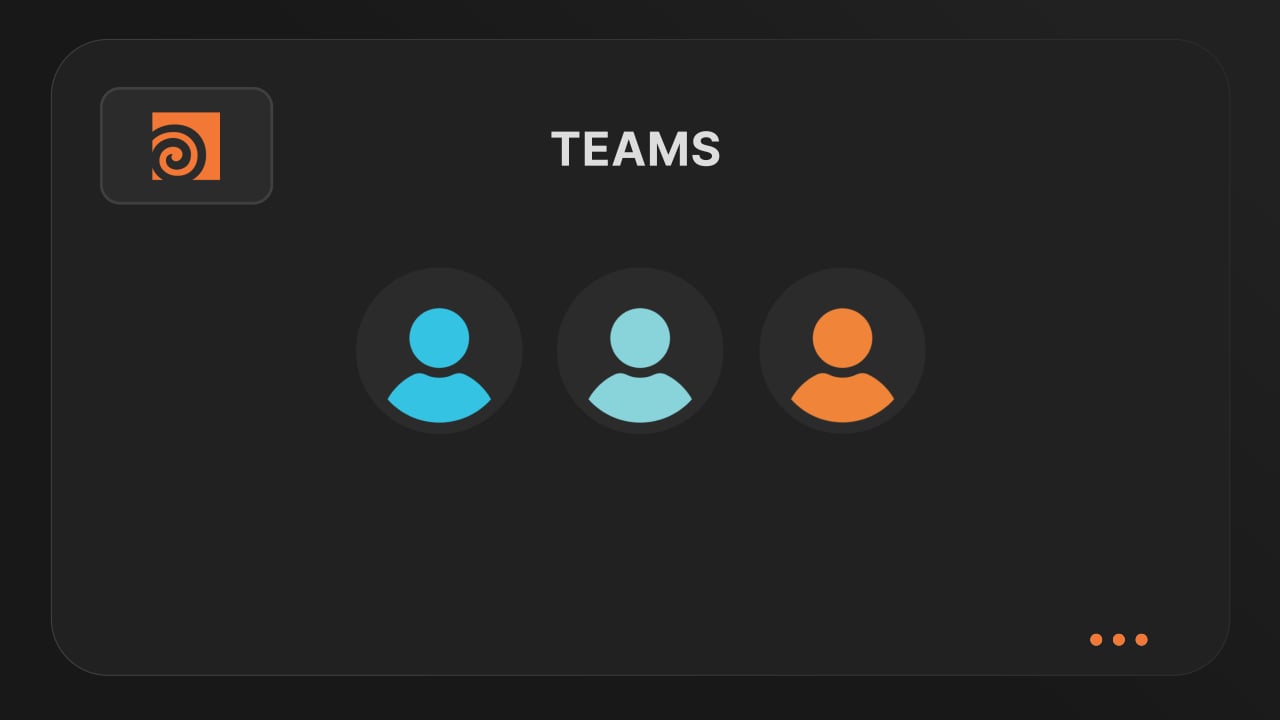
Connect your entire office to Drop & Render
Invite teammates, assign roles, and keep everyone in sync. Share assets, download results, and work together on the same projects without missing a beat.
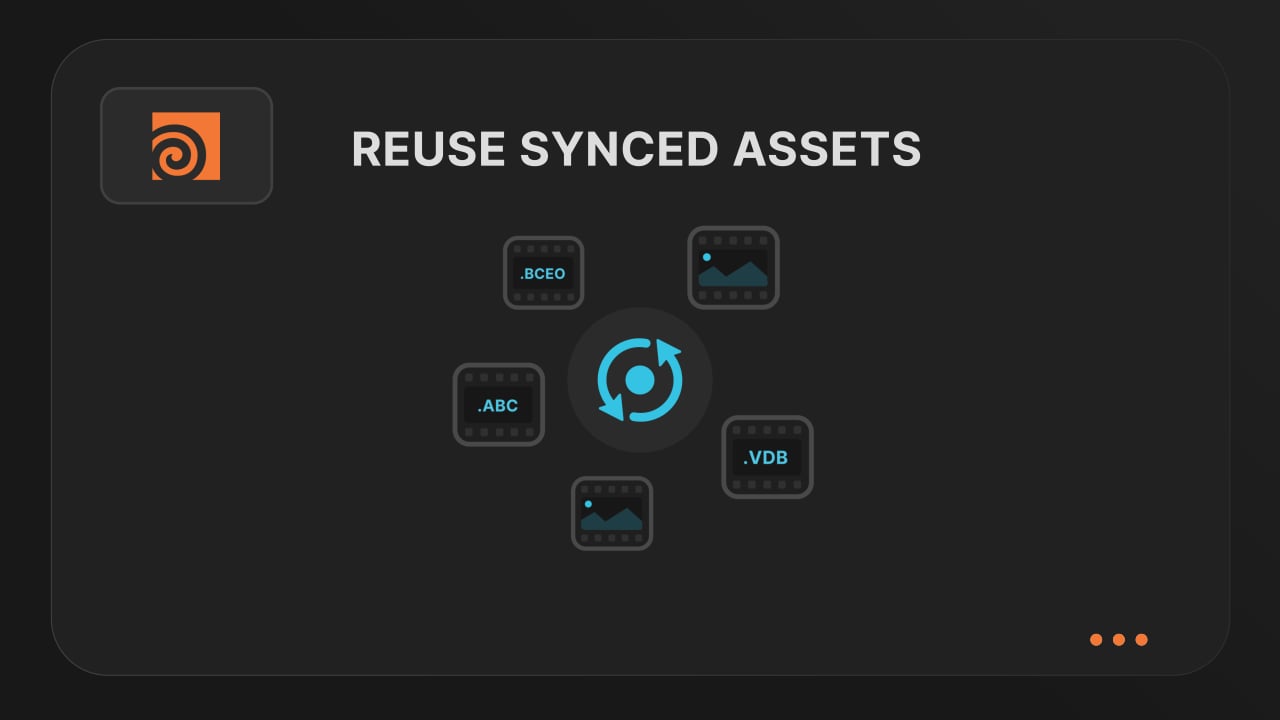
Save time & bandwith by reusing synced assets
Reuse large caches stored on our render farm without downloading them again. A powerful way to save time and bandwidth in your Houdini render workflow.
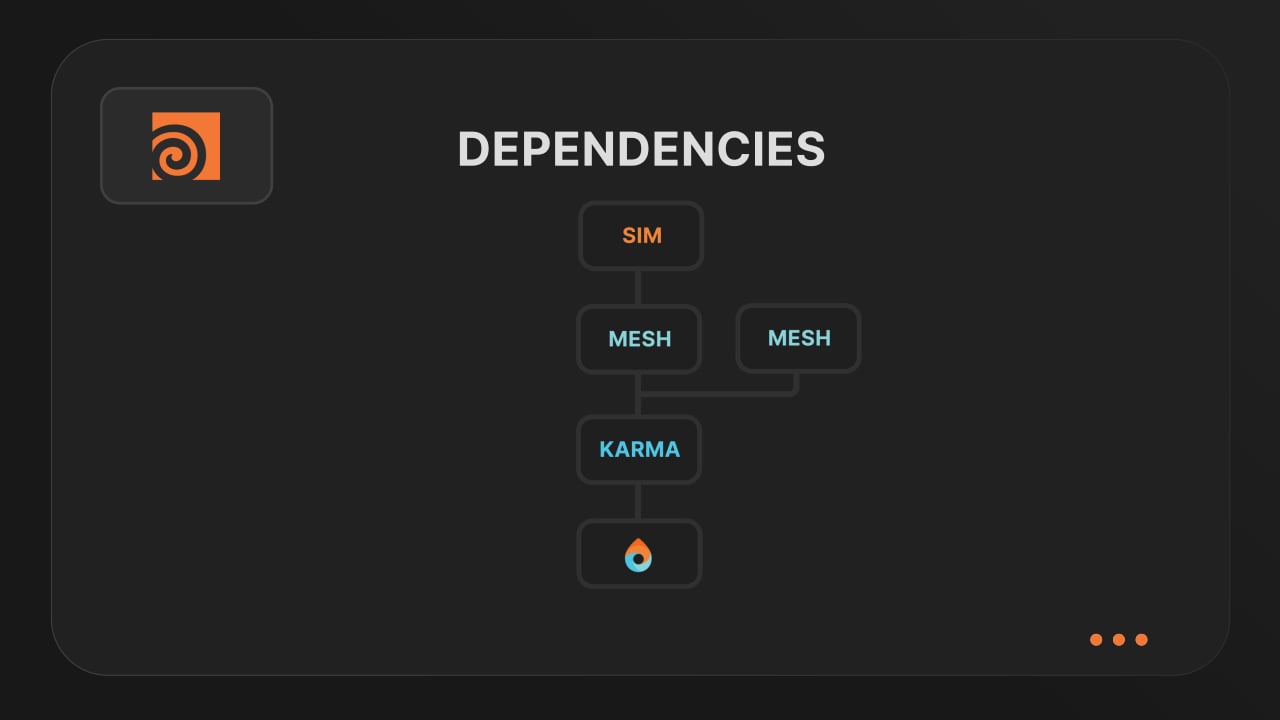
Understanding render dependencies
Chain your Houdini nodes the way you like and let Drop & Render handle the order. From parallel jobs to complex dependencies, the HDA adapts to your workflow so everything renders in the right order.
Customizing your global and per-render settings
Fine-tune your render jobs directly in the HDA. Set frame ranges, test specific frames, and assign priority so you get the results you want, when you need them.
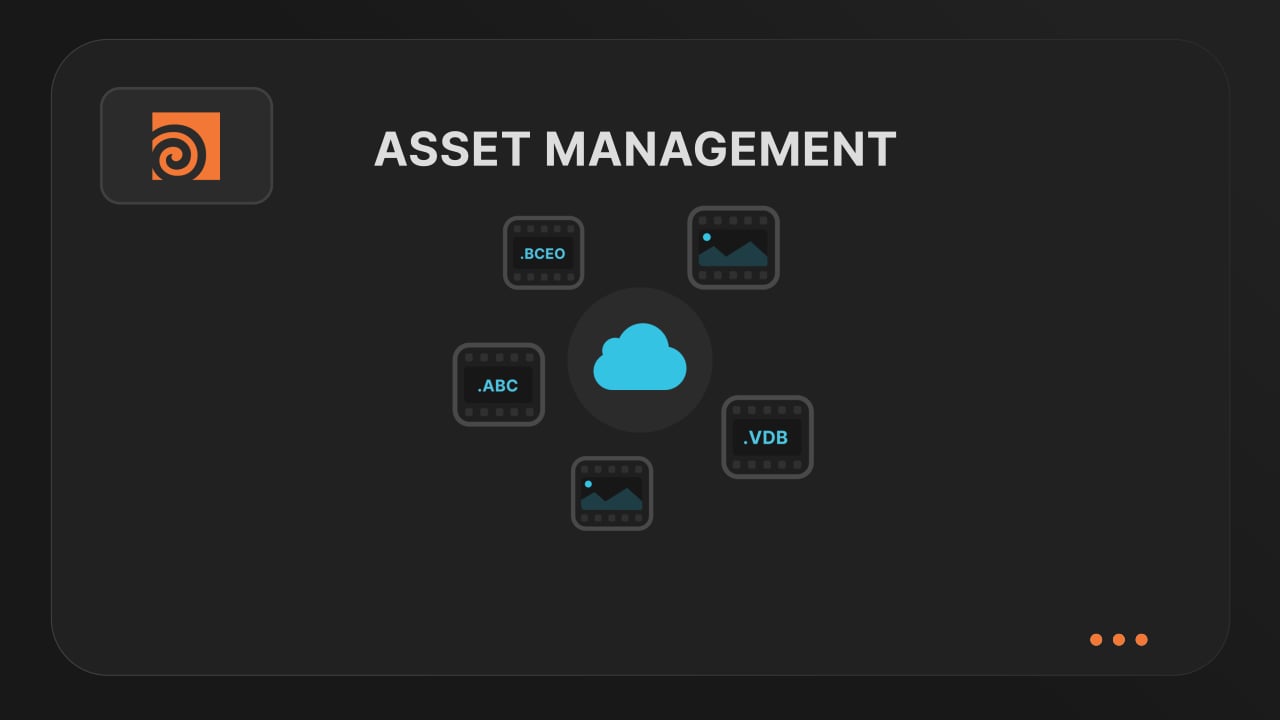
Understanding asset management
Our asset manager scans your scene and handles all path remapping automatically. Quickly add missing files, skip already-synced assets, and keep uploads fast and hassle-free.
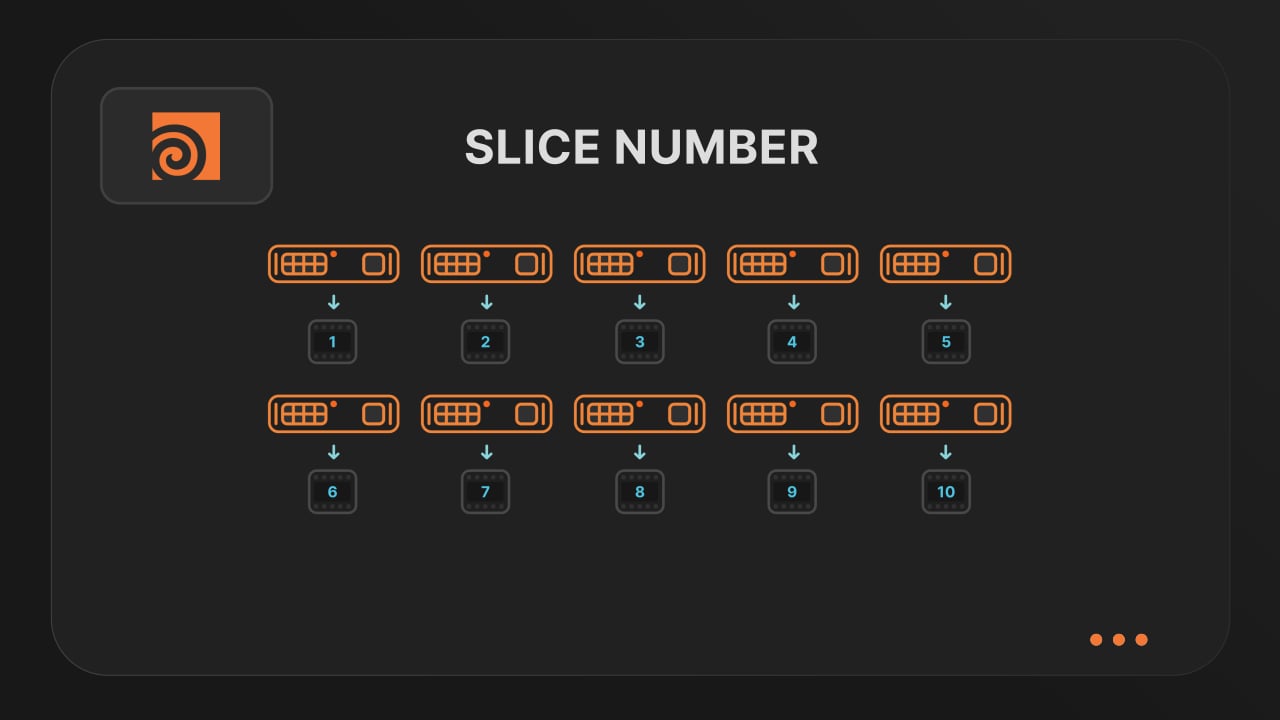
Optimize your render with a Custom Slice Number
Speed up rendering by setting the right slice value. Reduce overhead, save credits, and get more out of our Houdini render farm.
Cooking PDG projects
Drop & Render fully supports PDG workflows. Find out how to use TOP networks on our render farm.
Blog
Restez informé des dernières astuces, techniques et informations pour optimiser votre processus de rendu et améliorer votre productivité.
@adam_spizak
Building Worlds Between Art and Design: Adam Spizak on 3D, AI, and a Sustainable Creative Career
Adam Spizak talks about his path into 3D, the personal projects that mean the most to him, his perspective on AI, and why consistency matters more than chasing an algorithm.
2026-08-03
Artist Highlight
Houdini 22 Render Passes: Full Setup Guide and Render Farm Submission
Set up Houdini 22 USD render passes with separate Karma settings and outputs, then submit every pass as its own parallel render-farm job.
2026-07-28
Houdini

Houdini 22 is almost here, and our farm will be ready within 24 hours
Houdini 22 brings native Gaussian Splats, a maturing Karma renderer, expanded Copernicus tools, and larger PDG/TOPs workloads. Drop & Render is ready to support it within 24 hours of release.
2026-07-09
Houdini


Logiciels pris en charge
Détails de l'entreprise
Confirmer