
お問い合わせ!
intelligent chat systemを通じてお問い合わせください。迅速で正確な回答をご提供します。さらにサポートが必要ですか?親切なsupport teamがいつでもお手伝いします!

数分かかります。結果はここに表示されるため、いったん離れて後で戻ることができます。
上記の質問にチャットで回答してください。そこから確認が続行されます。
保存中…
メール設定を保存できませんでした。もう一度お試しください。
Livia
サポート
このチャットは終了しました。ここで新しいメッセージを送信することはできません。
このタブが開いていなくても、サポートが返信したときに通知を受け取る。
一般的なQ&A
サービスについて詳しく知りたいですか?よくある質問をこちらでご確認ください。
Drop & Render にプロジェクトを提出するにはどうすればよいですか?
Drop & Renderはどの3Dソフトウェアとレンダーエンジンをサポートしていますか?
Drop & Renderはどのくらい速く、私のプロジェクトには何台のマシンが動作しますか?
Drop & Renderチームを駆り立てるものは何ですか?
お金を使う前にDrop & Renderを試すことはできますか?
プロシリーズ & マニュアル
より高度なツールの使い方については、動画チュートリアルをご覧ください!ワークフローの効率化に役立ち、クレジットとレンダリング時間を最大30%削減できます。
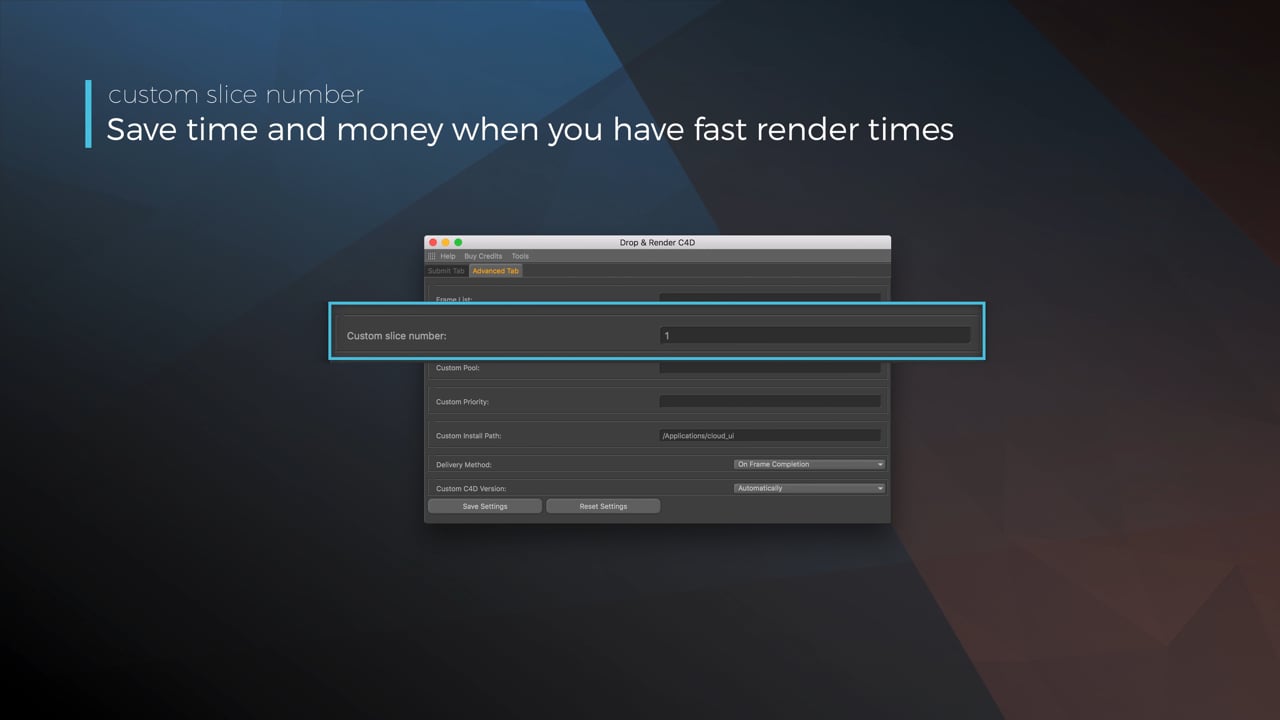
Optimize your render with a Custom Slice Number
Using a custom slice number lets one machine render multiple frames while only initializing your project once, saving up to 30% in both render times and costs. Works especially well on faster renders!
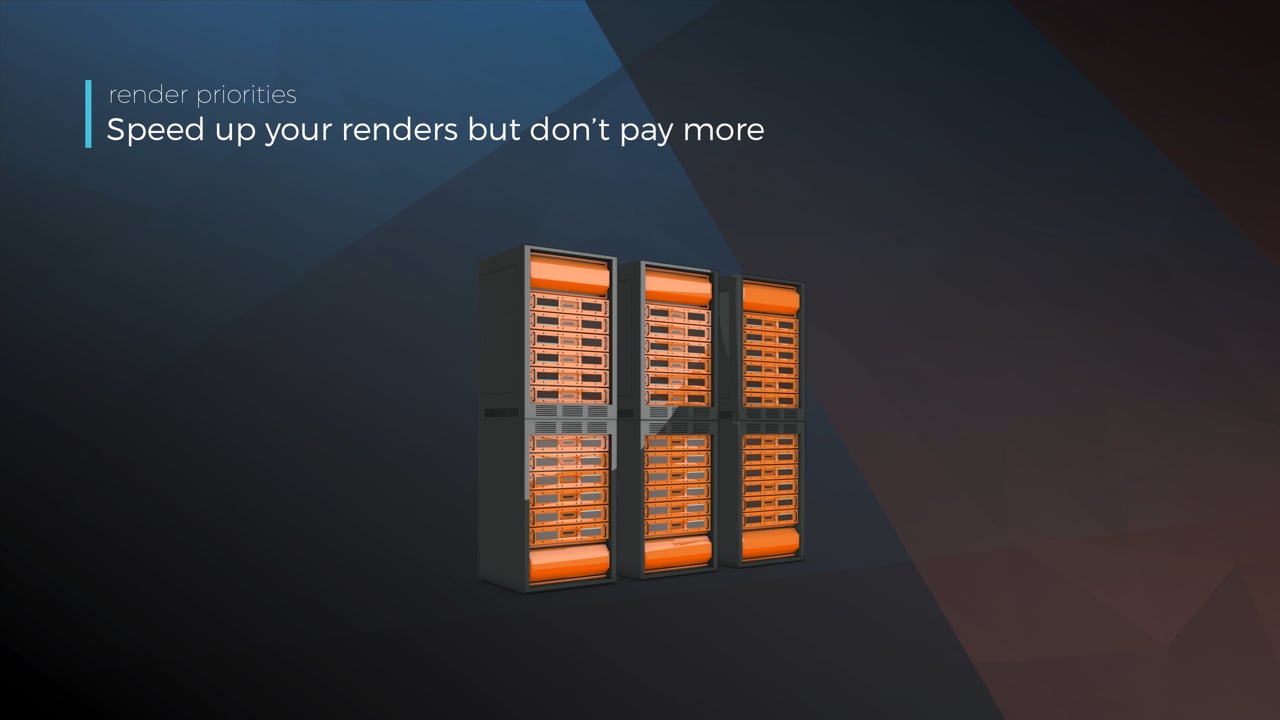
Understanding render priorities
Our priority system has three levels: Sapphire, Emerald and Diamond. The higher the priority, the faster new machines can start working on your projects!
Connect your entire office to Drop & Render
We offer a robust system for a team of artists to work together. You can monitor and download one another's work efficiently, all without having to disturb them!
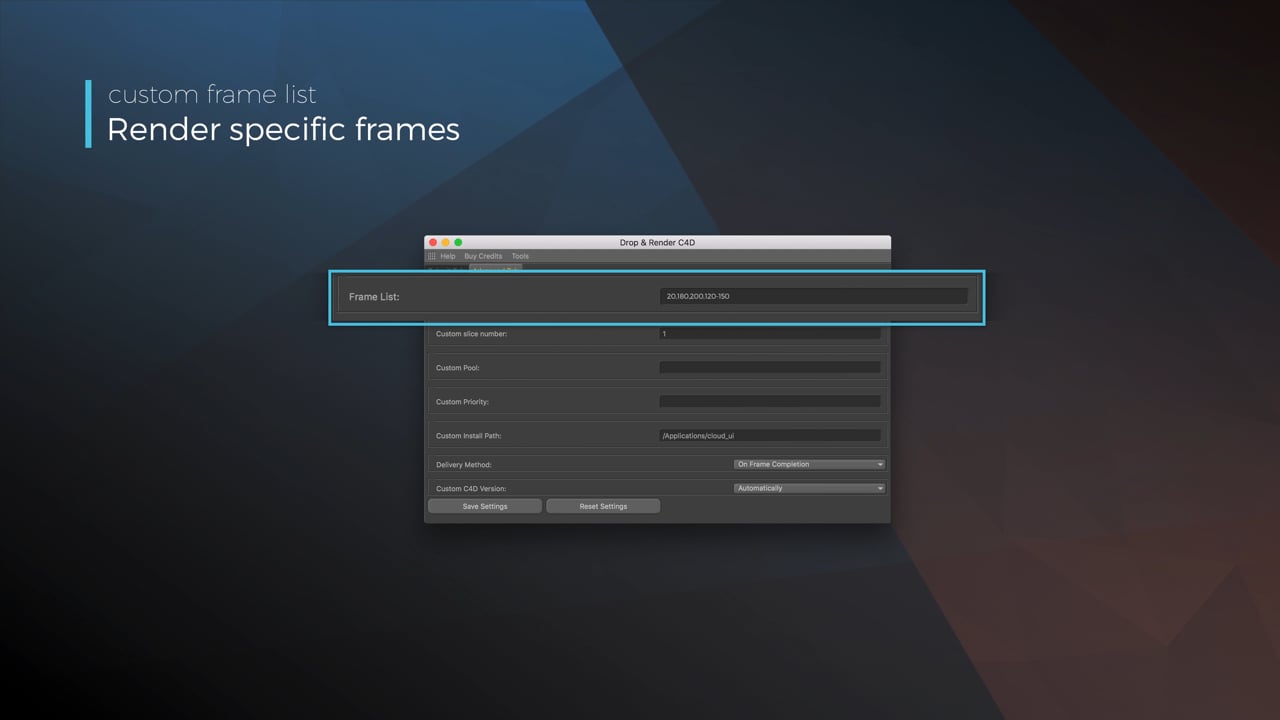
Submit a custom frame range to the farm
Only need to render a sequence of your project, or need to see a couple of specific frames? You can set custom frame lists from right within our plugin!
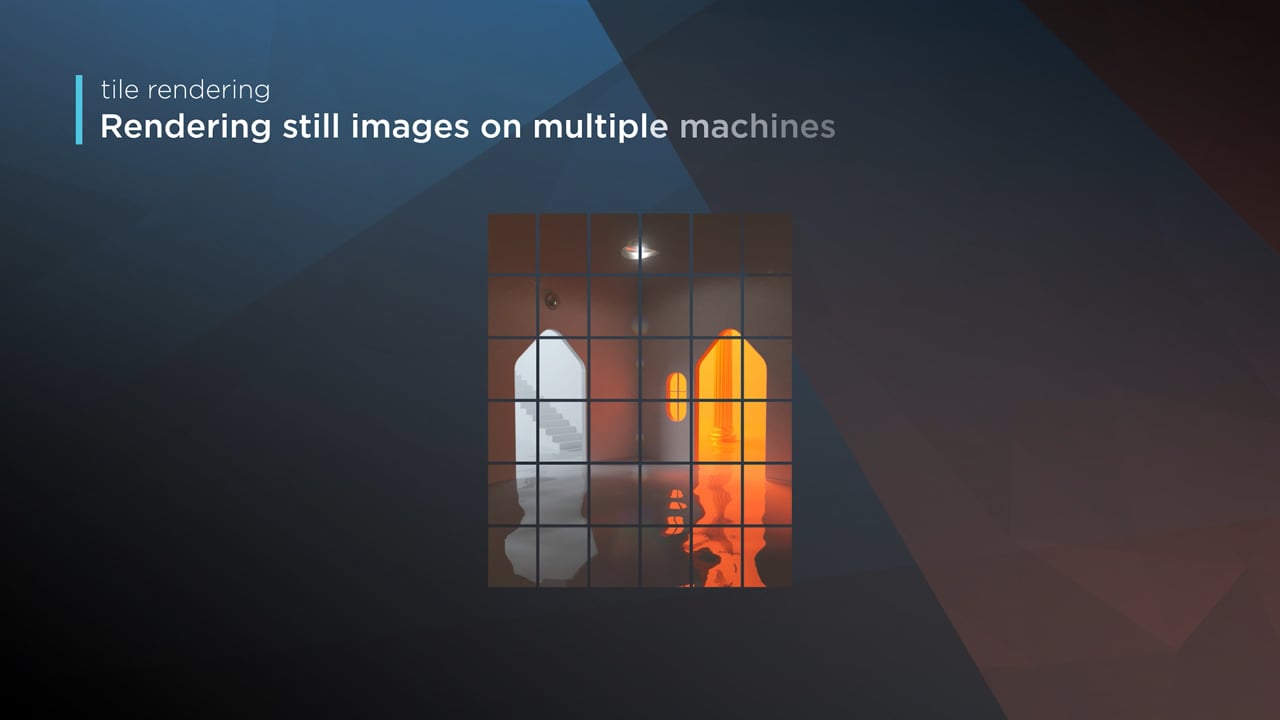
Render large still frames with Tile Rendering
Tile rendering splits a single frame amongst multiple machines, letting them work on it at the same time. Each tile is then seamlessly stitched back and delivered as a single frame!
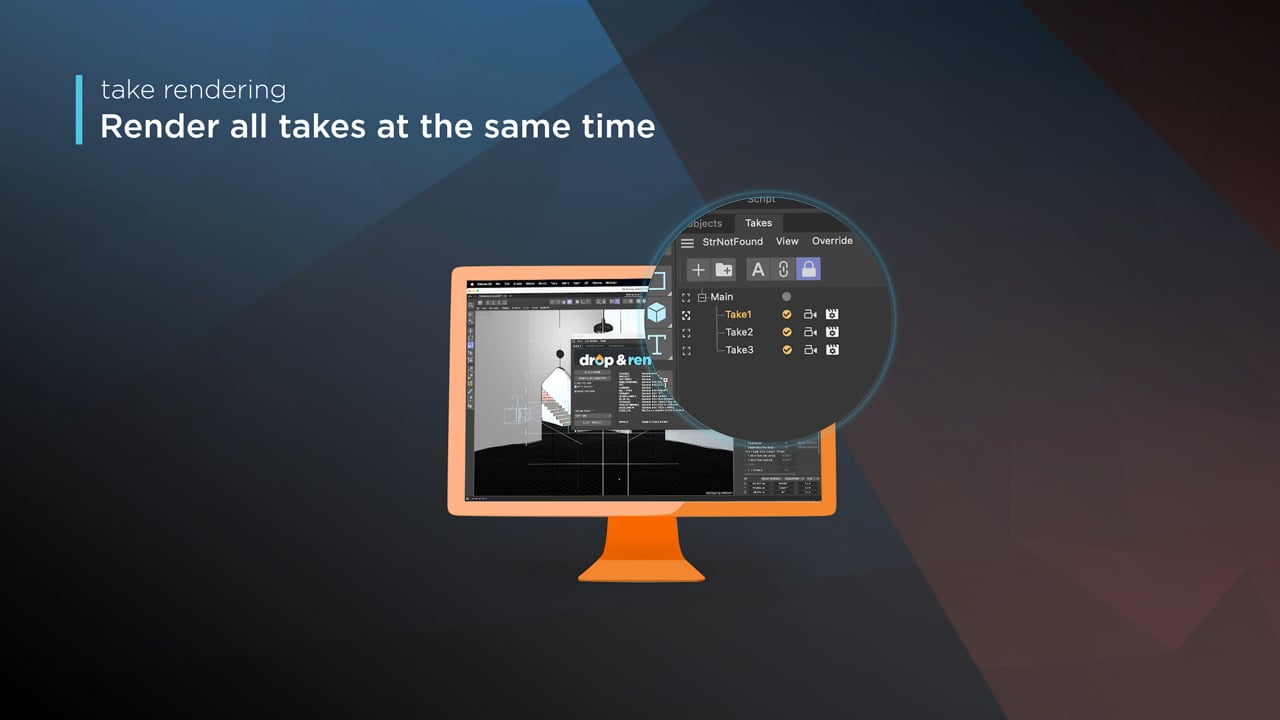
Cinema 4D Take Rendering support
Our farm includes native support for Cinema 4D's 'Takes' feature, letting you upload all your project's variations in a single click!
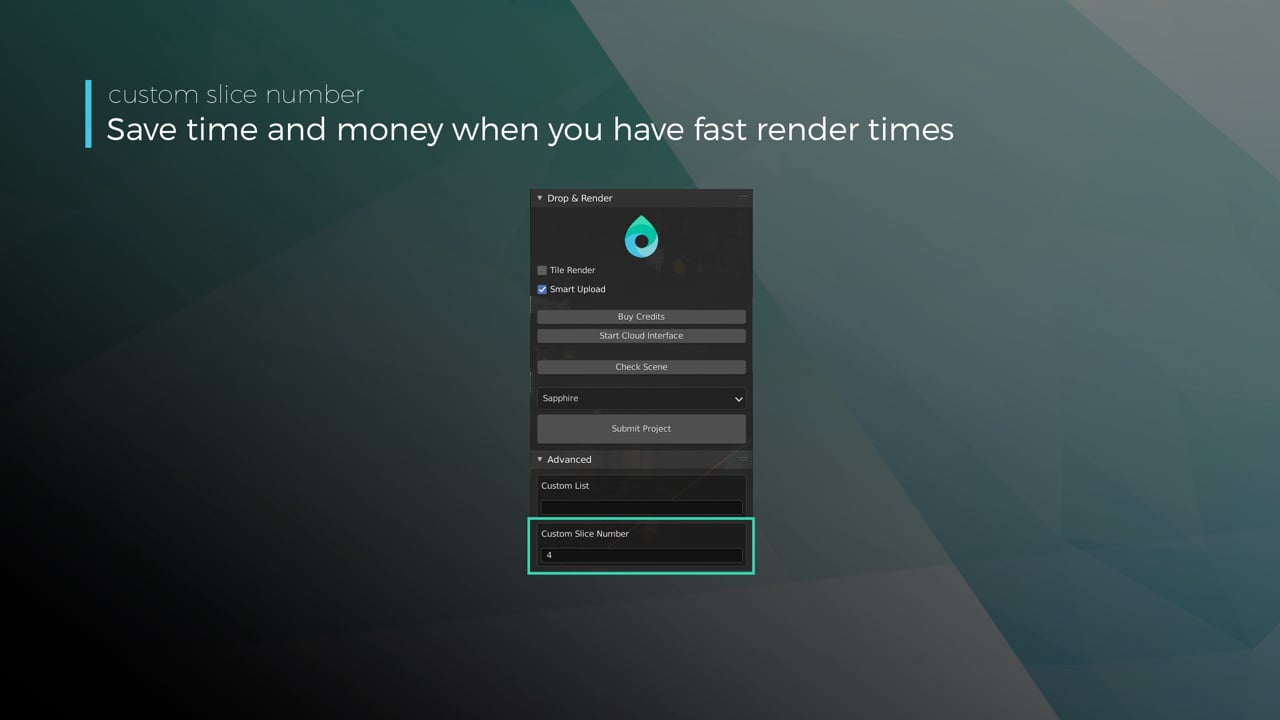
Optimize your render with a Custom Slice Number
Using a custom slice number lets one machine render multiple frames while only initializing your project once, saving up to 30% in both render times and costs. Works especially well on faster renders!
Understanding render priorities
Our priority system has three levels: Sapphire, Emerald and Diamond. The higher the priority, the faster new machines can start working on your projects!
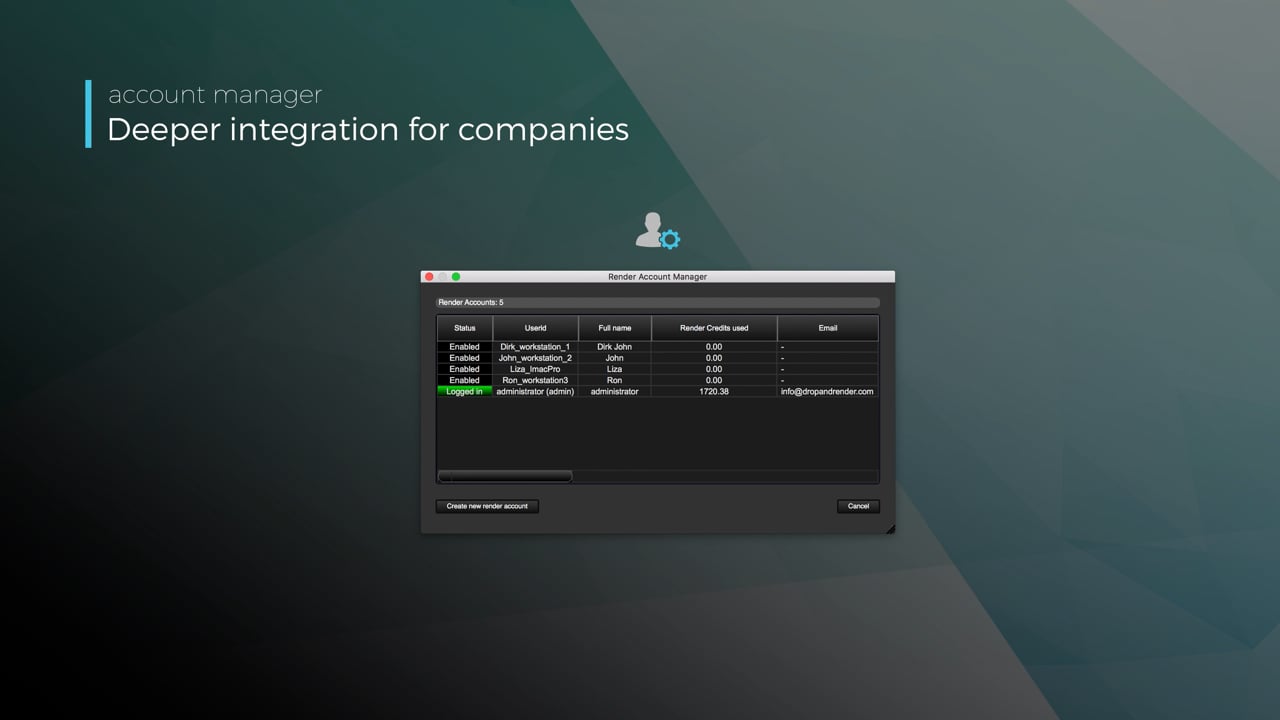
Connect your entire office to Drop & Render
We offer a robust system for a team of artists to work together. You can monitor and download one another's work efficiently, all without having to disturb them!
Submit a custom frame range to the farm
Only need to render a sequence of your project, or need to see a couple of specific frames? You can set custom frame lists from right within our plugin!
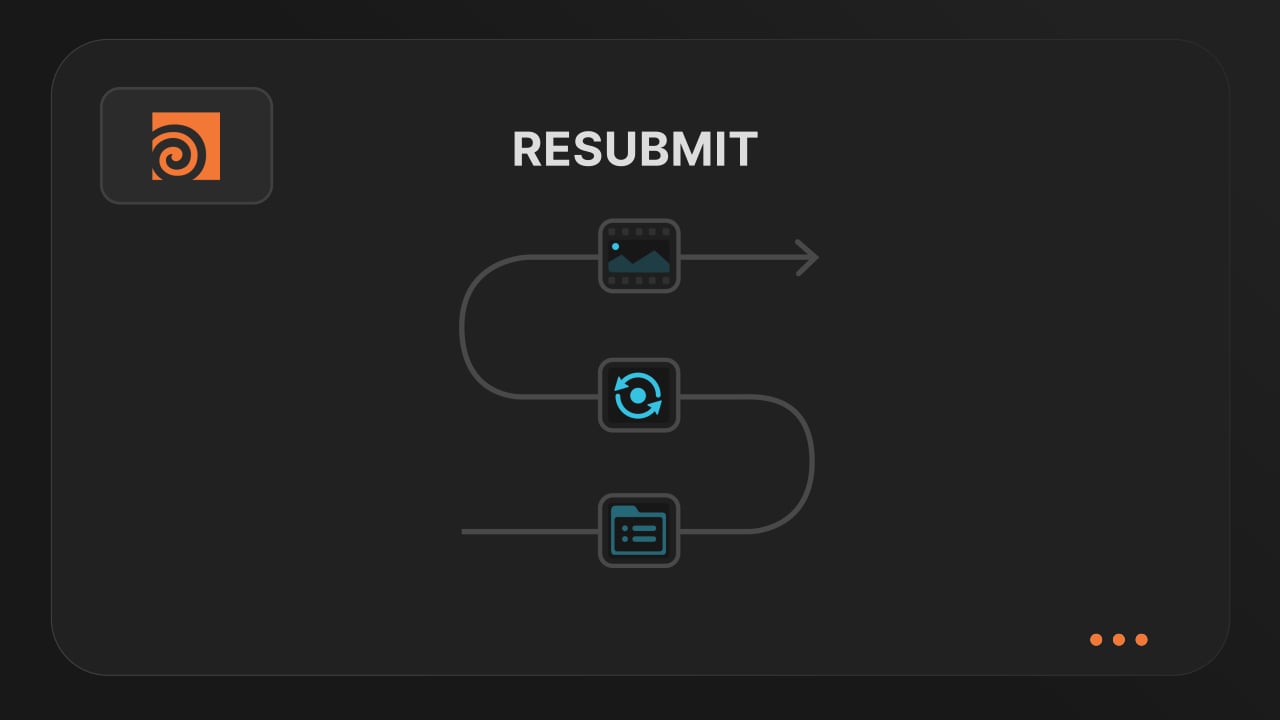
Resubmit workflow
Test a few frames first, then resubmit with updated settings straight from the dashboard. Drop & Render reuses caches and dependencies automatically, so you can focus on the final result.
Connect your entire office to Drop & Render
Invite teammates, assign roles, and keep everyone in sync. Share assets, download results, and work together on the same projects without missing a beat.
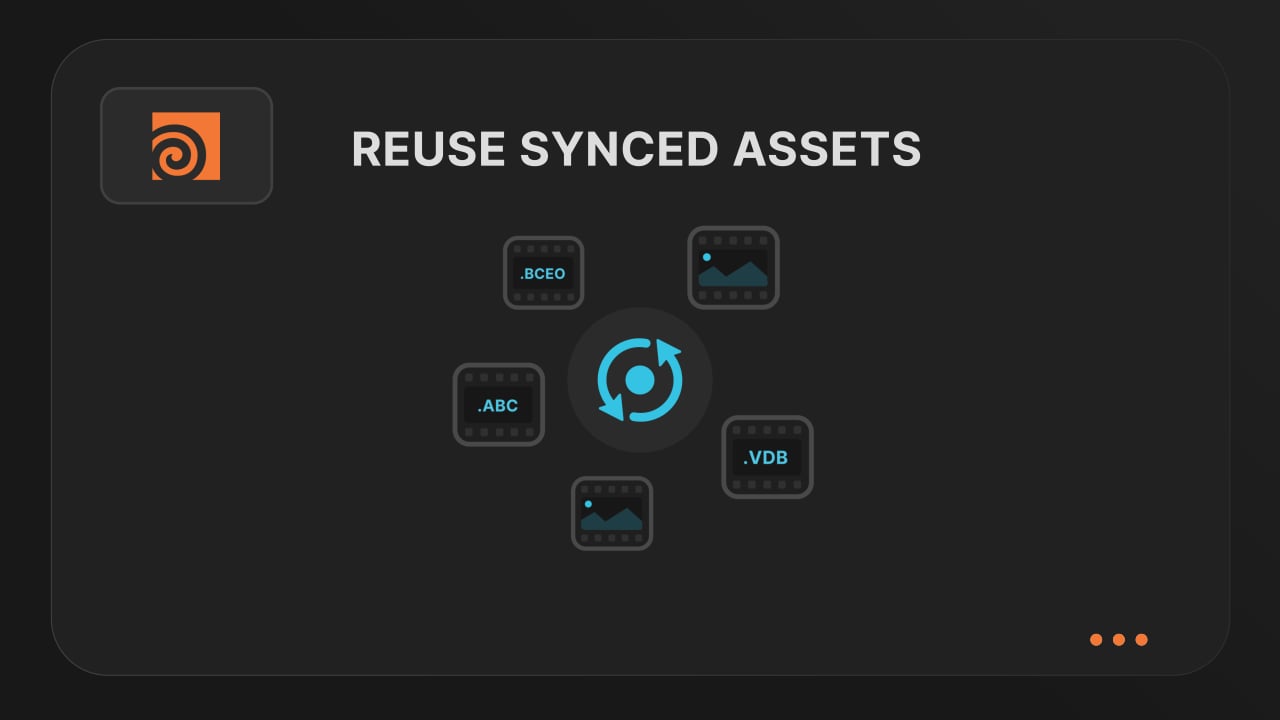
Save time & bandwith by reusing synced assets
Reuse large caches stored on our render farm without downloading them again. A powerful way to save time and bandwidth in your Houdini render workflow.
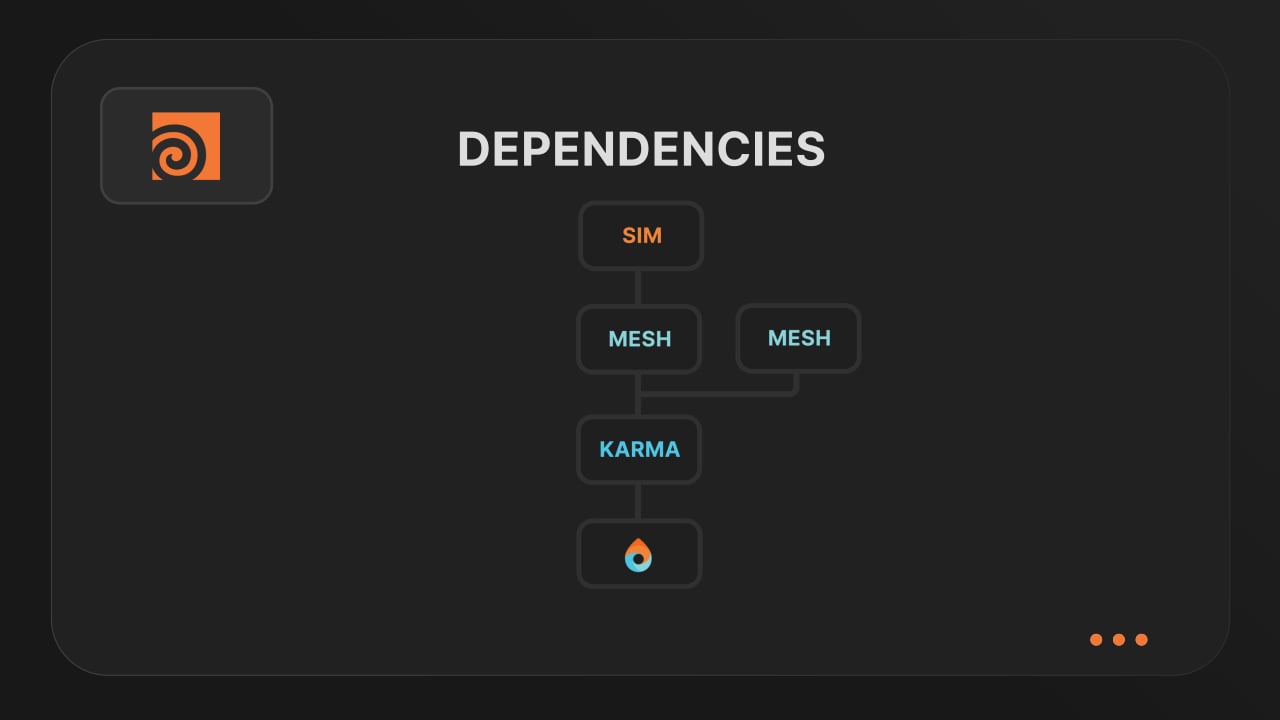
Understanding render dependencies
Chain your Houdini nodes the way you like and let Drop & Render handle the order. From parallel jobs to complex dependencies, the HDA adapts to your workflow so everything renders in the right order.
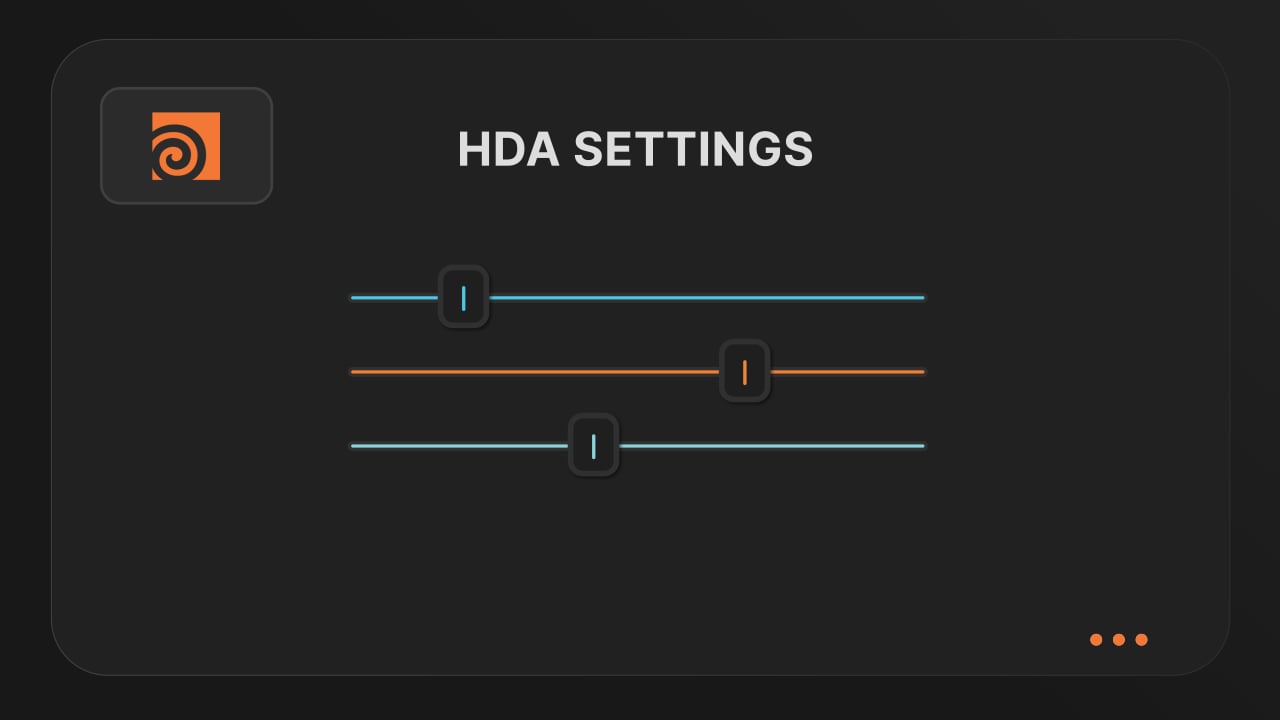
Customizing your global and per-render settings
Fine-tune your render jobs directly in the HDA. Set frame ranges, test specific frames, and assign priority so you get the results you want, when you need them.
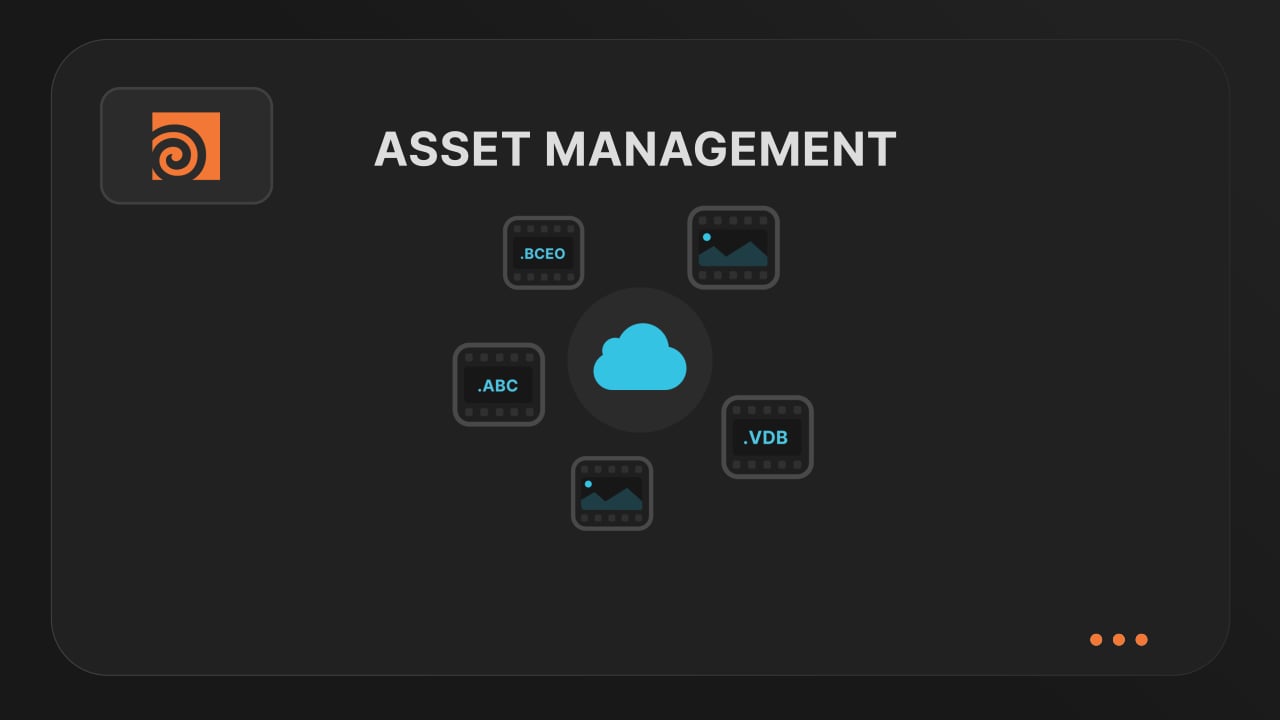
Understanding asset management
Our asset manager scans your scene and handles all path remapping automatically. Quickly add missing files, skip already-synced assets, and keep uploads fast and hassle-free.
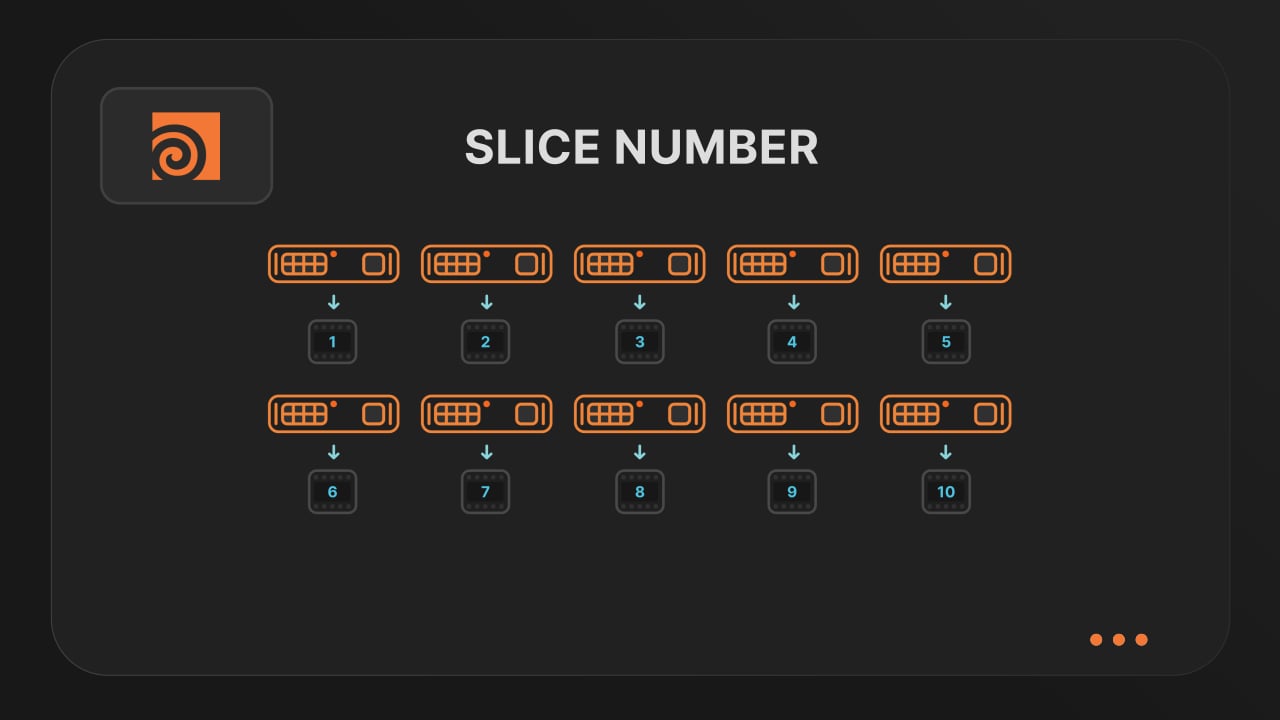
Optimize your render with a Custom Slice Number
Speed up rendering by setting the right slice value. Reduce overhead, save credits, and get more out of our Houdini render farm.
Cooking PDG projects
Drop & Render fully supports PDG workflows. Find out how to use TOP networks on our render farm.
ブログ
レンダリングプロセスを最適化し、生産性を高めるための最新のヒント、テクニック、知見をお届けします。
@la_barbed
Flamenco Render Farm: Send Blender Jobs to the Cloud
Send Blender jobs from Flamenco 3 to Drop & Render, keep local workers and receive frames on shared storage. Try the workflow with €25 free render credits.
2026-11-03
Blender
@sweeper3d
A Houdini render workflow your whole studio can use
Keep Houdini projects moving from FX to lighting and comp. Share farm assets, submit connected jobs and deliver the outputs your team needs.
2026-10-30
Houdini
@shakilanil1
Meet Drop & Render Link: Render Farm Power, Your Usual Workflow
Meet Drop & Render Link: submit from Cinema 4D, Blender or Houdini, transfer files up to 5x faster and get finished frames automatically.
2026-10-28
Announcements


サポートされているソフトウェア
Pipeline
会社の詳細
確認